
Reword Generator
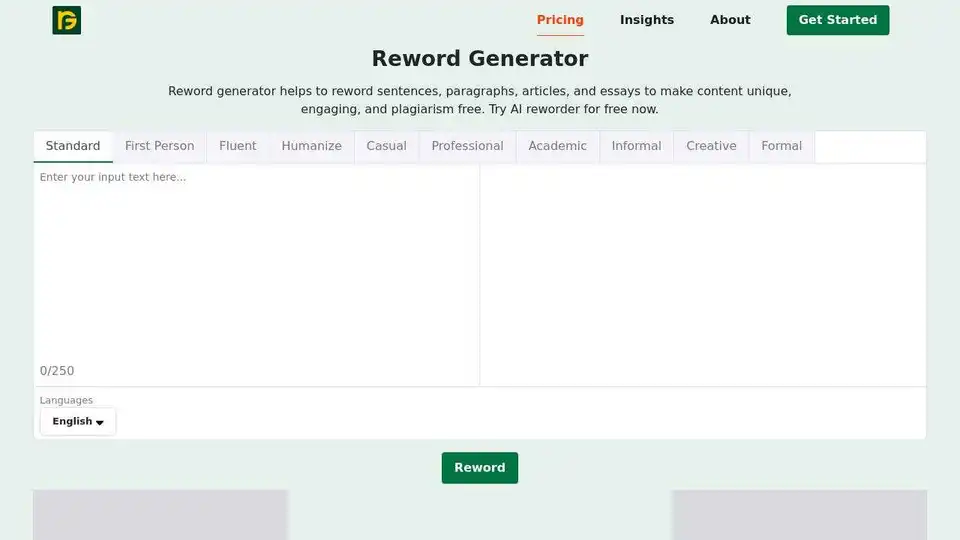
Overview of Reword Generator
Reword Generator: The Ultimate AI Rewording Tool
What is Reword Generator?
Reword Generator is an advanced AI-powered tool designed to help users reword sentences, paragraphs, articles, and essays. It ensures that the content is unique, engaging, and free from plagiarism. This tool is not just a simple rewording tool but a comprehensive writing assistant that enhances your writing style, corrects grammar and spelling mistakes, and adjusts the tone for different readers.
Key Features of Reword Generator
1. Advanced Rewording Technology
Reword Generator uses cutting-edge AI technology to rephrase content without changing its original meaning. This ensures that your content remains unique and engaging while maintaining its core message.
2. Multiple File Support
Users can easily paste their content or upload files from their computer. The tool supports common file types like .txt, .doc, .docx, and .pdf. Additionally, it allows importing files from Dropbox or Google Drive, making it convenient for users to work with their existing documents.
3. High Word Count Limit
With Reword Generator, you can rephrase up to 200 words in one go. This makes it suitable for rewriting entire articles or lengthy blog posts efficiently.
4. User-Friendly Interface
The tool features a user-friendly interface that is easy to navigate. Users can quickly get started without any hassle, making it accessible to everyone, from students to professionals.
5. Fast and Efficient
Reword Generator is designed to provide instant results. Its speedy rewording process ensures that users can quickly get their content rephrased and ready for use.
How to Use Reword Generator
Using Reword Generator is straightforward and user-friendly. Here are the steps to get started:
- Enter Input Text: Type or copy/paste your original text into the designated area.
- Click "Reword" Button: Once you've typed your text, click the "REWORD" button to start the process.
- Get Output Text: Review your reworded text and make any additional changes if required.
How Does Reword Generator Work?
Reword Generator uses an advanced AI-based algorithm to understand your writing and change it while keeping the main idea the same. It uses synonyms to replace some words, making your text seem new. Machine learning and natural language processing enable this tool to read and interpret text as per its context.
Why Should You Proofread the Reworded Content?
While Reword Generator is highly efficient, there's a slight chance of it not providing results as per your expectations. It's always wise to review the reworded text to ensure clarity and original meaning, especially as incorrect synonyms can change the sentence's essence.
Who Can Benefit from Reword Generator?
Reword Generator is beneficial for a wide range of users, including:
- Students: Ensure academic work is plagiarism-free by rephrasing online material.
- Digital Marketers: Create impactful content with a professional tone.
- Copywriters: Achieve a balance of natural language and persuasive elements to drive sales.
- Bloggers: Communicate ideas in simple language to engage readers effectively.
- Professionals: Simplify complex ideas in a clear and concise manner.
- Researchers: Rephrase text to integrate existing knowledge into their work.
- Email Marketers: Ensure messages are error-free and impactful.
Conclusion
Reword Generator is a powerful AI tool that helps users reword their content efficiently. With its advanced features and user-friendly interface, it is an essential tool for anyone looking to enhance their writing and ensure their content is unique and engaging. Try Reword Generator for free now and experience the benefits of AI-powered rewording.
AI Article Generation AI Text Polishing AI Writing Assistance Paper and Report Generation News and Blog Generation Email and Business Writing
Best Alternative Tools to "Reword Generator"
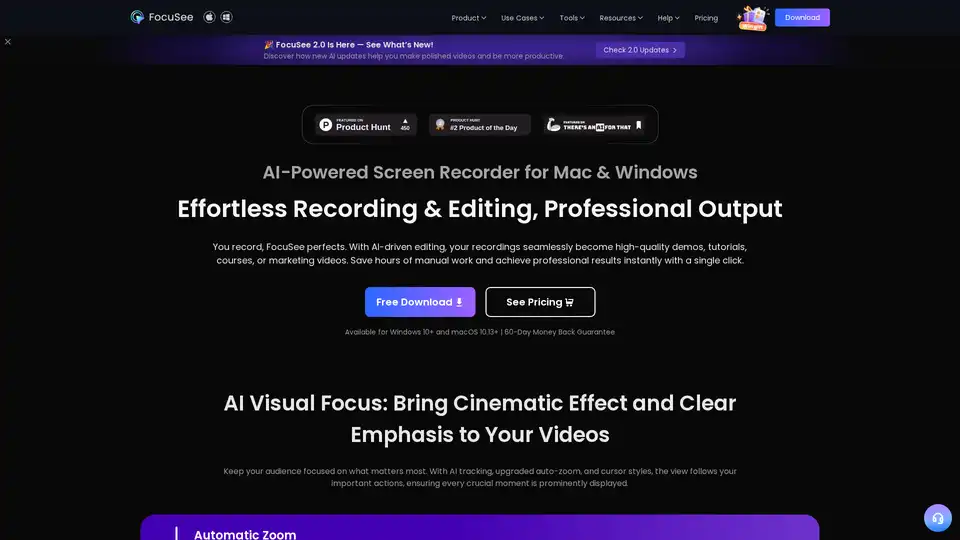
FocuSee is an AI-powered screen recorder for Mac & Windows that simplifies video creation. It automatically zooms, tracks cursor movements, and enhances audio, perfect for demos, tutorials, and marketing videos.
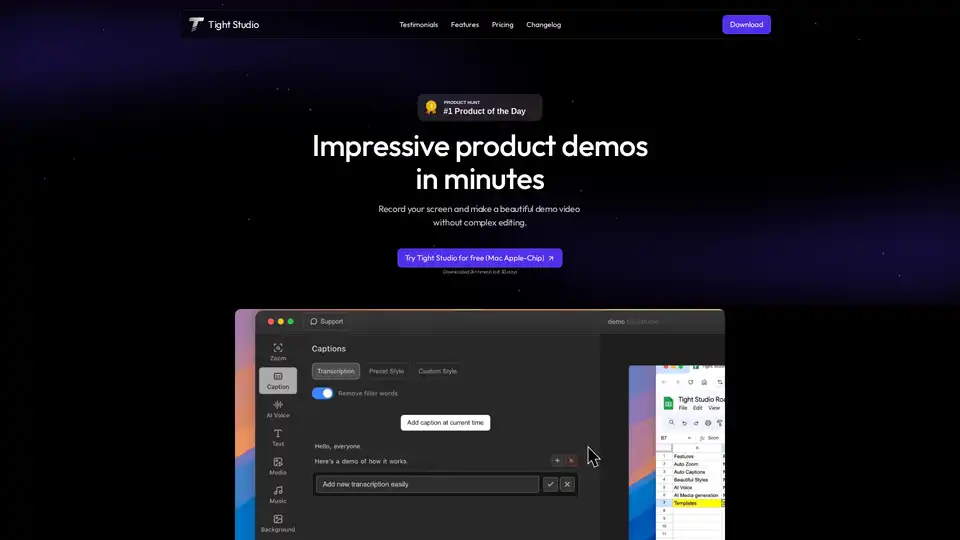
Tight Studio is a screen recorder that lets you create product demos in minutes. Features include smart auto zooms, AI narration, professional captions, and dynamic text overlays.
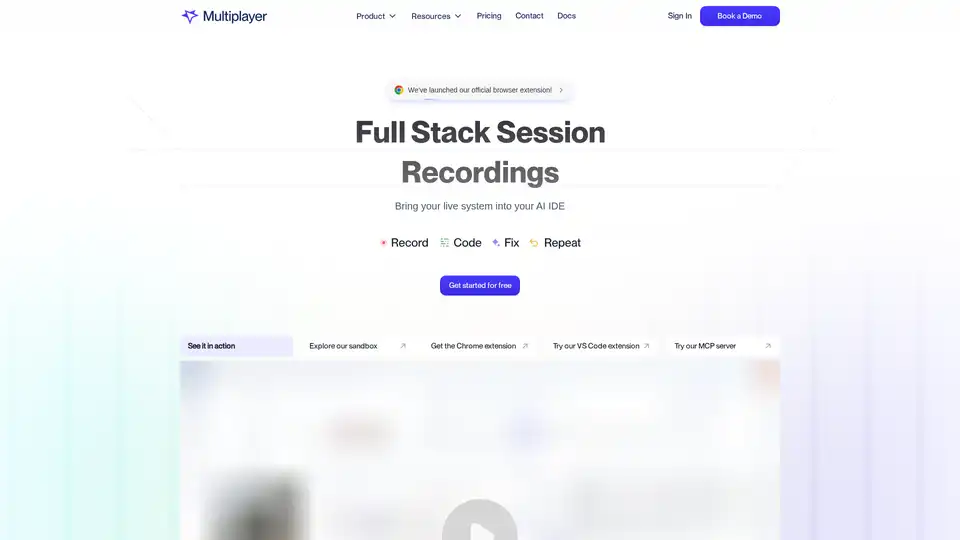
Multiplayer captures full-stack session recordings for efficient debugging, testing, and AI workflows. It allows you to record user actions, logs, and annotations, improving team collaboration.
Canvid is the smart screen recording app that adds zooms, captions and AI webcam effects for you. Record and share polished videos in minutes.