
FocuSee
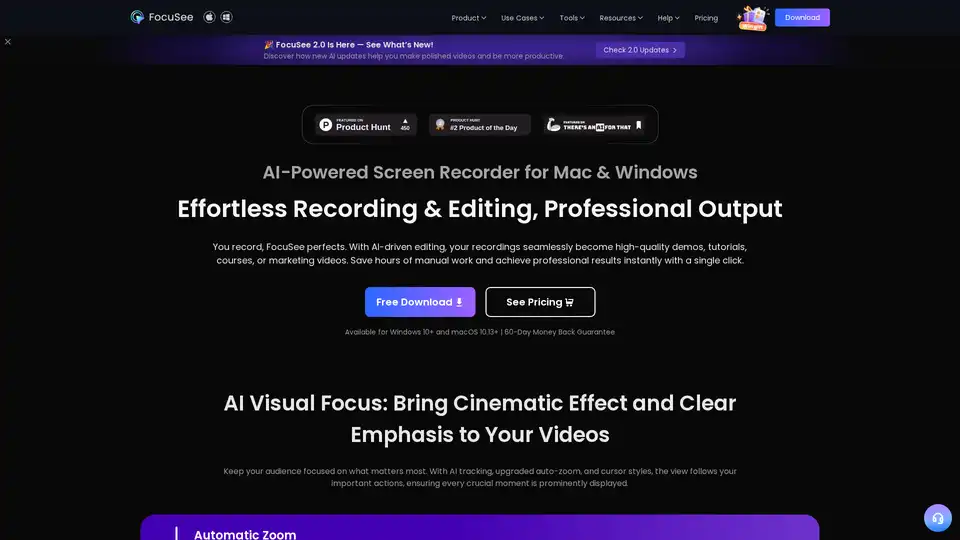
Overview of FocuSee
FocuSee: AI-Powered Screen Recorder for Effortless Video Creation
What is FocuSee? FocuSee is an AI-powered screen recorder designed for both Mac and Windows users, aiming to simplify and enhance the video creation process. It's particularly useful for creating product demos, tutorial videos, online courses, and marketing videos.
Key Features and Benefits:
- AI-Driven Editing: FocuSee uses AI to automatically perfect your recordings. It provides high-quality output with minimal manual effort.
- Automatic Zoom: The screen zooms in automatically every time you click, guiding attention and making your videos look polished.
- Smart Spotlight: Highlights specific screen areas to keep the audience focused on what matters most.
- Intelligent Cursor: The cursor appears gracefully when needed and fades during focused moments. You can also customize the cursor's appearance with various styles, click animations, and sounds.
- AI Virtual Avatar: Create a digital persona, ideal for privacy concerns or brand needs.
- AI Subtitle Generation: Supports speech recognition in over 50 languages with over 98% accuracy.
- AI Background Removal: Blurs or replaces your background without needing a green screen.
- AI Audio Enhancement: Enhances voice clarity, removes breathing sounds and unwanted distractions.
- AI Smart Cut: Automatically detects and removes awkward pauses and filler words.
- AI Noise Reduction: Eliminates unwanted background noises.
How does FocuSee work?
FocuSee simplifies video creation by automating many of the tedious tasks involved in traditional video editing. Here’s how it works:
- Record: Start recording your screen using FocuSee.
- AI Enhancement: The AI algorithms automatically zoom in on clicks, highlight important areas, and enhance audio quality.
- Customize: Personalize your video with custom cursors, backgrounds, and more.
- Export: Export the video in various formats suitable for different platforms like TikTok, YouTube, Instagram, etc.
Who is FocuSee for?
FocuSee is designed for a wide range of users, including:
- Indie Developers: Create high-quality product demo videos without extensive editing skills.
- Designers: Produce well-crafted tutorials and how-to videos efficiently.
- Entrepreneurs: Develop professional marketing videos to promote their products or services.
- Content Creators: Streamline video creation for various social media platforms.
- Instructors and Teachers: Enhance online course quality with clear and immersive videos.
- Marketing Teams: Craft promotional videos that reinforce brand messages.
Why choose FocuSee?
- Efficiency: Accelerate post-production by up to 50% with AI-driven features.
- Quality: Achieve professional-level video quality without manual editing.
- Branding: Customize videos with unique watermarks and visual elements to reinforce your brand identity.
- Accessibility: Generate accurate subtitles in multiple languages to reach a global audience.
- Versatility: Suitable for various video types, from product demos to online courses.
How to use FocuSee?
- Download and Install: Download FocuSee from the official website and install it on your Mac or Windows machine.
- Start Recording: Launch the application and select the area of your screen you want to record.
- Customize Settings: Adjust settings like audio input, cursor style, and camera layout.
- Record and Enhance: Record your video, and let FocuSee's AI automatically enhance it.
- Export: Export your video in the desired format and share it on your preferred platform.
User Reviews and Testimonials:
- Elon Musk: "I've tried a bunch of screen recording tools, but FocuSee really stands out with its smart auto-zoom, motion blur, and layout features - all without needing to edit manually."
- Simone Comaita: "FocuSee is a fantastic screen recording tool! Its versatile recording options meet all needs."
- Nicolas Compain: "FocuSee dans un contexte professionnel, principalement pour illustrer des bugs...L’outil me fait gagner un temps précieux...les vidéos très lisibles."
FocuSee Pricing:
Please refer to the FocuSee website for the most current and accurate pricing information. FocuSee typically offers a variety of licensing options to suit different user needs, including:
- Free Trial: A free trial version with limited features to allow users to test the software before purchasing.
- Subscription Plans: Monthly or annual subscription plans that provide access to all features and regular updates.
- Perpetual Licenses: A one-time purchase option that grants lifetime access to a specific version of the software.
Conclusion:
FocuSee stands out as a powerful and efficient AI-powered screen recorder that simplifies video creation. With its automatic zoom, intelligent cursor tracking, and AI-driven editing features, FocuSee allows users to create professional-quality videos with minimal effort. Whether you're creating product demos, tutorial videos, or marketing content, FocuSee provides the tools you need to streamline your workflow and produce engaging videos. Try FocuSee today and revolutionize the way you create videos.
AI Video Generation AI Video Editing AI Motion Capture and Animation AI Virtual Human and Digital Avatar 3D Video Generation
Best Alternative Tools to "FocuSee"
Canvid is the smart screen recording app that adds zooms, captions and AI webcam effects for you. Record and share polished videos in minutes.
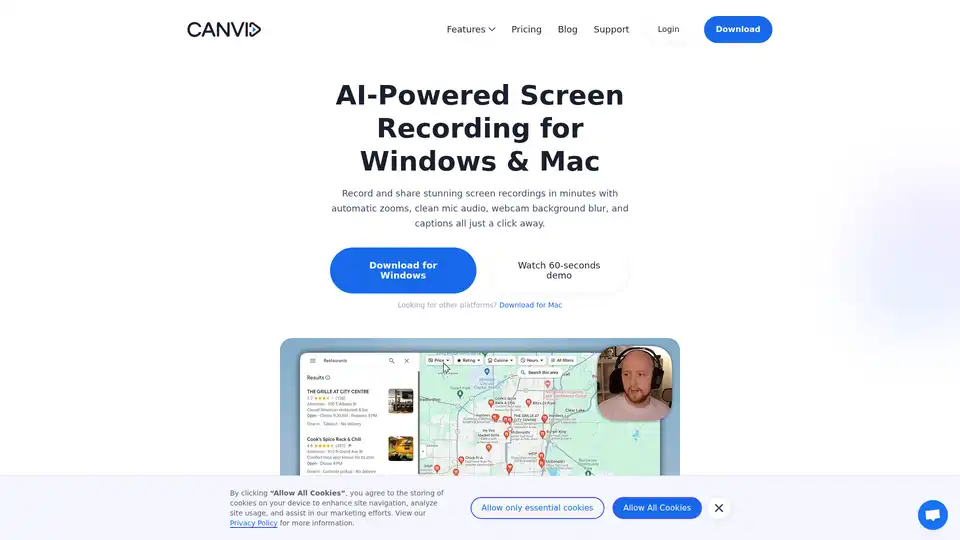
CANVID is an AI-powered screen recorder for Windows and Mac that adds automatic zooms, AI voice clarity, webcam background magic, and instant captions to create polished screen recordings in minutes.
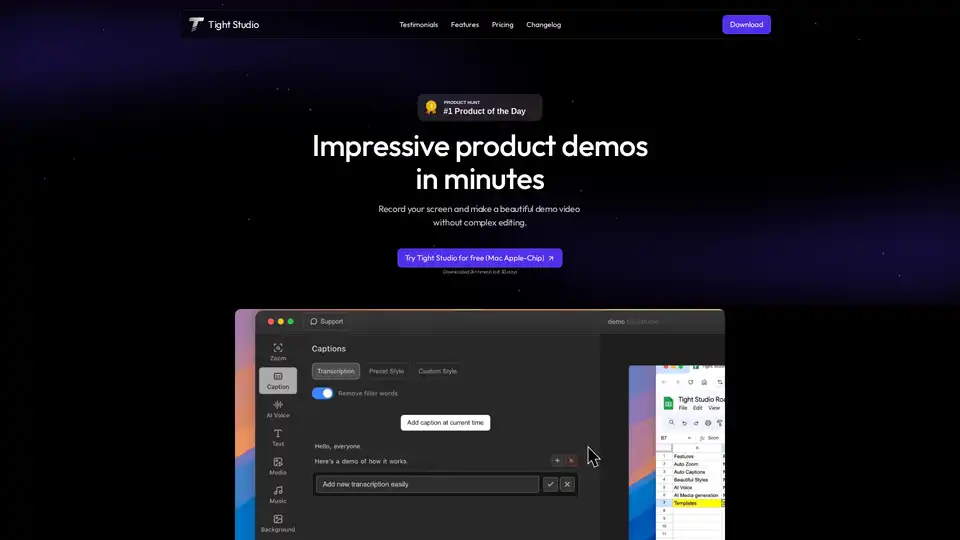
Tight Studio is a screen recorder that lets you create product demos in minutes. Features include smart auto zooms, AI narration, professional captions, and dynamic text overlays.
Turn PDFs, scripts, or audio into polished videos with Visla’s AI Video Generator—complete with voiceover, stock footage, and optional AI Avatar. Create professional videos instantly without editing skills.