
CANVID
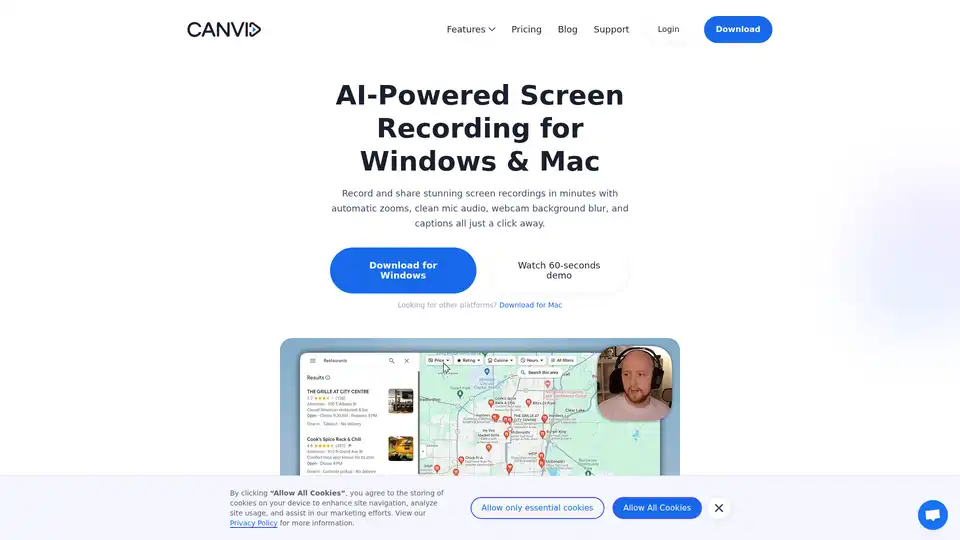
Overview of CANVID
CANVID: AI-Powered Screen Recorder for Effortless Video Creation
What is CANVID? CANVID is a smart screen recording application designed for both Windows and Mac users. It leverages the power of AI to simplify the screen recording process, allowing users to create polished, professional-looking videos in minutes.
Key Features of CANVID
- Automatic Zooms: CANVID automatically zooms in on every click, ensuring viewers never miss any action.
- AI Voice Clarity: With just one click, CANVID removes hum and echo, providing studio-quality sound.
- Webcam Background Magic: Users can blur, swap, or drop their webcam background without needing a green screen.
- Instant Captions: CANVID auto-generates subtitles that can be easily tweaked, saving time and effort.
- 4K Screen Recording: Record in up to 4K resolution, ensuring smooth playback on any device.
- Edit-while-you-record Workflow: CANVID's unique workflow turns clicks into keyframes, automating much of the editing process.
- Quick Share Links: Instantly copy a view-only link to your clipboard, ready for sharing on platforms like Slack, X (Twitter), LinkedIn, or email.
How does CANVID work?
CANVID simplifies the screen recording process by automating many of the tedious editing tasks. Here’s a breakdown of how it works:
- Recording: Simply start recording your screen using CANVID's intuitive interface. The software supports recording in up to 4K resolution.
- Automatic Zooming: As you record, CANVID detects mouse clicks and automatically zooms in to highlight the action.
- AI Enhancements: After recording, CANVID utilizes AI to enhance the audio and video quality. This includes removing background noise from the audio and allowing users to blur or replace their webcam background.
- Captioning: CANVID automatically generates captions for the video, which can be easily edited and customized.
- Sharing: Once the video is ready, users can quickly share it using CANVID's instant share link feature.
Why choose CANVID?
CANVID offers several advantages over other screen recording software, including:
- AI-Powered Features: CANVID's AI-powered features automate many of the editing tasks, saving time and effort.
- Ease of Use: CANVID's intuitive interface makes it easy to record and share professional-looking videos.
- Edit-While-You-Record Workflow: This unique workflow automates much of the editing process, allowing users to focus on creating content.
- Flexible Pricing: CANVID offers a one-time lifetime license as well as a monthly subscription option, providing flexibility for different users.
Who is CANVID for?
CANVID is ideal for a wide range of users, including:
- Founders: Create polished product demos to showcase updates and features.
- Course Creators: Produce engaging tutorials with auto zooms and captions.
- Customer Support Teams: Send quick share links to resolve customer issues efficiently.
- Internal Teams: Simplify internal hand-offs by recording and sharing bug reports or process explanations.
Real User Feedback
Users have praised CANVID for its ease of use, AI-powered features, and ability to create professional-looking videos quickly.
- ImaDriftyboy: "I honestly thought it was hilarious how well this tool worked. I've done the exact same thing manually and took me 10 times (much more) and didn't come out nearly as good."
- Ademola Adelakun: "This is a tool that product and CS teams have needed for a LONG time. Glad it's finally here!!!"
- Naymm: "Canvid is very epic. Probably the best Screen recorder I've ever used. The animations, the smooth details and DO NOT get me started on the UI - minimalistic awesomeness."
CANVID vs. Loom
CANVID is often compared to Loom, another popular screen recording software. However, CANVID offers several unique advantages, including AI-powered features and a one-time lifetime license option.
How to use CANVID?
- Download and Install: Download CANVID from the official website and install it on your Windows or Mac computer.
- Start Recording: Launch CANVID and click the record button to start recording your screen.
- Customize Settings: Adjust the recording settings to your preferences, including resolution, audio source, and webcam settings.
- Edit and Enhance: After recording, use CANVID's built-in editing tools to trim the video, adjust the zooms, and tweak the captions.
- Share: Click the Quick Share button to generate a shareable link and share your video with others.
Frequently Asked Questions
- What is Canvid? CANVID is a screen recording software app for Windows and Mac that spots every click, auto-zooms the frame, and adds AI extras like voice cleanup and webcam background tricks so your demo looks pro without heavy editing.
- Can I record in 4K? Yes. CANVID uses hardware or fallback software encoding to handle up to 4K resolution on both Windows and Mac (Apple Silicon).
- What makes it an “AI screen recorder”? Beyond recording and our smart features, CANVID uses AI to enhance voice clarity that removes background noise, background blur or replacement for your webcam, and instant captions which are all powered by both either cloud or on-device AI.
Conclusion
CANVID is a powerful AI-powered screen recorder that simplifies the video creation process. With its automatic zooms, AI voice clarity, and instant captions, CANVID makes it easy to create professional-looking videos in minutes. Whether you're a founder, course creator, customer support team member, or internal team member, CANVID can help you communicate more effectively through video.
AI Voice Synthesis AI Voice Changer AI Music Creation Speech to Text AI Voice Customer Service and Assistant Podcast and Video Dubbing
Best Alternative Tools to "CANVID"
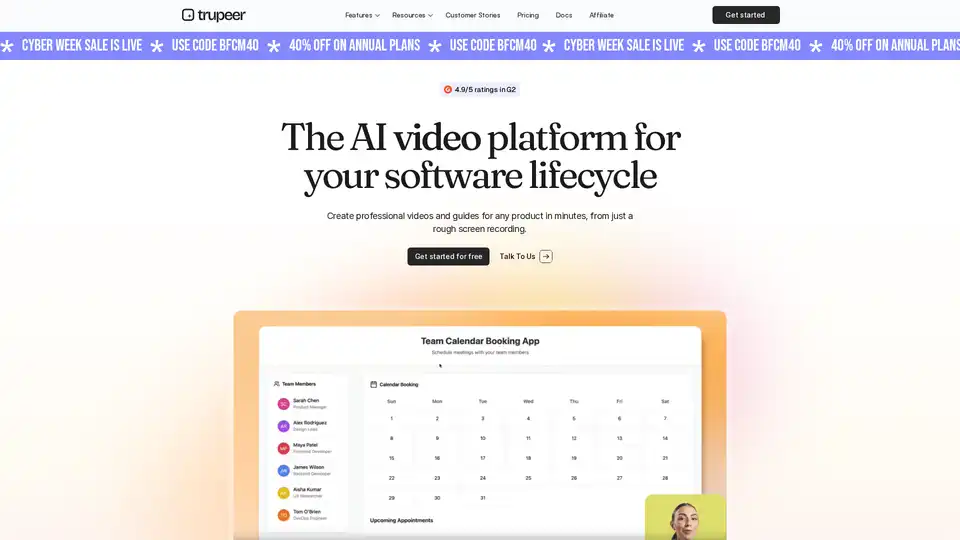
Trupeer transforms screen recordings into polished videos and detailed guides with AI. Trusted by 10,000+ teams. No editing skills required.
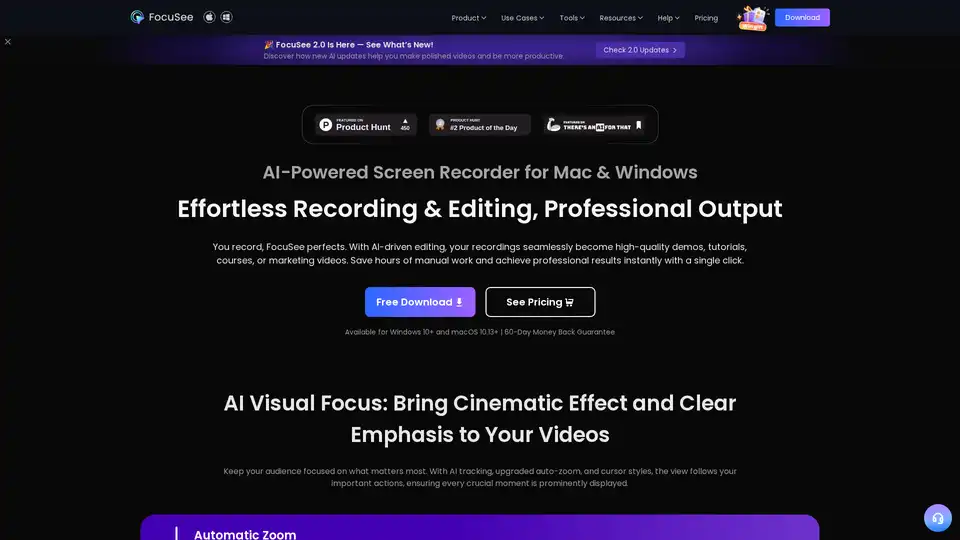
FocuSee is an AI-powered screen recorder for Mac & Windows that simplifies video creation. It automatically zooms, tracks cursor movements, and enhances audio, perfect for demos, tutorials, and marketing videos.
Wavel AI offers AI-powered video dubbing, voice cloning, and video editing tools. Create multilingual videos instantly with realistic AI voices and subtitles. Perfect for content creators and global brands.
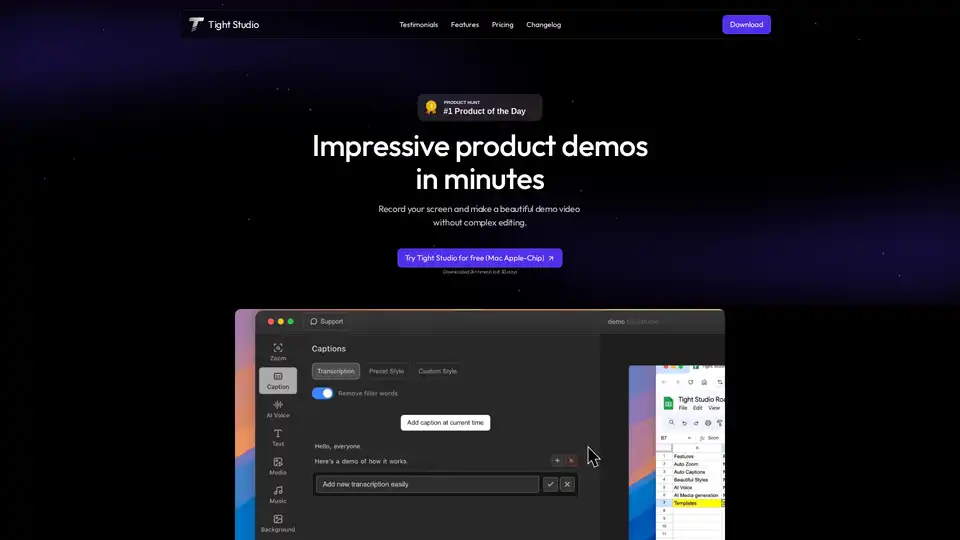
Tight Studio is a screen recorder that lets you create product demos in minutes. Features include smart auto zooms, AI narration, professional captions, and dynamic text overlays.