
Canvid
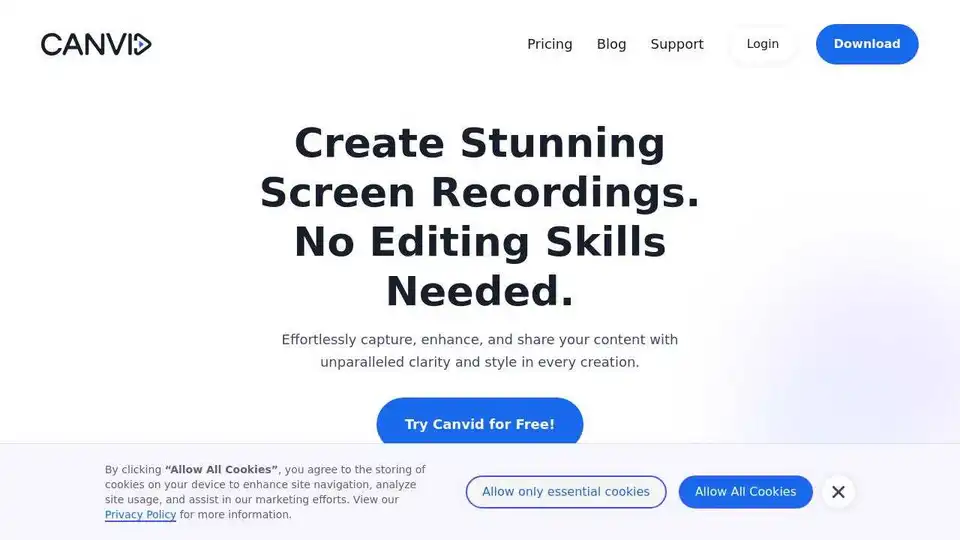
Overview of Canvid
Canvid: AI-Powered Screen Recorder for Windows & Mac
Canvid is a smart screen recording application designed for both Windows and Mac users, offering AI-powered features that simplify video creation. It focuses on transforming rough screen recordings into polished and professional videos in a matter of minutes.
Download for Windows | Download for Mac
Key Features:
- Automatic Zooms: The tool automatically zooms in on clicks, ensuring viewers don't miss any crucial action. This makes it ideal for tutorials and demonstrations.
- AI Voice Clarity: Removes background noise, hums, and echoes from audio, providing studio-quality sound with a single click. This is particularly useful in noisy environments.
- Webcam Background Magic: Allows blurring, swapping, or dropping the webcam background without needing a green screen. This is useful for maintaining privacy or adding a professional touch.
- Instant Captions: Generates automatic subtitles that can be easily tweaked, making content accessible and engaging for a wider audience.
How Does Canvid Work?
Canvid streamlines the screen recording process by automating key editing tasks. Here's a breakdown of how it works:
- Record: Start recording your screen using Canvid's intuitive interface.
- AI Enhancements: While recording, Canvid automatically detects clicks and zooms in, cleans up the audio, and offers webcam background customization.
- Edit: After recording, users can trim clips, adjust zooms, and tweak captions in the timeline.
- Share: Canvid offers quick share links for easy sharing on platforms like Slack, X (Twitter), LinkedIn, and email.
Why Choose Canvid?
- Edit-while-you-record workflow: Clicks become keyframes, automating most of the editing process.
- Instant share links: Quick Share copies a link for easy sharing.
- 4K Screen Recordings: Record in 4K and ensure smooth playback on various devices.
- Flexible pricing: Available as a lifetime purchase or a monthly subscription.
Use Cases:
- Product Demos: Easily create polished screen demos to showcase product updates.
- Tutorial Channels: Automatic zooms and captions reduce editing time, allowing creators to focus on teaching.
- Customer Support: Quick Share links simplify sending troubleshooting videos to customers.
- Internal Hand-offs: Improve team communication by sharing recordings of bugs and issues.
What is Canvid?
Canvid is a screen recording software app for Windows and Mac that spots every click, auto-zooms the frame and adds AI extras like voice cleanup and webcam background tricks so your demo looks pro without heavy editing.
Pricing
- Lifetime License: A one-time purchase of $129 includes one year of updates and cloud storage.
- Monthly Subscription: A $7 per-month subscription (billed yearly) includes ongoing updates and cloud storage. Volume pricing is available for larger teams.
Testimonials:
- ImaDriftyboy: "I honestly thought it was hilarious how well this tool worked. I've done the exact same thing manually and took me 10 times (much more) and didn't come out nearly as good."
- Ademola Adelakun: "This is a tool that product and CS teams have needed for a LONG time. Glad it's finally here!!!"
- Naymm: "Canvid is very epic. Probably the best Screen recorder I've ever used. The animations, the smooth details and DO NOT get me started on the UI - minimalistic awesomeness."
FAQ:
- Is there a free version of CANVID? Yes, new users get three free Quick Share exports.
- Can I record in 4K? Yes, CANVID supports up to 4K resolution on both Windows and Mac.
- What makes it an “AI screen recorder”? It uses AI to enhance voice clarity, blur webcam backgrounds, and generate instant captions.
- Does CANVID work offline? Offline mode is currently under testing and not available in the current release.
Conclusion:
Canvid is a practical and effective screen recording solution, providing AI-driven features that simplify and enhance video creation. Whether for product demos, tutorials, or customer support, Canvid offers a comprehensive suite of tools to produce professional-quality videos quickly and easily. With its flexible pricing and user-friendly interface, Canvid is an excellent choice for anyone looking to streamline their screen recording workflow.
AI Video Generation AI Video Editing AI Motion Capture and Animation AI Virtual Human and Digital Avatar 3D Video Generation
Best Alternative Tools to "Canvid"
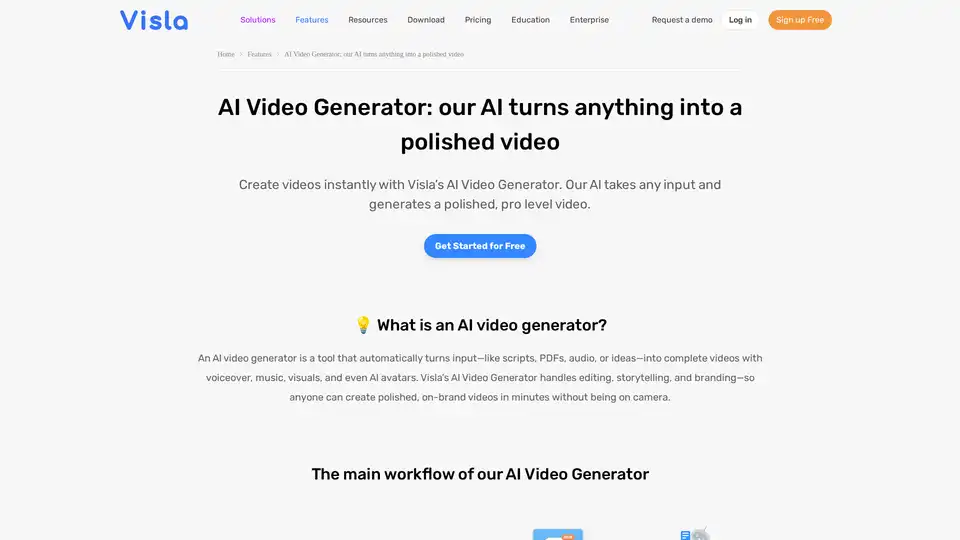
Turn PDFs, scripts, or audio into polished videos with Visla’s AI Video Generator—complete with voiceover, stock footage, and optional AI Avatar. Create professional videos instantly without editing skills.
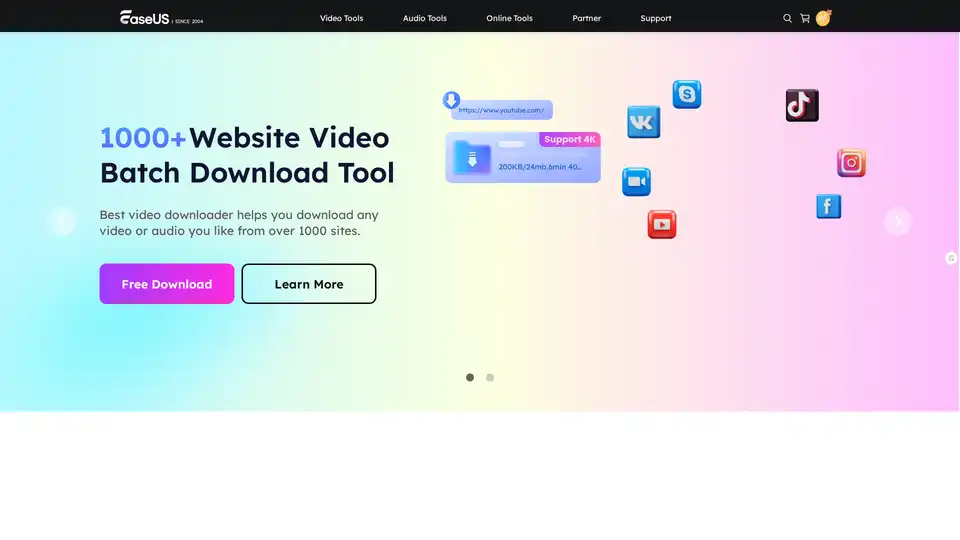
EaseUS Multimedia offers a range of video and audio tools, including video downloader, editor, converter, AI voice changer, and online utilities for various multimedia tasks.
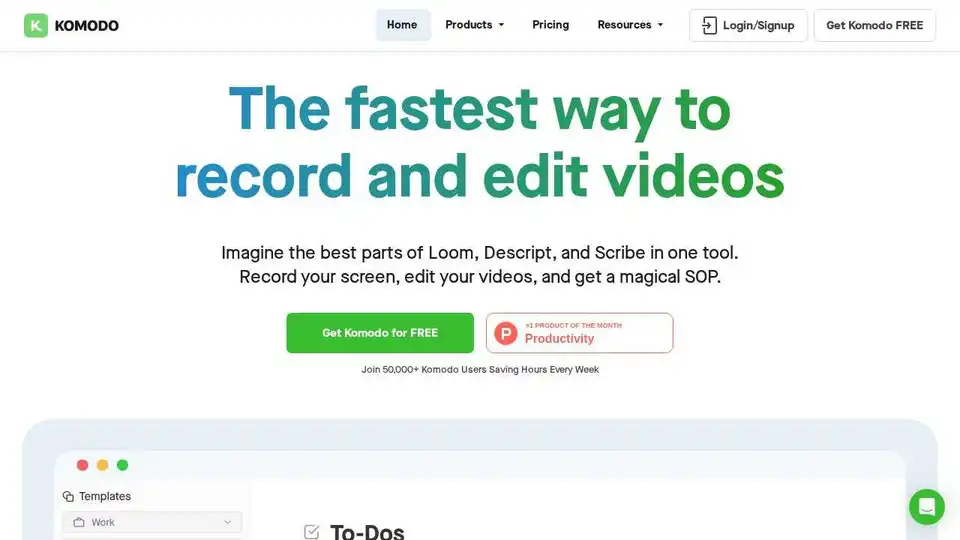
Komodo: Free screen recorder & SOP generator for teams. Record unlimited screen videos, create shareable SOPs, and use AI for meeting notes. 100% free!
Loomos is an AI video editor that creates screen recordings with transcript editing, AI voiceovers, and multilingual translation. Perfect for demos, tutorials, and social media.