
Multiplayer
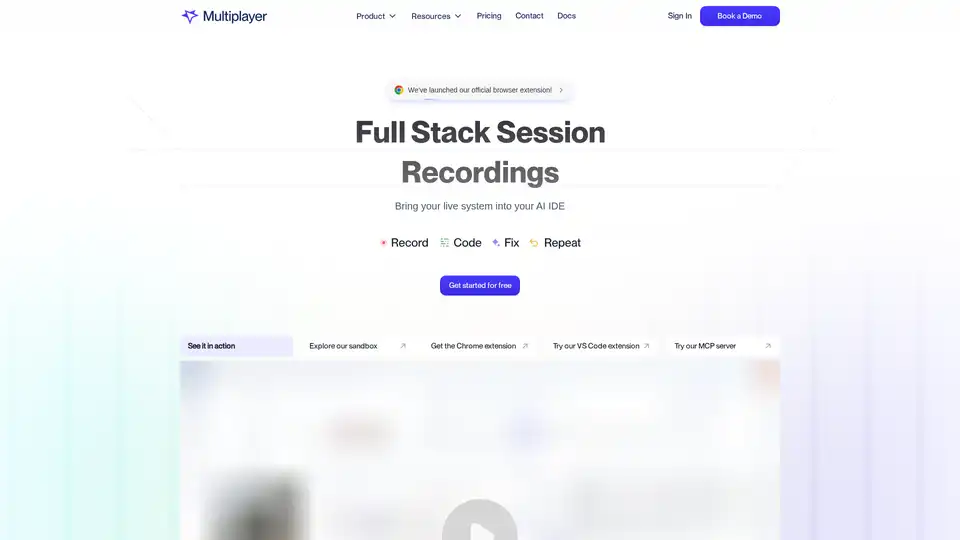
Overview of Multiplayer
What is Multiplayer?
Multiplayer is a full-stack session recording tool designed to bring your live system into an AI IDE. It helps engineering teams from startups to enterprises capture, annotate, and utilize session recordings for debugging, testing, support, feature development, and AI workflows.
How does Multiplayer work?
Multiplayer captures user sessions on demand using a browser extension, in-app widget, or SDK. It records all sessions automatically in the background, ensuring that issues are captured the moment they occur. This eliminates the need for reproduction steps and helps catch elusive failures.
Key Features:
- Full Stack Session Recordings: Capture comprehensive data, including user actions, traces, logs, requests, responses, and header data.
- AI-Ready Annotated Recordings: Annotate replays with sketches and comments, turning session recordings into actionable development plans.
- MCP-Ready Full Stack Context: Feed your copilots and AI IDEs with complete system context, enabling smarter AI and fewer guesses.
- On-Demand Recording: Capture full-stack session recordings on demand with a browser extension, in-app widget, or SDK.
- Continuous Recording: Record all sessions automatically in the background.
- Remote Recording: Silently capture user sessions without any manual steps or bug reports.
Why choose Multiplayer?
- Precise Context on Demand: Provides developers, QA, product, and support teams with instant access to detailed session recordings.
- Zero Setup Overhead: Easy to integrate with your existing workflow.
- Complete Visibility: Captures issues even when users don't notice or report them, giving your team complete context.
- Faster Issue Resolution: Resolves problems faster and avoids unclear, incomplete tickets.
- Improved AI Workflows: Powers AI coding tools with the context they need to generate accurate fixes, tests, and features with minimal prompting.
Who is Multiplayer for?
Multiplayer is designed for engineering teams, including developers, QA engineers, product managers, and support teams, in startups and enterprises. It is particularly useful for:
- Teams working on complex systems with microservices.
- Teams that need to debug cross-service issues.
- Teams that want to improve their AI coding workflows.
Benefits of Using Multiplayer
- Fix Bugs Faster: Automatically have everything you need to identify, understand, and fix bugs.
- Build New Features with Confidence: Use session recordings to inform and validate new feature development.
- Capture Every Issue: From customer apps to internal tools, ensure no issue goes unnoticed.
- Understand Why Tests are Failing: Quickly identify code issues or flaky tests.
- Share Complete Bug Reports Effortlessly: Provide all the necessary information to resolve issues quickly.
How to use Multiplayer?
Install the Chrome Extension: Get from zero-to-one in seconds.
Use npm: Install the Multiplayer Session Recorder using npm:
npm install @multiplayer-app/session-recorder-browserQuick Start:
import SessionRecorder from '@multiplayer-app/session-recorder-browser'

SessionRecorder.init({
  application: 'my-web-app',
  version: '1.0.0',
  environment: 'production',
  apiKey: 'MULTIPLAYER_API_KEY',
})
Customer Testimonials
- Leon M., Technical Support, E-commerce Platform: "Supporting our internal apps used to be a mess... With Multiplayer, we finally get the full picture up front."
- John V., PM, Commercial Bank: "Before Multiplayer, reporting bugs was frustrating... Now I just hit record, share the session replay, and the devs have everything they need."
- Aurelia D., Customer Success Engineer, MarTech Vendor: "Our customers used to send us incomplete notes like 'it just doesn't work.' Now they can record a session and I can forward it to engineering with zero context needed."
Integrations
Multiplayer integrates with various tools, including:
- OPENTELEMETRY
- HONEYCOMB
- NEW RELIC
- DATADOG
- GITHUB
- GITLAB
- VS CODE
- CURSOR
- CLAUDE & CLAUDE CODE
Best way to improve debugging and AI workflows?
Multiplayer is the best way to capture full-stack session recordings and integrate them into your existing workflows. With its AI-ready annotated recordings and MCP-ready full stack context, Multiplayer ensures that your team has all the information they need to fix bugs faster, build new features with confidence, and power their AI coding tools effectively.
AI Programming Assistant Auto Code Completion AI Code Review and Optimization AI Low-Code and No-Code Development
Best Alternative Tools to "Multiplayer"
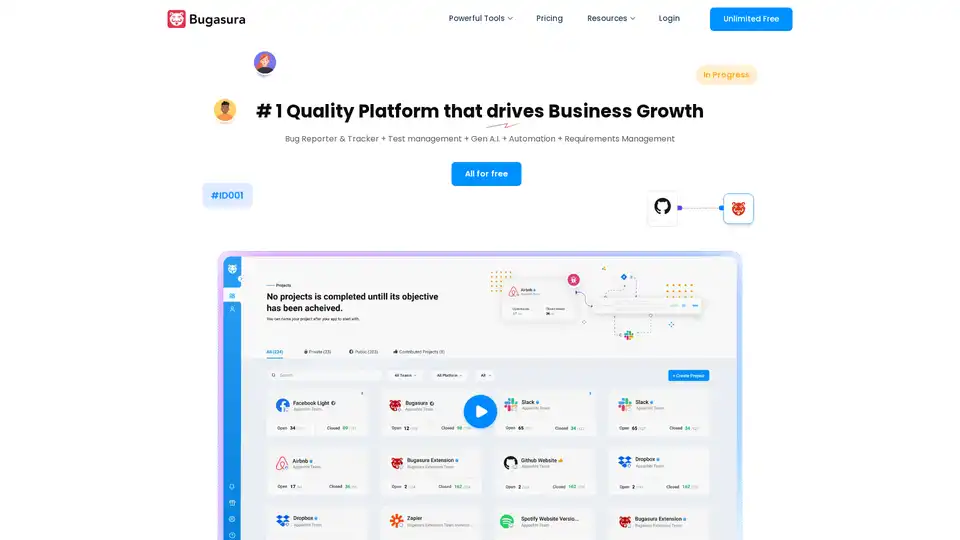
Report, manage, and close bugs faster with Bugasura - a modern bug management tool. Explore AI issue tracker and reporters, integrate with project management tools, manage sprints, and get deeper insights into bugs with automatically generated reports.
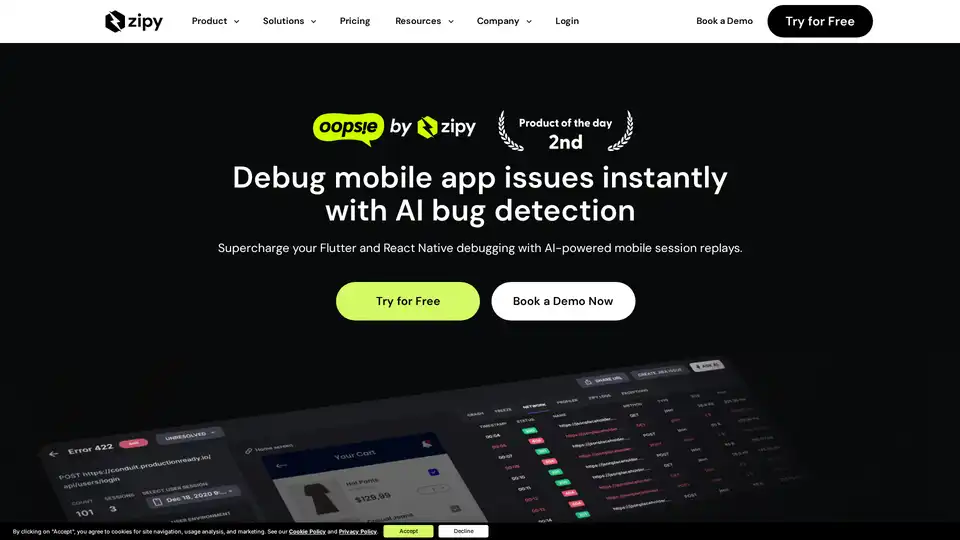
Debug mobile issues instantly with AI-powered session replays. Zipy helps Flutter & React Native devs track errors, replay sessions, and fix bugs faster.
Latta AI debugs code by replaying bugs reported by users and suggesting fixes. It integrates with VS Code, Visual Studio, and Jetbrains. Used by programmers, testers, and project managers.
Earn money while training AI models from home on your own time with Alignerr, a platform connecting domain experts to flexible, high-paying AI training opportunities.