
Latta
Overview of Latta
Latta: AI-Powered Debugging Tool for Faster Code Fixing
What is Latta?
Latta is an AI-driven tool designed to help developers quickly identify and fix bugs in their code. It works by recording user sessions, allowing developers to replay bugs reported by users and testers. Latta integrates with popular IDEs such as Visual Studio Code, Visual Studio, and Jetbrains, making it easy to incorporate into your existing workflow.
How does Latta work?
- Bug Reporting: Users and testers report bugs within the application.
- Session Recording: Latta records the entire session leading up to the bug.
- Bug Replay: Developers can replay the session to understand the context of the bug.
- AI-Powered Fixing: Latta analyzes the recorded session and suggests code fixes.
Why is Latta important?
- Saves Time: Quickly identify and fix bugs, reducing the time spent on debugging.
- Improves Collaboration: Facilitates better communication between developers, testers, and users.
- Reduces Costs: Delivers more stable apps, reducing costs associated with bug fixing and customer support.
Key Features:
- IDE Integration: Seamless integration with Visual Studio Code, Visual Studio, and Jetbrains.
- User Session Recording: Records user sessions to capture the context of bugs.
- AI-Powered Bug Fixing: Suggests code fixes based on recorded sessions.
- GitHub/GitLab Integration: Pair projects with repositories on GitHub or GitLab.
Who can benefit from Latta?
- Programmers: Fix code that doesn’t work as intended or replay bugs reported by others.
- Testers: Report bugs effectively and provide detailed information for developers.
- Project Managers: Handle small tasks/bugs without coding.
- Software Companies: Track issues, diagnose problems faster, and deliver more stable apps.
- Code Freelancers: Quickly identify and fix hard-to-reproduce bugs.
- Startups: Launch features quicker and deliver better support.
Pricing:
Latta offers a free plan with limited credits. Paid plans are available for more extensive use.
- Free: Credits for free for all features of Latta.
- Paid: From $0 per fix, offering more fixes via IDE, GitHub/GitLab, and user reports.
Is my code secured?
- No code storage policy
- No AI learning policy
- Secured API keys
Best way to use Latta?
Integrate the extension for your IDE, and begin fixing it by telling Latta what doesn't work. Let Latta create a new branch with the solution. Save 40 % Of Coding Time Now!
AI Programming Assistant Auto Code Completion AI Code Review and Optimization AI Low-Code and No-Code Development
Best Alternative Tools to "Latta"
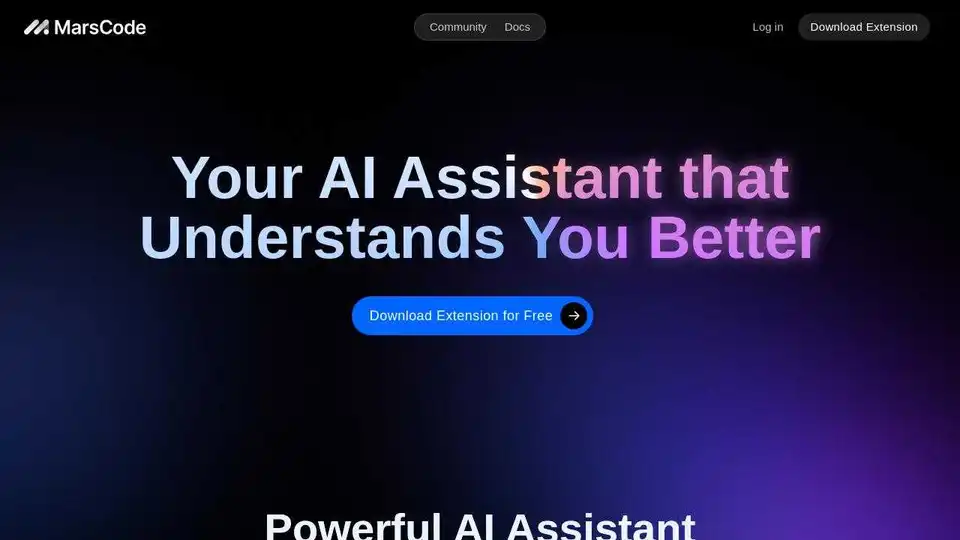
Trae Plugin is an AI code assistant that provides code completion, explanation, unit test generation, and debugging within VSCode and JetBrains, supporting 100+ languages.
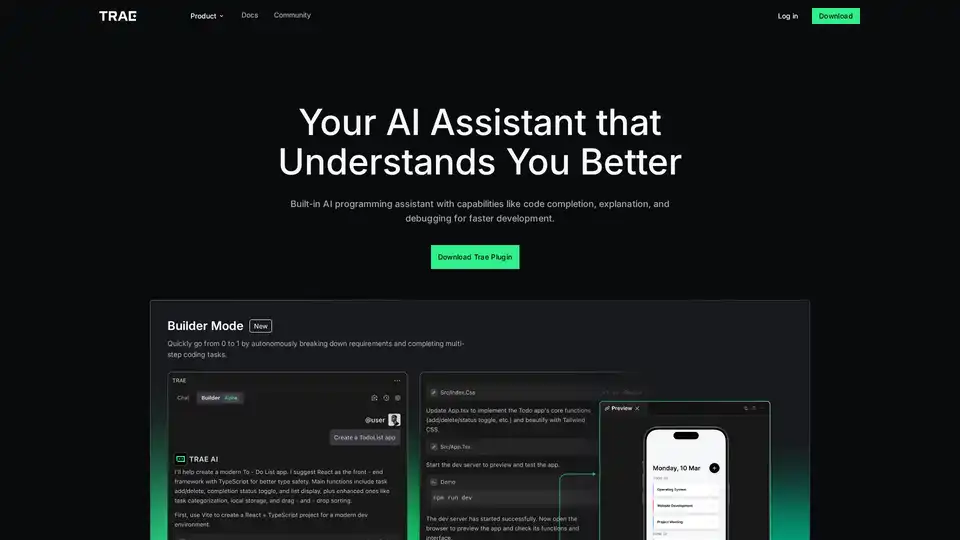
Trae Plugin is an AI programming assistant offering code completion, explanation, debugging, and unit test generation. It supports 100+ languages, VSCode, and JetBrains for faster development.
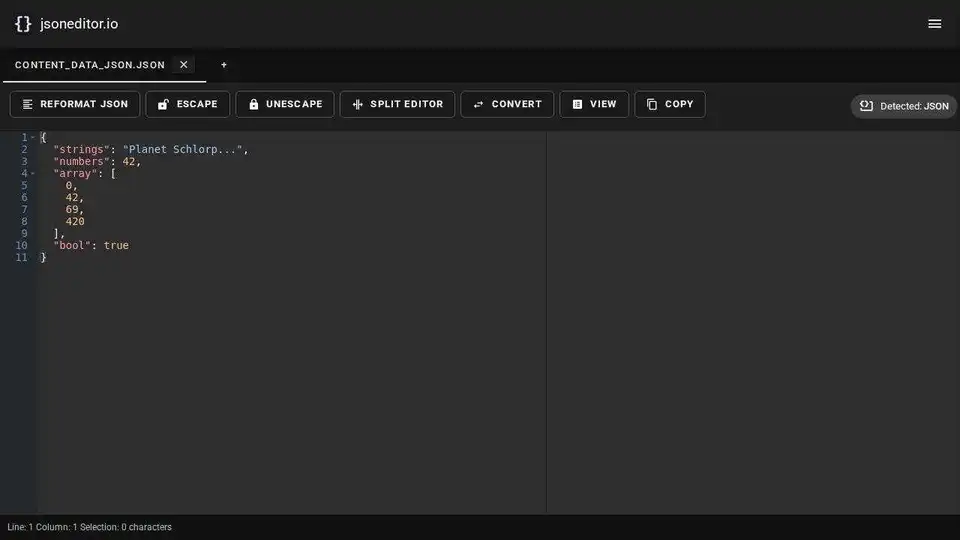
JSON Editor is a free online tool to edit, view, format, validate, and compare JSON data. Features include JSON to CSV conversion, AI integration, and support for large files.

Kilo Code is an open-source AI coding agent for VS Code and JetBrains. It helps developers write code more efficiently by generating code, automating tasks, and providing suggestions. Access 400+ LLMs with complete control.