
Trae Plugin
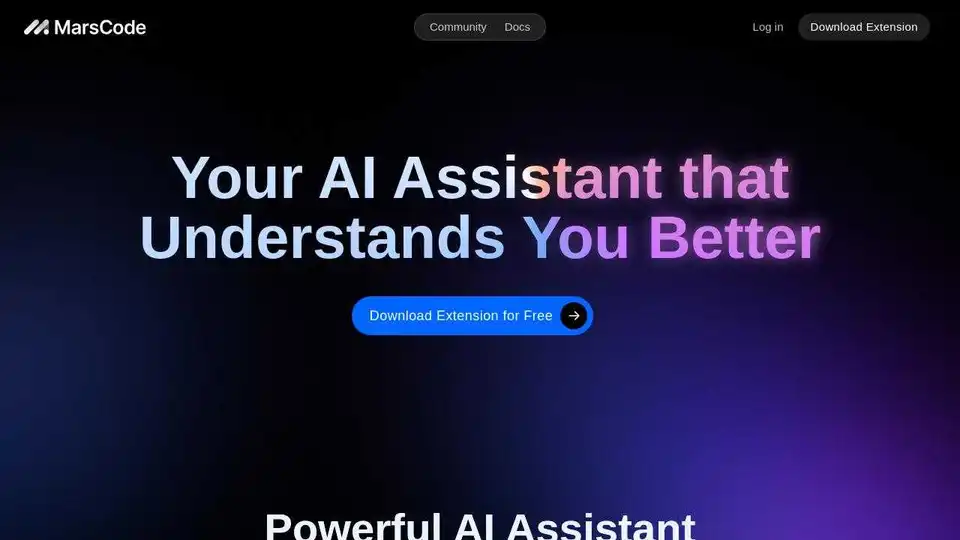
Overview of Trae Plugin
Trae Plugin: Your AI Assistant for Smarter Coding
What is Trae Plugin? Trae Plugin is an AI-powered coding assistant designed to boost developer productivity by providing intelligent code suggestions, explanations, bug fixes, and documentation generation. It seamlessly integrates with popular IDEs like VSCode and JetBrains, supporting over 100 programming languages.
Key Features and Benefits:
- Code Completion: Get single-line or entire function suggestions during coding, and generate code snippets from comments. How does it work? Trae Plugin uses advanced AI models to analyze your code context and provide relevant and accurate suggestions, saving you time and effort.
- Unit Test Generation: Improve code quality and coverage by automatically generating unit tests for selected functions. Why is this important? Thorough unit testing helps identify and fix bugs early in the development cycle, leading to more robust and reliable software.
- AI Fix: Fix code bugs with a single click, enhancing code repair efficiency. How does AI fix work? Trae Plugin identifies potential errors and suggests fixes based on common coding patterns and best practices.
- Code Explanation: Quickly understand project code with precise explanations, making onboarding new projects faster and easier. This feature is invaluable for collaboration and maintaining legacy code.
- Doc Generation: Automatically generate documentation for entire functions or individual lines of code, improving code readability and maintainability. Clear documentation is essential for long-term project success.
- AI Q&A: Get targeted, optimized answers to your coding questions, providing more precise and relevant results.
- Builder Mode (New): Quickly go from 0 to 1 by autonomously breaking down requirements and completing multi-step coding tasks.
Supported IDEs and Languages:
Trae Plugin supports over 100 languages, including:
- Python
- Go
- JavaScript
- TypeScript
- C++
- Java
- Kotlin
- C
- Rust
- HTML/CSS
It also seamlessly integrates with:
- VSCode
- JetBrains IDEs
How to Get Started:
Installation in Visual Studio Code:
- Open Visual Studio Code Marketplace.
- Search for "Trae Plugin" and install it.
- Restart VSCode and log in to your account.
- Find Trae Plugin on the left sidebar and start using AI-assisted coding.
Installation in JetBrains IDEs:
The process is similar to VSCode. Search for "Trae Plugin" in the JetBrains Marketplace and install it.
Why Choose Trae Plugin?
Trae Plugin offers a comprehensive suite of AI-powered coding tools that can significantly enhance developer productivity. Whether you're writing new code, debugging existing code, or documenting your work, Trae Plugin can help you work faster and more efficiently. Best way to improve your coding workflow?
Conclusion:
Trae Plugin is a valuable asset for any developer looking to leverage the power of AI to improve their coding workflow. With its code completion, explanation, and testing capabilities, Trae Plugin is a must-have tool for modern software development. What is Trae Plugin and how can it help you? It's the AI-powered coding assistant that understands you better.
AI Programming Assistant Auto Code Completion AI Code Review and Optimization AI Low-Code and No-Code Development
Best Alternative Tools to "Trae Plugin"
ObfusCat is an AI code assistant that provides code privacy for ChatGPT users by masking code before sending prompts, ensuring your private code never leaves your local machine.
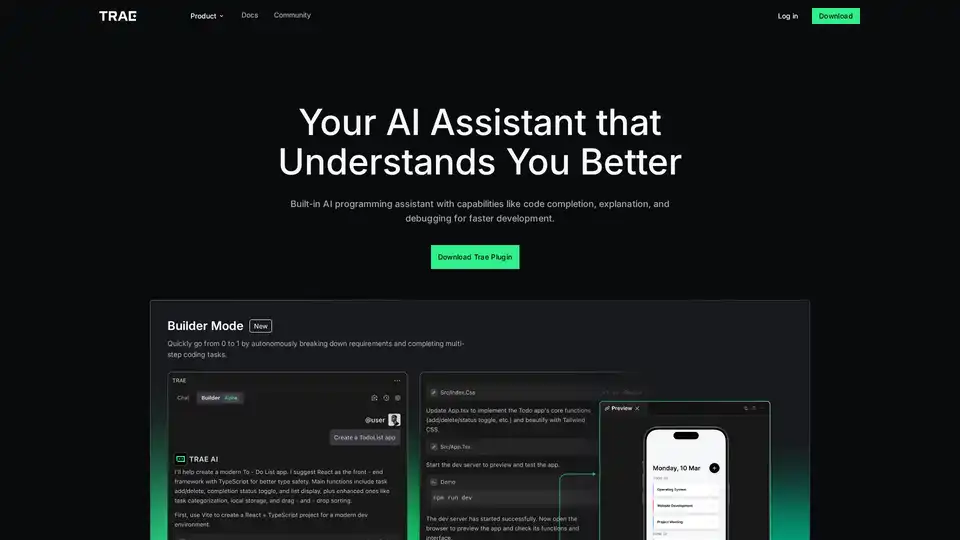
Trae Plugin is an AI programming assistant offering code completion, explanation, debugging, and unit test generation. It supports 100+ languages, VSCode, and JetBrains for faster development.
CodeAI is a VS Code extension that uses AI to assist developers with code generation, unit test creation, and documentation. Enhance your coding experience with advanced AI technology.
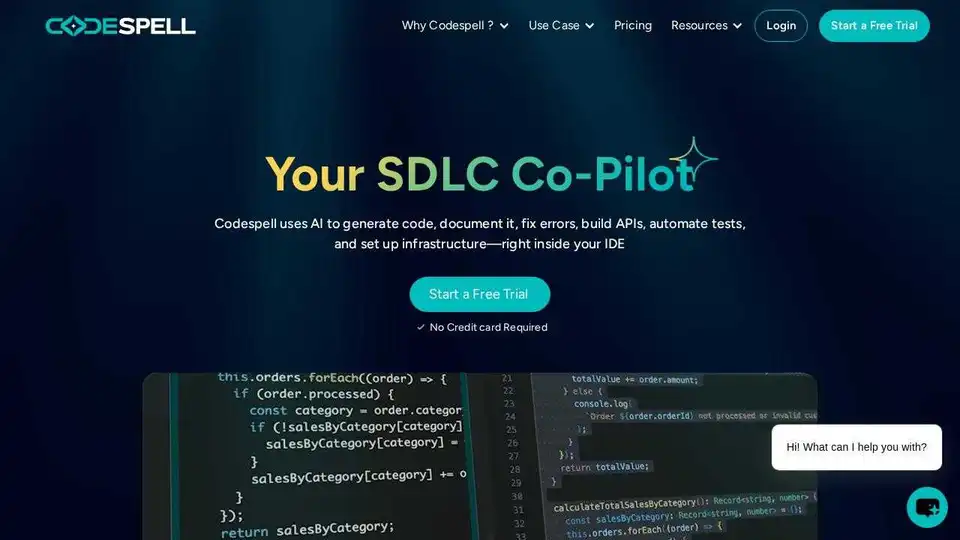
Codespell.ai is an AI-powered tool supporting the entire SDLC. Accelerate code completion, enhance productivity, and streamline development with automated testing and DevOps integration.