
Dictanote
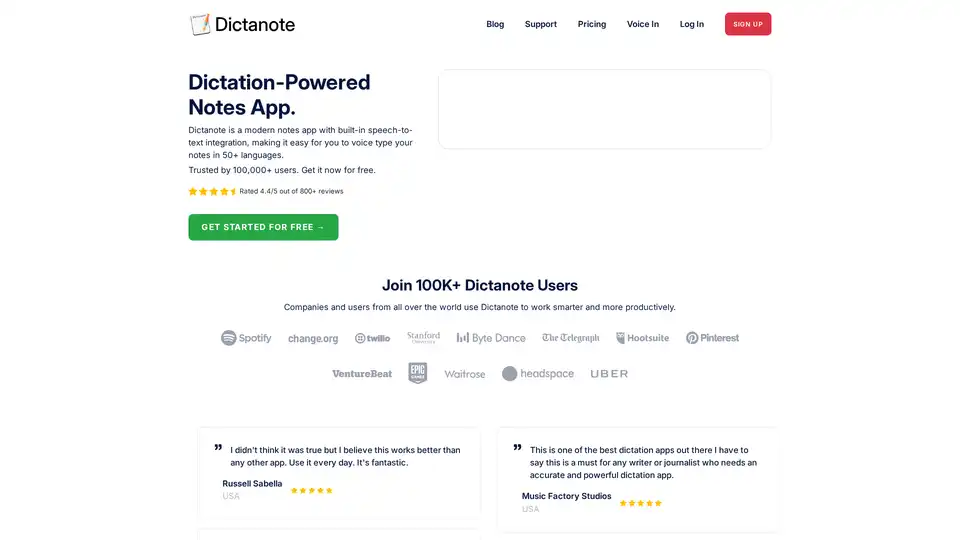
Overview of Dictanote
Dictanote: Your AI-Powered Note-Taking Companion
What is Dictanote? Dictanote is a modern note-taking application with built-in speech-to-text integration. It empowers you to effortlessly type notes using your voice in over 50 languages.
Key Features:
- Voice Typing: Accurately transcribe speech to text in real-time. Insert paragraphs, punctuation marks, and smileys with voice commands.
- Multi-Lingual Support: Supports speech recognition in over 50 languages and 80+ dialects.
- Voice Commands: Use voice commands to insert punctuation, technical terms, and correct mistakes.
- Keyboard Shortcuts: Quickly start/stop dictation and switch languages with keyboard shortcuts.
- AudioScribe: Converts voice notes into clearly summarized text using the power of AI, automatically adding punctuations and removing filler words.
How to Use Dictanote:
- Sign up for a free account on the Dictanote website.
- Select your desired language.
- Enable microphone access.
- Start dictating your notes. Use voice commands and keyboard shortcuts to format your text.
- Optionally, use AudioScribe to summarize and refine your voice notes.
Why is Dictanote Important?
Dictanote helps you work smarter and more productively by enabling you to create notes faster and more efficiently. It is perfect for:
- Students taking notes in class
- Journalists conducting interviews
- Writers drafting articles and blog posts
- Professionals managing meetings
Customer Reviews:
Dictanote is trusted by 100,000+ users worldwide and has a rating of 4.4/5 based on 800+ reviews. Users praise its accuracy, ease of use, and multi-lingual support.
Official Website: https://dictanote.co/
FAQ
- What are the system requirements to use Dictanote? Dictanote is a web application and requires a modern web browser and a microphone.
- Can I convert audio files to text? This functionality seems to be part of AudioScribe, their AI-powered assistant.
Try Dictanote today and experience the power of dictation-powered note-taking!
AI Article Generation AI Text Polishing AI Writing Assistance Paper and Report Generation News and Blog Generation Email and Business Writing
Best Alternative Tools to "Dictanote"
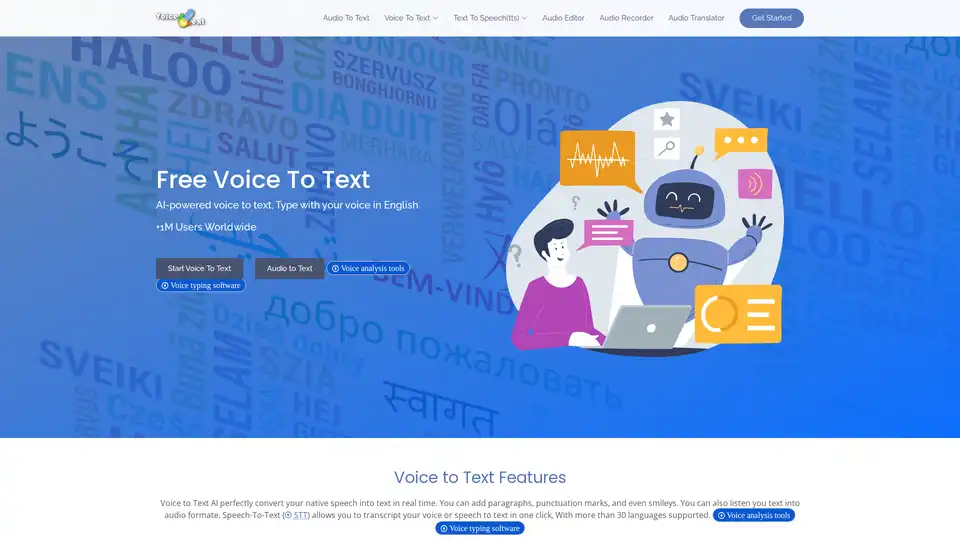
Discover Voice to Text, a free AI-powered online speech recognition tool that converts your voice to editable text in real-time. Supports 30+ languages for emails, documents, and more—no typing needed.
TalkTastic lets you write with your voice in any macOS app. Experience faster and more accurate dictation with AI-powered transcripts. Seamlessly integrate voice into your workflow and boost productivity.
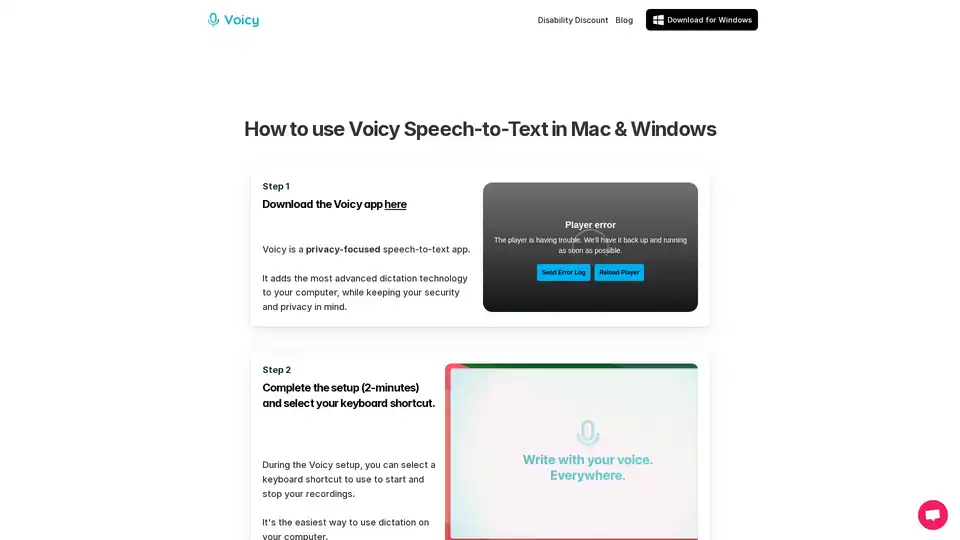
Voicy is an AI-powered speech-to-text app for Mac, Windows, and Chrome. It enables voice dictation on 20,000+ websites and apps, offering 99% accuracy in 50+ languages, automatic punctuation, and privacy-focused operation.
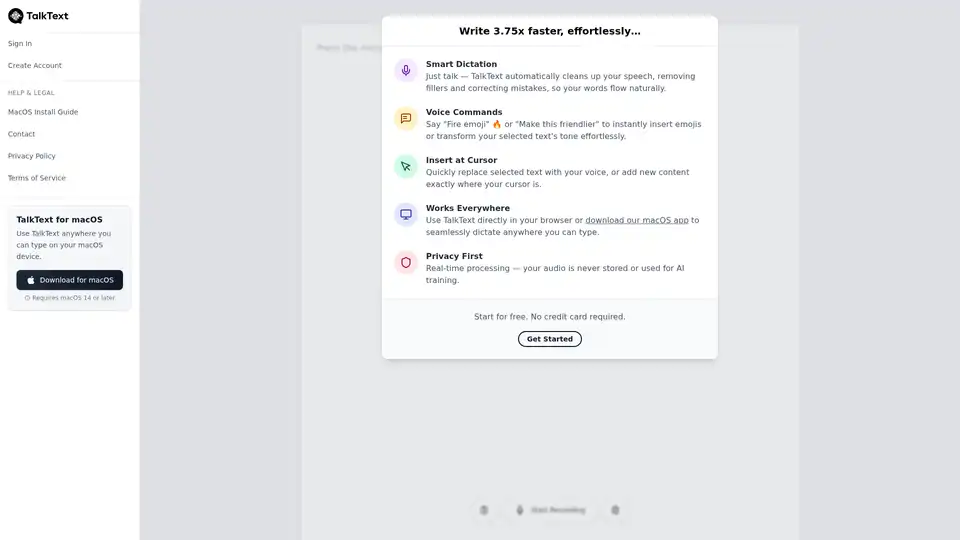
TalkText is an AI writing tool that converts speech to text with smart dictation. It offers voice commands, real-time processing, and works everywhere you can type.
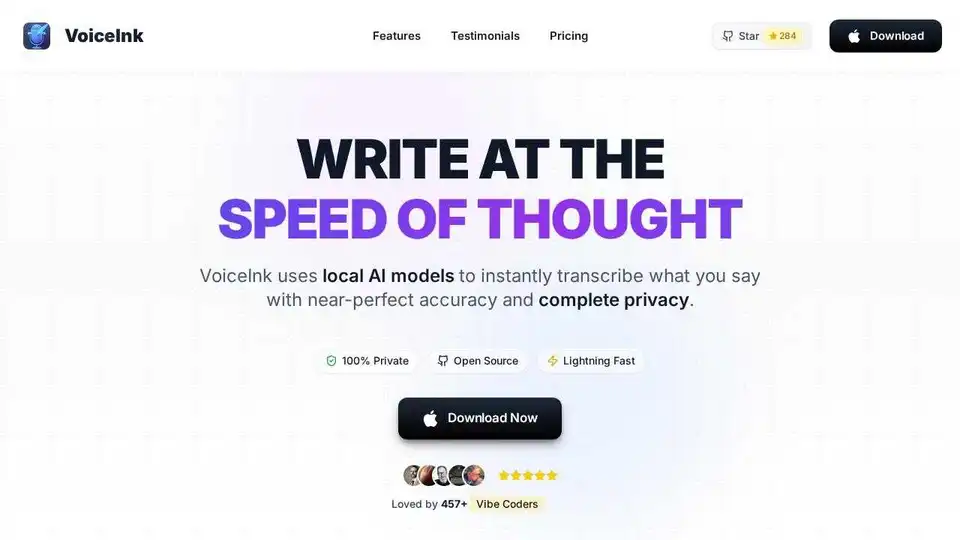
VoiceInk is an AI-powered dictation app for Mac that transcribes speech to text with high accuracy and privacy. It offers offline processing, custom dictionaries, and integration with various apps.