
TalkText
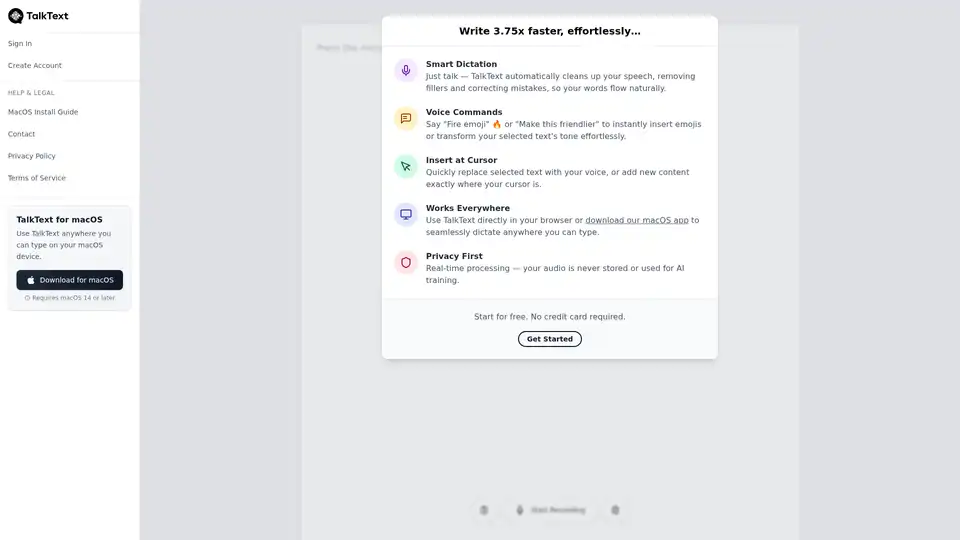
Overview of TalkText
TalkText: AI-Powered Speech-to-Text for Effortless Writing
TalkText is an innovative AI writing tool designed to convert your speech into perfectly crafted text, as if you wrote it yourself. Available as a macOS app and accessible directly in your browser, TalkText allows you to dictate anywhere you can type, significantly boosting your writing speed and productivity.
What is TalkText?
TalkText leverages the power of artificial intelligence to transform spoken words into polished, written content. It's more than just speech-to-text; it's smart dictation that cleans up your speech, removes filler words, and corrects mistakes, ensuring your words flow naturally and professionally.
How does TalkText work?
TalkText employs advanced AI algorithms to understand and interpret your speech. The key features include:
- Smart Dictation: Automatically cleans up your speech by removing fillers and correcting mistakes.
- Voice Commands: Allows you to insert emojis or transform text tone effortlessly using voice commands like "Fire emoji" 🔥 or "Make this friendlier."
- Insert at Cursor: Enables you to quickly replace selected text with your voice or add new content precisely where your cursor is located.
- Real-time Processing: Ensures your audio is never stored or used for AI training, prioritizing your privacy.
Key Features and Benefits
- 3.75x Faster Writing: Significantly increases your writing speed, allowing you to create content much more efficiently.
- Effortless Dictation: Simplifies the writing process, making it easier to get your thoughts down on paper (or screen).
- Seamless Integration: Works directly in your browser and as a macOS app, providing flexibility and convenience.
- Privacy First: Emphasizes user privacy by processing audio in real-time without storing or using it for AI training.
How to use TalkText?
- Download and Install: Download the macOS app or access TalkText directly in your browser.
- Start Recording: Press the microphone button to begin dictating.
- Speak Clearly: Speak naturally, and TalkText will clean up your speech automatically.
- Use Voice Commands: Insert emojis or transform text using voice commands.
- Insert Content: Replace selected text or add new content at your cursor.
Who is TalkText for?
TalkText is perfect for:
- Writers and Content Creators: Anyone looking to speed up their writing process and create polished content more efficiently.
- Professionals: Individuals who need to create documents, emails, or reports quickly and accurately.
- Students: Those who want to take notes, write essays, or complete assignments using their voice.
- Anyone who Struggles with Typing: People with physical limitations or those who simply prefer to speak rather than type.
Why Choose TalkText?
TalkText stands out due to its smart dictation capabilities, voice commands, and commitment to privacy. It's a powerful tool that not only accelerates writing but also ensures the final product is polished and professional. Unlike basic speech-to-text apps, TalkText understands context and cleans up your speech in real-time.
Start using TalkText today to experience effortless writing and boost your productivity. No credit card required to start.
AI Voice Synthesis AI Voice Changer AI Music Creation Speech to Text AI Voice Customer Service and Assistant Podcast and Video Dubbing
Best Alternative Tools to "TalkText"

WriteVoice is an AI-powered voice-to-text tool that helps professionals save 20+ hours weekly by converting speech to text with 98% accuracy across all applications. Offers whisper mode, zero data storage, and HIPAA/GDPR compliance.
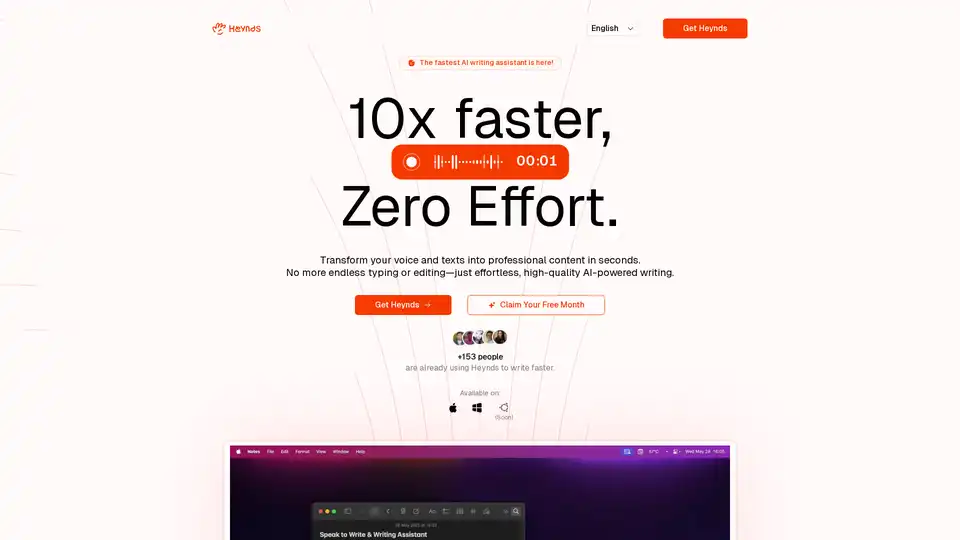
Heynds is an AI writing and speech assistant desktop app that transforms voice and text into professional content. It offers voice-to-text, text reformatting, customization, and supports multiple languages across platforms.
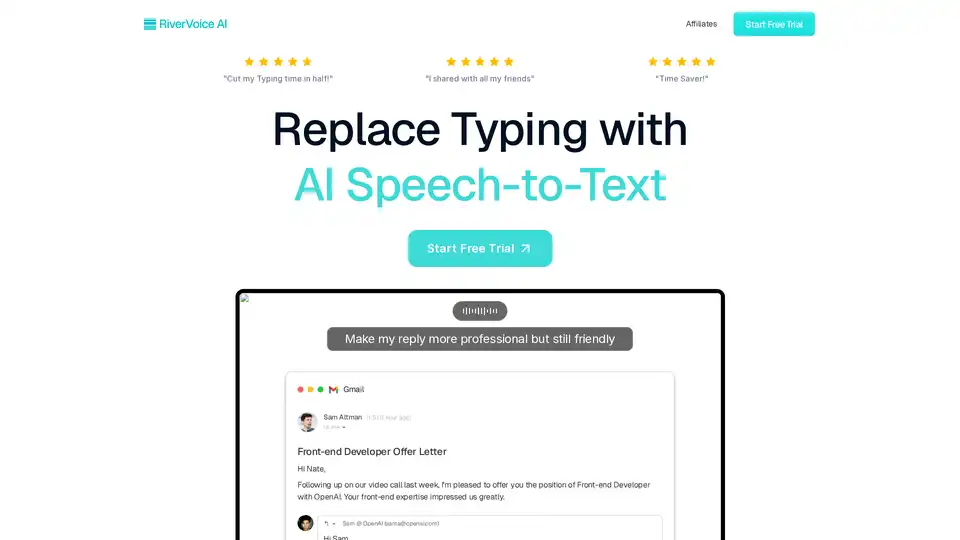
RiverVoice AI is an AI-powered speech-to-text app that allows you to write faster by transcribing, editing, and auto-formatting your speech. It adapts to different applications and offers context-aware writing.
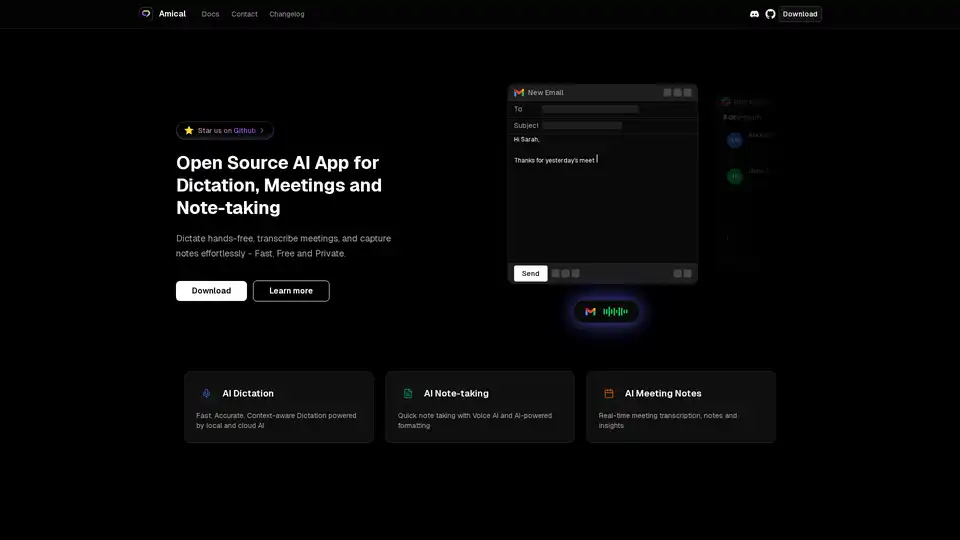
Amical is an open-source AI app for dictation, meetings, and note-taking. Dictate hands-free, transcribe meetings, and capture notes effortlessly - Fast, Free and Private.