
VoiceInk
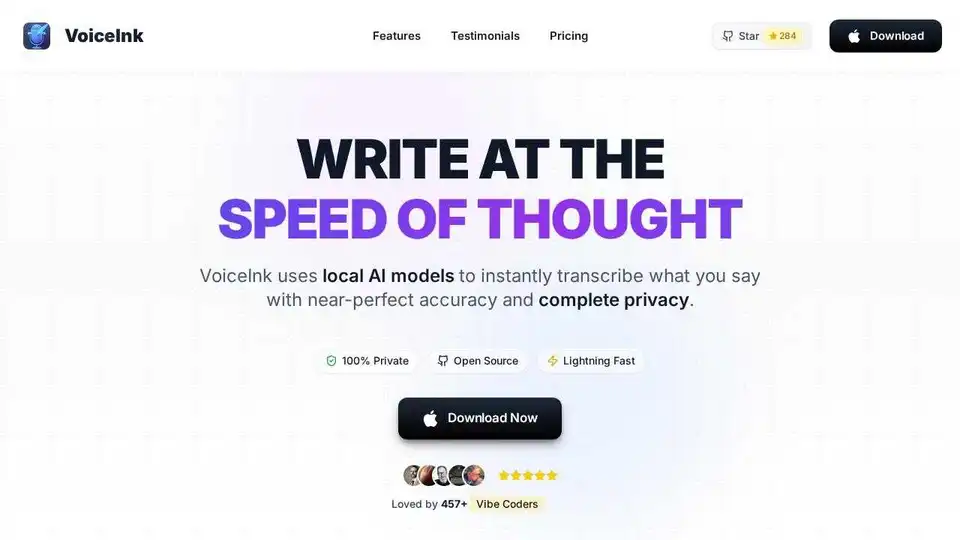
Overview of VoiceInk
VoiceInk: The Best AI-Powered Dictation App for Mac
What is VoiceInk?
VoiceInk is a powerful and private dictation app for macOS that utilizes local AI models to transcribe your speech into text with near-perfect accuracy. Unlike cloud-based solutions, VoiceInk processes everything offline, ensuring your data remains 100% private and secure.
How does VoiceInk work?
VoiceInk leverages advanced, locally-run AI models to provide real-time speech-to-text conversion. This means no internet connection is required, and your voice data never leaves your device. The app boasts 99% accuracy, even with complex vocabulary or accents. It also features a personal dictionary, allowing you to train the AI with custom words, phrases, and replacements for even more personalized and accurate transcriptions.
Key Features and Benefits:
- 100% Private: Processes data offline, ensuring complete privacy.
- Accurate Transcription: Achieves up to 99% accuracy with local AI models.
- Lightning Fast: Transcribes speech in real-time with minimal latency.
- Personal Dictionary: Allows training the AI with custom vocabulary.
- Context Aware: Smart AI that understands your screen content.
- Global Shortcuts: Configurable keyboard shortcuts for easy control.
- Smart Modes: Instantly switch between AI-powered modes optimized for different writing styles and contexts (Default, Email, Tweet, Chat, Custom).
- Power Mode: Auto-detects apps and URLs to instantly apply pre-configured settings.
- Open Source: The source code is available on GitHub for transparency and community contributions.
Use Cases and How to Use VoiceInk
VoiceInk is perfect for a wide range of users, including:
- Writers: Draft articles, blog posts, and scripts faster than ever before.
- Coders: Generate code snippets and comments with ease.
- Students: Take notes and write essays more efficiently.
- Entrepreneurs: Dictate emails, reports, and presentations on the go.
How to use VoiceInk:
- Download and install the app on your Apple Silicon Mac (macOS 14.0 or later required).
- Configure your desired settings, including input device and global shortcuts.
- Start recording by pressing your configured shortcut or clicking the record button.
- Speak clearly and naturally. VoiceInk will transcribe your speech in real-time.
- Use Smart Modes to optimize the transcription for different writing styles.
- Customize the Personal Dictionary to improve accuracy with specific terms or phrases.
VoiceInk Integrations
VoiceInk works seamlessly across all apps on your Mac. It's been tested and confirmed to work well with popular applications such as:
- Gmail
- Google Docs
- Slack
- Obsidian
- Arc
- Cursor
- Perplexity
- Claude
- DeepSeek
- Notion
- Windsurf
- Superhuman
- Signal
- Notes
- Telegram
What People are Saying About VoiceInk
Here are some testimonials from satisfied VoiceInk users:
- "VoiceInk > superwhipser. Free, open-sourced (so you can customize it however you'd like), and tons more features than superwhisper. can't go back to superwhisper after giving it a try" - Michael Sayman
- "I recently installed @tryvoiceink for my vibe coding projects and general dictation and wow i'm impressed so far. It's looking like it could replace wispr flow for me. One off payment too. Great job @JoshiPax 🙌" - Ian Harmon
- "Voiceink has grown so much just in the few months that I've had it. Awesome support and development team. I use it every day. My best purchase so far in 2025" - Bryce Johnson
- "VoiceInk is data sovereign and one time fee. Switched from superwhisper never looked back" - pseudonymoss
- "This app is so good I have been using wispr flow at $12 a month..this app does the same things.It's basically a one off payment such a bargain! 👍" - Nigel Thompson
Pricing and Availability
VoiceInk offers a one-time purchase with no subscriptions. It's available in three tiers:
- Solo: $25 (works on 1 device)
- Personal: $39 (works on 2 devices)
- Extended: $49 (works on 3 devices)
A free trial is available for download.
Conclusion: Why Choose VoiceInk?
VoiceInk stands out as the best dictation app for Mac due to its commitment to privacy, accuracy, and affordability. With its local AI processing, customizable features, and seamless integration with other apps, VoiceInk is the perfect tool for anyone who wants to write at the speed of thought. Whether you're a writer, coder, student, or entrepreneur, VoiceInk can help you boost your productivity and streamline your workflow. Its open-source nature and one-time purchase model make it an excellent value proposition for users seeking a secure and feature-rich dictation solution.
Key Takeaways:
- VoiceInk is a privacy-focused, AI-powered dictation app for macOS.
- It offers accurate, real-time transcription using local AI models.
- VoiceInk integrates seamlessly with various apps and supports custom dictionaries and modes.
- It's a one-time purchase with no subscription fees, making it an affordable alternative to other dictation solutions like WisprFlow or MacWhisper.
- VoiceInk is an excellent choice for professionals aiming to improve productivity by converting thoughts to text quickly and efficiently, while maintaining full data privacy.
AI Voice Synthesis AI Voice Changer AI Music Creation Speech to Text AI Voice Customer Service and Assistant Podcast and Video Dubbing
Best Alternative Tools to "VoiceInk"
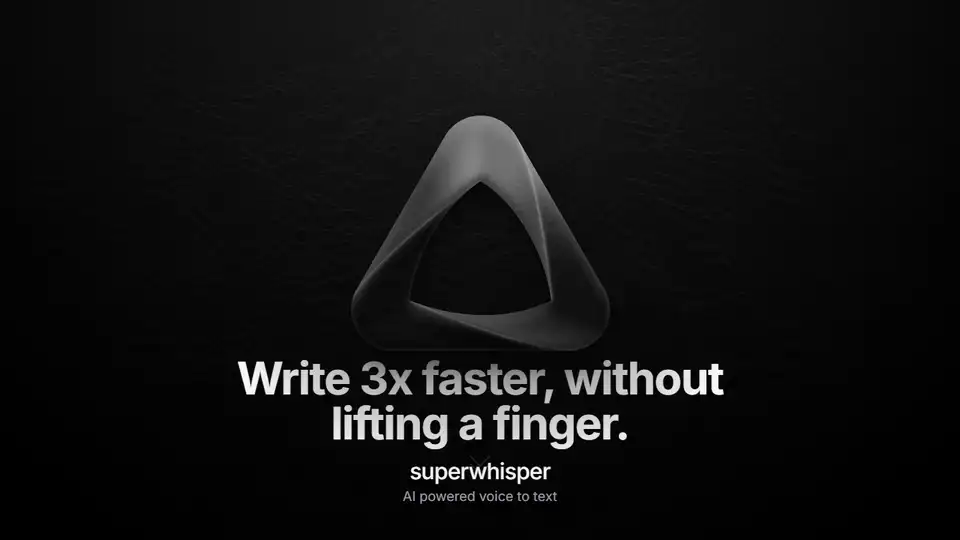
Superwhisper is an AI-powered voice-to-text app for macOS and iPhone, enabling faster typing and seamless integration with any application. Transcribe audio and video, translate languages, and boost productivity.
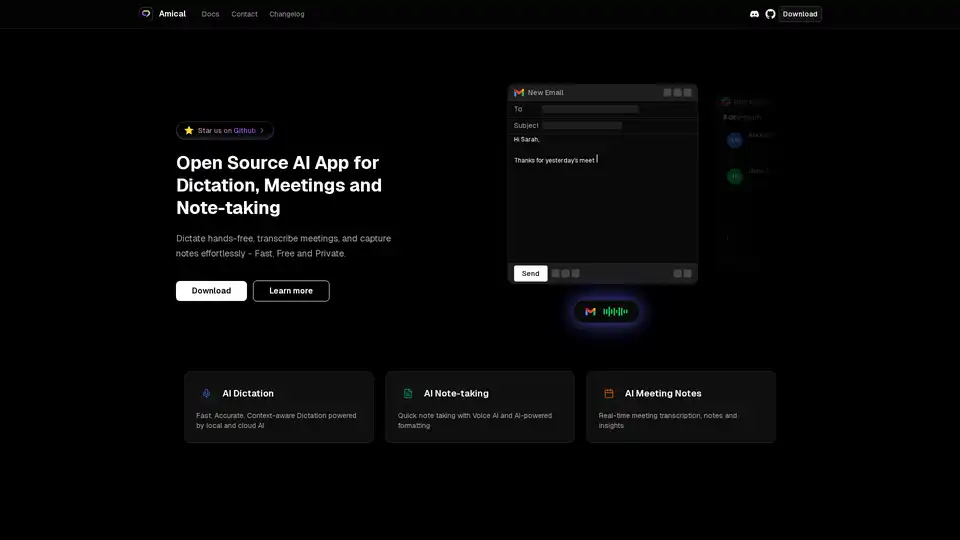
Amical is an open-source AI app for dictation, meetings, and note-taking. Dictate hands-free, transcribe meetings, and capture notes effortlessly - Fast, Free and Private.
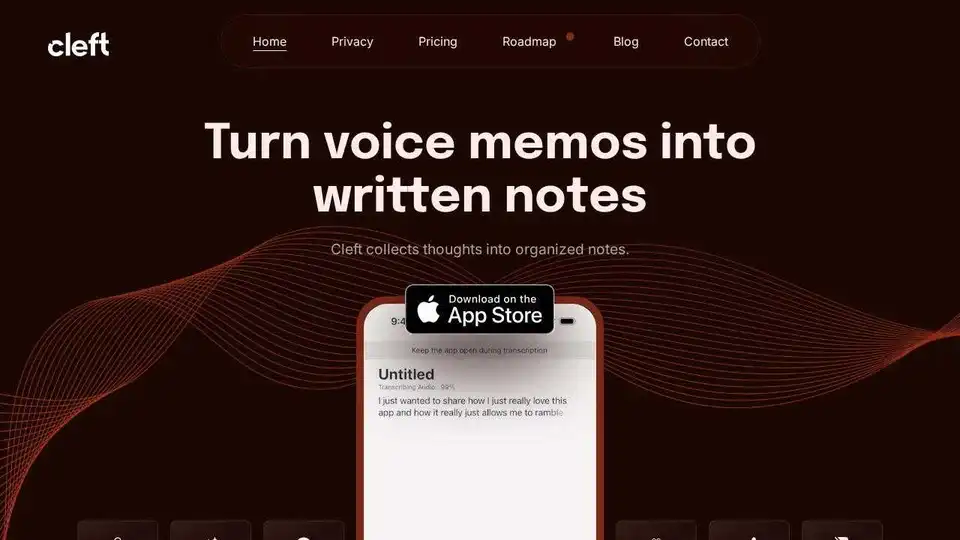
Cleft Notes is an AI-powered app that transforms spoken thoughts and voice memos into organized, coherent written notes, summaries, and actionable lists. It helps users capture ideas, draft content, and manage tasks efficiently across Apple devices.
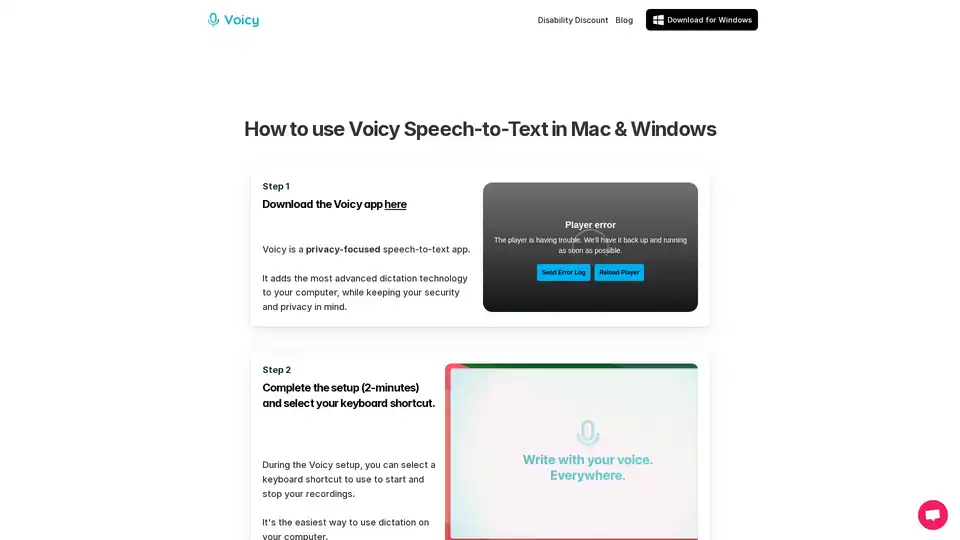
Voicy is an AI-powered speech-to-text app for Mac, Windows, and Chrome. It enables voice dictation on 20,000+ websites and apps, offering 99% accuracy in 50+ languages, automatic punctuation, and privacy-focused operation.