
Cleft Notes
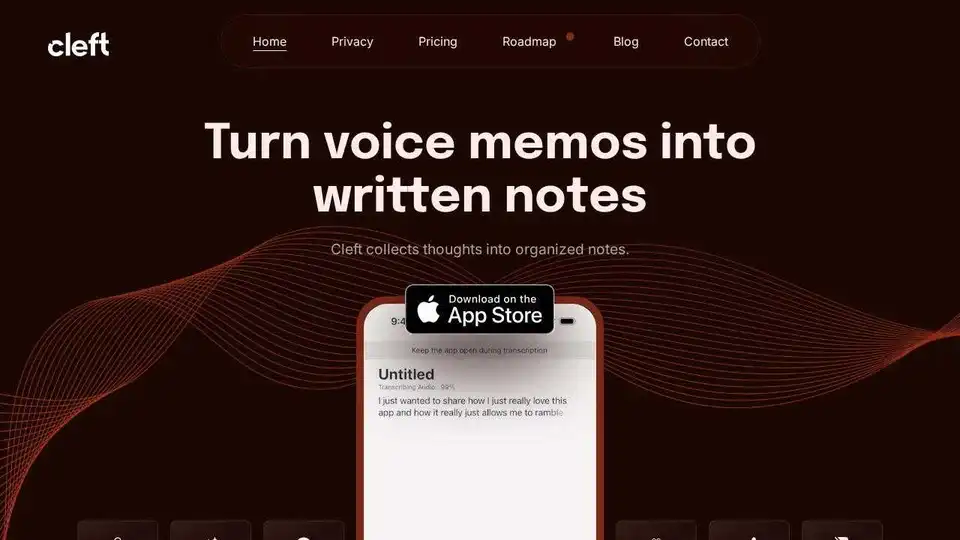
Overview of Cleft Notes
What is Cleft Notes? Your AI Scribe for Effortless Thought Organization
Cleft Notes is an innovative, AI-powered application designed to transform your spoken thoughts and voice memos into perfectly organized, coherent, and actionable written notes. Billed as your personal AI scribe, Cleft liberates you from the constraints of typing, allowing you to capture ideas, draft content, and summarize information simply by speaking. Available across the Apple ecosystem—iPhone, iPad, Apple Watch, and Mac—Cleft Notes acts as a seamless extension of your brain, ensuring no brilliant idea or critical detail ever slips away.
Key Features That Make Cleft Notes a Game-Changer
Cleft Notes stands out with a suite of powerful features engineered to streamline your note-taking and thought processing:
- AI-Powered Voice Transcription: At its core, Cleft accurately transcribes your spoken words directly on your device, ensuring privacy and speed. This isn't just speech-to-text; it's smart transcription that understands context.
- Intelligent Thought Organization: Beyond simple transcription, Cleft's AI organizes your ramblings into structured notes. It can automatically generate headings, bullet points, and even checklists from your free-flowing speech, making your content instantly more readable and usable.
- Summarization and Coherence: For those who "brain dump," Cleft is a revelation. It synthesizes the meaning of your voice notes, bringing together disparate thoughts into shorter, nicely formatted, and easy-to-read summaries.
- Cross-Platform Availability: Access Cleft Notes on all your Apple devices, including iPhone, iPad, Apple Watch, and Mac, ensuring you can capture thoughts wherever inspiration strikes.
- Shareable Links & Export Options: Easily share your organized notes with others via public Cleft links. For power users, the app allows copying notes in Markdown format for use in your favorite applications.
- Seamless Integrations: Cleft offers powerful integrations with tools like Obsidian and Zapier, enabling you to automate your workflow, sync
.mdfiles to your local machine, and connect with hundreds of other apps. - Full Markdown Editor & Attachments: Once transcribed and organized, notes are fully editable within Cleft's visual Markdown editor. You can refine the text, add formatting, and even upload file and image attachments to enrich your notes.
- Privacy-First Design: Cleft Notes emphasizes user privacy, performing on-device transcription to safeguard your data.
How Does Cleft Notes Work? The Magic Behind Your AI Scribe
The process with Cleft Notes is remarkably simple and intuitive. When you have an idea, a dream, or a meeting summary to record, you simply open the Cleft app (or use the Lock Screen widget) and start speaking.
- Speak Your Mind: Dictate your thoughts freely, without worrying about structure or coherence. Cleft is designed to handle "ramblings" and unstructured input.
- On-Device Transcription: Cleft utilizes advanced on-device transcription to convert your voice into text quickly and privately.
- AI-Powered Organization: This is where Cleft truly shines. Its intelligent AI algorithm processes the transcribed text, identifying key themes, potential action items, and structural elements. It then transforms your raw speech into an organized note, complete with relevant headings, bullet points, and even checklists where appropriate.
- Edit and Refine: The generated note appears in a full Markdown editor, allowing you to make any necessary adjustments, add files, or further refine the content.
- Share or Integrate: Once satisfied, you can share the note via a simple link, copy the Markdown, or leverage integrations with Obsidian and Zapier to fit it into your existing workflow.
Why Choose Cleft Notes? Beyond Basic Voice Memos
Many users have tried other voice memo apps or even general AI summarization tools like ChatGPT, but Cleft Notes consistently receives praise for its superior ability to capture nuance and genuinely organize thoughts. As user Yoel noted, "I've used ChatGPT to summarize some things but I honestly hate it because I think it just takes away a lot of, I guess, the nuances and whatever. I think you guys did great, honestly it's so good."
Cleft is celebrated for its ability to reduce the friction between thinking and recording, allowing users to stay present in conversations or situations without the distraction of manual note-taking. Lisa shared, "I'm not worried about taking notes because it's grabbing everything so I can be more present in whatever's going on." For many, it's about maintaining "flow" and getting from "zero to one" faster in the creative or drafting process.
Who is Cleft Notes For? Empowering Diverse Thinkers
Cleft Notes is designed for a broad spectrum of users seeking to enhance their productivity and organize their thoughts more effectively. It particularly resonates with:
- Professionals: For dictating meeting notes, brainstorming ideas, or summarizing thoughts after a client call, especially when traditional note-taking isn't feasible.
- Writers & Content Creators: Quickly convert rough ideas and verbal drafts into structured articles, blog posts, or creative pieces, significantly speeding up the initial drafting process. Sharfaroz highlights this, saying, "I need five minutes with Cleft to go from 10% of a rough draft to 50% of a completed article, all through speaking my ideas rather than writing them down."
- Neurodivergent Individuals: The app is explicitly "Built for the Neurodivergent" and is highly praised by users with ADHD and other neurodiverse conditions for its ability to organize "ramblings" and "disorganized thinking" into coherent, actionable content. Mariglynn called it "one of the BEST apps for ADHD people," while Khai appreciated that it was "made by neurodivergent people" and how it worked better with their neurodiversity.
- Students & Researchers: For quickly capturing lecture notes, research ideas, or planning assignments.
- Busy Individuals: Anyone looking to externalize their thinking, capture fleeting ideas, or streamline their daily planning without the overhead of typing.
- Obsidian Users & Workflow Enthusiasts: With direct Obsidian integration and Zapier support, it's perfect for those who want to integrate voice notes seamlessly into their knowledge management or automated workflows.
Pricing: Flexible Plans to Suit Your Needs
Cleft Notes offers a tiered pricing structure, ensuring there's a plan for everyone:
- Basic (Free):
- Create unlimited AI notes on native apps across all platforms.
- Publish notes online and share Markdown notes to other apps.
- Includes a full Markdown editor.
- 5-minute recording limit per note.
- Plus ($39/year):
- Includes all Basic features.
- Custom AI Instructions: Tailor how Cleft AI writes your notes.
- Zapier & Obsidian Integrations: Unlock advanced workflow automation.
- 30-minute recording limit per note.
- Document & Image Attachments: Enhance notes with additional files.
This flexibility allows users to start free and upgrade as their needs for longer recordings, custom AI, and advanced integrations grow.
Testimonials: What Users Are Saying About Cleft Notes
The enthusiastic feedback from Cleft Notes users underscores its impact on productivity and mental clarity:
- "Fits my brain like a glove ⭐⭐⭐⭐⭐" - Shane, praising its seamless integration with his thought process and Obsidian sync.
- "I'm not worried about taking notes because it's grabbing everything so I can be more present in whatever's going on." - Lisa, on being more engaged.
- "This is beyond the call of duty. Amazing." - Linda, expressing profound satisfaction.
- "It created a checklist from all the things I said! It’s amazing." - Meg, highlighting the intelligent organization.
- "The key ingredient that I find being most useful about Cleft is just helping me to get from that zero to one space where it's the fastest voice to draft solution that I've found." - Tyler S, on accelerating creation.
- "You literally have built one of the BEST apps for ADHD people." - Jenner, emphasizing its benefit for neurodivergent users.
- "I was so impressed with the way it synthesizes the meaning of your voice note." - Scott, appreciating the AI's power.
- "Finally, AI-powered note-taking that works EXACTLY as it should." - Torsten, a seasoned AI tool tester, giving high praise.
- "It's not often you find apps that raise the bar like Cleft. You are onto something here." - Isaac, recognizing its innovative edge.
These testimonials consistently highlight Cleft's ability to simplify complex tasks, improve focus, and provide an intuitive, effective solution for capturing and organizing thoughts.
Enhance Your Productivity with Cleft Notes
In a world where information overload is common and attention spans are stretched thin, Cleft Notes offers a powerful antidote. By leveraging the latest AI technology, it transforms the simple act of speaking into a sophisticated system for note-taking, idea generation, and personal organization. Whether you're a professional juggling multiple projects, a creative mind seeking to quickly capture inspiration, or someone who benefits from structured thinking tools, Cleft Notes is poised to become an indispensable part of your daily routine. Experience the freedom of speaking your mind and letting your AI scribe do the organizing for you.
AI Article Generation AI Text Polishing AI Writing Assistance Paper and Report Generation News and Blog Generation Email and Business Writing
Best Alternative Tools to "Cleft Notes"
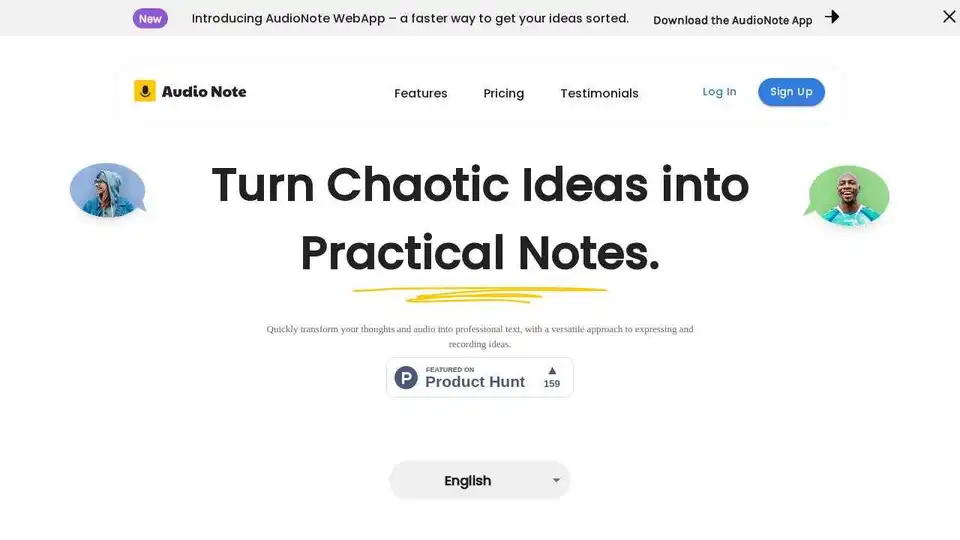
Audio Note is an AI-powered note-taking app that transcribes voice to text and rewrites content for various formats like to-do lists, tweets, and emails. Boost productivity with effortless transcription and AI-driven content transformation.
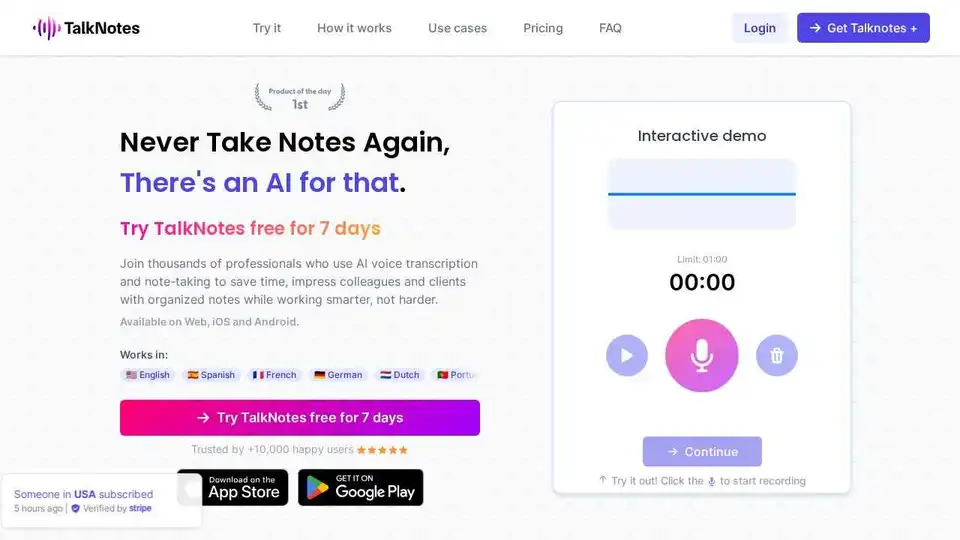
Talknotes is an AI voice note app that transcribes and structures voice notes into actionable text. Create task lists, transcripts, blog posts in seconds. Available on Web, iOS, and Android.
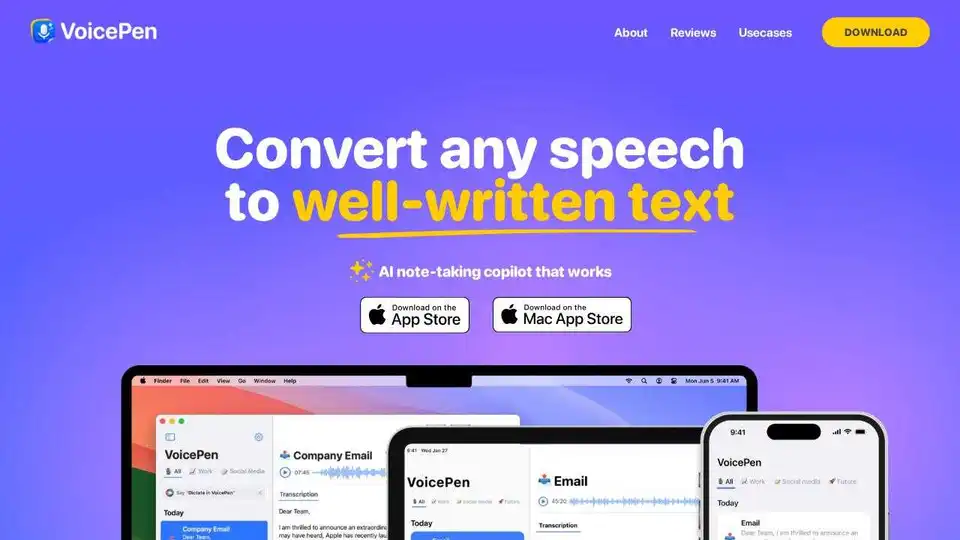
VoicePen is an AI note taker that converts speech to text, summaries, and more. Perfect for meetings, lectures, and interviews. Available on iPhone, Mac, and iPad.
Superwhisper is an AI-powered voice-to-text app for macOS and iPhone, enabling faster typing and seamless integration with any application. Transcribe audio and video, translate languages, and boost productivity.