
TalkTastic
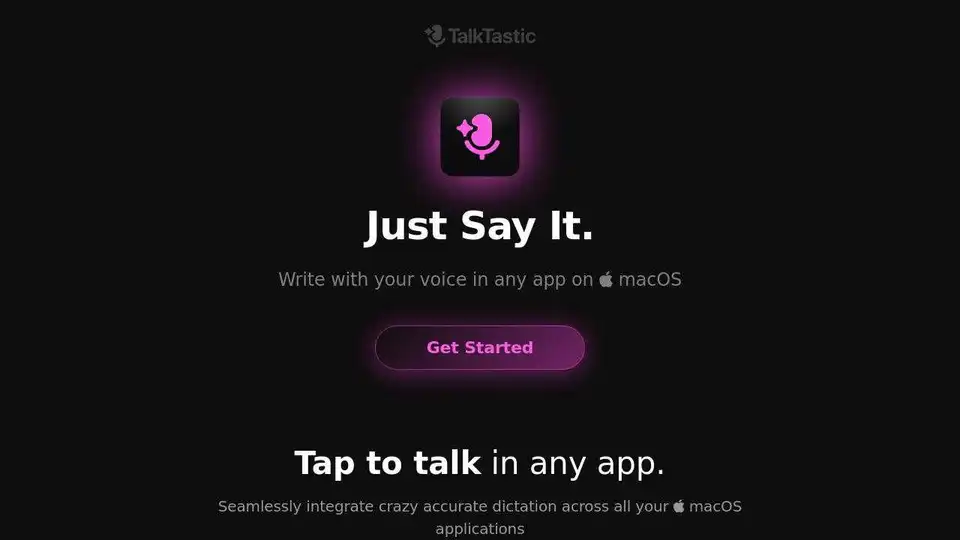
Overview of TalkTastic
TalkTastic: The AI-Powered Dictation Tool for macOS
What is TalkTastic?
TalkTastic is a revolutionary macOS application that allows you to write using your voice in any application. It leverages advanced AI to provide faster and more accurate dictation than traditional speech recognition tools, including ChatGPT, Google, and OpenAI Whisper. This tool is designed to seamlessly integrate into your workflow, making it easier than ever to turn your thoughts into text.
How does TalkTastic work?
TalkTastic's patent-pending technology interprets what you're saying based on what it sees on your computer screen. When you trigger a new note inside another app, TalkTastic analyzes a snapshot of your chosen app using advanced multimodal AI. It combines the capabilities of Apple Dictation, on-device Whisper, ChatGPT, Claude, and Google Gemini into one powerful, easy-to-use package. The LLM understands the tone, style, and substance of your conversation while accurately spelling people's names and easily-confused words.
Key Features:
- Seamless Integration: Works across all your macOS applications.
- Smart Rewrites: Magically understands your context and writes in your app instantly.
- AI Transcripts: Offers superhuman accuracy, outperforming ChatGPT and OpenAI Whisper.
- Fine-Grained Privacy: You are in control; the app only listens when you say so.
How to use TalkTastic?
- Get Started: Download and install TalkTastic on your macOS device (requires macOS 13.1 or later).
- Tap to Talk: Simply tap to start dictating in any application.
- Smart Rewrites: Let the AI intelligently rewrite your speech to match the context.
- Privacy Control: Customize your privacy settings to control when TalkTastic listens and how data is handled.
Why is TalkTastic important?
TalkTastic is important because it significantly enhances productivity for writers, creatives, and busy professionals. By allowing you to dictate your thoughts directly into any application, TalkTastic eliminates the need for traditional typing, saving you time and effort. The AI-powered transcripts ensure accuracy, while the fine-grained privacy controls give you peace of mind.
User Testimonials:
- Sofia Silchenko (Naturopath & Entrepreneur): "Talktastic has been a game-changer for me, especially with my ADHD. It helps me craft long, polished emails effortlessly."
- Adam Lehman (Founder at The Wonder Jam): "Been using this app for the past couple of days and it's a game-changer. Has me zipping through work."
- Prudens Moulton (LegalTech Solutions): "I appreciate the ability to turn the snapshot feature on and off, or set it to auto-delete immediately after processing. It’s great for privacy."
FAQ:
How is TalkTastic better than speech recognition tools like ChatGPT, OpenAI Whisper, Google Speech-to-Text, and Apple Dictation?
TalkTastic combines the capabilities of multiple AI models and integrates seamlessly with your macOS environment, providing superior accuracy and context understanding.
How do I control my privacy with TalkTastic?
You have full control over your privacy settings. You can turn the snapshot feature on and off or set it to auto-delete data immediately after processing. Your data is not used to train other companies' AI models.
How much does TalkTastic cost?
TalkTastic is currently 100% free to use while in Beta.
Where can I use TalkTastic?
You can use TalkTastic in any macOS application where you need to input text. This includes:
- Email clients
- Word processors
- Web browsers
- Note-taking apps
- Code editors
- Social media platforms
Best way to use TalkTastic?
The best way to use TalkTastic is to integrate it into your daily workflow. Use it to:
- Draft emails
- Write documents
- Take notes
- Communicate on social media
- Write code
By leveraging the power of AI, TalkTastic can help you save time, reduce errors, and communicate more effectively.
Conclusion:
TalkTastic is a game-changing AI dictation tool for macOS that offers unparalleled accuracy, seamless integration, and fine-grained privacy control. Whether you're a writer, creative, or busy professional, TalkTastic can help you boost productivity and communicate more effectively. Try TalkTastic today and experience the future of voice-to-text technology.
AI Voice Synthesis AI Voice Changer AI Music Creation Speech to Text AI Voice Customer Service and Assistant Podcast and Video Dubbing
Best Alternative Tools to "TalkTastic"
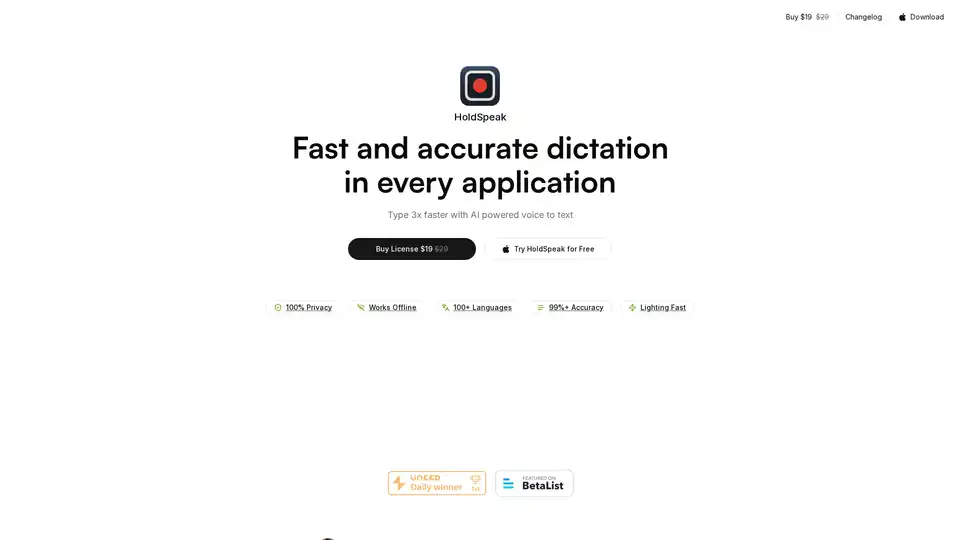
HoldSpeak is an AI-powered macOS app that allows you to type 3x faster using voice-to-text. It offers high accuracy, offline functionality, and supports over 100 languages. Ideal for interacting with LLM apps and replying to emails quickly.
Superwhisper is an AI-powered voice-to-text app for macOS and iPhone, enabling faster typing and seamless integration with any application. Transcribe audio and video, translate languages, and boost productivity.
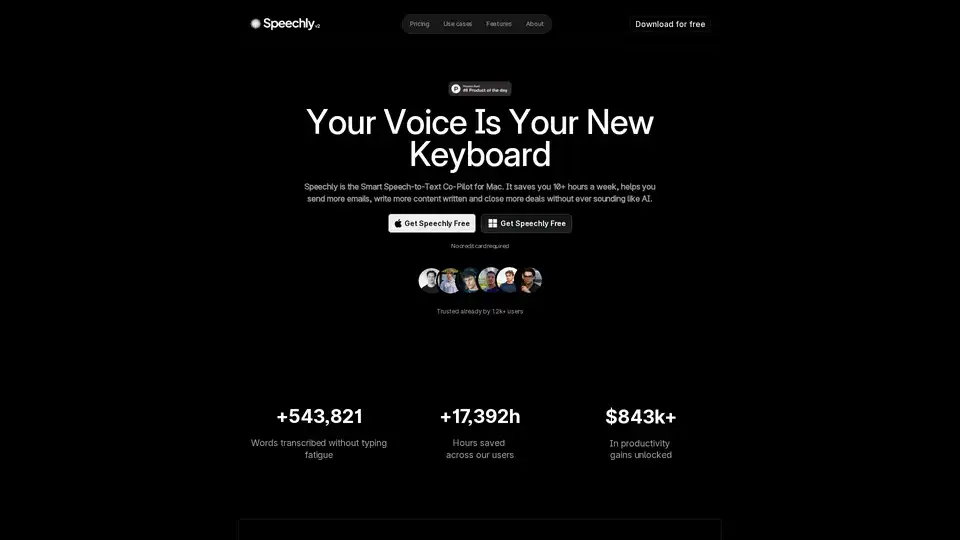
Speechly is a Mac-exclusive smart speech-to-text app that converts voice to formatted text in seconds across 5 modes: Voice-to-Text, Email, Message, Prompt, To-Do. 4x faster than typing, supports 150+ languages, custom jargon, and works seamlessly in apps like Gmail and Slack.
Heynds is an AI writing and speech assistant desktop app that transforms voice and text into professional content. It offers voice-to-text, text reformatting, customization, and supports multiple languages across platforms.