
Speechly
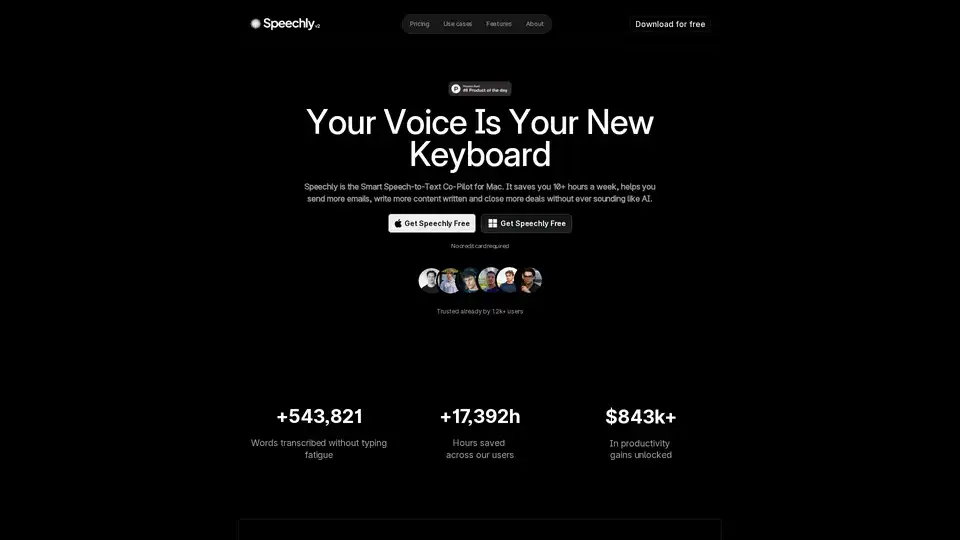
Overview of Speechly
What is Speechly?
Speechly is a revolutionary Mac speech-to-text app designed to replace your keyboard with your voice, turning spoken words into perfectly formatted text in under 3 seconds. Tailored exclusively for macOS Ventura 13.1 or higher, it acts as your smart speech-to-text co-pilot, saving users over 10 hours a week by enabling faster emails, content creation, and deal-closing without the fatigue of typing. Trusted by 1,200+ professionals, it has transcribed 543,821+ words, saved 17,392+ hours, and unlocked $843k+ in productivity gains.
Unlike generic dictation tools, Speechly offers enterprise-grade security and seamless integration across apps like Gmail, Slack, Notion, and Discord, ensuring your workflow remains uninterrupted.
Key Features of Speechly
Speechly stands out with its five intelligent modes, each optimized for specific tasks:
- Voice-to-Text: Basic mode for instant transcription at 180+ words per minute—4x faster than typing.
- Email: Drafts professional emails with proper formatting.
- Message: Crafts quick, polished messages for Slack or Discord.
- Prompt: Generates AI-ready prompts for tools like ChatGPT.
- To-Do: Converts spoken ideas into organized lists.
Additional standout features include:
- 150+ Language Support: Speak in your native tongue with accurate, instant recognition and translation.
- Custom Jargon & Commands: Train it once on industry terms, product names, or client brands for flawless output—no endless edits.
- Long-Form Resilience: Handles hours-long brainstorms or strategy sessions without crashes, capturing every syllable from the first word.
- Works Everywhere: Integrates flawlessly without altering your apps, boosting response times and revenue.
- Customizable Shortcuts: Automate repetitive actions with voice commands for ultimate workflow efficiency.
| Feature | Benefit |
|---|---|
| 4X Typing Speed | Turns 30-minute tasks into 10 minutes. |
| No Cut-Offs | Captures full context for sharper proposals. |
| Multi-App Compatibility | More replies, more deals closed. |
| Enterprise Security | Safe for professional use. |
How Does Speechly Work?
Powered by advanced AI speech recognition technology, Speechly listens from the first syllable, processes natural speech in real-time, and outputs formatted text tailored to the selected mode. Download for free (no credit card required), install on your Mac, choose a mode, and start speaking—it's that simple. It learns your voice and vocabulary over time, adapting to accents, jargon, and preferences for increasingly accurate results.
In practice:
- Launch Speechly and select a mode (e.g., Email).
- Speak naturally into your Mac's microphone.
- Watch text appear instantly in your target app.
- Edit minimally or export directly.
This voice typing for Mac eliminates "hunting and pecking," freeing you to focus on ideas rather than input.
Best Use Cases for Speechly
Speechly shines in high-productivity scenarios:
- Entrepreneurs & Agency Owners: Draft client emails, proposals, and social posts on the fly.
- Developers & SaaS Founders: Log code ideas, meeting notes, or bug reports hands-free.
- Content Creators: Transcribe brainstorms into blog drafts or video scripts.
- Marketing Specialists: Speed up campaign copy and Slack communications.
- Accessibility Users: Effortless input for those with typing challenges.
- Students & Professionals: Quick note-taking in lectures or meetings.
Real-world impact: Users report overnight workflow boosts, with one agency owner noting it "does exactly what I need without the bloat."
Why Choose Speechly Over Competitors?
In 2025 comparisons like Speechly vs. Superwhisper, Speechly vs. Wispr Flow, and Speechly vs. Willow Voice, Speechly wins for Mac users due to its mode-specific formatting, customizability, and reliability. Unlike bloated alternatives, it's lightweight, purposeful, and delivers personality-infused output that doesn't sound AI-generated—perfect if you're tired of generic ChatGPT text.
Testimonials highlight its edge:
"It saved honestly my LIFE... I saved more time and for others." – Paul-Marie H, Speechly Owner & Marketing Agency "Boosted our workflow overnight ⚡" – Rafael G., Developer & SaaS Owner "Saved my sanity 😅 Finally a tool that does what it promises." – Amaury E., Marketing Specialist
Who is Speechly For?
Ideal for Mac users seeking a productivity booster in fast-paced fields like marketing, development, sales, and content creation. If you spend hours typing emails, notes, or lists, Speechly turns wasted time into revenue-generating actions. Download free today and experience how stop typing, just speak transforms your day.
For pricing, use cases, changelog, and documentation, visit the official Speechly site. All systems operational, with frequent updates ensuring it stays ahead in Mac dictation tools.
Best Alternative Tools to "Speechly"
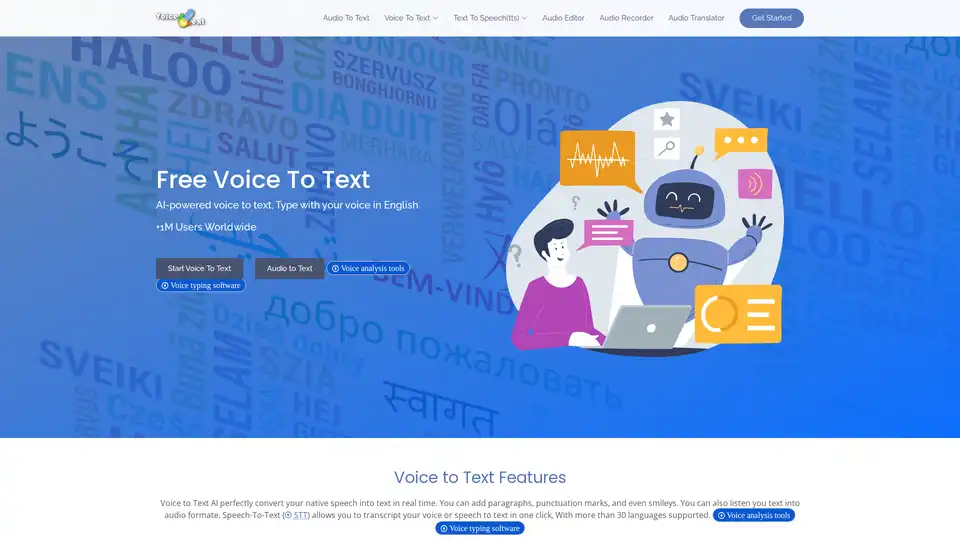
Discover Voice to Text, a free AI-powered online speech recognition tool that converts your voice to editable text in real-time. Supports 30+ languages for emails, documents, and more—no typing needed.
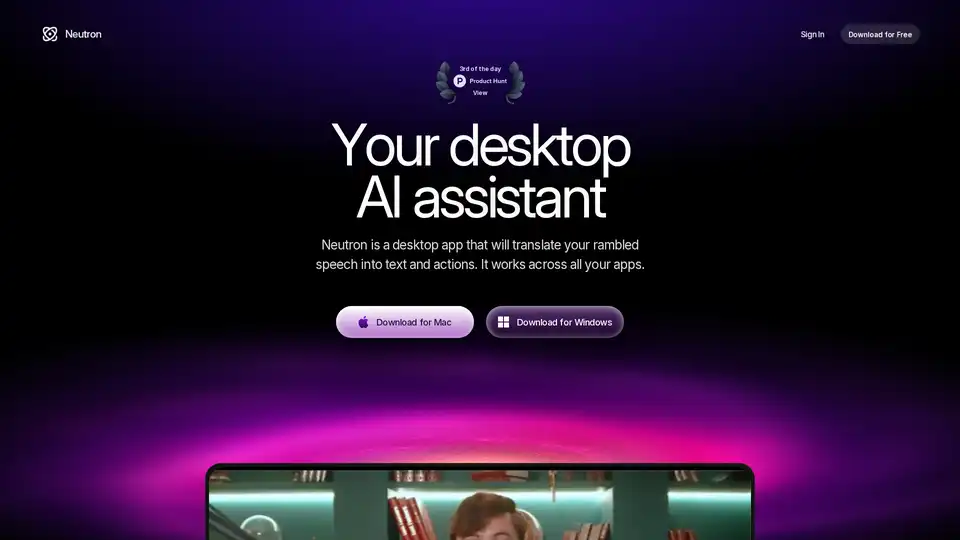
Neutron is a privacy-focused desktop AI app for Mac and Windows that turns voice rambles into emails, docs, summaries, chart insights, and calendar events. Press Tab for seamless cross-app productivity with end-to-end encryption.
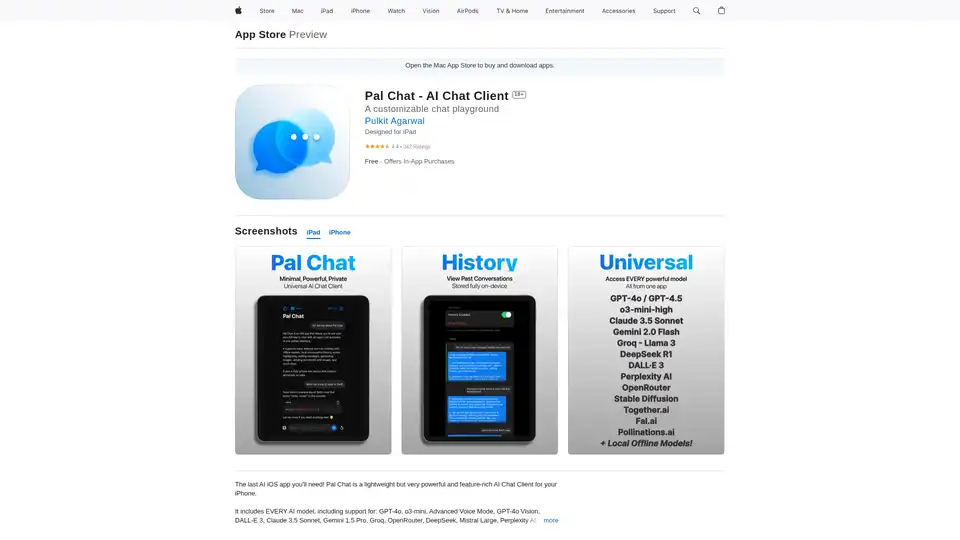
Discover Pal Chat, the lightweight yet powerful AI chat client for iOS. Access GPT-4o, Claude 3.5, and more models with full privacy—no data collected. Generate images, edit prompts, and enjoy seamless AI interactions on your iPhone or iPad.
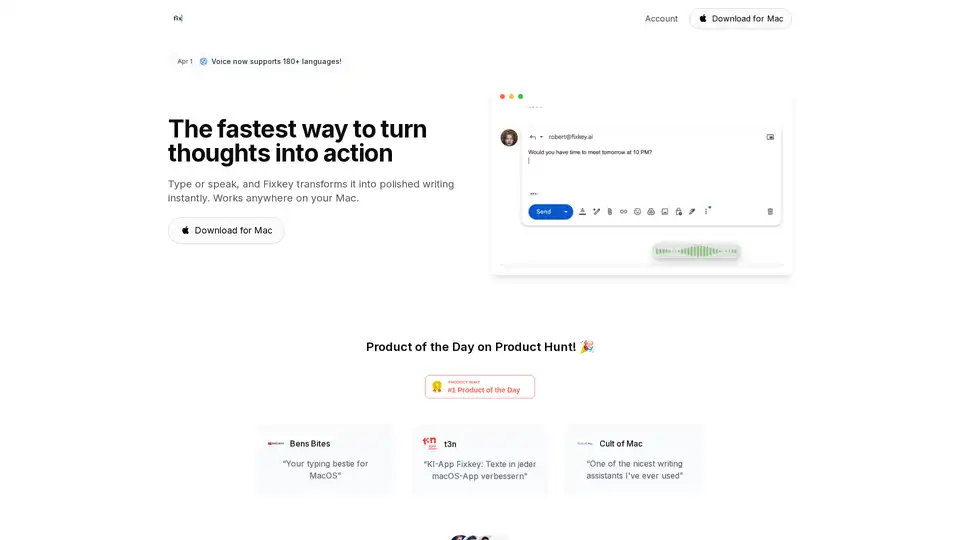
Fixkey is a native Mac app that uses AI to transform voice into polished text in real-time, working seamlessly across all macOS applications. It offers instant text improvement, translation, and custom prompts.