
Fixkey
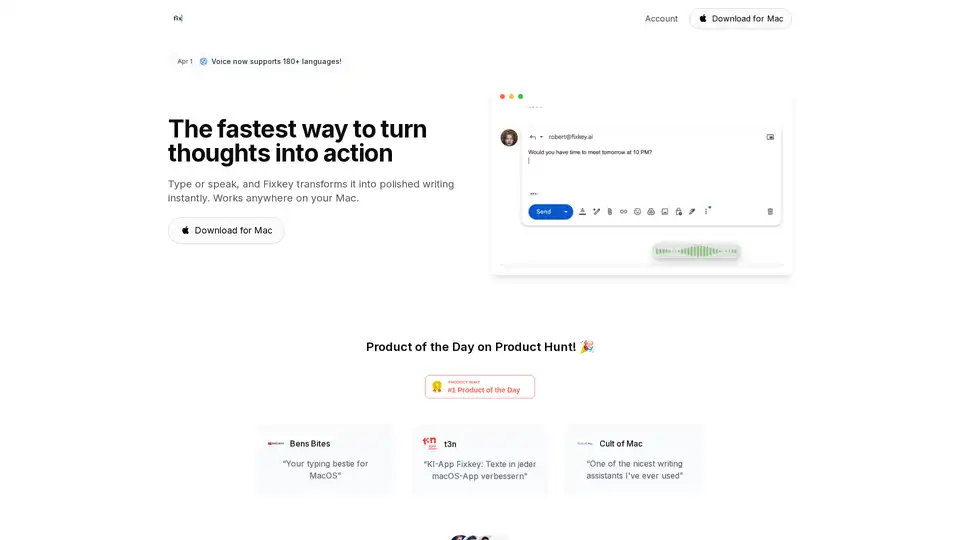
Overview of Fixkey
Fixkey: The AI-Powered Writing Assistant for Mac
What is Fixkey? Fixkey is a native macOS application designed to enhance your writing and communication by leveraging the power of AI. It functions as a real-time writing assistant that adapts to your unique style, providing instant text improvements, translation capabilities, and customizable prompts. Whether you're drafting emails, composing documents, or chatting with colleagues, Fixkey helps you write with confidence and clarity.
How does Fixkey Work?
Fixkey operates seamlessly in the background, integrating with all your favorite macOS applications. It harnesses advanced Large Language Models (LLMs) to analyze and refine your text, providing suggestions for grammar, style, and clarity. The app also features a voice-to-text function, allowing you to dictate your thoughts and have them instantly transformed into polished written content.
Key Features and Benefits:
- Instant Speech to Text: Convert your voice to text in real-time with high accuracy.
- AI Text Polish: Improve and polish your text with a single click, ensuring clarity and professionalism.
- Language Support: Translate your writing into over 180 languages, expanding your global reach.
- Custom AI Prompts: Tailor Fixkey to your specific writing needs by creating your own custom prompts.
- Universal Compatibility: Works seamlessly with all macOS applications.
- Lightning Fast: Enjoy ultra-fast response times for real-time text improvements.
Why Choose Fixkey?
Fixkey stands out from other writing assistants due to its native macOS integration, lightning-fast performance, and customizable AI prompts. Unlike web-based tools or browser extensions, Fixkey is lightweight and optimized for macOS, ensuring a smooth and responsive user experience.
Who is Fixkey For?
Fixkey is ideal for:
- Professionals: Enhance your communication skills and write more effective emails, reports, and presentations.
- Students: Improve your academic writing and ensure clarity in your assignments.
- Non-Native Speakers: Translate your writing into multiple languages and communicate with confidence.
- Anyone who wants to write faster and more effectively: Streamline your writing workflow and improve the quality of your content.
Real User Testimonials:
- Niklas Jansen (Founder of Blinkist): "Life changing. Thanks for building and sharing it."
- Moritz Wallawitsch (Founder of RemNote): "Perfect. I often copy past stuff into chatgpt to solve this so this saves me a bunch of key presses and clicks!"
- Sinah Mussmann (Venture Capitalist): "I love products that allow for analytical clarity while embracing creative flow – frankly, I see fixkey as part of a new branch of tools that will reshape the way I interact with my OS."
How to Use Fixkey?
- Download and Install: Download Fixkey from the official website and install it on your Mac.
- Enable Accessibility: Grant Fixkey the necessary accessibility permissions in System Preferences.
- Start Writing: Begin typing or speaking in any macOS application. Fixkey will automatically analyze your text and provide suggestions.
- Use Shortcuts: Utilize customizable shortcuts to quickly access Fixkey's features, such as text polishing and translation.
Frequently Asked Questions (FAQ):
- Is Fixkey compatible with all macOS applications? Yes, Fixkey works seamlessly with all macOS applications.
- Does Fixkey support multiple languages? Yes, Fixkey supports over 180 languages for translation and improvement.
- Can I customize Fixkey's AI prompts? Yes, you can create and customize your own AI prompts to tailor Fixkey to your specific writing needs.
- Is Fixkey a subscription-based service? Please refer to the Fixkey pricing page for the most up-to-date information on pricing and subscription plans.
Best Way to Improve Your Writing with Fixkey?
To maximize the benefits of Fixkey, consider the following tips:
- Experiment with different AI prompts: Explore the available prompts and customize them to suit your unique writing style and goals.
- Use the voice-to-text feature: Dictate your thoughts and ideas to quickly generate a first draft.
- Review and refine Fixkey's suggestions: Take the time to review and refine Fixkey's suggestions to ensure they align with your intended message.
By following these tips, you can leverage the power of Fixkey to improve your writing, communicate more effectively, and save time on your writing tasks.
In conclusion, Fixkey is a powerful and versatile AI writing assistant that can help you write with confidence and clarity. With its native macOS integration, lightning-fast performance, and customizable AI prompts, Fixkey is the perfect tool for anyone who wants to improve their writing skills and communicate more effectively.
AI Article Generation AI Text Polishing AI Writing Assistance Paper and Report Generation News and Blog Generation Email and Business Writing
Best Alternative Tools to "Fixkey"

Klyra AI is the ultimate all-in-one platform for creating videos, voiceovers, images, blogs, music, and more using advanced AI tools. Boost productivity with seamless content automation and powerful features.
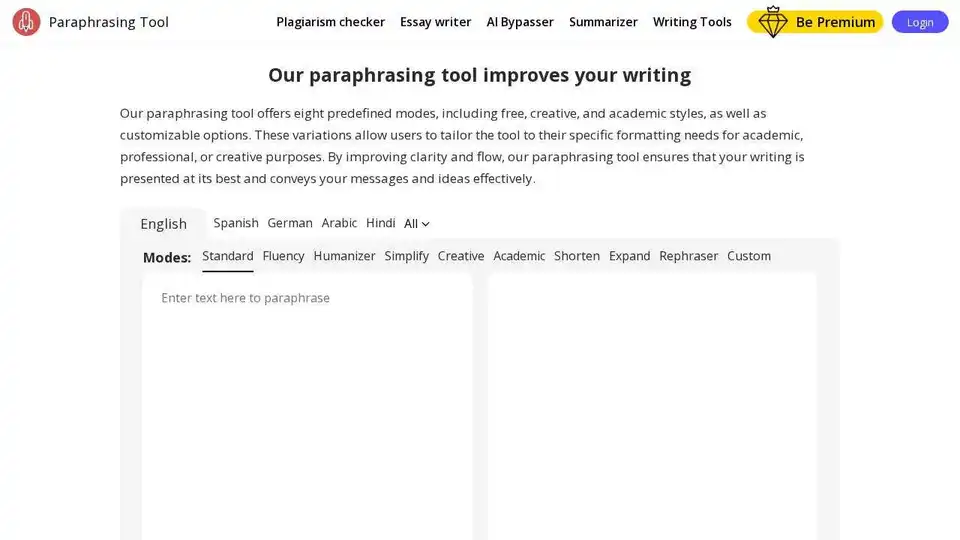
Free AI-powered paraphrasing tool with 12 AI modes and custom tones to rephrase content uniquely, improve writing, and avoid plagiarism.
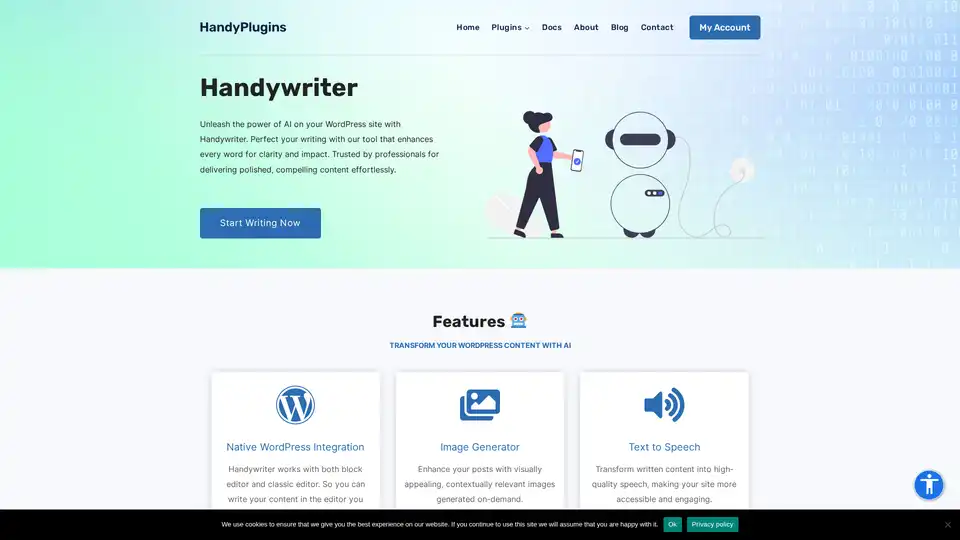
Handywriter is an AI-powered writing assistant for WordPress, offering content generation, plagiarism check, text-to-speech, and seamless WordPress integration to enhance your writing.

StudentAI.app provides 200+ AI tools and 24/7 tutoring for students and graduates, including essay writing, cover letter generation, PDF summarization, and academic research assistance.