
Neutron
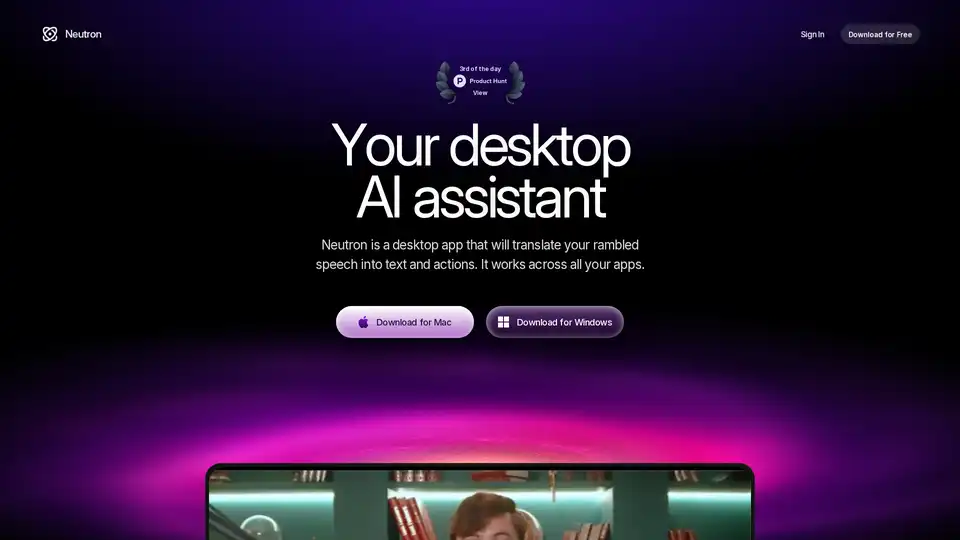
Overview of Neutron
What is Neutron?
Neutron is a revolutionary desktop AI assistant designed to supercharge your productivity by interpreting your screen context and voice commands. Available as a free download for Mac and Windows, it acts like an executive assistant you activate with a single Tab press. Whether you're drafting emails, structuring documents, analyzing visuals, or managing your schedule, Neutron translates rambling thoughts into polished actions across apps like Gmail, Outlook, Google Docs, Notion, Slack, Google Calendar, and more.
Unlike traditional voice assistants limited to specific apps, Neutron's screen awareness allows it to understand context seamlessly, making it ideal for professionals juggling multiple tools daily. With enterprise-grade encryption and upcoming on-device AI, privacy is baked in—no data leaves your machine without consent.
Key Features of Neutron
Neutron packs powerful capabilities into a lightweight desktop app. Here's what sets it apart:
Write Emails Instantly: Speak your intent like "Reply to Jason and tell him..." Neutron crafts natural, context-aware responses matching your tone. Works in Gmail, Outlook, and any typing field. Compose replies, follow-ups, or intros in seconds.
Write Across Google Docs, Notion & More: Turn vague ideas into structured docs. Say "Write me a Notion doc about our GTM strategy," and it generates formatted pages ready for sharing. Supports editors like Docs, Slack, with perfect structure, tone, and style.
Get a Second Opinion on Visuals: Ask "What is this graph saying?" for instant, human-readable summaries of charts, tables, or dashboards. Spots patterns and anomalies without manual digging—saving hours in spreadsheets.
Manage Calendar Effortlessly: Voice commands like "Add this to my calendar" create events, reminders, and edits. Integrates with Google Calendar and Outlook for hands-free planning.
Privacy-First Design: Messages encrypted in transit and at rest. Invisible in screen shares or recordings. On-device AI coming soon for zero-server processing.
These features make Neutron a 10x faster alternative to manual typing, perfect for busy executives, writers, analysts, and teams.
How Does Neutron Work?
Neutron leverages advanced AI to "see" your screen and listen for voice input via a global hotkey (Tab). Here's the workflow:
Activate with Tab: Press Tab anywhere to start speaking.
Contextual Understanding: It scans active windows, previous context, and your speech to predict needs—no need to switch apps.
AI Processing: Uses models to generate text/actions, respecting tone, intent, and structure.
Seamless Insertion: Outputs directly into your app (email composer, doc editor, etc.).
Privacy Controls: All local or encrypted; pause/disable anytime.
This screen-aware, voice-to-action system mimics a human assistant, reducing cognitive load in hybrid work environments.
How to Use Neutron?
Getting started is straightforward:
Download: Free from the official site for Mac/Windows.
Install & Sign In: Quick setup with your account.
Hotkey Mastery: Default Tab opens it globally. Speak naturally; refine with practice.
Customization: Adjust tone, integrations via settings.
FAQs confirm: It writes anywhere, isn't constantly recording (only on activation), supports major platforms, and offers free trials. Pause via menu or hotkey.
Pro Tip: Combine with tools like Google Workspace for ultimate workflow automation.
Why Choose Neutron?
In a sea of AI tools, Neutron stands out for cross-app versatility and true privacy. No subscriptions nagging you—free core features with premium potential. Users rave about time savings: emails in seconds, docs from ramble to ready. It's undetectable in meetings, ensuring professional discretion.
Compared to Copilot or ChatGPT plugins, Neutron's desktop-native approach avoids browser tabs, working offline soon. Enterprise encryption rivals top security suites.
Who is Neutron For?
Executives & Managers: Calendar and email mastery without admin hassle.
Content Creators & Writers: Rapid doc structuring in Notion/Docs.
Data Analysts: Quick visual insights from charts/dashboards.
Remote Teams: Frictionless collaboration across Slack/email.
Anyone tired of typing wishes it real. Early adopters report 10x speed gains in daily tasks.
Real-World Use Cases
Sales Rep: "Follow up on that lead in Salesforce"—email drafted instantly.
Marketer: Voice GTM strategy into Notion page for team review.
Analyst: Summarize quarterly dashboard trends mid-meeting.
Freelancer: Schedule client calls hands-free while multitasking.
Neutron transforms chaotic workflows into streamlined efficiency, backed by robust privacy. Download today and experience AI that truly assists.
(Word count: ~1250)
AI Article Generation AI Text Polishing AI Writing Assistance Paper and Report Generation News and Blog Generation Email and Business Writing
Best Alternative Tools to "Neutron"
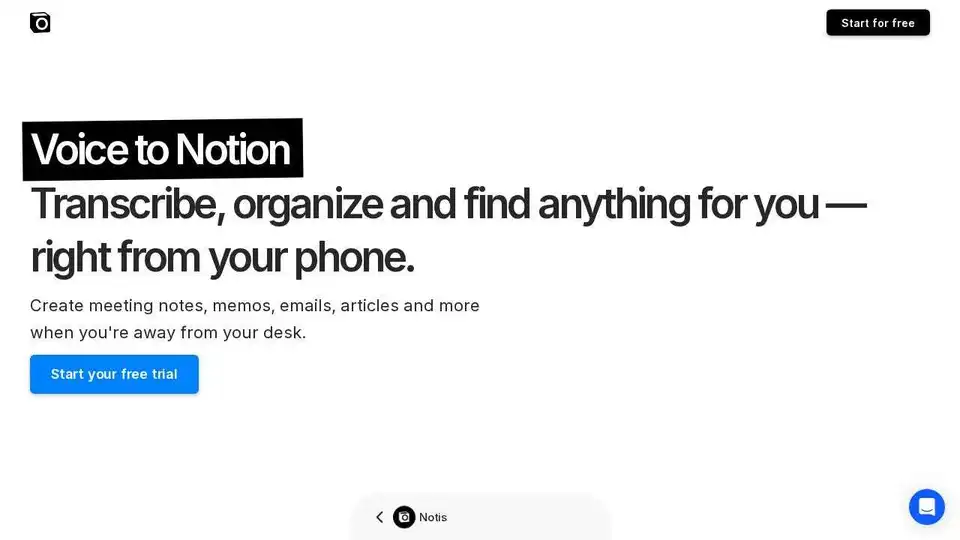
Notis: Turn your voice into notes, tasks, and more with this AI assistant that integrates seamlessly with Notion, WhatsApp, and Telegram. Boost productivity on the go!
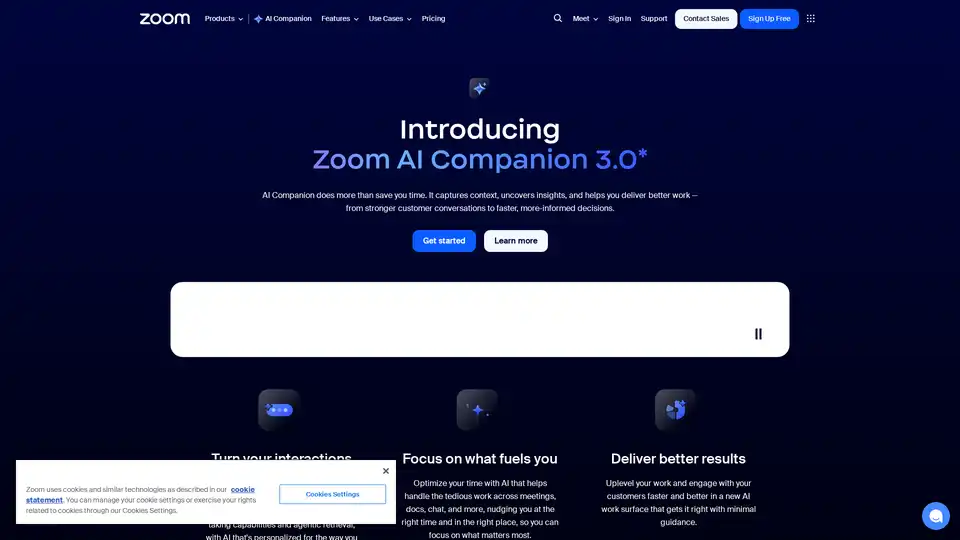
Zoom AI Companion 3.0 revolutionizes productivity by summarizing meetings, drafting emails, generating content, and providing insights—all integrated into the familiar Zoom app for seamless collaboration.
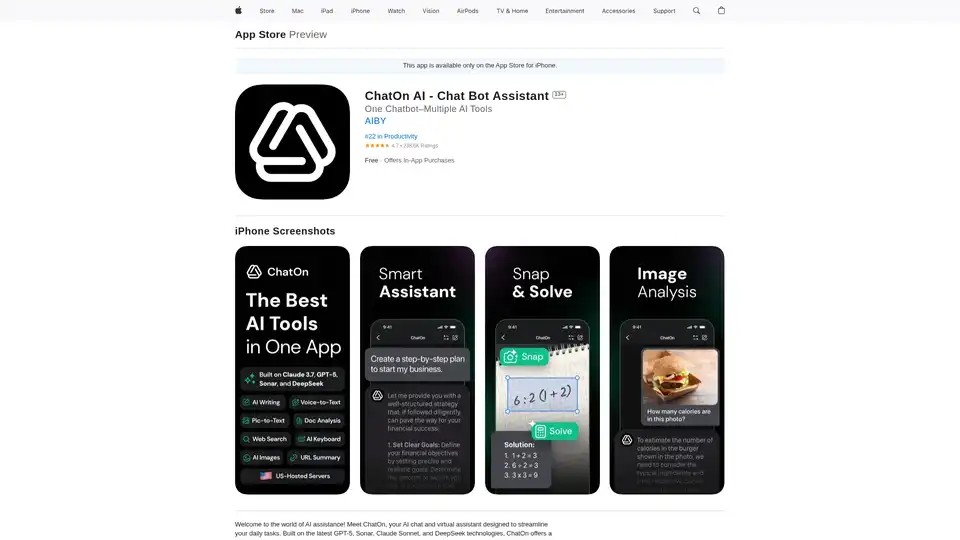
ChatOn AI is your AI chatbot assistant powered by GPT-5, Claude Sonnet, and DeepSeek. Enhance writing, summarize text, edit photos with AI. Download now!
Prompter is a beta platform offering curated AI recipes for tasks like social media content, app testing, email templates, and blog drafting. Explore, use, and create your own to start leveraging AI daily.