
Notis
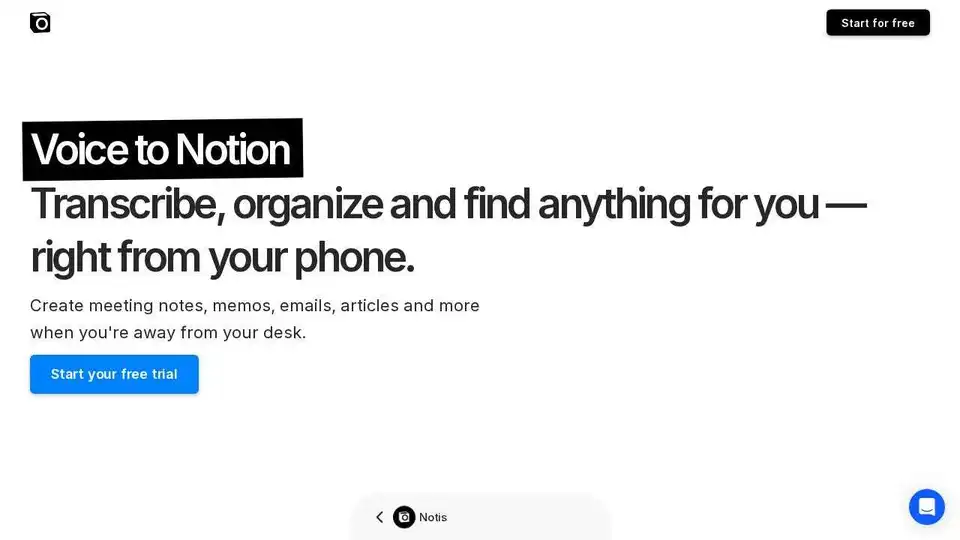
Overview of Notis
Notis: Your Voice-Powered Notion AI Assistant
What is Notis?
Notis is an AI assistant designed to enhance your productivity by seamlessly integrating with Notion and your favorite messaging apps like WhatsApp and Telegram. It allows you to capture ideas, manage tasks, and create content using just your voice, making it perfect for on-the-go productivity.
Key Features
- Voice-to-Text Transcription: Accurately transcribes your voice notes into formatted notes with 99% accuracy.
- Task Management: Record tasks throughout the day, and Notis will automatically create individual entries with priorities and reminders directly on WhatsApp.
- Content Creation: Transform rough ideas into well-crafted blog posts, newsletters, and social media posts tailored to your unique style.
- Meeting Minutes: Summarize key points and extract action items from meetings to create organized minutes for distribution.
- Customer Relationship Management (CRM): Transcribe, organize, and track customer interactions efficiently.
- Expense Management: Categorize and compile expenses into organized reports by taking pictures of receipts.
- Document Drafting: Draft proposals, reports, and other documents based on your Notion workspace content or any website content.
- Knowledge Base Compilation: Easily compile and feed knowledge bases by sharing your thoughts, which can be turned into AI chatbots.
How Does Notis Work?
Notis works by leveraging AI to understand and process your voice commands or text inputs. Here's a breakdown of how it handles various tasks:
- Transcription: When you send a voice note, Notis transcribes it into text using advanced speech recognition technology.
- Organization: It then analyzes the text to understand the context and categorize it accordingly, whether it's a task, a note, or an expense.
- Integration: Notis seamlessly saves the information into your Notion workspace, automatically finding the best place to store the content.
- Automation: It automates various tasks, such as creating meeting minutes, drafting documents, and managing customer relationships.
Why is Notis Important?
Notis addresses the common problem of managing information and tasks across multiple platforms. By centralizing everything within Notion and providing a voice-first interface, it simplifies workflows and boosts productivity. It's particularly useful for:
- Professionals: Who need to manage tasks, take notes, and communicate with clients on the go.
- Content Creators: Who want to quickly generate blog posts, newsletters, and social media content.
- Teams: That need to streamline meeting minutes and manage customer relationships efficiently.
How to Use Notis
Using Notis is straightforward:
- Connect Your Accounts: Integrate Notis with your Notion workspace and messaging apps like WhatsApp and Telegram.
- Send Voice Notes or Text Commands: Use voice notes or text commands to create tasks, take notes, or draft documents.
- Review and Edit: Notis automatically saves the information to Notion, where you can review and edit it as needed.
Examples of Use Cases
- Transcribing a Voice Note: "Notis, can you organize this into a coherent summary?"
- Managing Tasks: "Create a new task in my website project to send feedback to the design team and remind me Friday morning."
- Creating Content: "Write a LinkedIn Post on the future of knowledge management with AI based on my most performing posts."
- Managing Expenses: Take a picture of a receipt, and Notis will categorize and compile it into your expense report.
- Drafting Documents: "Draft a proposal based on the notes from our last client meeting with Roche. Also send it to my email."
Notis vs. Notion AI
According to the website, comparing Notis to Notion AI is like comparing a butler to a toaster. Notion AI can help you write and organize content, but Notis offers much deeper functionality, including voice input, image support, and automated task management.
Pricing
Notis offers three pricing plans:
- Pro: $20/month
- All features
- Daily live office hours with Flo, the creator
- Powered by Open AI gpt-5
- 30 days free trial
- Pro+: $60/month
- 3x usage included in Pro
- Daily live office hours with Flo, the creator
- Powered by Open AI gpt-5
- Ultra: $200/month
- 20x usage included in Pro
- Daily live office hours with Flo, the creator
- Powered by Open AI gpt-5
Conclusion
Notis is a powerful AI assistant that brings real value to you and your team by simplifying workflows, automating tasks, and enhancing productivity. With its seamless integration with Notion and popular messaging apps, Notis is an indispensable tool for anyone looking to boost their efficiency.
AI Article Generation AI Text Polishing AI Writing Assistance Paper and Report Generation News and Blog Generation Email and Business Writing
Best Alternative Tools to "Notis"
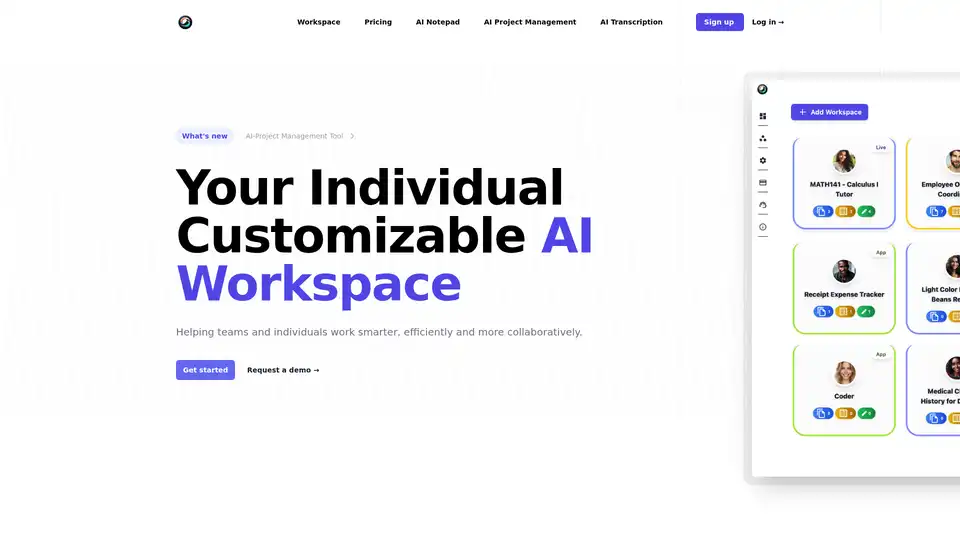
ToleAI offers a customizable AI workspace with tools for project management, transcription summaries, AI notepad, image generation, and OCR. Boost team productivity and collaboration with intelligent agents and seamless integrations.
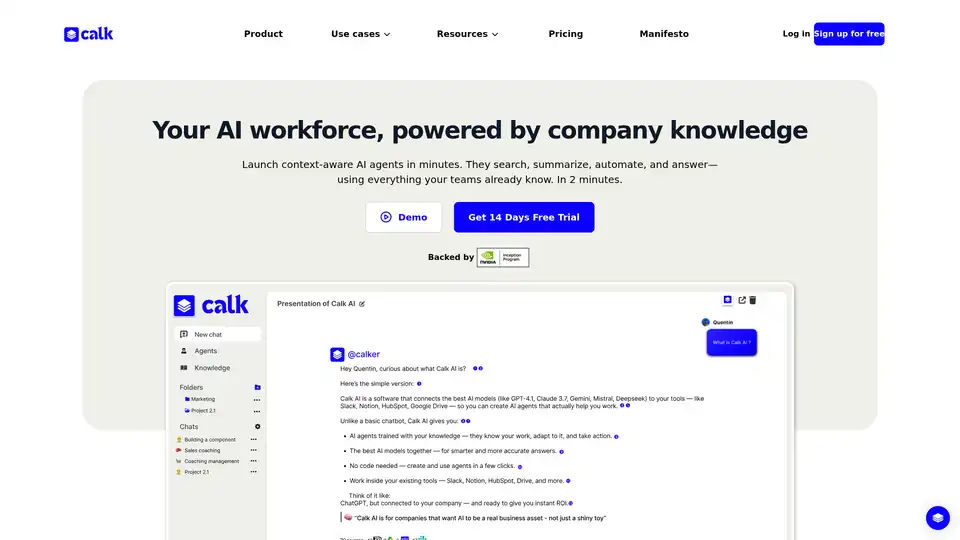
Calk AI helps your team build custom AI Agents using your internal docs and tools. Connect Notion, Slack, Intercom, and more — instantly. Launch context-aware AI agents that search, summarize, and automate tasks with your company's knowledge.

AI note taking app that transforms voice recordings, text, images, audio files and videos into clear, summarized notes for meetings, lectures, journals, and more.
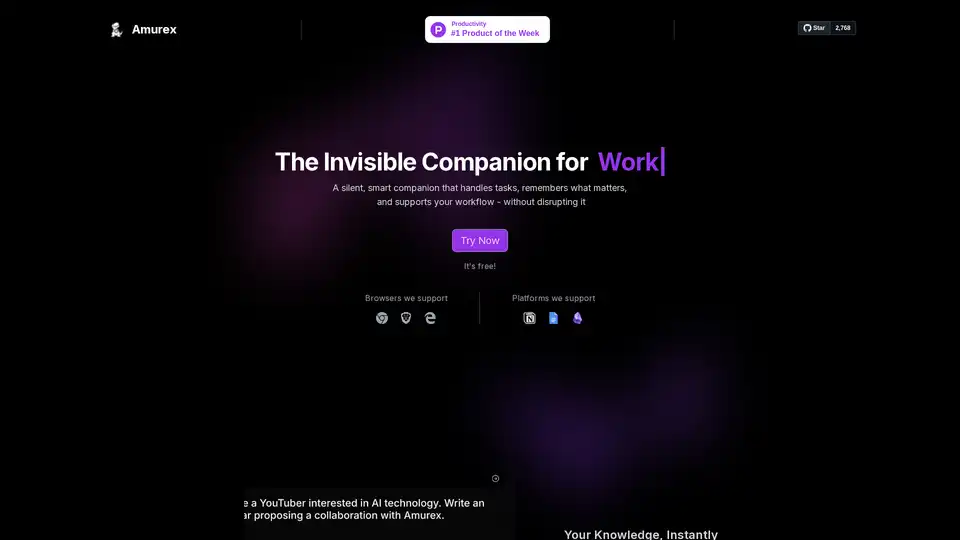
Amurex is a free, open-source AI invisible companion that silently boosts productivity by enabling instant knowledge search across Notion, Google Drive, Obsidian; automating meeting recordings, transcriptions, summaries, and action items; and categorizing emails. Works as a browser layer without extra apps.