
AI Actions
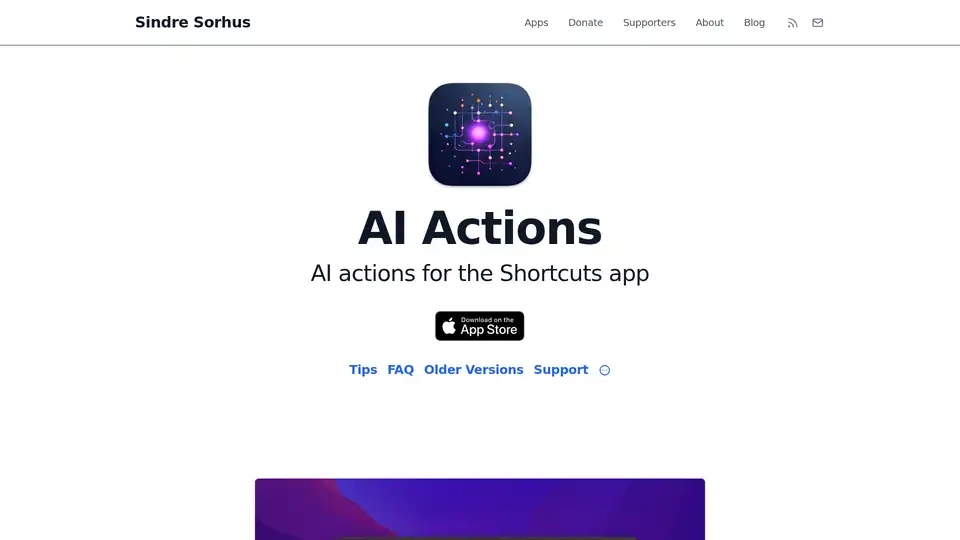
Overview of AI Actions
What is AI Actions?
AI Actions is a specialized iOS and macOS app developed by Sindre Sorhus that supercharges Apple's Shortcuts app with a suite of advanced AI-powered actions. If you're familiar with Shortcuts—the built-in automation tool on your iPhone, iPad, or Mac—this app seamlessly integrates cutting-edge AI models directly into your workflows. Whether you're automating daily tasks, generating creative content, or building custom assistants, AI Actions makes it effortless to harness the power of leading AI technologies without leaving your familiar Shortcuts environment.
At its core, AI Actions provides actions for interacting with prominent AI APIs, including OpenAI's GPT series (like GPT-4o, GPT-4o mini, and o1 models), Anthropic's Claude (Sonnet 4 and Opus 4), and even image generation via DALL·E. It's designed for users who want more than basic automation; it empowers power users to create sophisticated, AI-driven shortcuts that respond intelligently to inputs, generate text, or produce visuals on demand.
How Does AI Actions Work?
The app works by adding dedicated 'actions' to the Shortcuts library, which you can drag and drop into your automation sequences. To get started, you simply download AI Actions from the App Store (iOS version runs on macOS too, but requires Apple Silicon for the official build) or the non-App Store version for Intel Macs. Once installed, you'll need to input your own API keys from providers like OpenAI or Anthropic. Don't worry—unlike direct API calls in Shortcuts, AI Actions stores these keys securely in your device's keychain, ensuring they're never exposed when you share shortcuts with others.
Here's a breakdown of its key integrations:
- OpenAI and Anthropic Support: Use the 'Ask AI' action to query models like GPT-4o for natural language processing, code generation, or creative writing. For example, you could build a shortcut that summarizes articles, translates text, or even drafts emails based on voice input.
- Local and Cloud Flexibility: Beyond cloud APIs, it supports Ollama for running local models (e.g., GGUF formats) on your device—perfect for privacy-conscious users. Just set a base URL like
https://localhost:11434. Similarly, Groq's fast inference is accessible viahttps://api.groq.com/openai, and OpenRouter or Google's Gemini can be added as custom models. - Image Generation: Leverage DALL·E for creating custom images from text prompts, ideal for designers or content creators automating visual assets.
The process is straightforward: Launch the app to configure your API settings, then head to Shortcuts where the new AI actions appear. If they don't show up initially (a common iOS/macOS glitch), just restart your device. For advanced users, customization options allow tweaking prompts, temperatures, and model selections to fine-tune outputs.
Key Features and Major Advantages
What sets AI Actions apart from built-in options or direct API hacks? It's all about security, simplicity, and extensibility:
- Secure Key Management: Your API keys stay locked in the keychain, preventing accidental leaks in shared shortcuts—a huge win for collaborative teams or family sharing.
- Broader Model Access: While the official ChatGPT app offers a basic 'Ask ChatGPT' action, AI Actions supports longer inputs, macOS compatibility, and future expansions to more APIs. It handles text up to the models' limits, not just Shortcuts' constraints.
- No Ads, Free Forever: Developed as a passion project, it's ad-free and won't nickel-and-dime you for features. Updates come regularly, with a non-App Store version for regions like China where AI apps face restrictions.
- Cross-Platform Reliability: Works on iOS 15+ and macOS 14+ (Apple Silicon), with Intel support via the alternative download. Note that for macOS, the iOS version powers it under the hood.
Compared to calling APIs directly in Shortcuts, this app abstracts the complexity, handles errors gracefully, and ensures compliance with time limits (though it can't support long-running tasks like Whisper transcription— for that, check out the developer's Aiko app).
Practical Use Cases and Who It's For
AI Actions shines in scenarios where automation meets intelligence. Imagine these real-world applications:
- Productivity Boosters: Create shortcuts to analyze emails, generate meeting notes from recordings, or brainstorm ideas for projects—all powered by GPT or Claude.
- Creative Workflows: Automate image creation for social media posts or blog visuals using DALL·E, saving hours for marketers and designers.
- Developer Tools: Power users can build AI-assisted coding helpers, debugging scripts, or even custom chatbots within Shortcuts.
- Everyday Automation: From recipe suggestions based on fridge photos to travel itinerary planning, it's versatile for non-technical users too.
This tool is ideal for:
- Apple Ecosystem Enthusiasts: If you love Shortcuts but crave AI smarts, this is your upgrade.
- Power Users and Developers: Those needing secure, shareable AI integrations without building from scratch.
- Privacy-Focused Individuals: Local Ollama support keeps data on-device.
- Content Creators: Anyone leveraging text or image gen in routines.
It's not for beginners who haven't touched Shortcuts yet—start there first. Also, you'll need paid API access; ChatGPT Plus alone won't cut it for API calls.
Why Choose AI Actions Over Alternatives?
In a sea of AI tools, AI Actions stands out for its tight integration with Apple's native automation. Unlike standalone chat apps, it embeds AI into your existing habits. No need for separate interfaces—just pure, seamless enhancement. Plus, the developer's track record (check out his Actions app for more utilities) ensures reliability and thoughtful updates.
For feedback or bugs, use the in-app button or contact the developer directly. Common issues like actions not appearing are easily fixed with a device restart. And if you're on an Intel Mac, grab the non-App Store version for full access—updates drop annually.
In summary, AI Actions transforms Shortcuts from a simple automator into an AI powerhouse. Whether you're optimizing workflows, sparking creativity, or just experimenting, it's a free, secure gateway to the future of personal automation. Download it today and see how GPT, Claude, and beyond can elevate your daily grind.
Best Alternative Tools to "AI Actions"
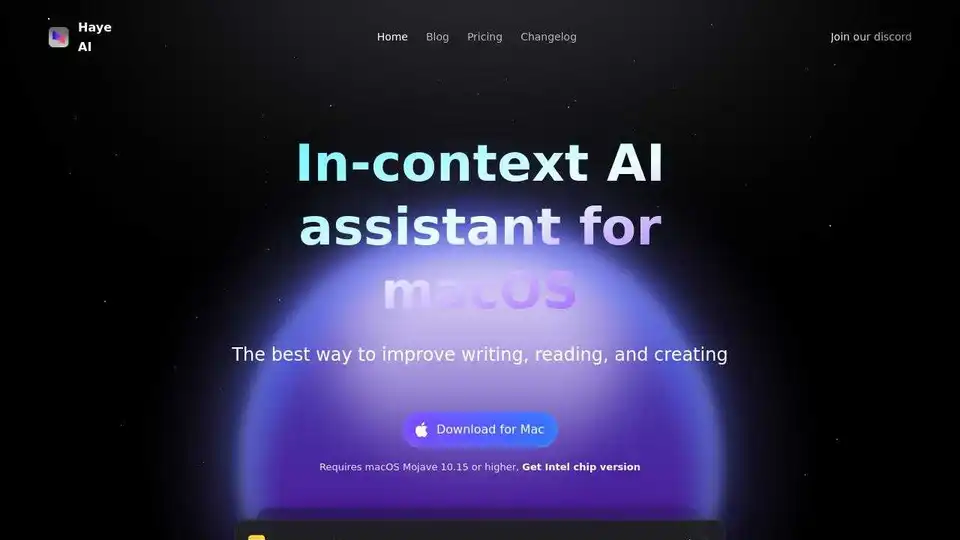
Haye is a private macOS AI assistant that lets you experience top-tier models like DeepSeek, GPT-4o, Claude-3.5, and Gemini-2.0 in a single app.
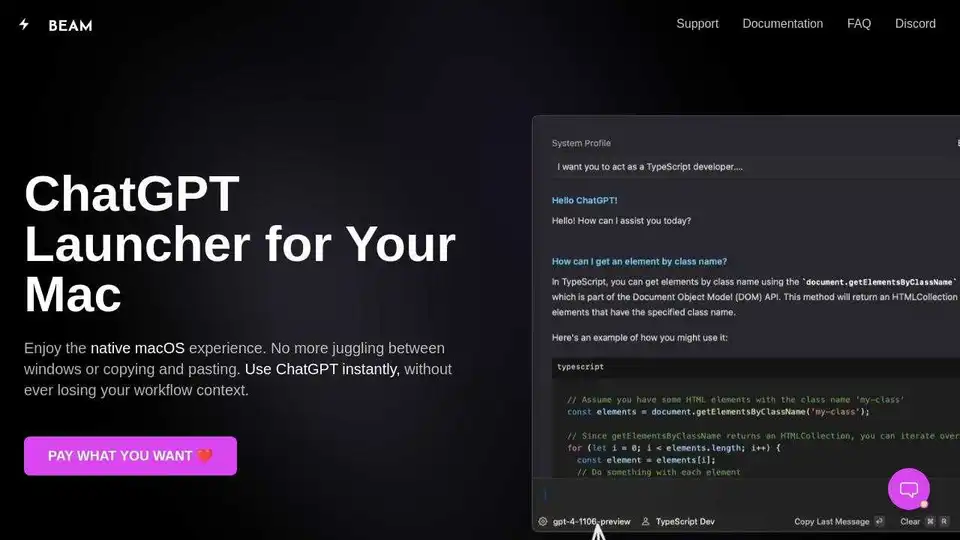
Beam is a native ChatGPT app for Mac that lets you chat anywhere on your Mac with a hotkey. No subscriptions or logins needed. Enhance productivity with templates, AI profiles, and native macOS integration.
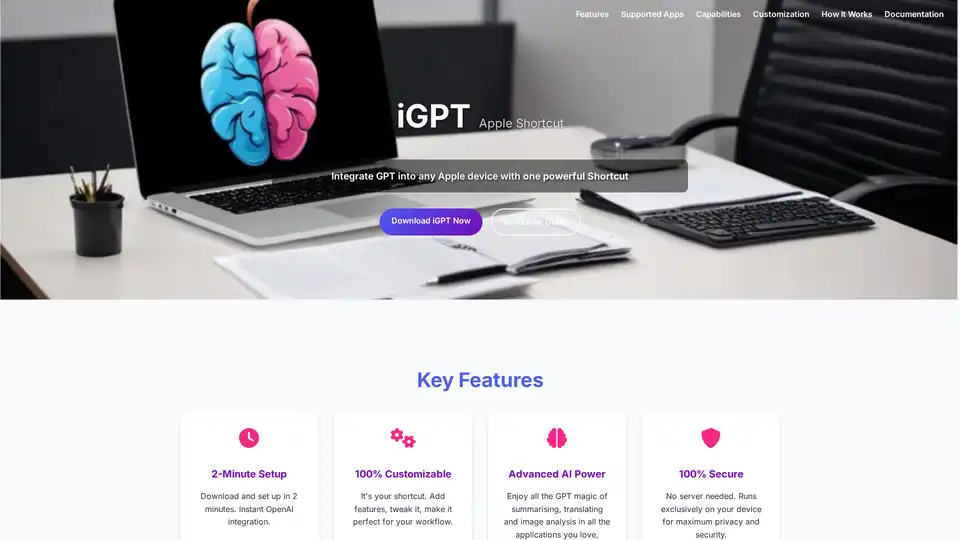
iGPT is a versatile Apple Shortcut that seamlessly integrates OpenAI's GPT capabilities into your Apple devices. Enjoy quick text summarization, translation, image analysis, and more with full customization and top security—no plugins required.
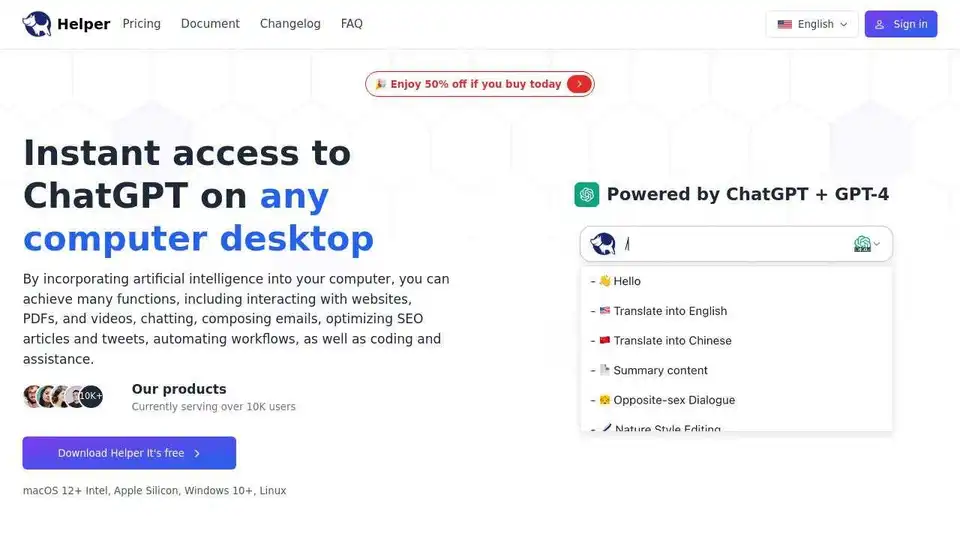
Ai Helper is a desktop ChatGPT client for entrepreneurs, developers, and marketers. Integrate AI into daily tasks for writing, coding, and more.