
Ai Helper
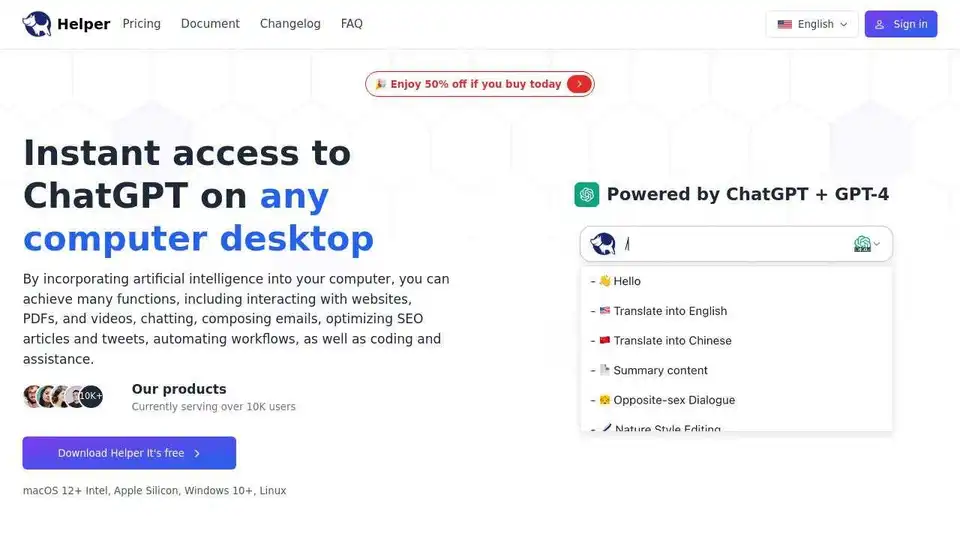
Overview of Ai Helper
Ai Helper: Your Desktop AI Assistant Powered by ChatGPT
What is Ai Helper? Ai Helper is a native desktop ChatGPT client designed for entrepreneurs, developers, and marketers. It seamlessly integrates AI assistance into your daily tasks, providing quick access to ChatGPT on your computer. With Ai Helper, you can interact with websites, PDFs, and videos, compose emails, optimize SEO articles and tweets, automate workflows, and get coding assistance, all from your desktop.
How does Ai Helper work?
Ai Helper is powered by ChatGPT and GPT-4, offering powerful AI capabilities at your fingertips. Select any text on your screen and use the shortcut (Alt + X or Option + X) to call up the Ai Helper window. You can also type / in the input box to access over 50 built-in prompts. Use the shortcut Enter to generate results. For plain text output, use Alt + Enter (Typewriter mode). For code editors that require formatting, use Shift + Enter (Paste mode).
Key Features of Ai Helper:
- Access AI from Anywhere: Use Ai Helper in any application on your computer.
- Editor: Get inspired and write quickly, overcoming writer's block.
- Code: Write code, get bug fixes, and receive explanations for complex code snippets.
- Email: Compose professional emails quickly.
- Multi-Engine Support: Integrated with OpenAI, Gemini, Azure, and OpenRouter, supporting over 30 large models.
- Typewriter Mode: Suitable for plain text without formatting requirements (Alt + Enter).
- Paste Mode: Suitable for code editors with formatting requirements (Shift + Enter).
Use Cases:
- Content & Marketing: Generate high-quality content, from blog outlines to technical articles.
- Developers: Get AI coding assistance within your IDE.
- Work: Use AI Helper in any work scenario to meet most of your work needs.
- Social Media: Quickly reply to messages on any social media platform.
Comparison:
| Feature | Ai Helper | ChatGPT Plus | Office Copilot | Notion AI | Grammarly |
|---|---|---|---|---|---|
| Price | $9.9 | $20 | $30 | $10 | $12 |
| Support all applications | ✅ | ❌ | ❌ | ❌ | ❌ |
| AI Chat | ✅ | ✅ | ✅ | ✅ | ✅ |
| Typewriter Mode | ✅ | ❌ | ❌ | ❌ | ❌ |
| Paste Mode | ✅ | ❌ | ❌ | ❌ | ❌ |
| Support for GPT-4 | ✅ | ✅ | ✅ | ✅ | ❌ |
| Support for Gemini Pro | ✅ | ❌ | ❌ | ❌ | ❌ |
| Online Query | ✅ | ✅ | ✅ | ✅ | ✅ |
| Customizable Assistant | ✅ | ❌ | ❌ | ❌ | ❌ |
| Writing Assistant | ✅ | ✅ | ✅ | ✅ | ✅ |
| Reading Assistant | ✅ | ✅ | ✅ | ✅ | ✅ |
| Coding Assistant | ✅ | ✅ | ✅ | ✅ | ❌ |
| Chat Assistant | ✅ | ✅ | ✅ | ✅ | ✅ |
| Using your own API key | ✅ | ❌ | ❌ | ❌ | ❌ |
What People Are Saying:
Ai Helper has received positive feedback from users across various fields. Users praise its user-friendliness, time-saving capabilities, and flexible design.
FAQ:
- Is Ai Helper free? Ai Helper is available for free with a daily usage limit. Paid versions offer unlimited access and more features.
- How can I use Ai Helper? Use the shortcut Option + X or Alt + X to start chatting with AI Helper. Select text from any app or website to explain, translate, or rephrase.
- How can I change the shortcut key? Settings → General → Shortcut keys → Click on the input box → Enter your shortcut key.
- How to use one's own Key? Settings → OpenAI → Enable Local → Fill in API KEY (requires purchasing a local membership package).
- Why does AI Helper (Mac version) require accessibility permissions? Ai Helper (Mac version) requires accessibility permissions to read your selected text and provide quick actions.
- How does AI Helper ensure the protection of my privacy and security? AI Helper is designed with privacy in mind and follows strict security protocols. It does not access any unrelated files or data.
Conclusion:
Ai Helper simplifies integrating AI into your workflow, offering a versatile and convenient solution for writing, coding, and more. Whether you're a content creator, developer, or marketer, Ai Helper empowers you to leverage AI to boost productivity and efficiency. Download Ai Helper today and experience the power of AI at your fingertips!
AI Article Generation AI Text Polishing AI Writing Assistance Paper and Report Generation News and Blog Generation Email and Business Writing
Best Alternative Tools to "Ai Helper"
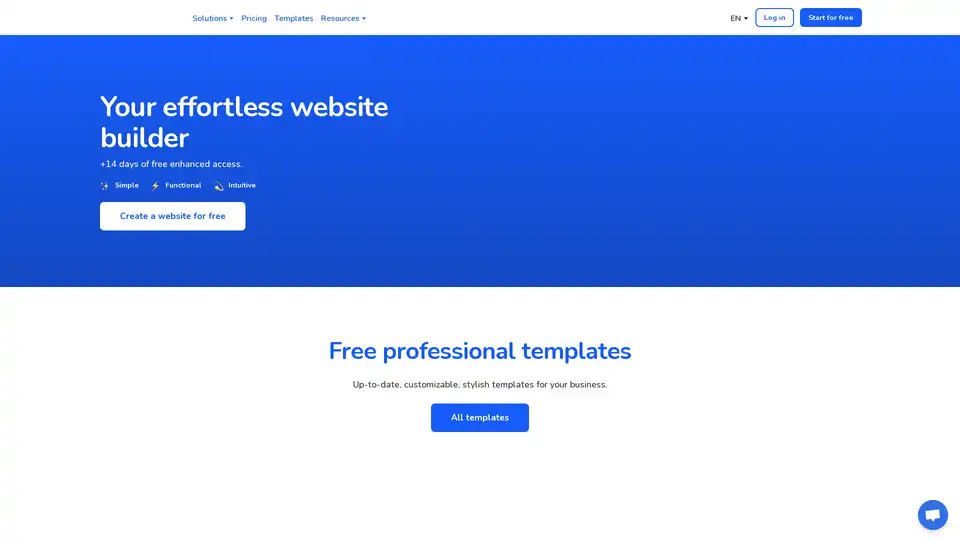
Weblium is an effortless website builder that helps you create a stunning website with AI-powered tools, free professional templates, and a user-friendly interface. Start for free today!
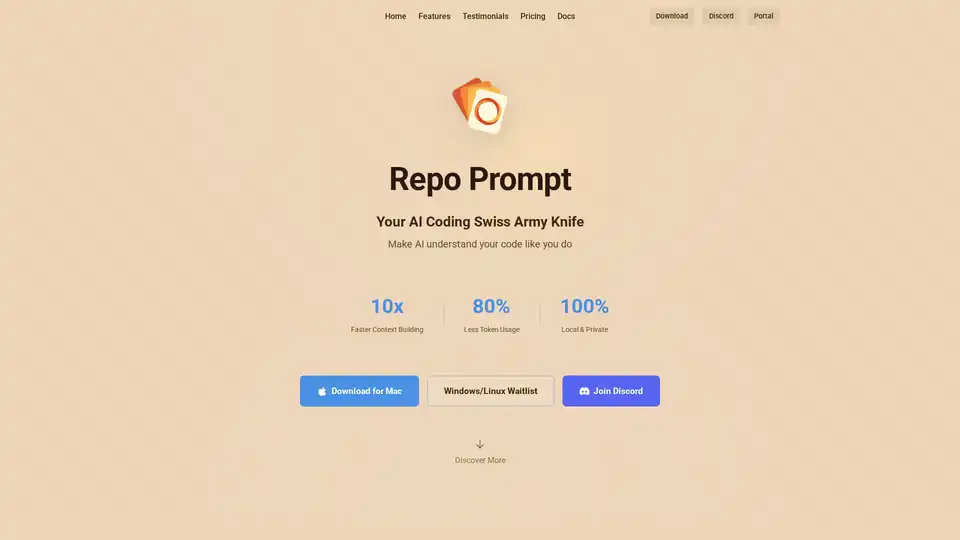
Repo Prompt enhances AI-assisted coding with visual context engineering, code maps, and MCP server integration, enabling faster and more precise AI interactions with your codebase. Perfect for developers using AI tools.
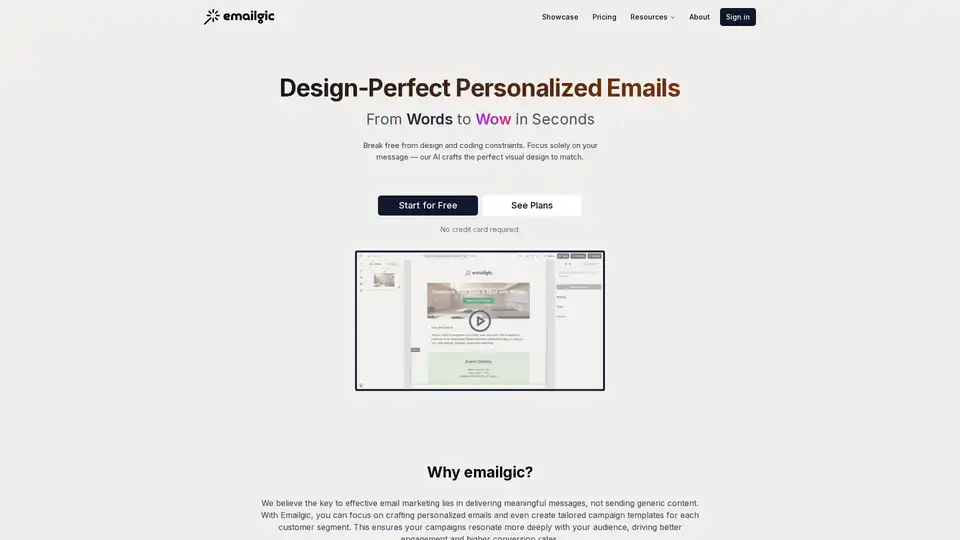
Emailgic is an AI-powered email design assistant that generates unique, personalized HTML email templates from text in seconds, without needing design or coding skills. Perfect for startups, SMBs, and marketers.
Neutron is a privacy-focused desktop AI app for Mac and Windows that turns voice rambles into emails, docs, summaries, chart insights, and calendar events. Press Tab for seamless cross-app productivity with end-to-end encryption.