
iGPT
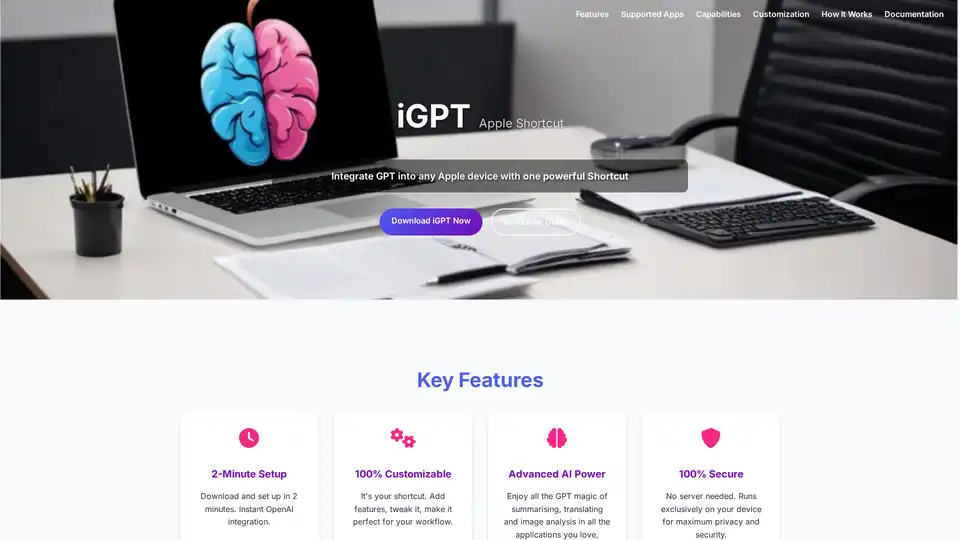
Overview of iGPT
What is iGPT?
iGPT is an innovative Apple Shortcut designed to bring the full power of OpenAI's GPT models directly into your everyday workflow on Apple devices. Whether you're working on a Mac, iPad, or iPhone, iGPT allows you to integrate advanced AI functionalities like text summarization, translation, and image description without the hassle of installing plugins or relying on external servers. This tool transforms your device into a personal AI assistant, running everything locally for enhanced privacy and speed.
Launched as a downloadable shortcut, iGPT stands out for its simplicity and depth. It's not just a basic integration—it's a customizable gateway to AI that adapts to your specific needs, from professional tasks to creative pursuits. By leveraging OpenAI's API, iGPT taps into the magic of large language models like GPT, Grok, or Claude, making sophisticated AI accessible right from your share menu or right-click options.
Key Features of iGPT
iGPT packs a punch with features that cater to productivity and creativity alike. Here's what makes it a must-have for Apple users:
2-Minute Setup: Getting started is effortless. Download the shortcut, add your OpenAI API key, and you're ready to go. No complex configurations or technical expertise required.
100% Customizable: Unlike rigid apps, iGPT lets you tailor every aspect. Modify prompts for specific tasks, switch between AI models, adjust token limits, or even add new functionalities. This flexibility ensures it evolves with your workflow.
Advanced AI Capabilities: Dive into a world of possibilities. Summarize lengthy articles in seconds, translate text across languages on the fly, or generate detailed descriptions of images for accessibility or content ideas. It supports a broad range of tasks, including code generation and creative writing, all powered by cutting-edge AI.
Device-Exclusive Security: Everything processes on your Apple device—no data leaves your ecosystem. This local execution guarantees maximum privacy, ideal for handling sensitive information without cloud vulnerabilities.
Broad App Compatibility: iGPT works seamlessly across your favorite applications, including Chrome, Safari, Apple Notes, Apple Mail, and Finder. Select text or images in any app, trigger the shortcut, and get instant results.
These features position iGPT as a versatile tool for anyone looking to harness AI without disrupting their existing setup.
How Does iGPT Work?
Understanding the mechanics of iGPT is straightforward, thanks to its intuitive design. The shortcut operates through a simple, four-step process that integrates AI into your daily interactions:
Highlight or Select Content: In any supported app, simply select the text you want to process or tap on an image. This could be an email draft in Apple Mail, a webpage in Safari, or a photo in Finder.
Trigger the Shortcut: Access iGPT via the share menu, a right-click option (select Service > iGPT), or even custom gestures you've set up. It's designed to feel natural, like any other Apple feature.
Choose Your AI Action: A menu pops up with options like 'Summarize,' 'Translate,' or 'Describe Image.' You can also input custom prompts for more specialized tasks, drawing from models like GPT or Claude.
Receive Instant Results: The AI processes your input locally (once your API key is configured) and displays results in a dialogue box. By default, the output is copied to your clipboard for easy pasting, but you can tweak this behavior.
For deeper customization, open the Shortcuts app, edit the iGPT workflow, and experiment with parameters like temperature settings for more creative outputs or max tokens for longer responses. The step-by-step guide in the documentation walks you through adding your OpenAI API key and testing initial runs, ensuring even beginners feel confident.
This workflow not only saves time but also embeds AI as a seamless extension of your device, reducing the learning curve associated with standalone AI tools.
Supported Applications and Use Cases
iGPT's strength lies in its compatibility with core Apple apps and popular browsers, making it a universal AI companion. Here's how it shines in real-world scenarios:
In Browsers (Chrome, Safari): While browsing, highlight an article and summarize it instantly to grasp key insights without reading every word. Perfect for researchers or busy professionals scanning news.
Apple Notes and Mail: Draft emails or jot notes? Use translation for multilingual correspondence or summarize incoming reports to focus on essentials. It's invaluable for business communication.
Finder for Images: Select a photo and get a vivid description—great for visually impaired users, content creators needing alt text, or anyone organizing media libraries.
Beyond these, iGPT extends to creative endeavors like generating code snippets in development environments or rephrasing content for marketing. Imagine condensing a lengthy report into bullet points during a meeting or translating client feedback on the spot—these use cases highlight its practicality.
For teams or individuals in content creation, education, or customer service, iGPT streamlines repetitive tasks, boosting efficiency by up to 50% based on user anecdotes of faster information processing.
Why Choose iGPT Over Other AI Tools?
In a crowded AI landscape, iGPT differentiates itself through its Apple-centric approach and no-fuss integration. Traditional AI apps often require subscriptions, cloud logins, or app switches, but iGPT runs natively, preserving your workflow. Its open customization rivals paid services, yet it's free to download and use (beyond your OpenAI API costs).
Privacy-conscious users appreciate the local processing, avoiding data leaks common in web-based tools. Plus, with support for multiple models, you can experiment without vendor lock-in. Early adopters praise its speed—results appear in seconds—and the ability to build specialized assistants, like a 'legal summarizer' for contracts or a 'creative brainstormer' for writers.
Compared to browser extensions or full apps like ChatGPT, iGPT offers deeper device integration, making it the best choice for Apple loyalists seeking unobtrusive AI enhancement.
Who is iGPT For?
iGPT caters to a wide audience, but it's particularly suited for:
Productivity Professionals: Writers, marketers, and analysts who need quick summaries and translations to handle information overload.
Creative Individuals: Designers and content creators benefiting from image descriptions and generative tasks.
Educators and Students: Tools for condensing study materials or translating resources in global learning environments.
Privacy-Focused Users: Anyone wary of cloud AI, from journalists to executives dealing with confidential data.
If you're an Apple user tired of app-hopping for AI, iGPT is your shortcut to smarter, faster work. Its endless customization ensures it grows with you, from casual users to power users building complex workflows.
Getting Started and Tips for Best Use
To maximize iGPT, follow the quickstart: Install via the Shortcuts app, secure your API key from OpenAI, and test with simple selections. For advanced users, explore adding actions like integrating with calendars for AI-scheduled tasks.
Common tips include starting with default prompts to learn the ropes, then crafting custom ones for niche needs (e.g., 'Summarize in bullet points for executives'). Monitor API usage to manage costs, and update the shortcut periodically for new model support.
In essence, iGPT democratizes AI on Apple devices, turning everyday interactions into opportunities for innovation. Download it today and experience how OpenAI integration can redefine your productivity.
AI Article Generation AI Text Polishing AI Writing Assistance Paper and Report Generation News and Blog Generation Email and Business Writing
Best Alternative Tools to "iGPT"
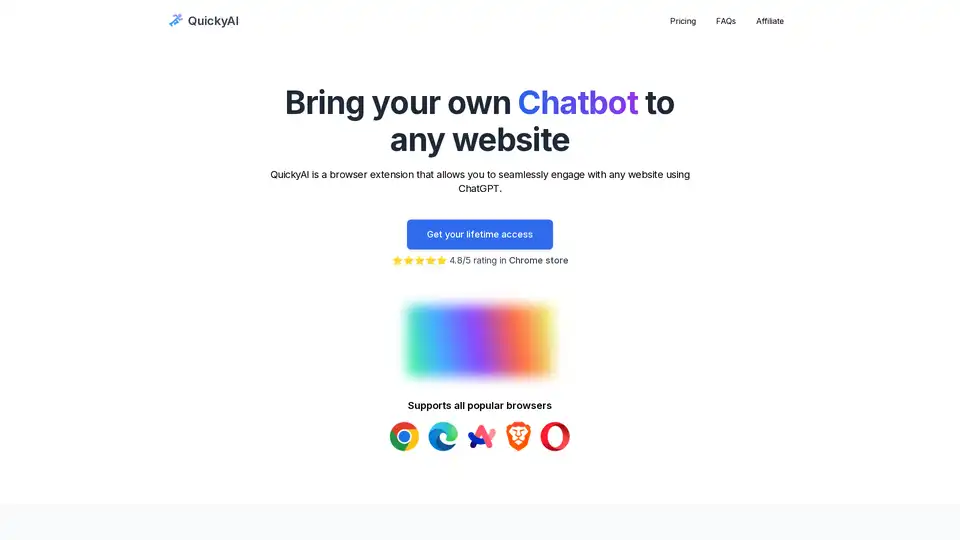
QuickyAI is a browser extension that integrates ChatGPT into any website, allowing instant chatting, one-click summarization, screenshot queries, and custom prompts to enhance productivity without leaving your page.
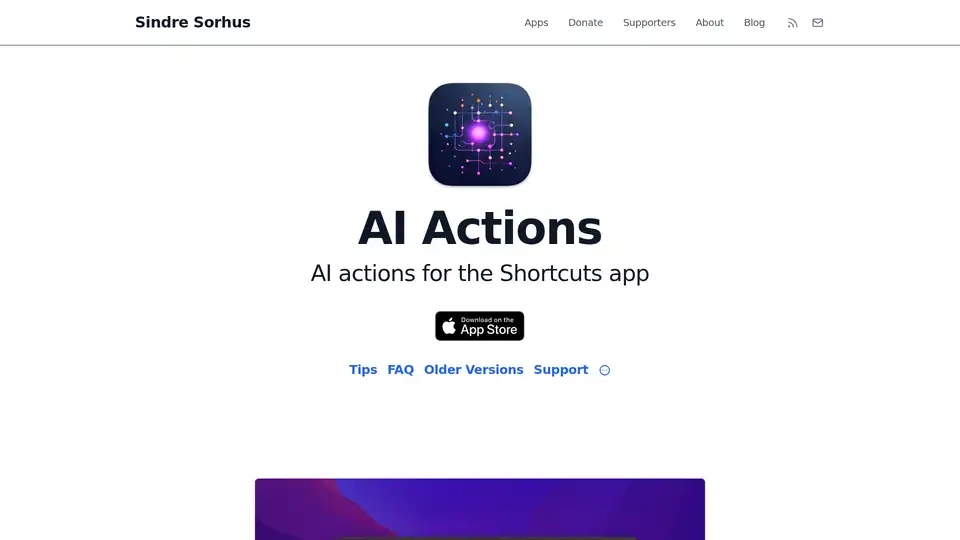
AI Actions enhances Apple's Shortcuts app with powerful AI integrations like GPT-4o, Claude, and DALL·E, using your own API keys for secure, customizable automation on iOS and macOS.
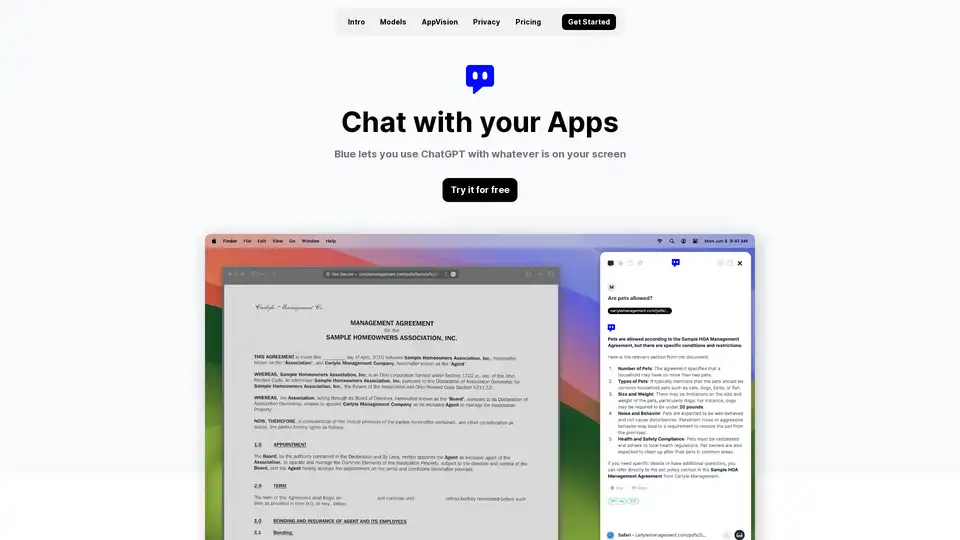
Discover Blue, the ChatGPT for Mac app that integrates AI into your workflow with AppVision for screen analysis, superior privacy, and GPT-4o models—all without leaving your apps.
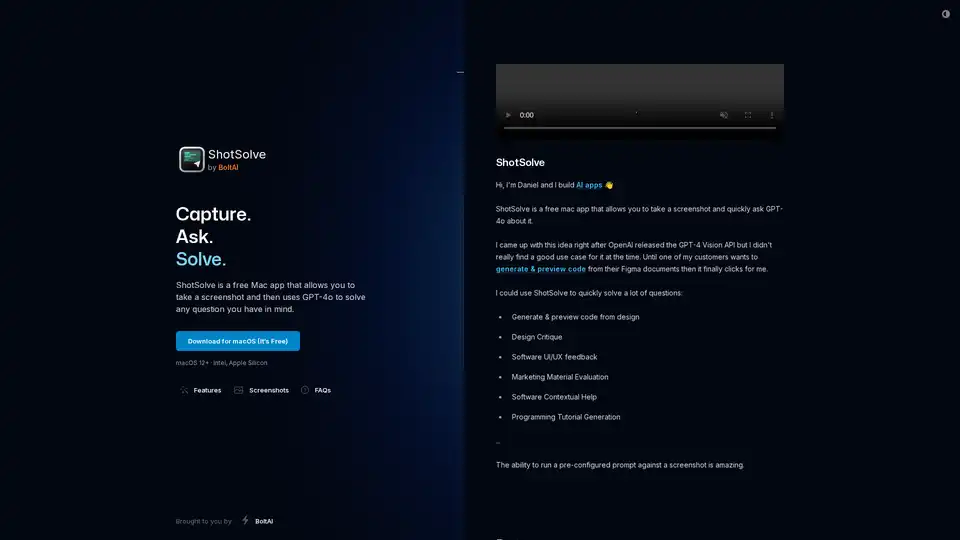
ShotSolve is a free Mac app that captures screenshots and uses GPT-4o for instant analysis, code generation, design critiques, and problem-solving on visuals like UI/UX or marketing materials.