
Beam
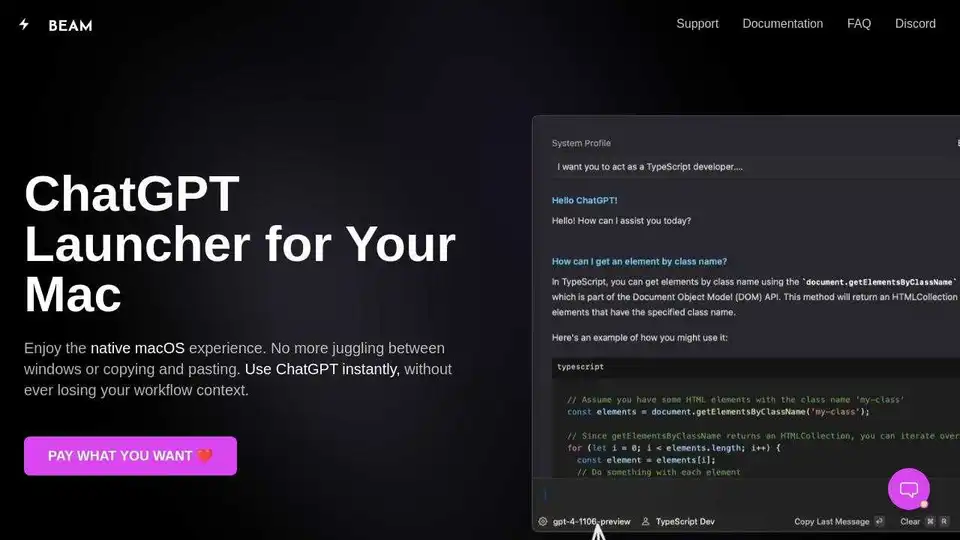
Overview of Beam
Beam: The Native ChatGPT App for macOS to Supercharge Your Workflow
What is Beam? Beam is a native macOS application designed to provide seamless access to ChatGPT directly from your Mac. Forget juggling multiple windows or constant copy-pasting. Beam offers a streamlined, native experience that integrates with your workflow, allowing you to harness the power of AI without losing focus.
How does Beam Work?
Beam operates by providing a floating chat panel that you can access with a simple keyboard shortcut (CTRL + SPACE). This panel appears over your current application, allowing you to interact with ChatGPT without switching contexts. Key features include:
- Contextual Chat: Select any text on your screen, chat about it with ChatGPT, and insert the results back into your app with a single keystroke.
- Screen Interaction: Capture a specific area of your screen and ask ChatGPT questions about it.
- System Actions: Create custom actions to summarize websites, translate text, explain concepts, and more.
- Templates: Save your commonly used prompts as templates for quick and easy access.
- Floating ChatGPT+: Quickly launch a pop-up chat window for the official ChatGPT application.
Key Features and Benefits
- Native macOS Experience: Unlike Electron-based apps, Beam is built natively for macOS, ensuring low memory usage, speed, and a familiar look and feel.
- Hotkeys: All features are accessible via keyboard shortcuts to maximize efficiency.
- Security and Privacy: Beam is sandboxed, limiting its access to your system and ensuring your data remains private. It only interacts with OpenAI servers, and all data is stored locally on your machine.
- PDF Interaction: Summarize, ask questions, and find answers within PDF documents using ChatGPT.
- AI Profiles: Configure GPT models to respond to your specific needs by creating custom AI profiles.
How to use Beam:
- Download and Install: Download Beam from the official website.
- Configure: Set up your OpenAI API key within the app.
- Start Chatting: Use the keyboard shortcut (CTRL + SPACE) to launch the floating chat panel and begin interacting with ChatGPT.
Why is Beam Important?
Beam is important because it significantly enhances productivity by minimizing context switching and providing quick access to AI-powered assistance. It's particularly valuable for users who frequently use ChatGPT for tasks like:
- Writing and Editing
- Research
- Summarization
- Translation
- Coding
User Testimonials
I just bought the native Mac app for OpenAI's API by @reactive_dude. I thought why not just subscribe to ChatGPT directly? Until I tried it and now I'm a convert. The profiles, templates, and slick native UI are worth the cost of a few coffees. - David Ryan, @hellodavidryan
Where can I use Beam?
Beam can be used in any application on your macOS system. Whether you're writing an email, coding, researching, or simply browsing the web, Beam is always just a hotkey away.
Best way to maximize your productivity with Beam?
- Create Templates: Save time by creating templates for your most frequently used prompts.
- Customize AI Profiles: Configure AI profiles to tailor ChatGPT's responses to your specific needs.
- Leverage Hotkeys: Familiarize yourself with the keyboard shortcuts to quickly access Beam's features.
Frequently Asked Questions
- Do I need a ChatGPT+ Subscription to use Beam? No, Beam uses the OpenAI API, so you'll need an OpenAI API key.
- Is Beam built with Electron? No, Beam is a native macOS application.
- Is my API key secure? Yes, Beam stores your API key securely and does not share it with anyone.
Conclusion
Beam is a game-changing application for macOS users who want to leverage the power of ChatGPT without disrupting their workflow. Its native design, focus on privacy, and extensive feature set make it an essential tool for anyone looking to boost their productivity. By providing seamless access to AI assistance within any application, Beam empowers users to accomplish more in less time. If you are looking for a productivity tool and AI assistant, give Beam a try!
AI Research and Paper Tools Machine Learning and Deep Learning Tools AI Datasets and APIs AI Model Training and Deployment
Best Alternative Tools to "Beam"
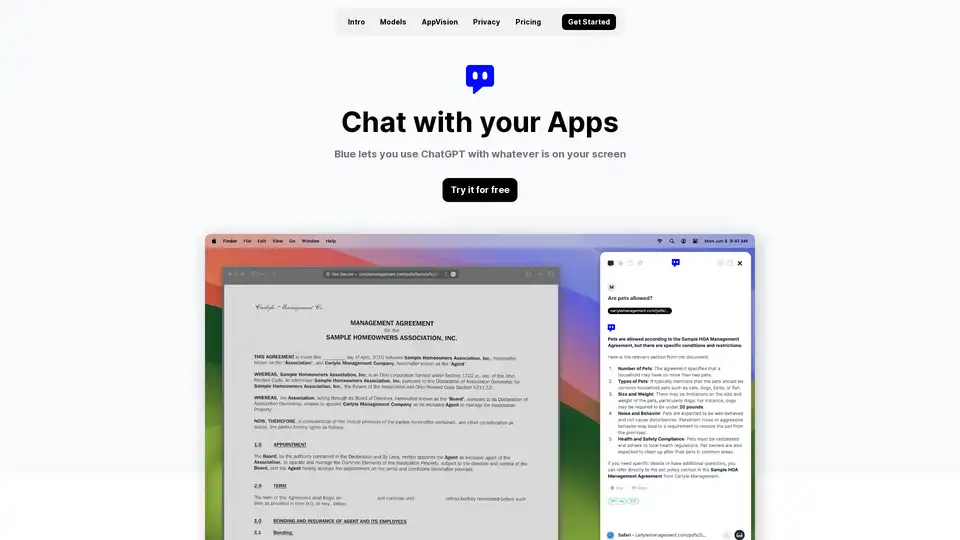
Discover Blue, the ChatGPT for Mac app that integrates AI into your workflow with AppVision for screen analysis, superior privacy, and GPT-4o models—all without leaving your apps.
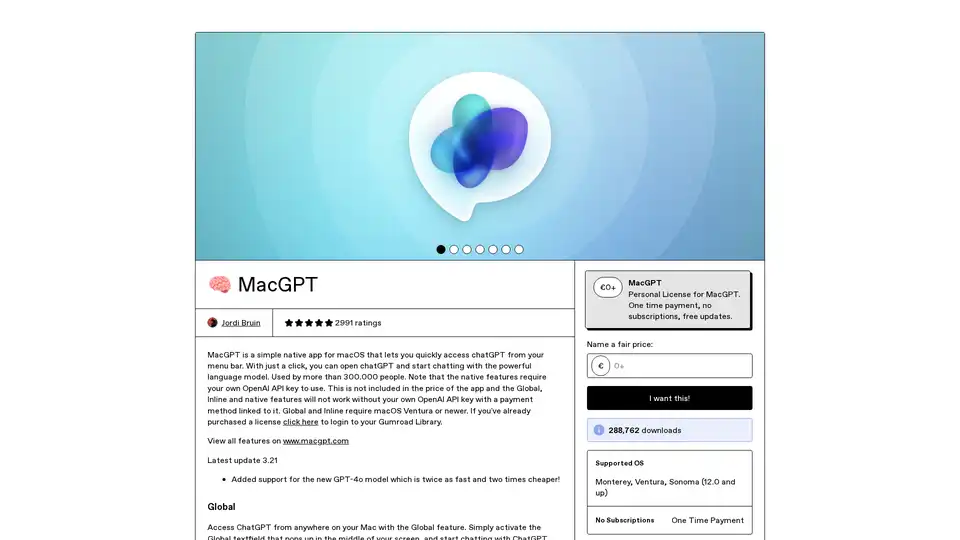
MacGPT is a macOS app for quick access to ChatGPT from your menu bar. Used by 300,000+ people, requires an OpenAI API key for native features.
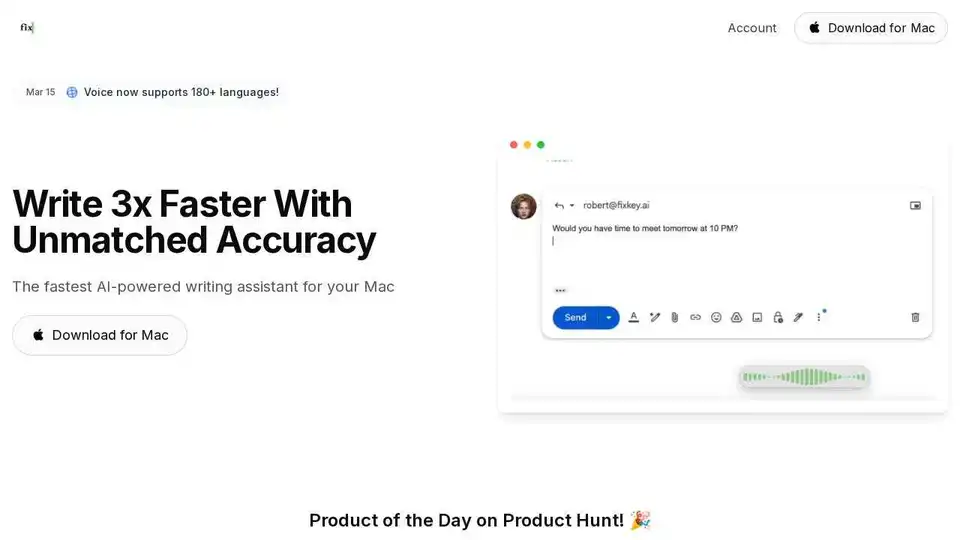
Fixkey is a native AI-powered writing assistant for Mac that adapts to your style. Transform voice to polished writing instantly, translate 180+ languages, and improve every message.

TextWisely is an AI writing companion for Mac that helps you write better and faster. It fixes grammar, replies to emails, summarizes text, and more, all within your favorite macOS apps. Stay private, stay fast, and write like never before.