
Stacks
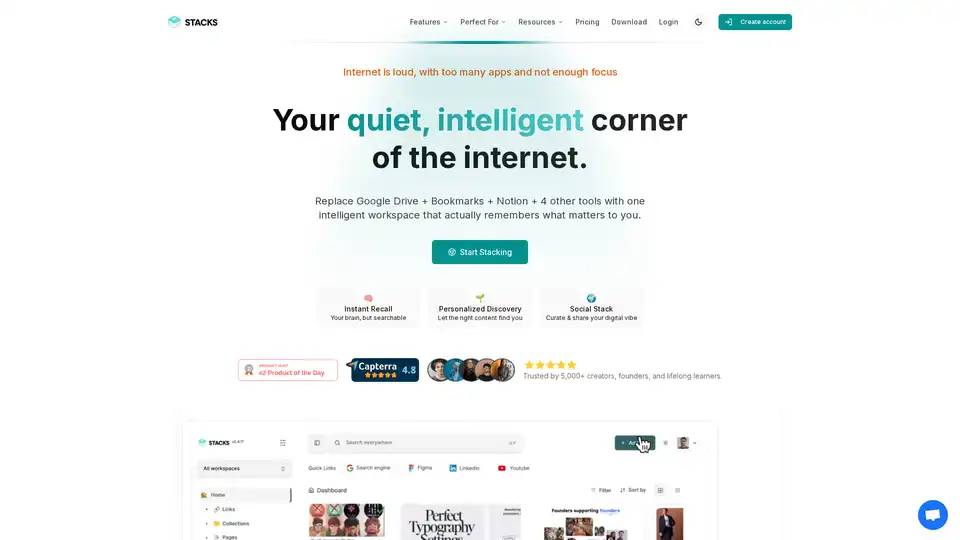
Overview of Stacks
Stacks: Your Personal AI Workspace for Organizing the Web
What is Stacks? Stacks is an AI-powered workspace designed to help you manage and organize your digital life. It combines the functionalities of Google Drive, Bookmarks, Notion, and other tools into one unified platform. With Stacks, you can easily save, search, and share your online findings, making it an ideal solution for researchers, creators, and lifelong learners.
How does Stacks work? Stacks works as a browser extension that allows you to save notes, bookmarks, links, and files while you browse. It understands the context behind your saves, allowing you to quickly find exactly what you need when you need it. The AI learns from your preferences and helps you discover surprising connections across your saved content. It transforms random saves into organized knowledge that you can use.
Key Features of Stacks:
- Instant Recall: Stacks acts like an extension of your brain, allowing you to easily search and retrieve saved information.
- Personalized Discovery: The platform's AI helps you discover relevant content based on your interests and browsing habits.
- Social Stack: You can curate and share your digital vibe with others, controlling the visibility of your content.
- Unified Workspace: Stacks replaces multiple tools like Google Drive, Notion, Pocket, and more, providing a single place to manage your digital assets.
How to Use Stacks?
- Install the Browser Extension: Begin by installing the Stacks browser extension on Chrome, Edge, or any Chromium-based browser.
- Save Content: As you browse, use the extension to save notes, bookmarks, links, and files directly to Stacks.
- Organize and Connect: Stacks will automatically organize your saved content and help you discover connections between different items.
- Search and Recall: Use the search functionality to quickly find the information you need.
- Share and Collaborate: Share your curated collections with others and collaborate in real-time within shared team workspaces.
Why Choose Stacks?
- AI-Powered Organization: Stacks uses AI to understand your intentions and organize your content accordingly.
- Time-Saving: By consolidating multiple tools into one, Stacks helps you save time and increase productivity. According to the website, 50,000+ users saved 2hrs/day.
- Personalized Experience: The platform learns from your preferences and provides a personalized experience tailored to your needs.
- Privacy-Focused: You own your content and train your AI, ensuring that your data remains private and secure.
Who is Stacks for?
- Students & Researchers: Organize insights while you browse without the hassle of tabs and folders.
- Creators & Builders: Connect the dots across research, content, and curiosity.
- Lifelong Learners: Build your personal knowledge system simply by being online.
- Marketers: An all-in-one knowledge repository platform that helps you save everything you and your team need to be efficient.
- Founders: Find what matters with Stacks' easy-to-use extension. You can find exactly what you are looking for without changing your workflow.
Real User Testimonials:
- Guta Raspanti (Visionary): "Stacks not only organized everything but actually understood what I was trying to accomplish. Now the system anticipates what I need before I even search for it."
- Wolfbytes Digital (Creator): "Amazing app and I hope they bring in an LLM and rag tech."
- Chase DiMarco (Researcher): "Now I can create different workspaces, folders within each, and share them with my team/colleagues easily. Game-changer for collaboration."
- Allina Singh (Creator): "Stacks is the perfect balance of simplicity and intelligence. It learns from my digital footprint and creates connections between my research that help me see the bigger picture. Now I focus on insights instead of organization."
FAQ Section From the Original Text:
- How does Stacks understand my intentions when I save content?
- Can Stacks connect related content across different topics I'm interested in?
- How does the intent recognition improve over time?
- What makes Stacks different from other AI-powered tools?
- Is there a limit to how many items I can save?
- Can I share my collections with others?
- Does Stacks work on mobile devices?
- **How secure is my data?
By answering these questions, Stacks ensures users are well-informed about the platform's capabilities and data security measures, promoting trust and transparency.
Stacks: A Better Way to Manage Your Digital Life
Stacks offers a unique and intelligent way to manage your digital information. By combining AI-powered organization with a user-friendly interface, it empowers you to take control of your online life and unlock new insights. Whether you're a student, researcher, creator, or lifelong learner, Stacks can help you save time, stay organized, and achieve your goals. Start stacking now and transform the way you interact with the web.
AI Task and Project Management AI Document Summarization and Reading AI Smart Search AI Data Analysis Automated Workflow
Best Alternative Tools to "Stacks"
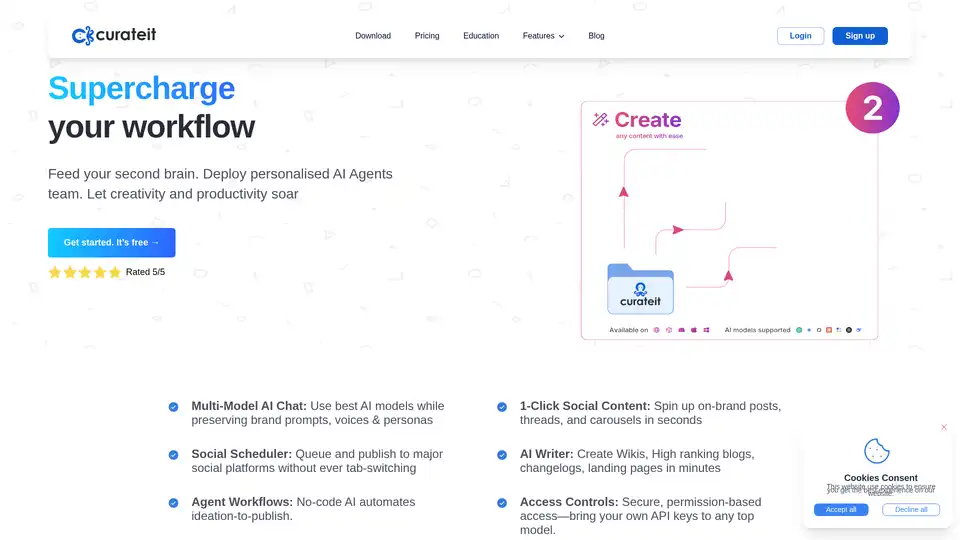
CurateIt is an AI-powered productivity tool that acts as your second brain, helping you curate, organize, and showcase your work. It offers AI-driven search, summarization, and content creation, along with robust bookmarking and organization features.
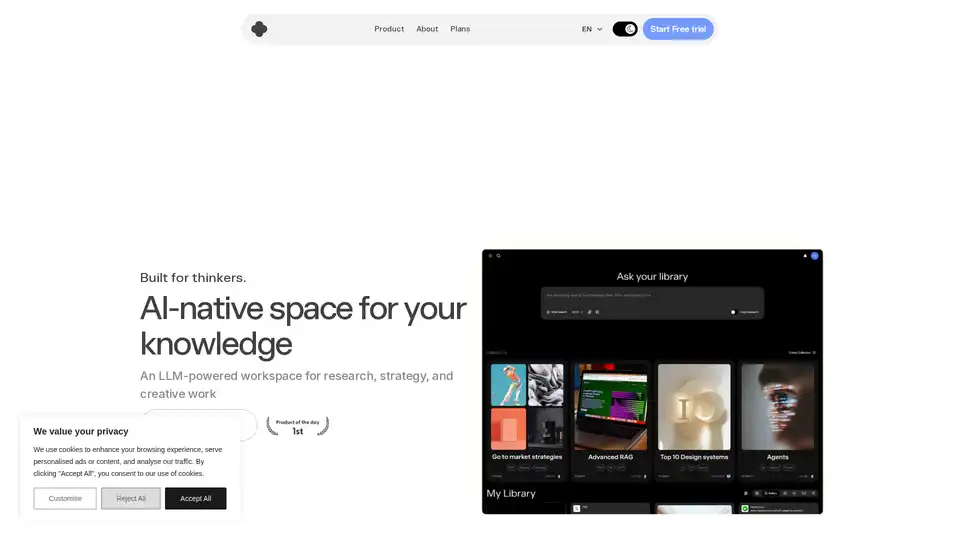
IKI AI is an AI-native workspace for research, strategy, and creative work. It features an AI assistant, editor, and team spaces. It helps summarize, highlight, and connect the dots in your content.
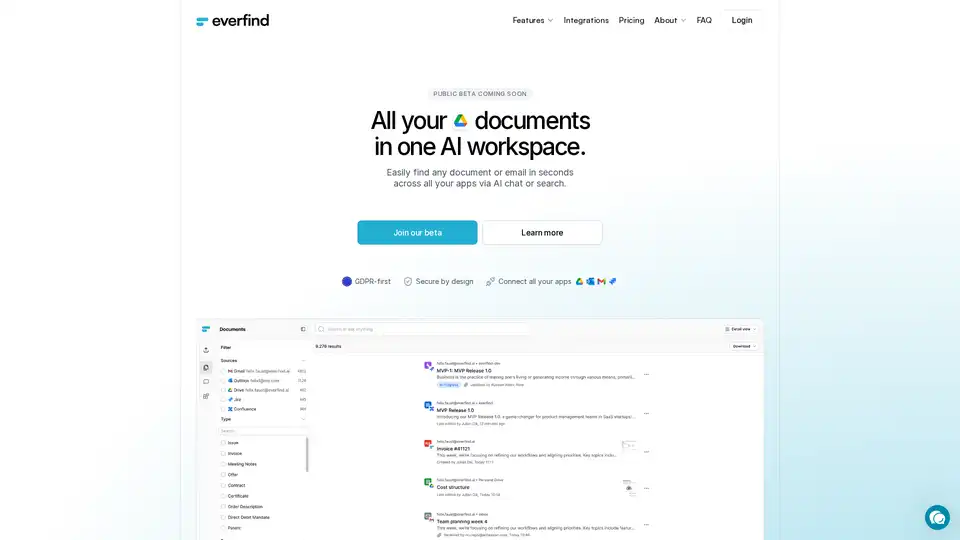
everfind is an AI-powered workspace that helps businesses securely search and manage documents and emails across multiple apps. It provides AI-driven answers, document categorization, and GDPR compliance.
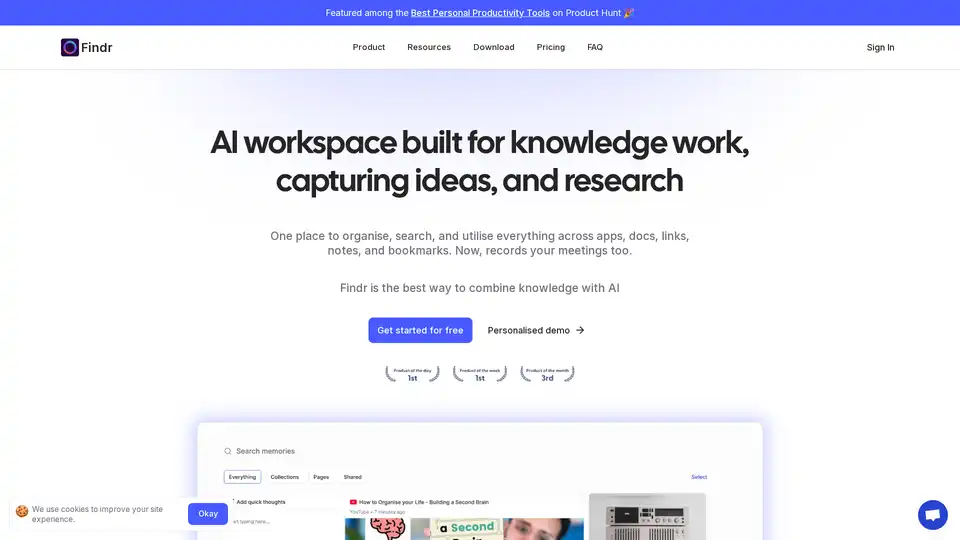
Findr is an AI-powered workspace that helps you organize, search, and utilize your knowledge across apps, docs, links, and notes. It serves as a second brain, capturing ideas and enabling instant recall through AI search and personalized organization.