
CurateIt
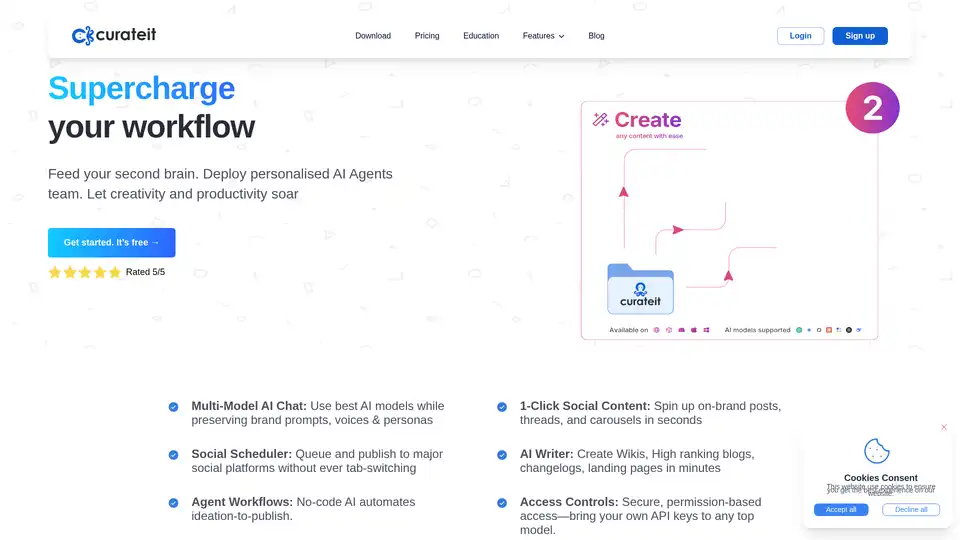
Overview of CurateIt
CurateIt: Supercharge Your Workflow with AI-Powered Content Curation
What is CurateIt? CurateIt is a productivity tool designed to streamline how you curate, sort, and retrieve information from the internet. It acts as a "second brain," helping users organize and showcase their work through AI-assisted features and a comprehensive suite of tools.
Key Features:
- AI-Powered Features:
- AI Search: Effortlessly search through your stored content.
- AI Prompt Library: Build and share AI prompts.
- AI Brand Voices: Write in your unique style.
- AI Summary: Summarize web pages, PDFs, YouTube videos, and audio.
- AI Agent Personas: Create detailed personas for team members.
- AI Writer: Write and edit content on any platform.
- Engagement Reply Assist: Generate engaging responses for comments, posts, and emails.
- Content Curation and Organization:
- Web Clipper & Annotation: Capture screenshots, highlight text, and add notes.
- Bookmark Manager: Organize links with enriched data, auto-categorization, and tagging.
- Note-Taking: Save notes, audio, image, and video notes in one place.
- Imports: Import HTML, TXT, CSV files, Kindle highlights, and Goodreads books.
- Save Offline: Save links and social feeds even if the source is deleted.
- Productivity and Collaboration:
- Auto Group Tabs using AI: Organize open tabs into groups.
- Go Links: Shorten URLs with memorable keywords.
- Text Expander: Save time by expanding frequently used text snippets.
- Save & Share Sessions: Save and resume sessions on any device.
- Team Collaboration: Share curated content with real-time commenting and shared workspaces.
- Showcase Your Work:
- No-code Website Builder: Build portfolios, resumes, and personal projects.
- Link in Bio: Consolidate important links in one place.
How does CurateIt work?
CurateIt works by providing a centralized platform for saving, organizing, and retrieving online content. It uses AI to enhance these processes through features like automatic tagging, summarization, and content generation. The platform supports over 25 media types, ensuring that users can save virtually any content they find useful.
Key functionalities include:
- Saving Content: Users can save links, articles, PDFs, videos, and more using the web clipper or by importing files.
- Organizing Content: AI suggests collections and tags to categorize content automatically.
- AI Assistance: AI helps summarize content, generate citations, and create study guides.
- Collaboration: Teams can share collections and collaborate in real-time.
- Showcasing: Users can build websites and share links to showcase their curated content.
Why Choose CurateIt?
- All-in-One Platform: CurateIt replaces multiple apps, saving users money and simplifying their workflow.
- AI-Driven Productivity: AI features boost productivity by automating tasks and providing intelligent assistance.
- Collaboration Tools: Enhance team alignment and communication with shared workspaces.
- Versatile Use Cases: Suitable for researchers, students, freelancers, and teams.
Who is CurateIt For?
CurateIt is designed for a wide range of users, including:
- Researchers: For managing and organizing research articles and notes.
- Product Managers: For collating user feedback and competitor analysis.
- Bloggers: For efficiently organizing and referencing sources.
- Graphic Designers: For saving and categorizing diverse content types.
- Marketing Consultants: For tracking industry trends and client information.
- Students and Educators: For organizing study materials and lecture notes.
How to Use CurateIt?
- Sign Up: Create a free account on the CurateIt website.
- Install Extension: Install the CurateIt browser extension.
- Save Content: Use the extension to save links, articles, and other content.
- Organize: Use AI-suggested tags and collections to organize your content.
- Collaborate: Share collections with team members and collaborate in real-time.
- Showcase: Build a website or share a link to showcase your curated content.
Pricing Plans
CurateIt offers a range of pricing plans to suit different needs:
- Free Plan: Limited credits for exploring the platform.
- Professional Plan: $16/month (billed annually) for unlimited AI messages and additional features.
- Team Plan: $10/member/month for small teams and professionals.
Maximize Your Productivity with CurateIt
CurateIt is more than just a bookmarking tool; it's a comprehensive platform designed to supercharge your workflow and help you achieve your goals. By leveraging AI and providing a suite of powerful features, CurateIt enables you to curate, organize, and showcase your work with ease.
Whether you're a researcher, student, freelancer, or part of a team, CurateIt can help you stay organized, collaborate effectively, and maximize your productivity. Try CurateIt today and unlock your full potential.
AI Task and Project Management AI Document Summarization and Reading AI Smart Search AI Data Analysis Automated Workflow
Best Alternative Tools to "CurateIt"

Futurepedia is a free site to help you find the best AI tools and software to make your work and life more efficient and productive. Updated daily, join millions of followers of our website, newsletter, and YouTube.
Truescope offers AI-powered media monitoring and social listening for real-time insights. Manage crises, boost brand reputation with AI-driven analysis and reporting.
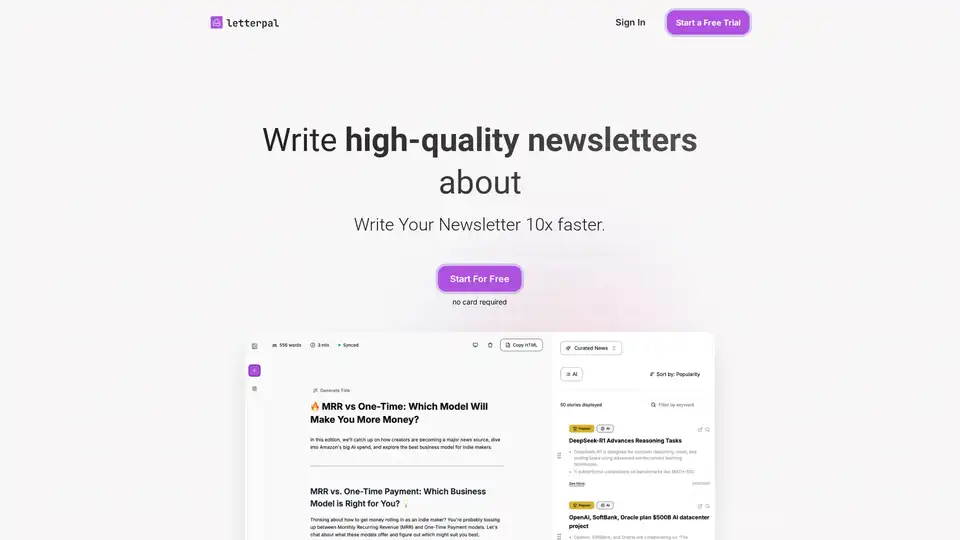
letterpal is an AI-powered assistant that helps you create high-quality, industry-focused newsletters 10x faster. Start your free trial today!

letterpal is an AI-powered assistant that helps you automate your industry-focused newsletter creation. Generate high-quality newsletters about SEO and more, 10x faster.