
PicWish
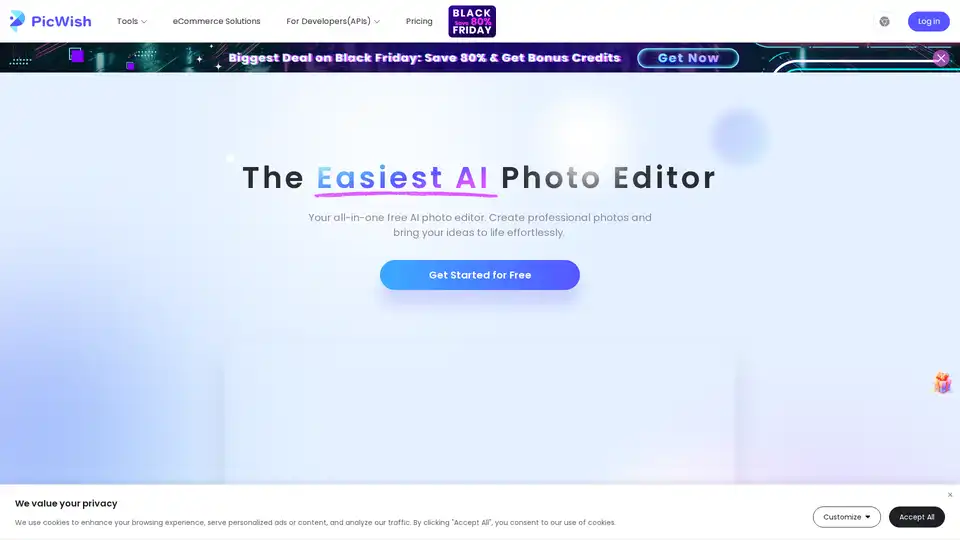
Overview of PicWish
PicWish: Your All-in-One Free AI Photo Editor
PicWish is an AI-powered online photo editor that simplifies photo editing tasks. Whether you need to remove backgrounds, enhance image details, or translate text in images, PicWish offers a suite of tools to help you achieve professional results effortlessly.
What is PicWish?
PicWish is a versatile online platform designed for both amateur and professional photo editors. It leverages artificial intelligence to provide easy-to-use tools for various image editing needs.
Key Features:
- AI Background Remover: Instantly isolate the subject of your image with the background remover tool. Process up to 30 files at a time.
- Image Enhancer: Unblur and sharpen images online to transform blurry photos into crystal clear visuals.
- AI Image Translator: Automatically detect and translate text in photos.
- Bulk Watermark Removal: Quickly detect and remove text watermarks from multiple photos.
- AI Image Extender: Seamlessly fill in gaps in your image to create more space.
- Batch White Background: Replace backgrounds with pure white in bulk, ideal for product photography.
- AI Background Generator: Generate instant backgrounds for your products using custom prompts or templates.
How to Use PicWish:
- Visit the PicWish website.
- Select the desired editing tool (e.g., Background Remover, Image Enhancer).
- Upload your image.
- Use the AI-powered features to edit your image.
- Download the edited image.
Why is PicWish Important?
PicWish is important because it makes professional-quality photo editing accessible to everyone. Its AI-powered tools simplify complex tasks, saving time and effort while delivering impressive results.
Where Can I Use PicWish?
PicWish can be used for:
- E-commerce: Create professional product photos with clean backgrounds.
- Social Media: Enhance your photos for social media posts.
- Marketing: Design eye-catching marketing materials.
- Personal Use: Improve your personal photos and memories.
User Reviews:
Users praise PicWish for its user-friendliness, powerful AI features, and time-saving capabilities. Many users have highlighted its ability to sharpen blurry images and remove backgrounds effectively.
Available Platforms:
PicWish is available as a website application and as downloadable applications for Windows, macOS, iOS, and Android.
AI Generated Art Image Enhancement and Repair Image Style Transfer AI Background Removal and Replacement AI Avatar and Cartoonization 3D Modeling and Rendering Logo and UI Design
Best Alternative Tools to "PicWish"
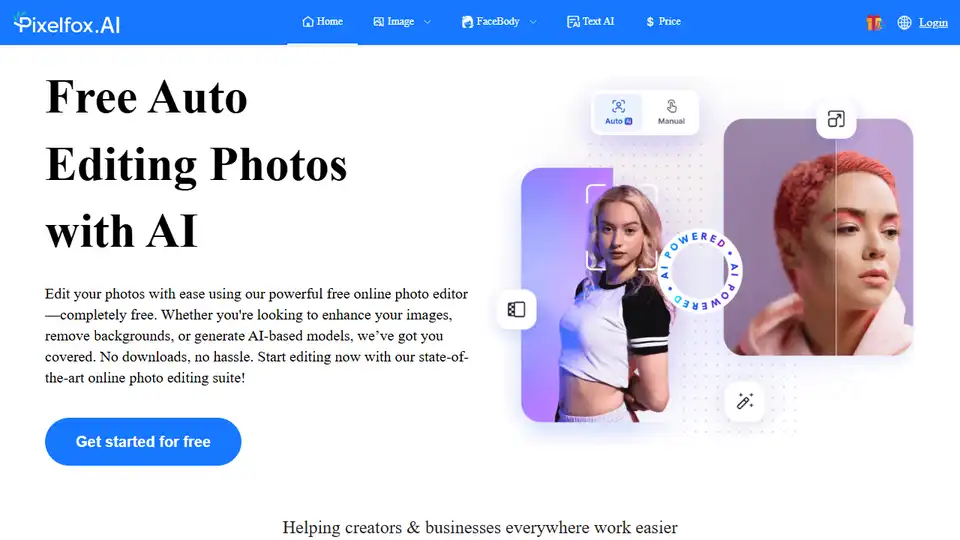
Pixelfox AI is a free AI photo and video editor, providing tools for photo retouching, background removal, image enhancement, and more. Edit photos and videos online without downloads.
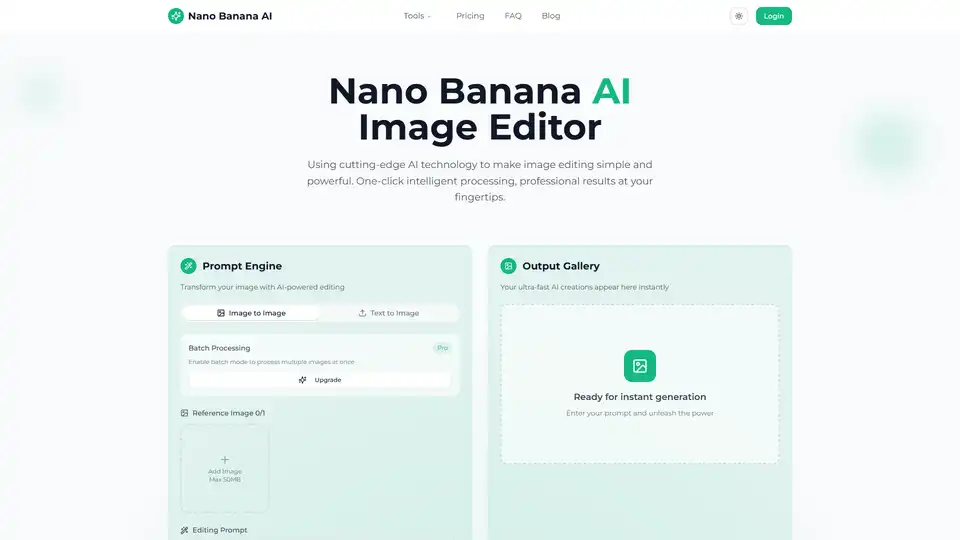
Transform your photos with Nano Banana AI Image Editor. Free AI-powered background removal, smart enhancement, style conversion, and batch processing.
Movavi Photo Editor is an AI-powered software for PC & Mac that offers intuitive tools for quick photo editing, including background swap, object removal, retouching, and more.

Pixelbin AI Photo Editor is a free online tool for editing, cropping, enhancing images, and adding backgrounds. It offers AI-powered features and batch editing capabilities, catering to individuals, enterprises, and developers.