
Pixelbin AI Photo Editor
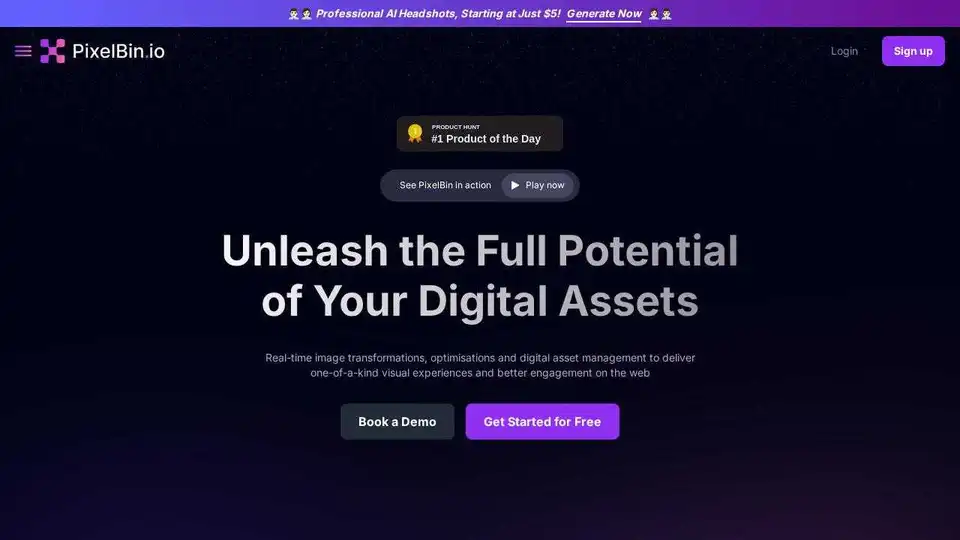
Overview of Pixelbin AI Photo Editor
Pixelbin AI Photo Editor: Free Online Image Editing
What is Pixelbin? Pixelbin AI Photo Editor is a free online tool designed to simplify image editing through artificial intelligence. It allows users to effortlessly edit, crop, enhance, and add backgrounds to their images. With both a web interface and a mobile app, Pixelbin provides accessibility and convenience for various users.
Key Features of Pixelbin:
- AI-Powered Editing: Utilizes AI to generate, edit, and enhance images based on user prompts.
- Batch Editing: Enables users to apply edits to multiple images simultaneously, saving time and ensuring consistency.
- Text to Video: Converts text prompts into high-impact videos.
- AI Headshots: Generates professional headshots quickly.
- Background Removal & Replacement: Easily remove or change image backgrounds.
- Image Upscaling: Enhance image resolution and clarity.
- Watermark Removal: Remove watermarks from images.
- Versatile Applications: Suitable for real estate, e-commerce, automobiles, media, entertainment, and travel industries.
How does Pixelbin AI Photo Editor work?
Pixelbin operates through a user-friendly interface where you can upload an image and then use natural language prompts to guide the AI in making specific edits. The tool offers features like:
- Image Upload: Upload images directly to the platform.
- AI Chat: Use a chat interface to instruct the AI on how to edit the image.
- Download: Download the edited image once the desired changes are made.
Who is Pixelbin AI Photo Editor for?
Pixelbin is designed for a wide range of users, including:
- Individuals: Those who need quick and easy image editing for personal projects.
- Businesses: Companies that require efficient batch editing and consistent branding across visuals.
- Developers: Professionals who need to integrate image editing capabilities into their applications via APIs and SDKs.
Practical Applications of Pixelbin:
- E-commerce: Optimize product images for various storefronts, ensuring consistency and high quality.
- Real Estate: Enhance property photos to attract potential buyers.
- Automobile Industry: Create detailed and visually appealing car photos for websites.
- Media and Entertainment: Generate engaging content with aesthetic visuals.
- Travel: Produce vibrant and captivating travel photos.
Why Choose Pixelbin AI Photo Editor?
- Efficiency: Batch processing and AI-driven edits save significant time.
- Cost-Effective: Reduces the need for extensive photoshoots and manual editing.
- User-Friendly: The intuitive interface makes it accessible to users with varying levels of technical expertise.
- Scalability: Suitable for individuals, small businesses, and large enterprises.
- Security: Enterprise-grade security measures ensure data protection.
How to use Pixelbin AI Photo Editor?
- Upload an Image: Start by uploading the image you want to edit to the Pixelbin platform.
- Use AI Chat: Enter your desired edits in natural language via the AI chat interface. For example, you can type prompts like "remove the background" or "enhance the colors."
- Refine with Tools: Use the toolbar for minimal edits or AI Smart Select and Brush for selective edits.
- Download the Edited Image: Once you are satisfied with the edits, download the enhanced image in seconds.
What are the key benefits of using Pixelbin AI Photo Editor?
- Speed and Efficiency:
- Batch Processing: Edit multiple images at once, significantly reducing turnaround time.
- AI-Powered Edits: Automate complex editing tasks with AI, such as background removal and image enhancement.
- Cost Savings:
- Reduced Photoshoot Costs: Create professional-looking visuals without expensive photoshoots.
- Lower Labor Costs: Minimize the need for manual editing and design work.
- Scalability:
- Suitable for Various Needs: Whether you are an individual user, a small business, or a large enterprise, Pixelbin can scale to meet your image editing requirements.
- User-Friendly Interface:
- Intuitive Design: Easy to navigate, even for users with limited technical expertise.
- Quick Edits: Access commonly used editing tools directly from the toolbar for fast adjustments.
- Integration and Automation:
- API and SDK Support: Integrate Pixelbin with your existing systems using APIs and SDKs.
- Automated Workflows: Automate image transformations and content delivery with native support for Node.js and React.
How to get started with Pixelbin?
- Sign Up for Free: Visit the Pixelbin website and sign up for a free account to get started.
- Explore the Dashboard: Once logged in, explore the dashboard to familiarize yourself with the available tools and features.
- Upload Your First Image: Upload an image to begin editing.
Conclusion
Pixelbin AI Photo Editor offers a comprehensive suite of tools that simplifies image editing through the power of AI. From batch processing to AI-driven enhancements, Pixelbin caters to a wide range of users, ensuring efficiency, cost-effectiveness, and high-quality results. Whether you're optimizing images for e-commerce, real estate, or personal projects, Pixelbin provides the resources you need to create visually stunning content with ease.
AI Generated Art Image Enhancement and Repair Image Style Transfer AI Background Removal and Replacement AI Avatar and Cartoonization 3D Modeling and Rendering Logo and UI Design
Best Alternative Tools to "Pixelbin AI Photo Editor"
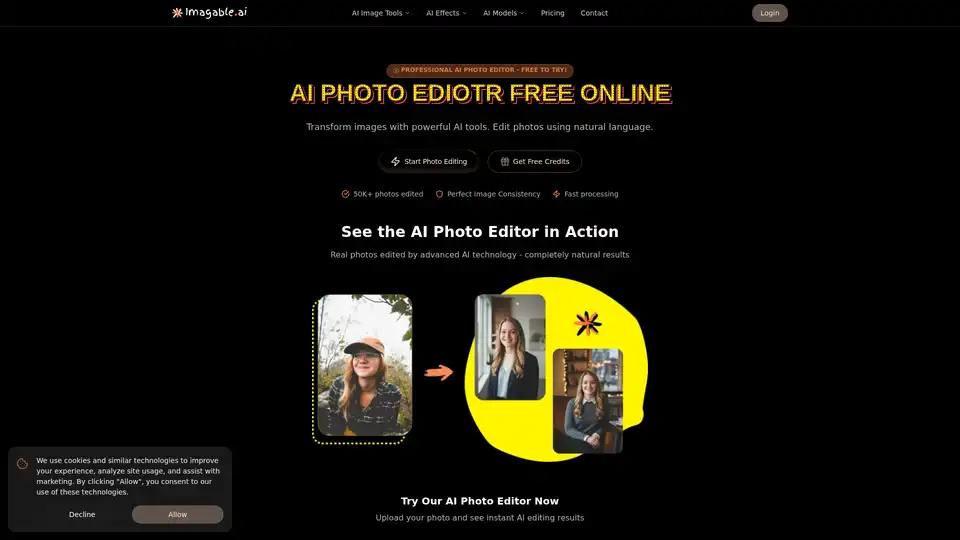
Imagable is a free online AI photo editor that transforms images using natural language commands. It offers professional editing features including character consistency, precision editing, text integration, and style transfer.
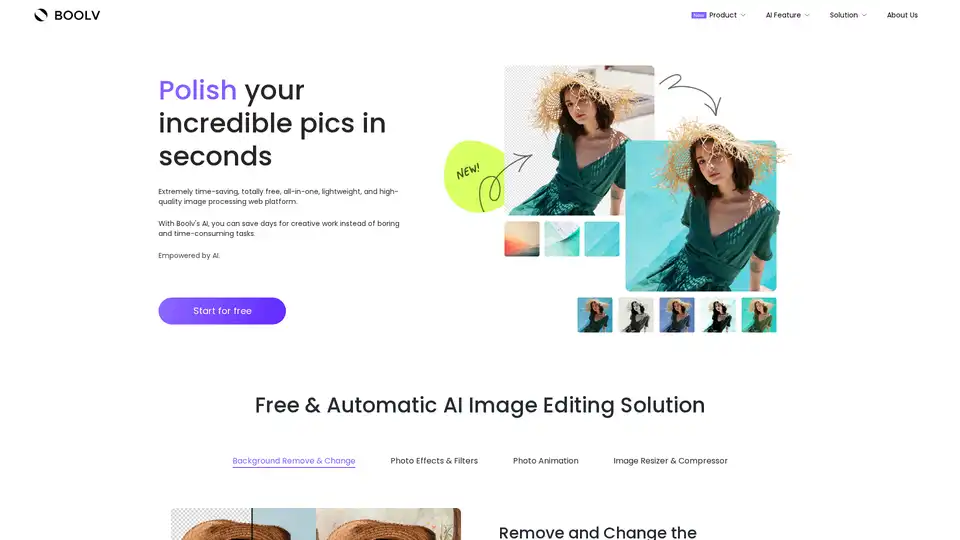
Boolv.Toolkit is a free AI-powered image editing platform offering background removal, photo effects, animation, and compression tools for instant professional photo editing.
Nero AI is a top online tool brand offering AI image upscaling, photo colorization, restoration, and AI-generated avatars. Free to use on web and mobile. Enhance your images with AI.
Gigapixel AI is an all-in-one platform for AI image upscaling and generation. It offers AI-powered tools for image enhancement, video upscaling, and more.