
Movavi Photo Editor
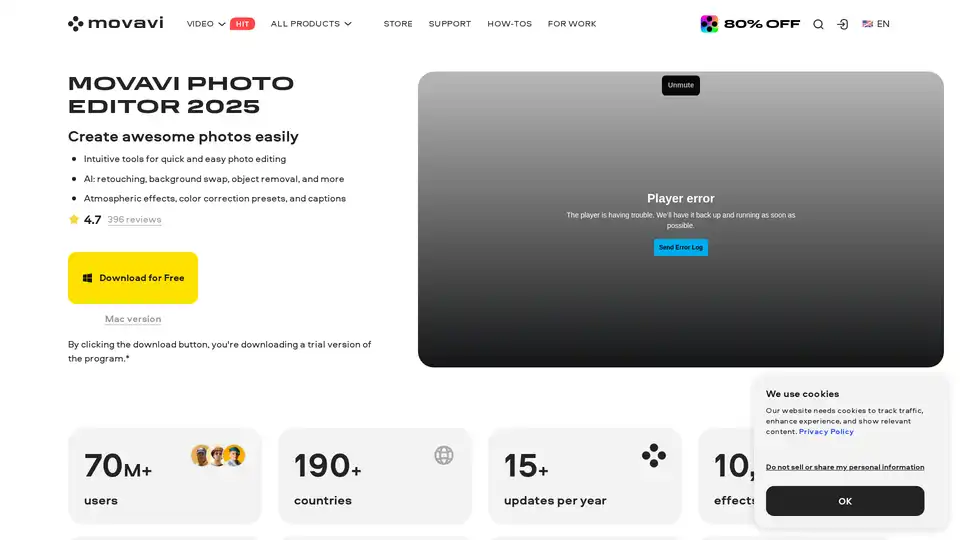
Overview of Movavi Photo Editor
Movavi Photo Editor: Unleash Your Photo Editing Potential with AI
What is Movavi Photo Editor?
Movavi Photo Editor is a powerful and intuitive photo editing software designed for both beginners and experienced users. Available for PC and Mac, it leverages the power of artificial intelligence to simplify complex editing tasks and deliver professional-looking results quickly.
How does Movavi Photo Editor work?
This AI photo editor is packed with features that enhance your images with ease:
- AI-Powered Enhancement: Instantly improve the light and color balance of your photos with AI-driven automatic adjustments.
- AI Background Removal: Effortlessly swap backgrounds, replacing them with cityscapes, galaxies, or any image you desire.
- AI Restoration of Old Photos: Revive old memories by removing creases, scratches, and stains from scanned photos. It can also reduce noise and add color to black-and-white images.
- Object Removal: Remove unwanted objects from your photos seamlessly using AI-powered object removal tools.
- Retouching: Enhance portraits with one-click AI retouching, smoothing skin, whitening teeth, and applying makeup for a balanced and realistic look.
- Effects and Filters: Add charm and style to your images with over 100 effects and filters.
- Custom Sharpness Adjustment: Fine-tune the level of detail in your photos, emphasizing textures and removing blur.
Why choose Movavi Photo Editor?
- Intuitive Interface: Easy to navigate, making it perfect for beginners.
- Powerful Features: Despite its simplicity, it offers a wide range of advanced editing tools.
- AI-Driven: Simplifies complex tasks, saving time and effort.
- Versatile: Suitable for various photo editing needs, from basic enhancements to complex manipulations.
Who is Movavi Photo Editor for?
- Beginners: The intuitive interface and AI features make it easy to learn and use.
- Hobbyists: Offers a wide range of tools for creative photo editing.
- Professionals: Provides advanced features for quick and efficient photo enhancement.
How to use Movavi Photo Editor?
- Download and install Movavi Photo Editor on your PC or Mac.
- Open the software and import the photo you want to edit.
- Use the AI Enhancement tool for instant improvements or manually adjust the settings to your liking.
- Experiment with the various tools and features, such as background removal, object removal, and retouching.
- Add effects and filters to enhance the style of your photo.
- Save your edited photo.
Best way to enhance your photos?
The best way to enhance your photos with Movavi Photo Editor is to start with AI enhancements and then fine-tune the details manually. This ensures a balance between automated improvements and personalized adjustments.
What Users Think
- User in Marketing and Advertising: "Intuitive, clean, slick. Movavi is the easiest photo editor I have used, but don't let that fool you. It is also incredibly powerful."
- User in Photography: "Solid editing tool for PC. Provides a lot of features (even on the trial version), easy removal of picture elements that you don't want."
- Sarah J.: "AI magic. With its AI-powered features, editing is a breeze. This photo background editor is a gem for anyone looking for an AI photo editor free from hassles!"
FAQ
- How can I safely edit photos for free? You can safely edit your photos for free with our Photo Editor app. The photo editor’s free version provides secure, user-friendly tools to boost your images.
- What is the best photo editor for beginners? Movavi Photo Editor is an excellent choice for beginners. Its intuitive interface and AI-powered tools help users achieve professional-looking results without a steep learning curve. This Windows photo editor provides an enjoyable experience for anyone just starting their journey into the world of photo editing.
- How can I download a photo editor for free? If you’re looking for a photo editor to download for free, you've come to the right place – just click any Download for Free button on this page. Download the program directly from our official website to mitigate the risk of downloading compromised or altered versions, viruses, malware, or other harmful content.
The trial version of Movavi Photo Editor has the following restrictions: you can save up to 10 images with added watermark, screenshots are disabled. Learn more
AI Generated Art Image Enhancement and Repair Image Style Transfer AI Background Removal and Replacement AI Avatar and Cartoonization 3D Modeling and Rendering Logo and UI Design
Best Alternative Tools to "Movavi Photo Editor"

AirBrush is a powerful AI-powered photo and video editor offering instant enhancement, retouching, and transformation tools. Perfect for creators seeking professional-quality results with effortless editing.
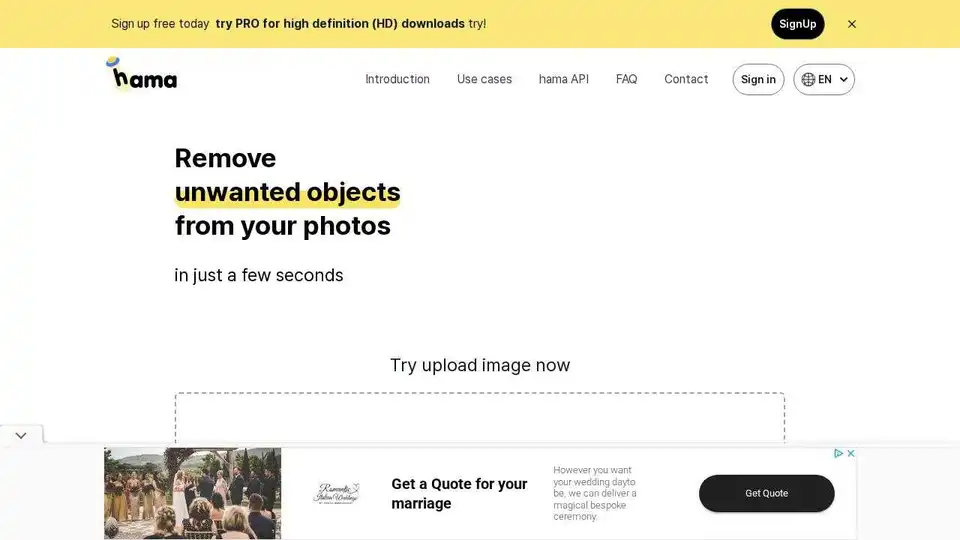
HAMA is an AI-powered image eraser that easily removes unwanted objects, people, and text from your photos in seconds. Try the free AI Image Eraser tool today!
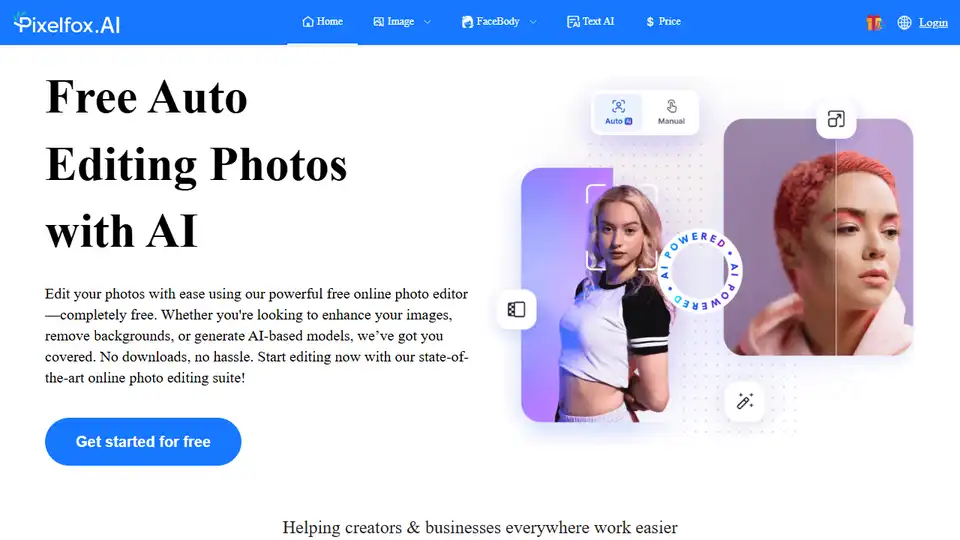
Pixelfox AI is a free AI photo and video editor, providing tools for photo retouching, background removal, image enhancement, and more. Edit photos and videos online without downloads.
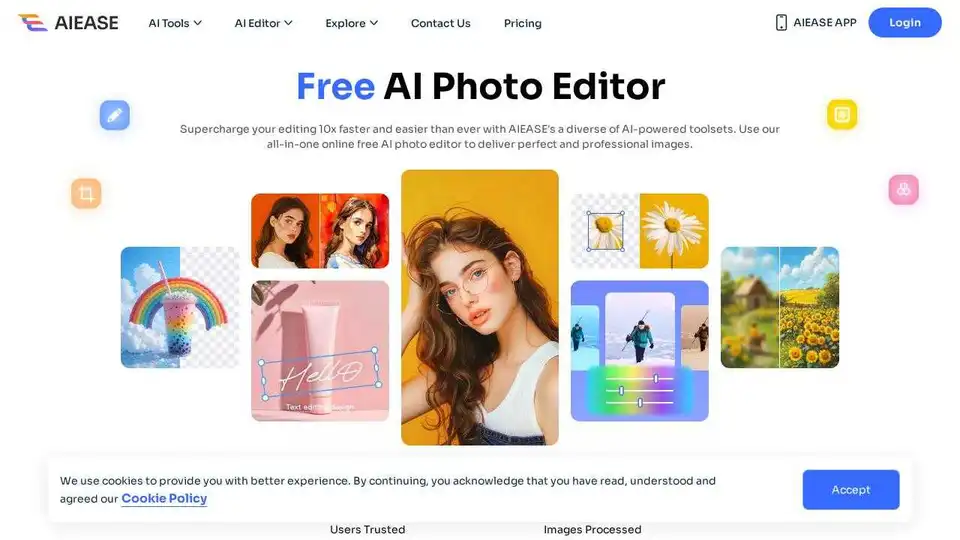
Simplify and automate your photo editing with AI Ease. Experience a wide range of AI photo editing tools to enhance every aspect of your images for free.