
HAMA
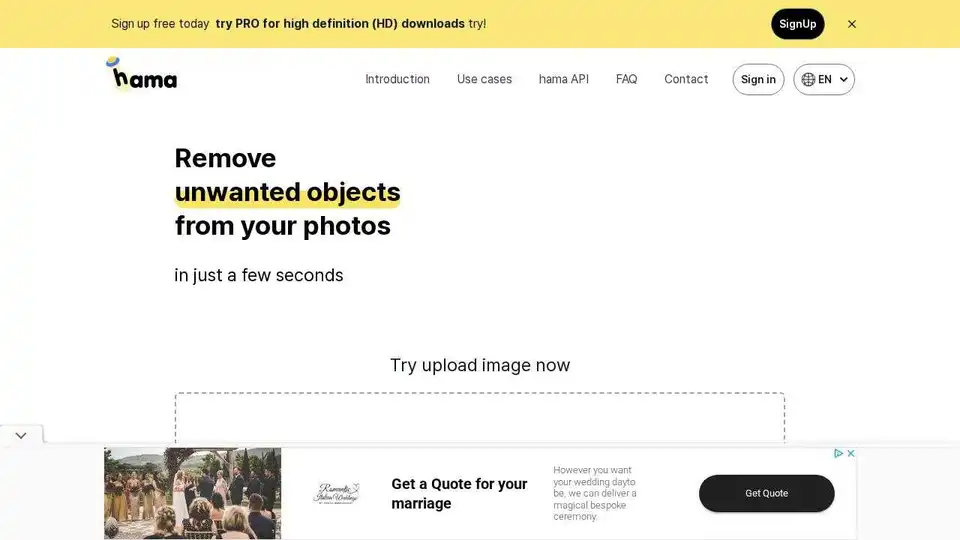
Overview of HAMA
HAMA: AI Object Remover and Image Eraser
What is HAMA? HAMA is an AI-powered web application designed to effortlessly remove unwanted objects, people, text, and blemishes from your photos. It offers a quick and easy solution for cleaning up images and achieving surprising results. Users can simply brush over the areas they want to erase and let HAMA's AI do the rest.
How does HAMA work?
HAMA utilizes advanced AI algorithms to intelligently identify and remove unwanted elements from images. The process involves:
- Uploading the Image: Users upload the image they want to edit.
- Masking: Users brush over the objects or areas they want to remove.
- AI Processing: HAMA's AI processes the image based on the mask.
- Result: HAMA produces a clean, final image with the unwanted objects removed.
Illustrative example:
- Send the original Image Original Image
- and the mask Image to hama API. Mask
- Hama API process hama API
- and produce the final image. Result Image
Key Features and Use Cases
- Easy Object Removal: Remove unwanted objects, people, text, or blemishes with a simple brush.
- AI-Powered: Uses advanced AI algorithms for intelligent and seamless removal.
- Photo App Enhancement: Ideal for removing spots, freckles, pimples, wrinkles, and blemishes in portraits.
- Versatile Applications: Suitable for various applications, including photo apps, templates, business, e-commerce, web builders, maps, media, and more.
Use Cases
- Photo App: Remove spots, freckles, pimples, wrinkles, and blemishes.
- Template business: Clean up templates and make them more appealing.
- E-commerce: Remove distractions from product photos to highlight the product.
- Web builder: Remove unwanted objects from background images.
- Maps: Remove unwanted objects from map images.
- Media: Enhance media content by removing distracting elements.
Pricing
HAMA offers both free and Pro options:
- Free: Basic object removal capabilities.
- Pro: High-definition (HD) downloads and potentially other enhanced features. Try PRO for high definition (HD) downloads.
FAQ
- Is there a size limit when uploading an image to Hama? (Check the website for specific limits).
- How many images can I edit? (The website likely provides details on usage limits).
- How can I erase better? Erase repeatedly for better performance!
- How much does it cost? Try PRO for high definition (HD) downloads.
- Are there any keyboard shortcuts I can use? (Explore the application for available shortcuts).
How to Get Started with HAMA
- Visit the HAMA website.
- Upload your image.
- Brush over the objects you want to remove.
- Click 'Erase'.
- Download the cleaned image.
Conclusion
HAMA offers a user-friendly solution for removing unwanted elements from photos using AI. Whether you need to clean up portraits or remove distractions from product photos, HAMA provides a quick and easy way to achieve impressive results. With both free and Pro options available, users can choose the plan that best suits their needs. Try HAMA today and experience the power of AI-driven image editing.
AI Generated Art Image Enhancement and Repair Image Style Transfer AI Background Removal and Replacement AI Avatar and Cartoonization 3D Modeling and Rendering Logo and UI Design
Best Alternative Tools to "HAMA"
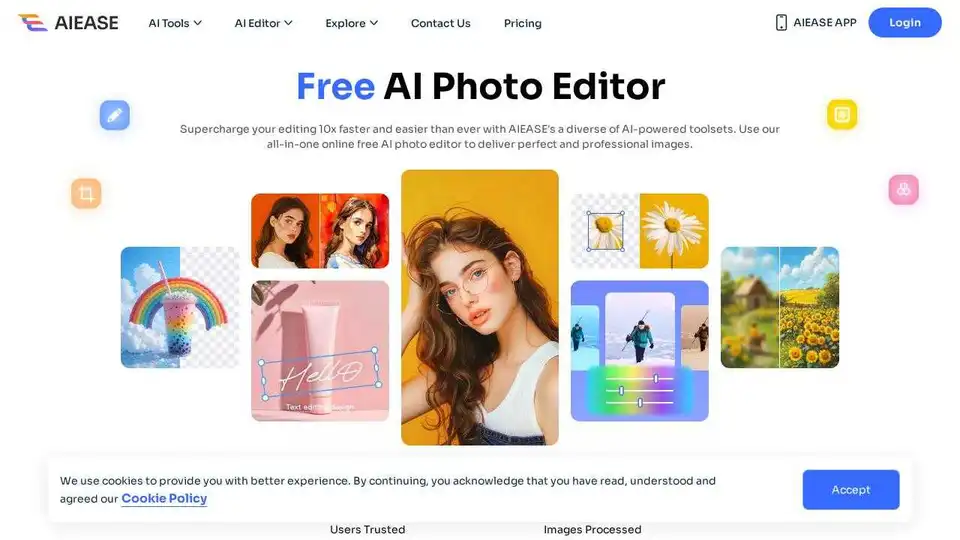
Simplify and automate your photo editing with AI Ease. Experience a wide range of AI photo editing tools to enhance every aspect of your images for free.

Transform your photos with Lensa, the ultimate AI photo editor. Powerful photo enhancement tools and effortless edits.

Pixelfox AI is a free AI photo and video editor, providing tools for photo retouching, background removal, image enhancement, and more. Edit photos and videos online without downloads.

Pincel is a smart AI image editing web app with tools for photo editing, portrait creation, object removal, and more.