
Pincel

Overview of Pincel
Pincel: The Smart and Easy AI Image Editing App
What is Pincel?
Pincel is an AI-powered web application designed to simplify image editing and enhance visual creations. It offers a range of tools, from basic photo editing to advanced AI-driven features, making it accessible to both beginners and professionals.
How to Use Pincel?
Pincel is designed for ease of use. Simply upload your image to the web app and select the desired tool. Each tool is designed to perform a specific task, such as removing objects, creating portraits, or enhancing details. The intuitive interface allows you to achieve stunning results with minimal effort.
Key Features:
- AI Photo Editor: Make instant photo edits with simple text input.
- AI Portrait Maker: Transform photos into amazing AI portraits.
- AI Photo Cleaner: Remove unwanted objects from photos.
- AI Image Replicator: Mimic and duplicate image styles and colors.
- AI QR Code Art Maker: Create visually stunning and functional QR codes.
- AI Logo Art Maker: Turn logos into AI-generated artwork.
- Background Remover: Easily remove backgrounds from any photo.
- Face Swapper: Swap faces seamlessly in photos.
- AI Photo Detailer: Enhance image details and upscale resolution.
Why is Pincel Important?
Pincel streamlines the image editing process, saving valuable time for marketers, designers, and business owners. It empowers users to quickly create compelling visuals for various purposes, from social media marketing to professional design projects.
Where Can I Use Pincel?
Pincel can be used for a wide range of applications:
- Marketing: Create eye-catching visuals for social media, ads, and websites.
- Design: Quickly prototype and refine design concepts.
- E-commerce: Enhance product photos for online stores.
- Personal Use: Edit and enhance personal photos for sharing with friends and family.
Best Way to Get Started with Pincel?
- Visit the Pincel website.
- Explore the available tools and features.
- Upload your first image and start experimenting.
- Check out the blog for tips, tricks, and use cases.
Pincel Frequently Asked Questions:
- What is Pincel? Pincel is a growing collection of photo manipulation tools powered by AI.
- What can I do with Pincel? Image retouching, generative fill, creative photo manipulation and removing objects or text from photos with amazing simplicity.
- Is Pincel a mobile app? No, Pincel is a web application and is compatible with all modern devices.
User reviews
Pincel is a fantastic tool for anyone looking to quickly and easily enhance their images. - John Smith
I was amazed at how well Pincel removed unwanted objects from my photos. Highly recommend! - Jane Doe
Pincel has saved me so much time on my marketing projects. - David Lee
AI Generated Art Image Enhancement and Repair Image Style Transfer AI Background Removal and Replacement AI Avatar and Cartoonization 3D Modeling and Rendering Logo and UI Design
Best Alternative Tools to "Pincel"
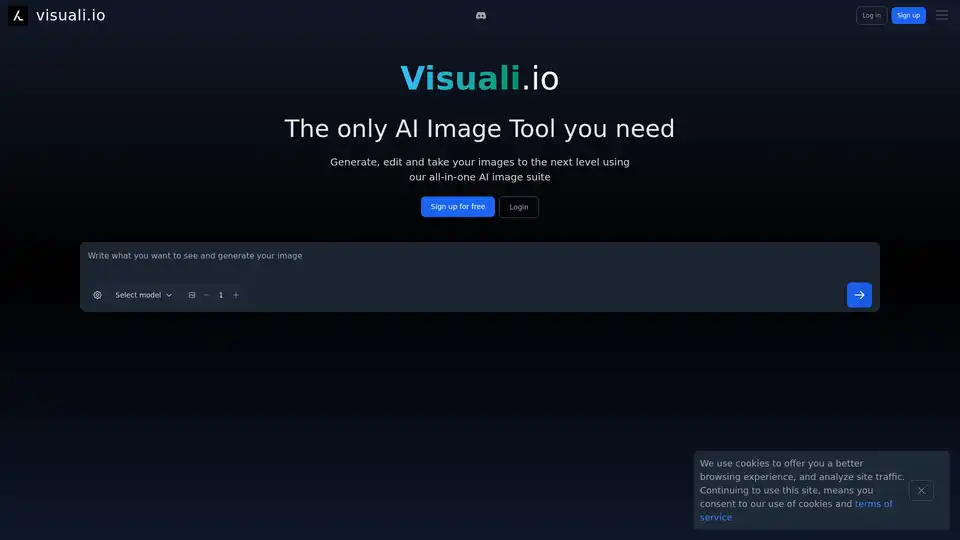
Visuali.io is an all-in-one AI image suite that allows users to generate, edit, and enhance images online. It offers features like AI image generation, inpainting, outpainting, and sketch-to-image conversion on an infinite canvas.
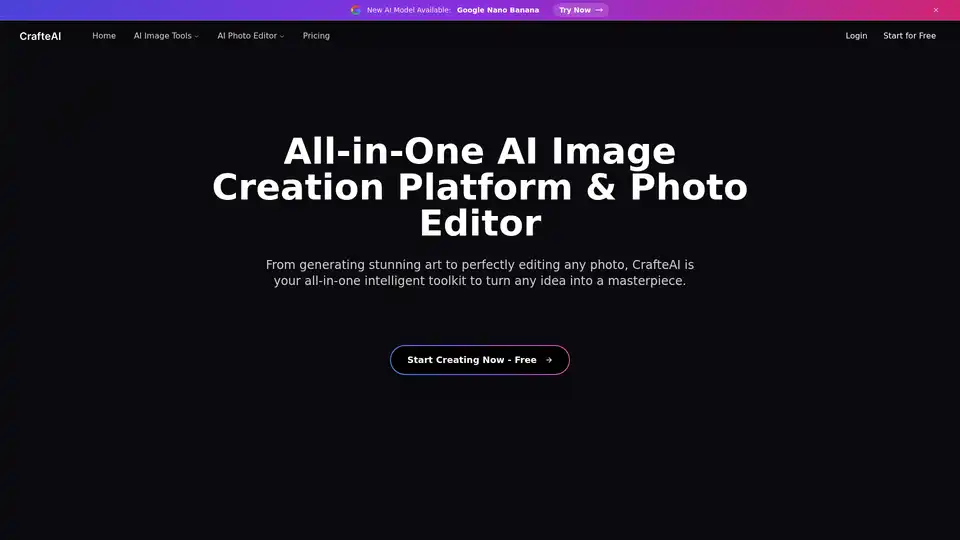
CrafteAI is a free all-in-one AI image platform offering generation, editing, and enhancement tools. Perfect for creators and professionals seeking high-quality visual content without design skills.
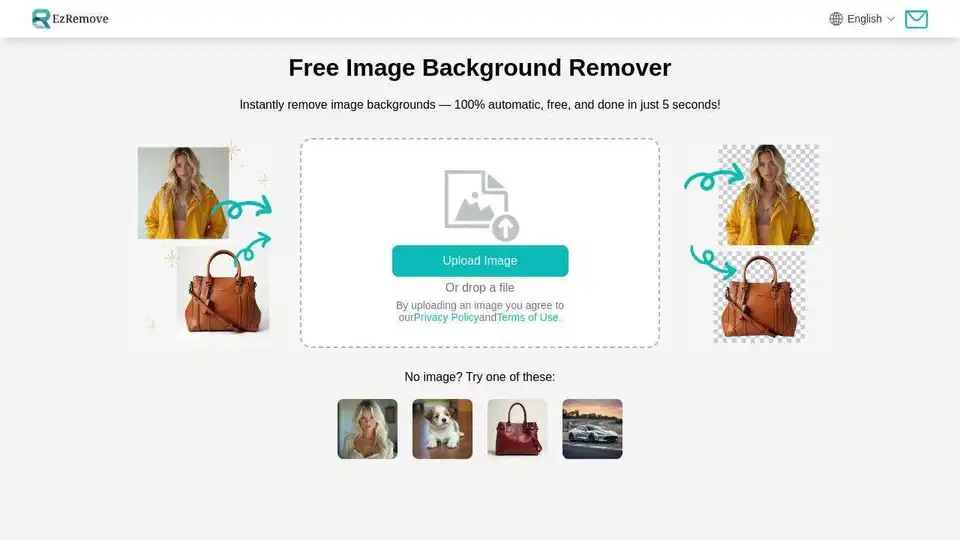
Easily remove image backgrounds with AI in seconds. Create transparent backgrounds, edit photos, and make background PNG online for free. Perfect for designers and photographers.
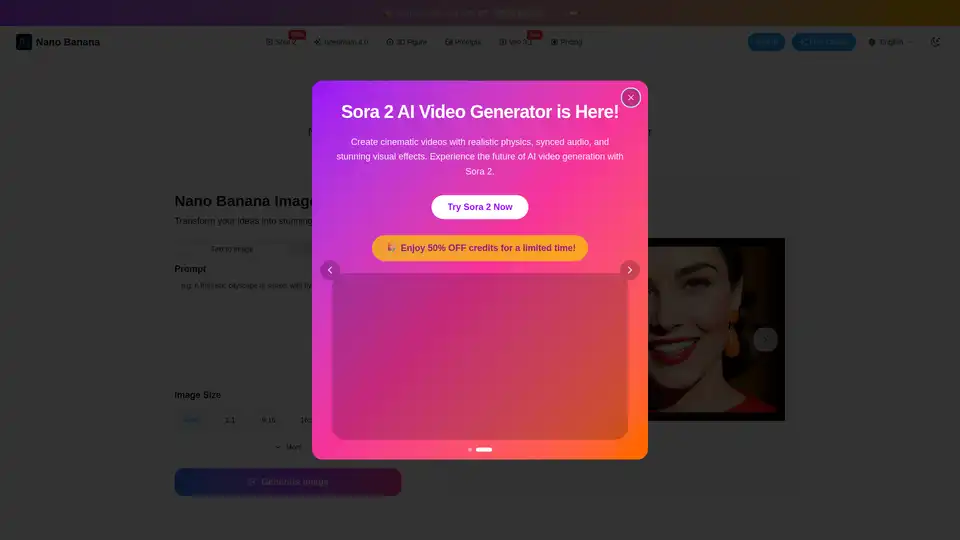
Nano Banana is an AI image editor powered by Gemini 2.5, offering fast, precise, and prompt-driven local edits. Keep characters consistent, blend images, and control details with natural language.