
Page Assist
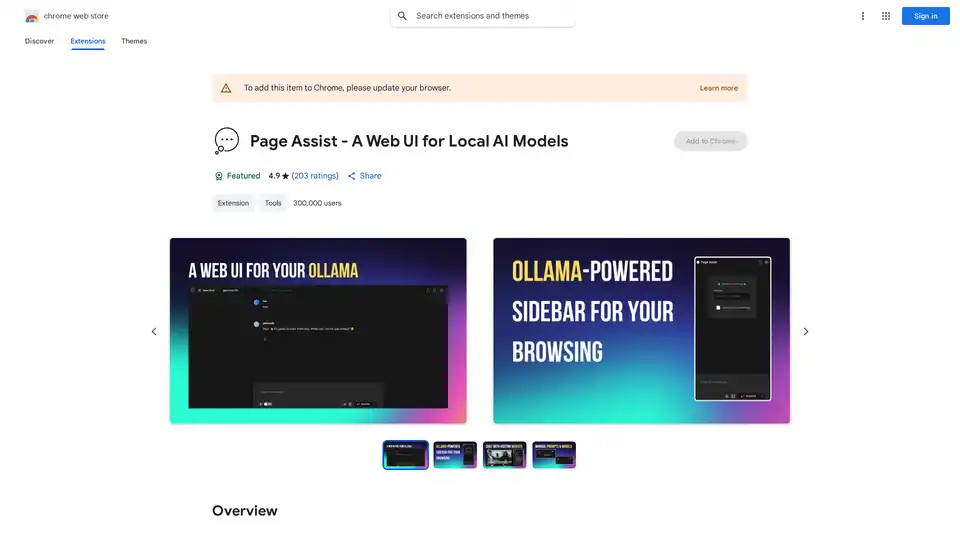
Overview of Page Assist
What is Page Assist?
Page Assist is a powerful Chrome browser extension that serves as a web interface for locally running AI models. This innovative tool allows users to leverage their own AI models directly within their web browsing experience, providing intelligent assistance without relying on cloud-based services.
How Does Page Assist Work?
Page Assist operates as a sidebar interface that integrates seamlessly with your Chrome browser. The extension connects to locally hosted AI models through various supported providers, creating a bridge between your browsing activities and AI-powered assistance.
Key Technical Features:
- Sidebar Interface: A convenient sidebar that remains accessible while browsing any website
- Local Model Integration: Direct connection to AI models running on your local machine
- Multi-provider Support: Compatible with Ollama, Chrome AI (Gemini Nano), and any OpenAI-compatible API
- Vision Model Capability: Support for models that can process visual information
- Document Interaction: Ability to chat with PDFs and various document formats
Core Functionality
Web Browsing Assistance
Page Assist transforms your browsing experience by providing AI-powered context awareness. As you navigate different websites, the extension can offer relevant insights, summaries, and assistance based on the content you're viewing.
Document Processing
One of the standout features is the ability to interact with documents directly in the sidebar. Users can:
- Chat with PDF files to extract information or ask questions about content
- Process various document formats including CSV, TXT, MD, and DOCX
- Get AI-powered analysis and summaries of document contents
Internet Search Integration
The extension includes built-in internet search capabilities, allowing the AI models to access and incorporate current web information into their responses.
Tab Mention System (Beta)
The innovative tab mention feature enables cross-tab context awareness, allowing the AI to reference content from different browser tabs.
Supported Providers and Compatibility
Page Assist offers broad compatibility with popular local AI solutions:
- Ollama: Full integration with the Ollama platform for local model management
- Chrome AI: Beta support for Chrome's built-in Gemini Nano AI capabilities
- OpenAI-compatible APIs: Works with LLaMA.cpp, LM Studio, Llamafile, vLLM, and other providers
Who is Page Assist For?
Developers and AI Enthusiasts
Ideal for users who run local AI models and want to integrate them into their daily browsing workflow.
Researchers and Students
Perfect for academic users who need to process documents, research papers, and web content with AI assistance.
Privacy-Conscious Users
Since all processing happens locally, users concerned about data privacy can benefit from AI assistance without sending information to external servers.
Content Professionals
Writers, editors, and content creators can use the tool for research, content analysis, and document processing.
Practical Applications and Use Cases
Research and Information Gathering
- Quickly summarize lengthy web articles and research papers
- Extract key information from PDF documents through conversational interface
- Cross-reference information across multiple sources
Document Analysis and Processing
- Analyze CSV files and get insights about data patterns
- Process text documents for content extraction and summarization
- Work with multiple document formats in a unified interface
Productivity Enhancement
- Get context-aware assistance while browsing
- Multitask with AI support across different browser tabs
- Access local AI capabilities without switching between applications
Privacy and Data Security
Page Assist operates with a strong privacy-first approach:
- No Data Collection: The developer explicitly states no user data is collected
- Local Processing: All AI processing occurs on your local machine or through your local API endpoints
- European Compliance: Clear privacy declarations for EU users
- No Data Selling: Developer commitment to not selling user data to third parties
Installation and Setup
The extension is available through the Chrome Web Store with a simple installation process. Users need to have their local AI models configured and running before using Page Assist. The extension supports multiple languages, making it accessible to a global audience.
Why Choose Page Assist?
Local First Approach: Unlike cloud-based AI assistants, Page Assist keeps your data on your device, ensuring privacy and reducing latency.
Flexible Integration: Support for multiple AI providers means you're not locked into a specific ecosystem.
Seamless Browsing Experience: The sidebar interface integrates naturally with your browsing workflow without disrupting your activities.
Active Development: Regular updates and new features indicate ongoing development and improvement.
Technical Requirements
- Chrome browser with latest updates
- Locally running AI models (Ollama, LLaMA.cpp, or compatible)
- Stable internet connection for web search features (optional)
Page Assist represents a significant step forward in making local AI models more accessible and integrated into everyday computing tasks. By bringing AI assistance directly into the browsing experience, it eliminates the need to switch between applications and provides context-aware support exactly when and where users need it most.
AI Programming Assistant Auto Code Completion AI Code Review and Optimization AI Low-Code and No-Code Development
Best Alternative Tools to "Page Assist"
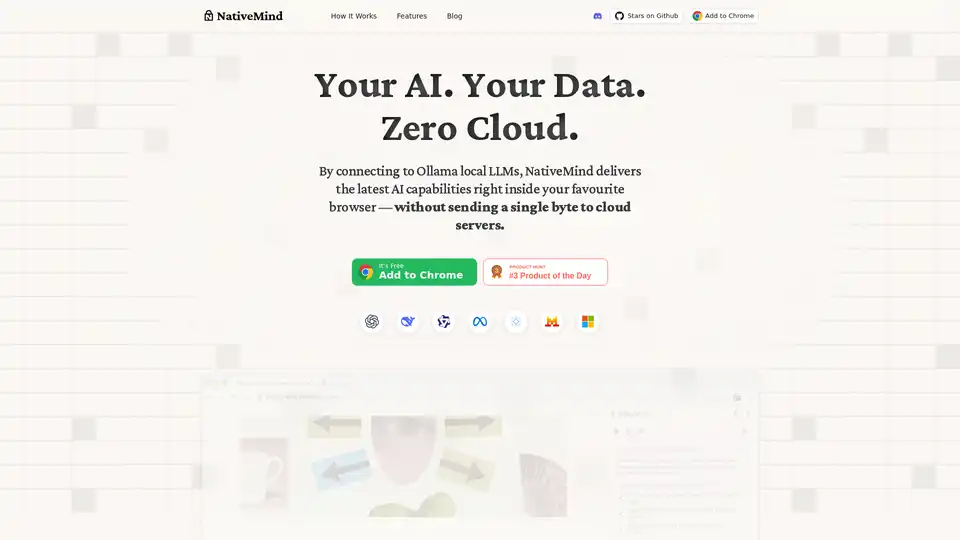
NativeMind is an open-source Chrome extension that runs local LLMs like Ollama for a fully offline, private ChatGPT alternative. Features include context-aware chat, agent mode, PDF analysis, writing tools, and translation—all 100% on-device with no cloud dependency.
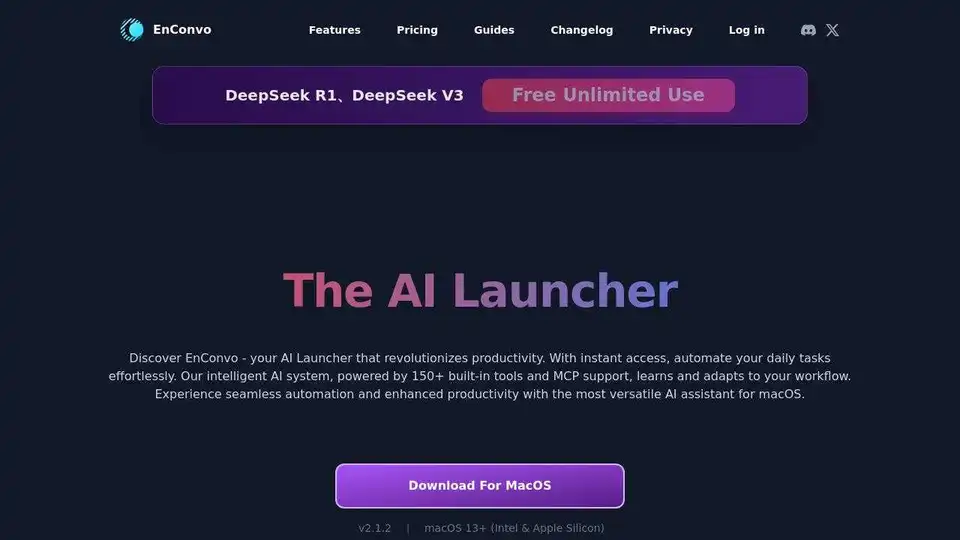
EnConvo is an AI Agent Launcher for macOS, revolutionizing productivity with instant access and workflow automation. Features 150+ built-in tools, MCP support, and AI Agent mode.
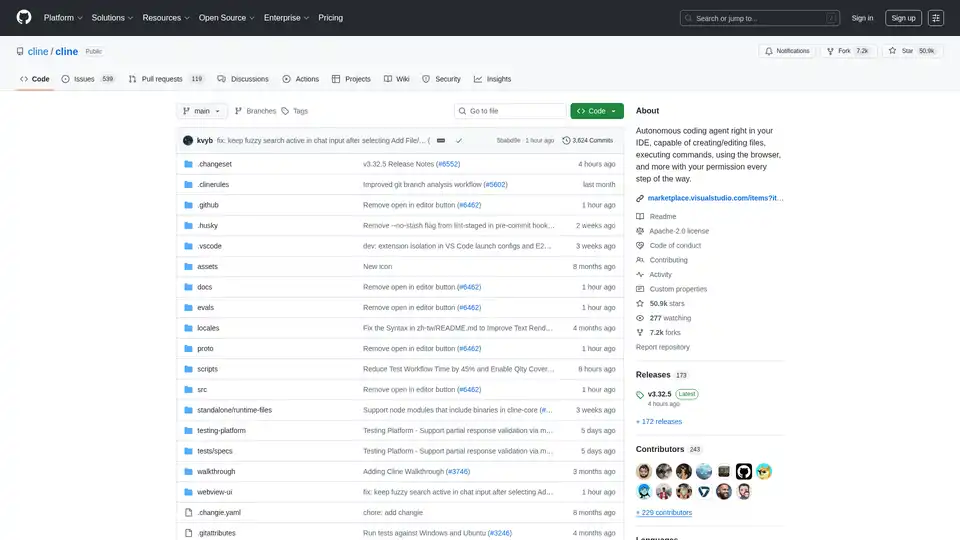
Cline is an autonomous AI coding agent for VS Code that creates/edits files, executes commands, uses the browser, and more with your permission.
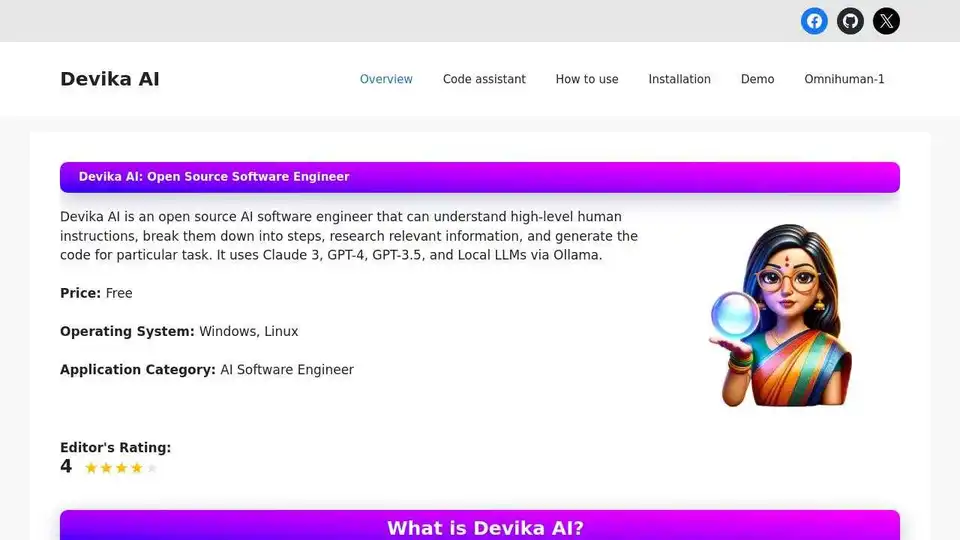
Devika AI is an open-source AI software engineer that understands high-level instructions, breaks them down, researches, and generates code using Claude 3, GPT-4, GPT-3.5, and Local LLMs.