
Devika AI
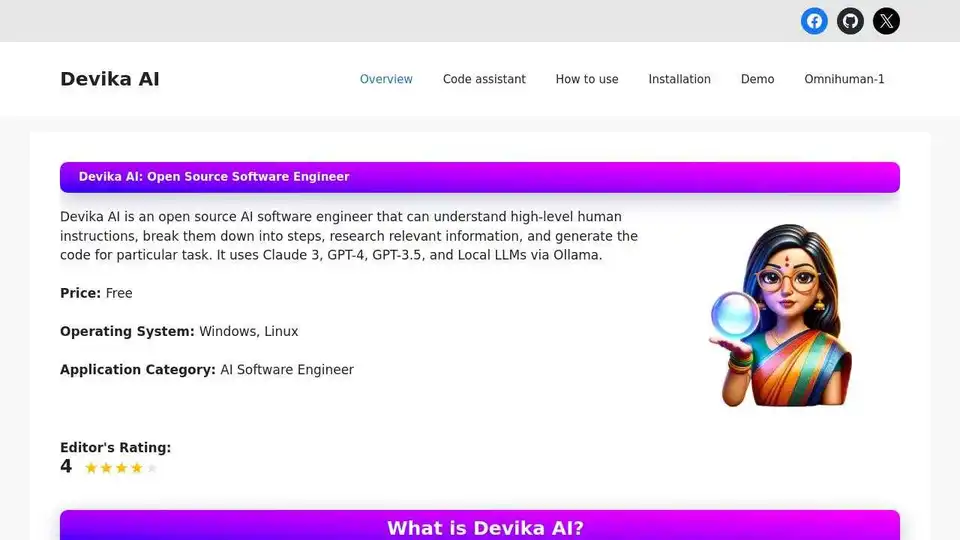
Overview of Devika AI
Devika AI: An Open-Source AI Software Engineer
What is Devika AI? Devika AI is an innovative open-source AI software engineer designed to understand high-level human instructions, break them down into actionable steps, research relevant information, and generate code for specific tasks. It harnesses the power of large language models (LLMs) such as Claude 3, GPT-4, GPT-3.5, and local LLMs via Ollama to provide a comprehensive AI-driven software development experience.
Why choose Devika AI? Because it offers a free, open-source alternative to proprietary AI coding tools, empowering developers with planning, reasoning, and coding capabilities.
Key Features of Devika AI:
- AI Planning and Reasoning: Devika excels at breaking down complex, high-level instructions into manageable steps, enabling it to tackle intricate tasks efficiently.
- Multi-Language Model Support: It supports a variety of language models, including Claude 3, GPT-4, GPT-3.5, and local LLMs via Ollama, with the Claude 3 family recommended for optimal performance.
- Contextual Keyword Extraction: Devika intelligently extracts relevant keywords from the given context, ensuring that its research efforts are focused and effective.
- Web Browsing and Information Gathering: The tool can browse the web to gather up-to-date and relevant information, enhancing its ability to provide accurate and informed responses.
- Code Generation in Multiple Languages: Whether you need code in Python, Java, or any other language, Devika can generate tailored code snippets to meet your specific requirements.
- Dynamic Agent State Tracking and Visualization: Devika maintains a record of its own state during interactions, ensuring coherent and context-aware conversations.
- Natural Language Interaction via Chat Interface: Interact with Devika using natural language, providing instructions and receiving responses in a conversational manner.
- Project-Based Organization and Management: Organize and manage your software development tasks efficiently with Devika's project-based approach.
- Extensible Architecture: Designed for flexibility, Devika allows easy integration of new features and enhancements.
How does Devika AI work?
Devika AI operates as a smart assistant, simplifying complex processes. Here’s a breakdown of its operation:
- User Interface: A web-based chat interface for interacting with Devika, checking project files, and monitoring its activities.
- Agent Core: The central processing unit that handles planning, decision-making, and execution, coordinating with different parts of Devika.
- Large Language Models: Equipped with intelligent language models like Claude, GPT-4, and local LLMs via Ollama.
- Planning and Reasoning Engine: Breaks down high-level goals into smaller, manageable steps and determines the best course of action.
- Research Module: Searches the web for relevant data to complete tasks.
- Code Writing Module: Generates code based on the plan and information gathered, functioning as a coding assistant.
- Browser Interaction Module: Navigates websites, extracts information, and interacts with web pages for online research and data extraction.
- Knowledge Base: Improves efficiency and provides better assistance based on past experiences.
- Database: Stores project-related data, Devika’s state, and settings to ensure seamless task continuation.
How to use Devika AI?
- Open Devika Web Interface: Launch your preferred web browser and navigate to the Devika web interface.
- Create a New Project: Click on the “New Project” button within the interface. Provide a name for your project when prompted.
- Select Language and Model: Choose the programming language and model configuration suitable for your project from the options provided.
- Describe Objective: In the chat interface, provide a clear and concise high-level description of the task or objective you want Devika to work on.
- Initiate Task Processing: Once you’ve provided the objective, Devika will analyze it, break it down into actionable steps, and begin working on the task.
- Monitor Progress: You can track its actions, view generated code, and offer feedback or guidance as needed.
- Review Generated Code: Once Devika completes the task, review the code and project files it has generated.
- Refine and Iterate: If necessary, provide further instructions or modifications to refine the project.
How to Install Devika AI:
To install Devika AI, follow these steps:
Prerequisites:
- Ollama
- Bun
- Git
- Python
Installation Steps:
- Clone the Devika Repository:
git clone https://github.com/stitionai/devika.git - Navigate to the Project Directory:
cd devika - Install Required Dependencies:
pip install -r requirements.txt - Install Playwright Dependencies (if required):
playwright install --with-deps - Set up Configuration:
- Rename
sample.config.tomltoconfig.toml. - Open
config.tomland update configuration options such as database paths, API keys, and search engine IDs.
- Rename
- Start Devika Server:
python devika.py - Compile and Run the UI Server:
cd ui/ bun install bun run dev - Access Devika Web Interface: Open a web browser and navigate to
http://127.0.0.1:3000.
Who is Devika AI for?
Devika AI is designed for:
- Software developers seeking an AI-powered coding assistant.
- Researchers interested in AI-driven software development.
- Open-source enthusiasts looking to contribute to innovative projects.
- Anyone who wants to automate and streamline their coding tasks.
Community and Support
Join the Devika AI Discord Community to connect with other users, share experiences, ask questions, and contribute to the project. Click [here](Server Link) to join the Devika community Discord server.
Devika AI is an open-source project aimed at advancing the field of AI-driven software engineering. By providing a versatile and extensible platform, Devika AI empowers developers to create more efficiently and effectively. Whether you're a seasoned programmer or just starting out, Devika AI offers a range of features and capabilities to enhance your software development workflow.
AI Programming Assistant Auto Code Completion AI Code Review and Optimization AI Low-Code and No-Code Development
Best Alternative Tools to "Devika AI"
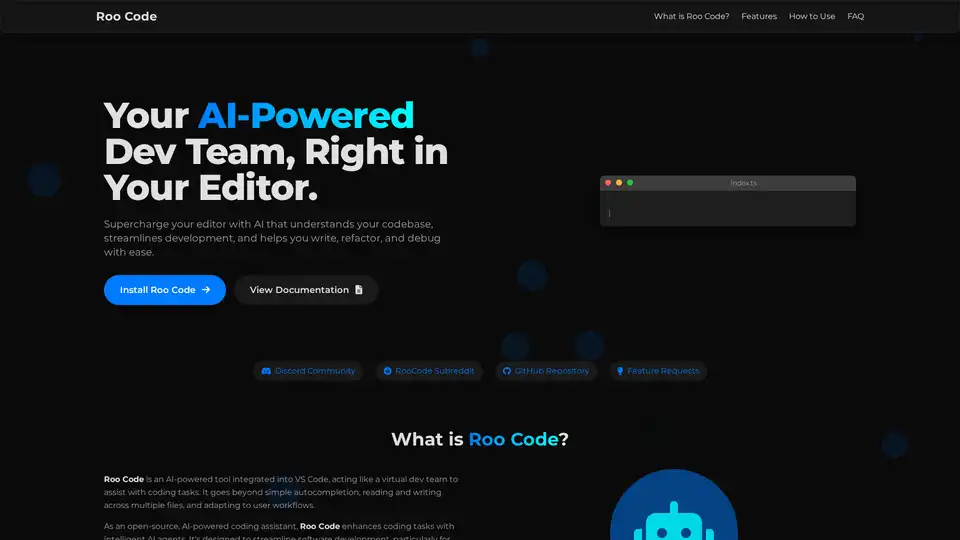
Roo Code is an open-source AI-powered coding assistant for VS Code, featuring AI agents for multi-file editing, debugging, and architecture. It supports various models, ensures privacy, and customizes to your workflow for efficient development.
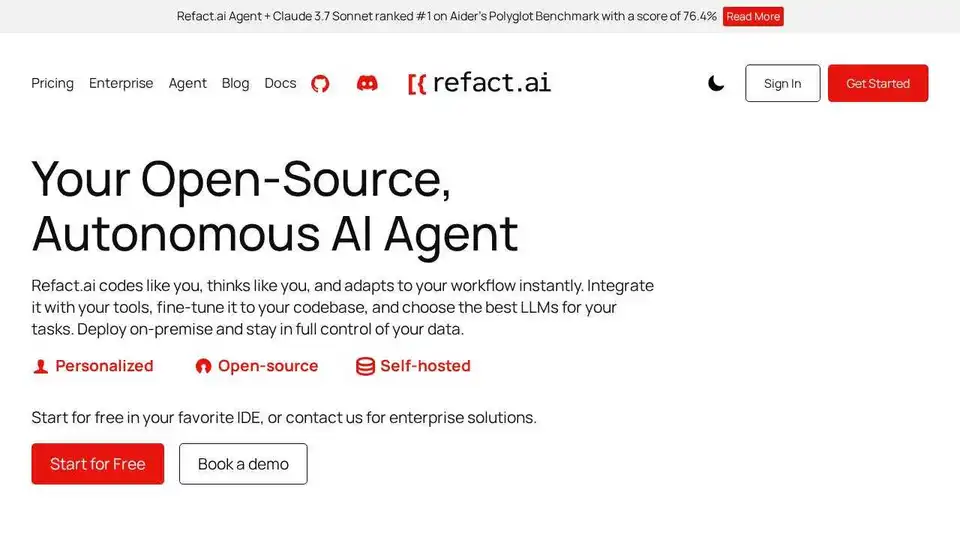
Refact.ai, the #1 open-source AI agent for software development, automates coding, debugging, and testing with full context awareness. An open-source alternative to Cursor and Copilot.
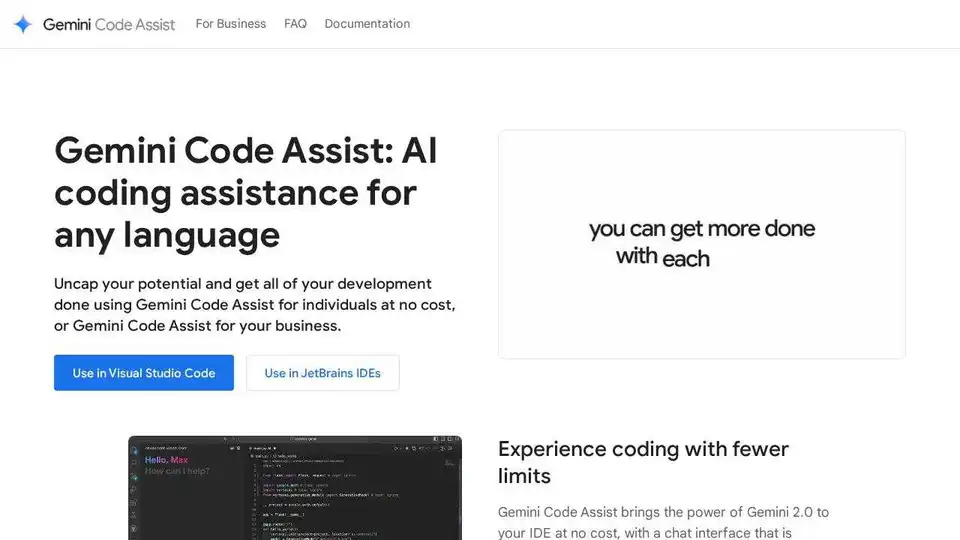
Gemini Code Assist is an AI coding assistant by Google that provides code completion, generation, and review features to help developers write code faster and more efficiently across various IDEs and platforms.
DeepCoder: An open-source AI-powered code generation model with 60.6% Pass@1 accuracy on LiveCodeBench, competing with leading proprietary models. Simplify coding with AI.