
Cline
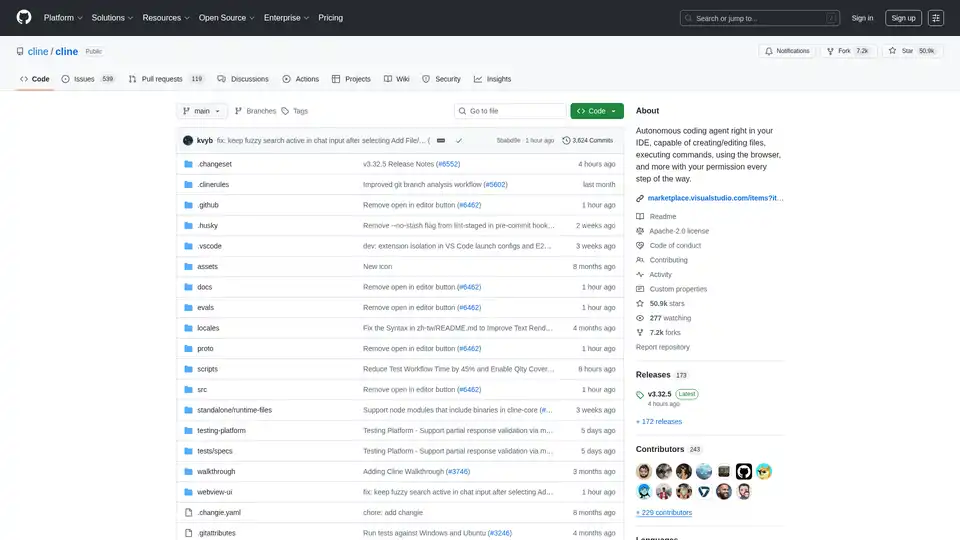
Overview of Cline
What is Cline?
Cline is an innovative AI assistant designed to operate directly within your VS Code IDE. It leverages the power of AI, particularly Claude Sonnet, to handle complex software development tasks in a step-by-step manner. Unlike traditional code completion tools, Cline goes beyond simple suggestions. It can create and edit files, explore large projects, use a browser, and even execute terminal commands, all with your explicit permission every step of the way. This provides a safe and accessible way to explore the potential of agentic AI in your development workflow.
How does Cline work?
Cline operates by intelligently analyzing your file structure, source code ASTs, running regex searches, and reading relevant files to quickly understand existing projects. By carefully managing the context, Cline can provide valuable assistance even for large and complex projects without overwhelming the context window.
Key functionalities include:
- File Creation and Editing: Cline can create and modify files directly in your editor, automatically monitoring for linter and compiler errors to proactively fix issues like missing imports and syntax errors.
- Terminal Command Execution: With integration into VSCode's terminal, Cline can execute commands directly in your terminal, monitoring the output to react to issues like dev server problems after editing a file.
- Browser Interaction: For web development tasks, Cline can launch a site in a headless browser, click, type, scroll, and capture screenshots and console logs, enabling it to fix runtime errors and visual bugs.
- Model Context Protocol (MCP): Cline can use the Model Context Protocol (MCP) to create new tools and extend his own capabilities, allowing for tailored workflows.
How to use Cline?
- Installation: Download Cline from the VS Marketplace.
- Open in New Tab: Use the
CMD/CTRL + Shift + Pshortcut to open the command palette and typeCline: Open In New Tabto use Cline side-by-side with your file explorer. - Task Input: Enter your task and add images to convert mockups into functional apps or fix bugs with screenshots.
When Cline completes a task, it presents the result with a terminal command (e.g., open -a "Google Chrome" index.html), which you can run with a single click.
Why choose Cline?
- Enhanced Autonomy: Cline provides a human-in-the-loop GUI to approve every file change and terminal command, ensuring safety and control while exploring agentic AI.
- Broad API Support: Cline supports API providers like OpenRouter, Anthropic, OpenAI, Google Gemini, AWS Bedrock, Azure, GCP Vertex, Cerebras and Groq. It also works with any OpenAI compatible API or local models via LM Studio/Ollama.
- Cost Tracking: The extension keeps track of total tokens and API usage cost for the entire task loop and individual requests, helping you manage your spend.
Who is Cline for?
Cline is ideal for:
- Software developers looking to enhance their productivity.
- Web developers needing assistance with debugging and testing.
- AI enthusiasts interested in exploring agentic AI in a safe and controlled environment.
Best way to integrate Cline into your workflow?
- Start with Small Tasks: Begin with simple tasks to familiarize yourself with Cline's capabilities.
- Leverage Context: Use
@file,@folder,@urland@problemsto add relevant context to your tasks. - Use Checkpoints: Take advantage of the 'Compare' and 'Restore' buttons to explore different approaches without losing progress.
- Experiment with Custom Tools: Use the "add a tool that..." feature to tailor Cline to your specific workflow by creating custom tools via MCP.
Cline offers a unique approach to AI-assisted coding, combining autonomy with user oversight. By integrating seamlessly into VS Code and supporting a wide array of functionalities, Cline empowers developers to achieve more in less time.
Cline's Website: marketplace.visualstudio.com/items?itemName=saoudrizwan.claude-dev
AI Programming Assistant Auto Code Completion AI Code Review and Optimization AI Low-Code and No-Code Development
Best Alternative Tools to "Cline"
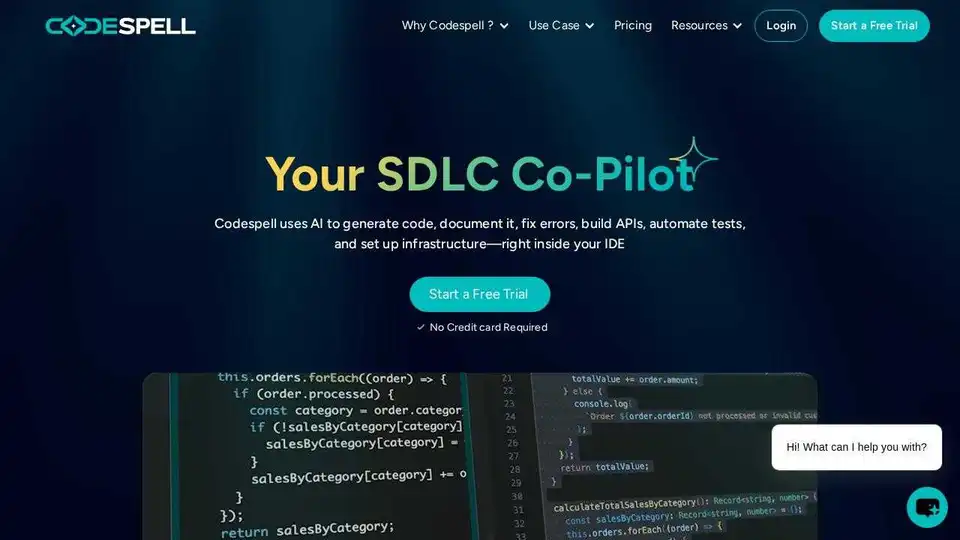
Codespell.ai is an AI-powered tool supporting the entire SDLC. Accelerate code completion, enhance productivity, and streamline development with automated testing and DevOps integration.
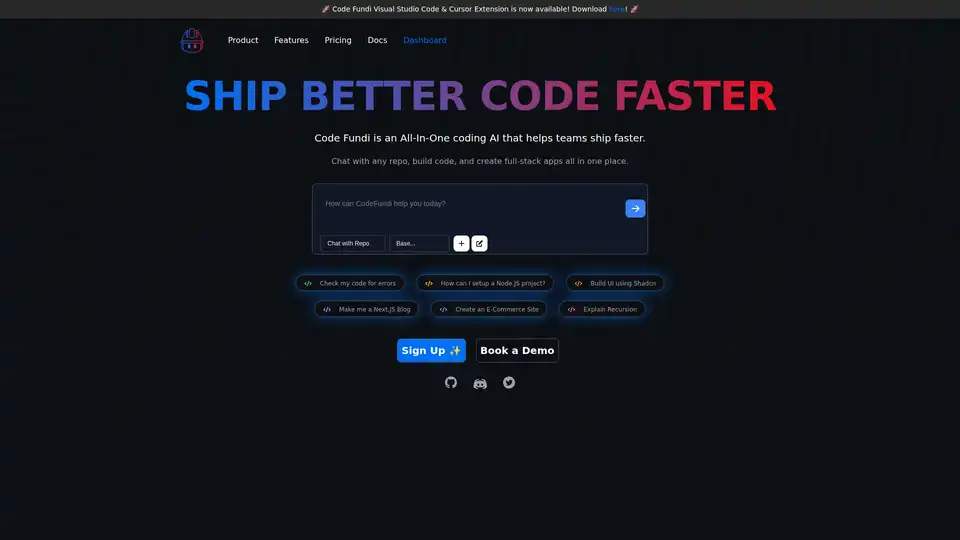
Code Fundi is an AI-powered coding assistant designed to help developers and teams build software faster. It offers features like AI code generation, debugging, documentation, and real-time monitoring.
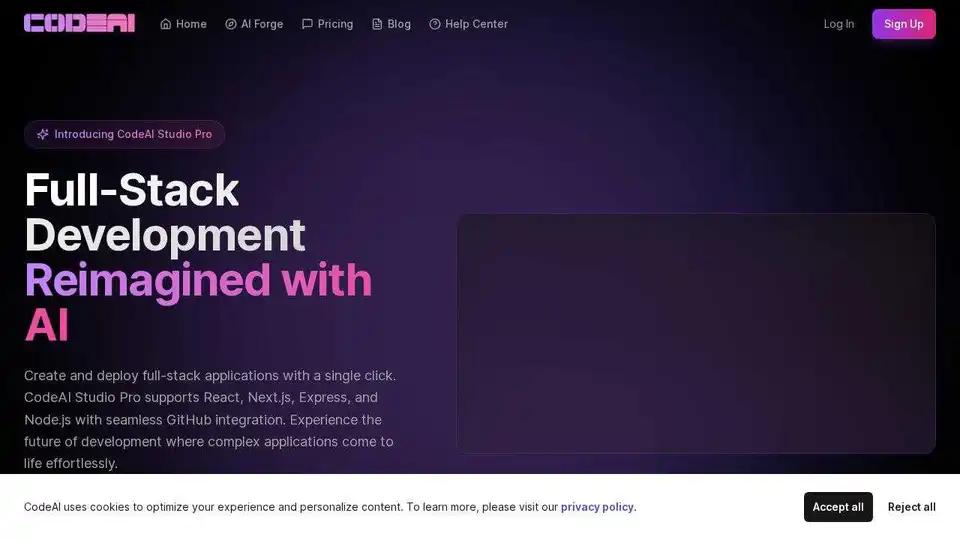
CodeAI is a VS Code extension that uses AI to assist developers with code generation, unit test creation, and documentation. Enhance your coding experience with advanced AI technology.
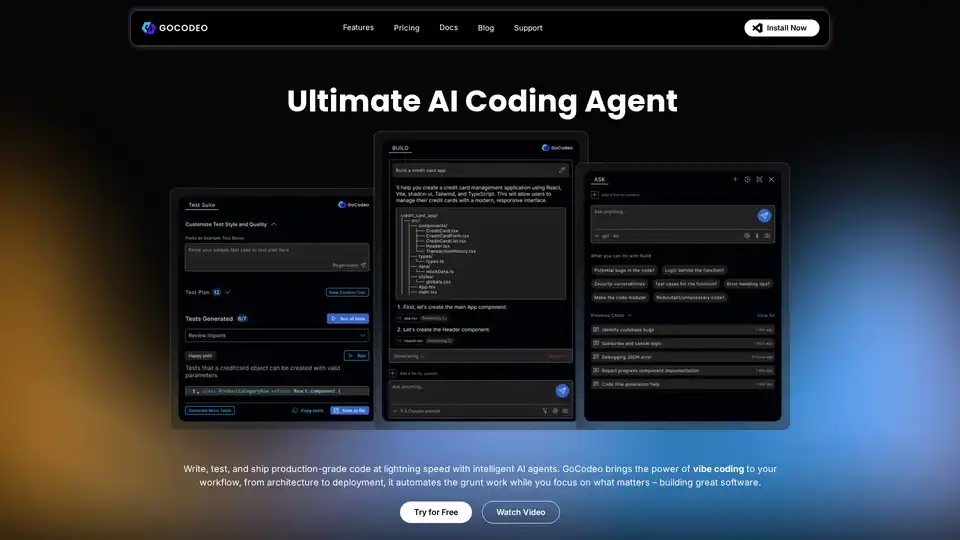
GoCodeo is an AI coding agent designed to automate code generation, enhance productivity, and seamlessly integrate with your IDE. It supports multiple languages and frameworks, offering AI-powered assistance, testing, and debugging.