
GuideRoll
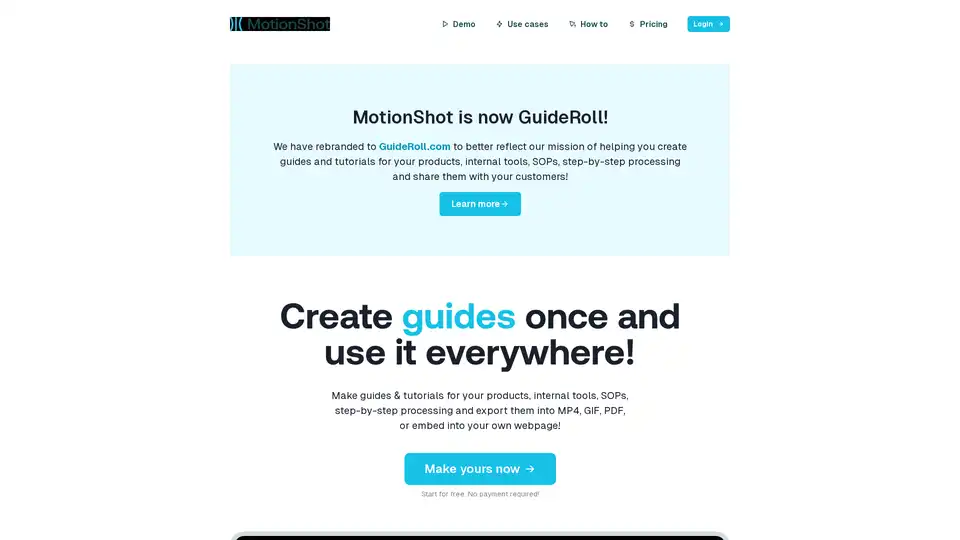
Overview of GuideRoll
What is GuideRoll?
GuideRoll, previously known as MotionShot, is a web application designed to simplify the creation and sharing of step-by-step guides and tutorials. It allows users to create guides for various purposes, such as product walkthroughs, internal tool documentation, Standard Operating Procedures (SOPs), and employee onboarding. These guides can be easily shared with customers and employees, reducing support tickets and improving knowledge transfer.
How does GuideRoll work?
GuideRoll operates by allowing users to upload screenshots, add steps, customize annotations, and then publish and embed the guide. Here’s a detailed breakdown:
- Add Screenshots: Users begin by uploading screenshots that depict the process they want to guide others through. The platform supports drag-and-drop functionality for ease of use.
- Add Steps: Each screenshot is then annotated with step-by-step instructions. Users can highlight specific areas of the image, add text annotations, and customize colors to draw attention to key elements.
- Customize: GuideRoll allows for further customization, including adding a title, description, and call-to-action (CTA) details to the guide. This information is visible to the end-users.
- Publish & Embed: Once the guide is complete, it can be published and shared via a link or embedded directly into a webpage using an iframe.
Key Features and Benefits
- Versatile Export Options: GuideRoll allows users to export guides in multiple formats, including MP4 videos, GIFs, PDFs, and ZIP files containing individual images.
- Embeddable Guides: Guides can be embedded on any webpage that supports iframes, such as WordPress, Webflow, and Framer sites.
- Hub Feature: The Hub feature, available on paid plans, allows users to create a publicly accessible collection of guides under a custom handle, serving as a help desk for customers or employees.
- Chrome Plugin: A Chrome plugin is available to help users capture screens with clicks, streamlining the screenshot process.
Why Choose GuideRoll?
- Reduce Support Tickets: Well-made guides can significantly decrease the number of support tickets and customer service inquiries.
- Streamline Onboarding: Clear, step-by-step guides simplify employee onboarding by facilitating knowledge transfer.
- Enhance Content Creation: GuideRoll enables users to create and host guides for their community.
- Standardize SOPs: Create guides for Standard Operating Procedures (SOPs) and share them with your team as PDFs, MP4s, or links.
- Improve Product Guides: Create walkthrough guides for your product and attach them to your landing page or share them with your customers.
Who is GuideRoll for?
GuideRoll is suitable for a wide range of users:
- HR Professionals: To streamline employee onboarding.
- Customer Support Teams: To reduce support tickets and improve customer satisfaction.
- Product Managers: To create product walkthroughs and guides.
- Educators and Trainers: To create instructional materials.
- Businesses of All Sizes: To standardize processes and improve internal communication.
Pricing
GuideRoll offers a free plan with limited features and guide generations. Paid plans offer more extensive features, including more guide generations, voice-over capabilities, video export, custom branding, and analytics. A lifetime deal is also available.
How to use GuideRoll?
- Sign up for a free account at GuideRoll.com.
- Install the Chrome plugin for easy screenshot capture.
- Create a new guide and upload your screenshots.
- Add steps and annotations to each screenshot.
- Customize the guide with a title, description, and CTA.
- Publish and embed the guide on your website or share the link with your audience.
By using GuideRoll, you can transform complex processes into easy-to-follow guides, enhancing user experience and improving overall communication.
AI Task and Project Management AI Document Summarization and Reading AI Smart Search AI Data Analysis Automated Workflow
Best Alternative Tools to "GuideRoll"
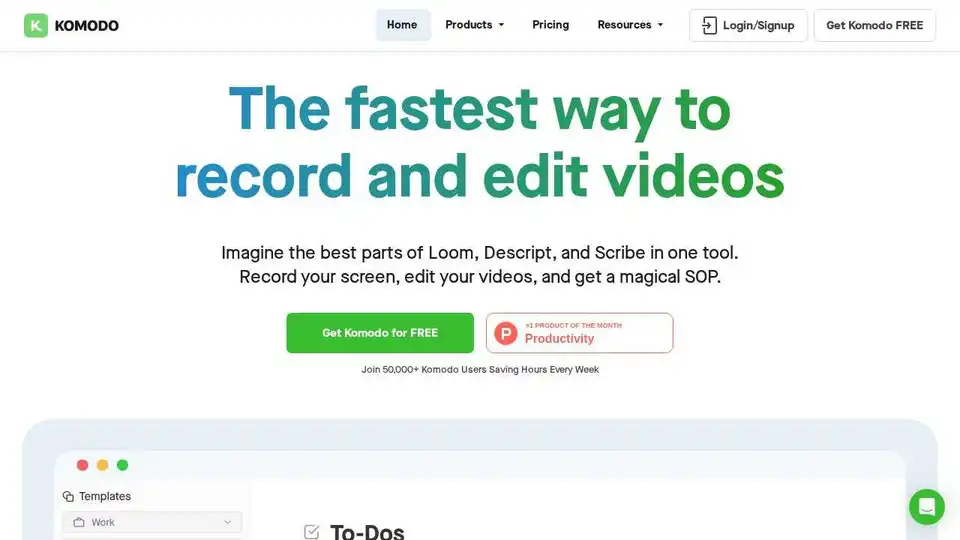
Komodo: Free screen recorder & SOP generator for teams. Record unlimited screen videos, create shareable SOPs, and use AI for meeting notes. 100% free!
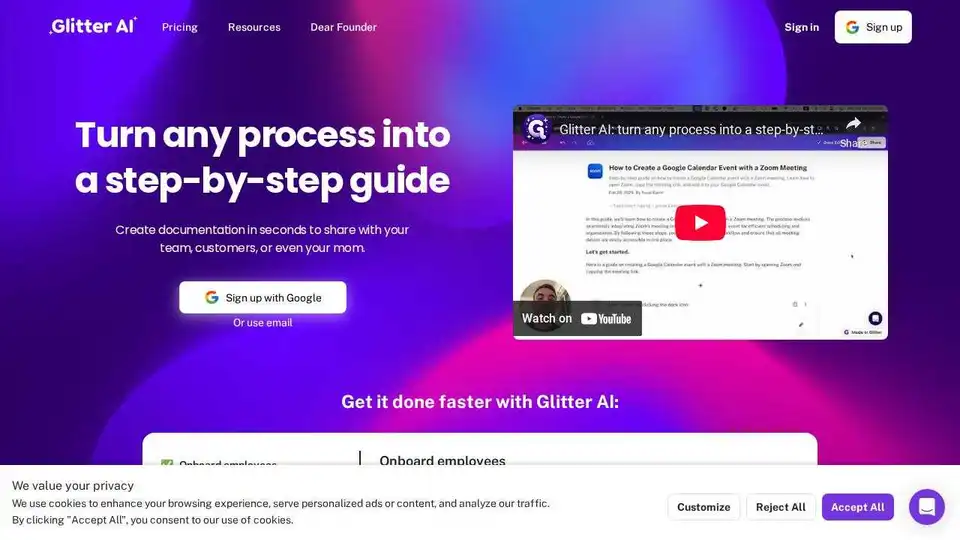
Glitter AI turns meeting recordings into step-by-step guides, simplifying documentation and training for employees and customers. Create SOPs and visual help guides effortlessly.
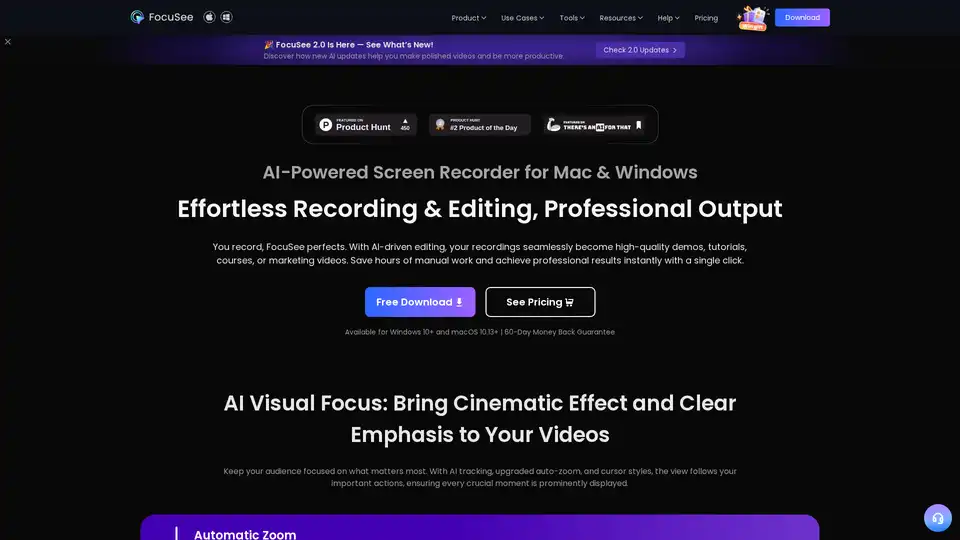
FocuSee is an AI-powered screen recorder for Mac & Windows that simplifies video creation. It automatically zooms, tracks cursor movements, and enhances audio, perfect for demos, tutorials, and marketing videos.
Wizardshot lets you create AI-powered step-by-step tutorials from screen captures in seconds. Easily share knowledge with this AI tutorial generator browser extension.