
Glitter AI
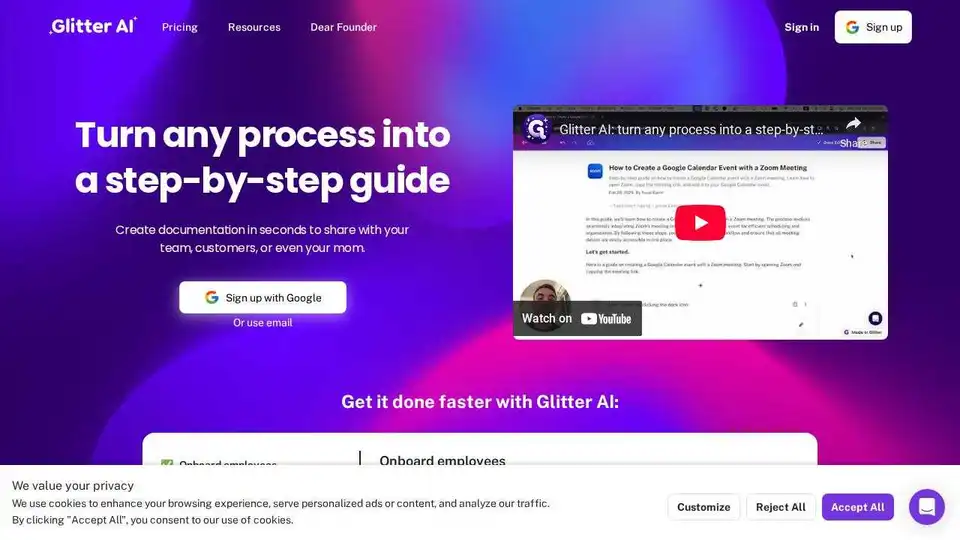
Overview of Glitter AI
Glitter AI: Turn Any Process into a Step-by-Step Guide
What is Glitter AI? Glitter AI is an AI-powered tool designed to transform any process, especially meeting recordings and screen captures, into clear, step-by-step guides. It helps businesses and individuals create documentation quickly and efficiently, saving time and improving productivity.
Key Features:
- AI-Powered Transcription and Key Moment Capture: Glitter AI automatically transcribes recordings and identifies key moments to create structured guides.
- Desktop App and Browser Extension: Capture guides directly from your desktop or web browser.
- Video Upload Support: Turn existing video recordings into step-by-step guides.
- Multi-Language Support: Works in 99 languages, making it accessible globally.
- Easy Sharing and Embedding: Share guides via a public or private link, export to various formats, or embed them into supported platforms.
How does Glitter AI work?
Glitter AI simplifies the documentation process into three easy steps:
- Record or Upload: Record a new guide using Glitter's desktop app or browser extension, or upload an existing video.
- AI Writes Your Guide: The AI transcribes the content and captures key moments, which you can then edit.
- Share: Easily share, export, or embed your guide.
Why is Glitter AI important?
Glitter AI addresses several critical needs:
- Efficient Employee Training: Creates visual onboarding and training guides that accelerate employee productivity.
- Improved Customer Support: Generates visual help guides and documentation for faster customer success.
- Standardized Operating Procedures (SOPs): Streamlines critical processes to reduce errors and ensure consistent quality.
Where can I use Glitter AI?
Glitter AI can be used across various departments and industries:
- Human Resources: Onboarding and training new employees.
- Customer Support: Creating help guides and FAQs.
- Sales: Developing sales process documentation.
- Education: Generating tutorials for software and tools.
Real Customer Reviews:
- Tim M.: "This software is mind-blowing! The transcription quality is out of this world... you've saved me so much time!"
- Kim W.: "Our company has asked each department to use AI tools to increase productivity, and this has made a huge difference."
- Erez A.: "This is exactly the documentation solution that we've been looking for. Every software system requires operating instructions, and you make them so easy to create!"
- Dustin R.: "Glitter is really cool! The step-by-step guide it created was exactly what we needed for our corporate Salesforce setup."
Integrations:
Glitter AI integrates with various platforms, allowing you to embed or export your guides anywhere. This includes documentation platforms like Guru and CMS systems.
FAQ:
- What is Glitter AI and how does it work? Glitter AI is an AI-powered tool that turns any process into a step-by-step guide by transcribing recordings and identifying key moments.
- Can I upload existing videos to create guides? Yes, Glitter AI supports uploading existing videos.
- Do you have a desktop app and browser extension? Yes, Glitter AI offers both a desktop app and a browser extension.
- What languages does Glitter AI support? Glitter AI works in 99 languages.
- How can I share or export my guides? You can share via a public or private link, export to various formats, or embed your guide.
Pricing
Glitter AI offers various pricing plans. Check the website for the most current information.
Conclusion:
Glitter AI is a powerful tool for anyone looking to streamline their documentation and training processes. By leveraging AI, it simplifies the creation of step-by-step guides from meeting recordings and screen captures, saving time and improving overall productivity. Whether you're onboarding new employees, creating customer support documentation, or standardizing operating procedures, Glitter AI provides an efficient and effective solution. What is the best way to improve documentation? Try Glitter AI for creating clear, visual guides quickly and easily.
Best Alternative Tools to "Glitter AI"
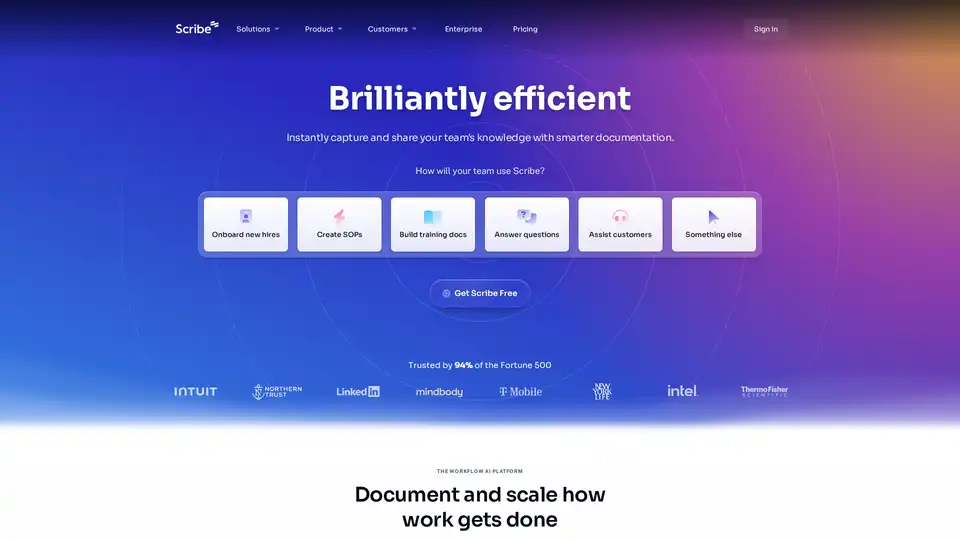
Scribe is an AI-powered workflow platform that automatically creates step-by-step guides and process documentation. Capture any workflow, share with colleagues, and ensure work gets done right. Trusted by Fortune 500.
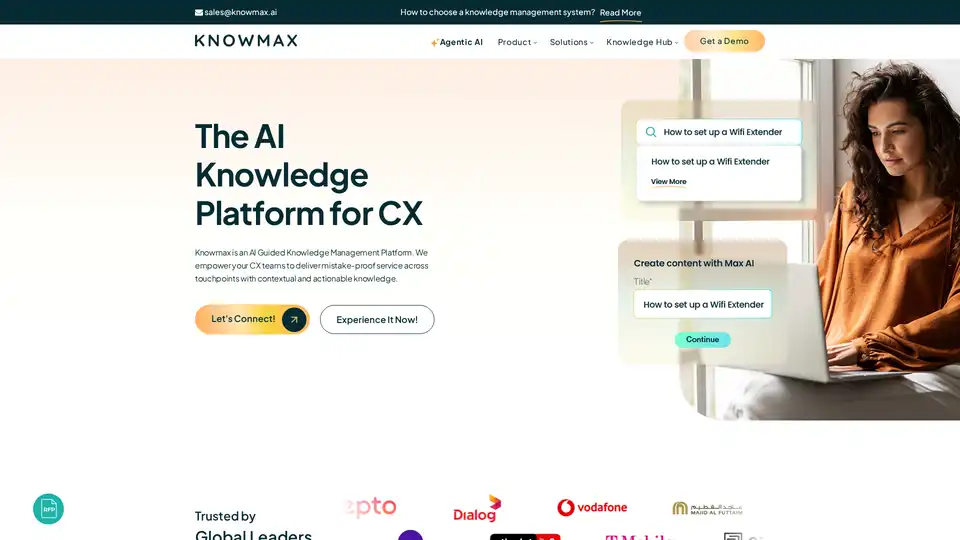
Discover Knowmax, the AI-guided knowledge management platform for CX teams. It unifies knowledge, creates interactive decision trees, and empowers self-service, reducing answer time by 80% and boosting CSAT by 30%. Ideal for telecom, banking, and more.
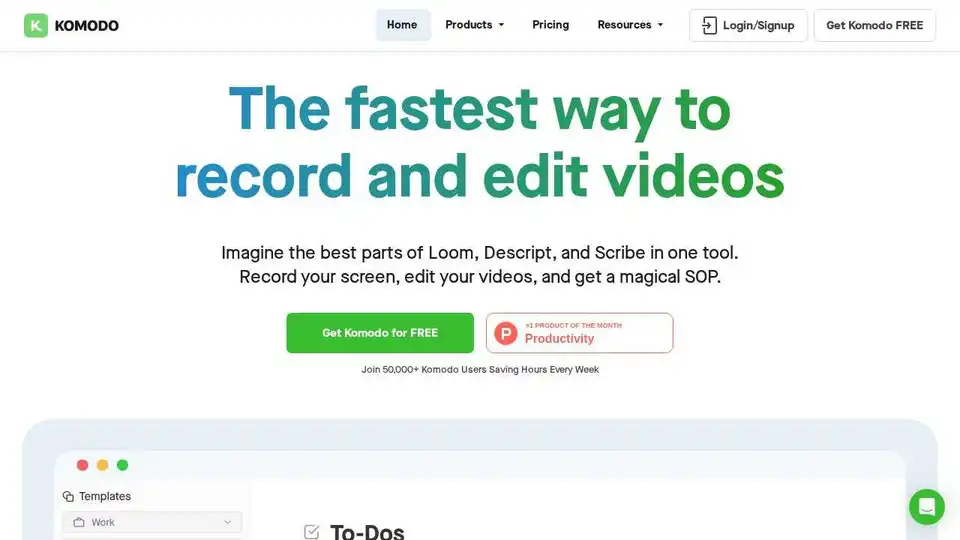
Komodo: Free screen recorder & SOP generator for teams. Record unlimited screen videos, create shareable SOPs, and use AI for meeting notes. 100% free!
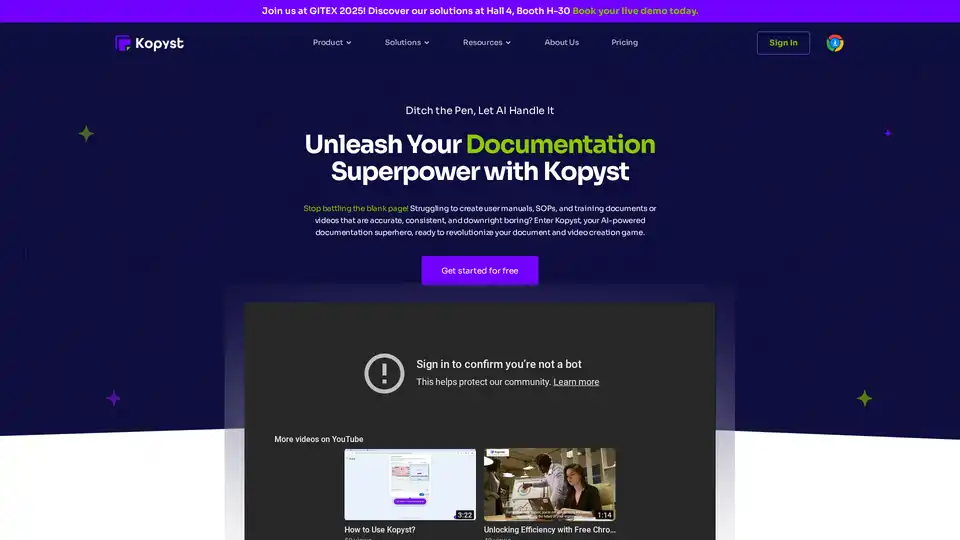
Kopyst is an AI-powered tool that turns complex workflows into engaging videos and documents like SOPs and guides. Save hours on creation, ensure accuracy, and boost team collaboration for efficient business documentation.