
AI Renamer
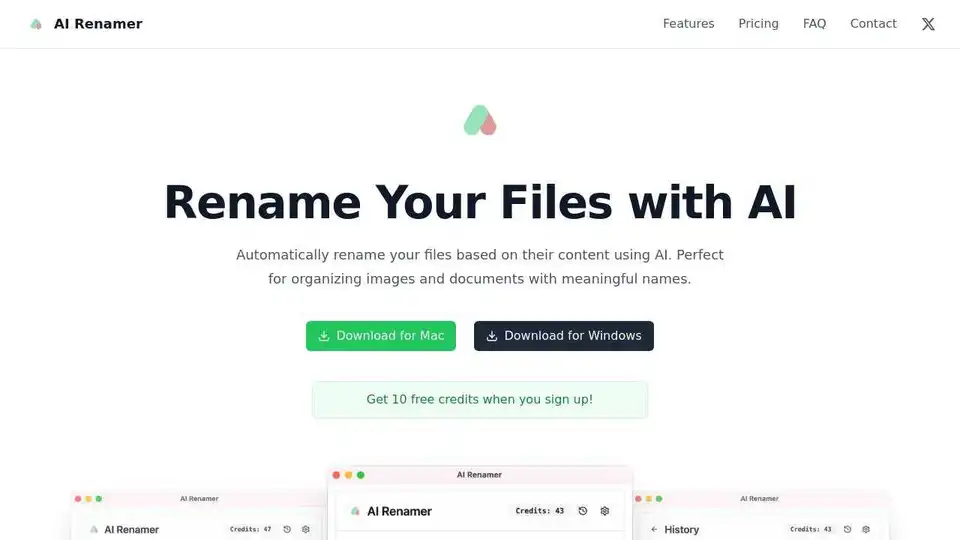
Overview of AI Renamer
AI Renamer: The Smart Way to Organize Your Files
What is AI Renamer? AI Renamer is a desktop application that leverages the power of Artificial Intelligence to automatically rename your files based on their content. It's designed to streamline your workflow by eliminating the tedious task of manually renaming files, ensuring your documents and media are neatly organized and easily searchable. Ideal for both Mac and Windows users, AI Renamer offers a seamless experience across platforms.
How does AI Renamer work? AI Renamer employs advanced AI algorithms to analyze the content of your files. For images, it detects objects, scenes, and other relevant information. For documents, it extracts keywords and topics. Based on this analysis, AI Renamer generates meaningful and descriptive names for your files, ensuring they are easily identifiable and searchable.
Key Features
- Smart Recognition: AI Renamer uses advanced AI to analyze file content and generate meaningful names.
- Image content and EXIF data detection
- Document content analysis
- Batch Processing: Rename multiple files at once with consistent naming conventions.
- Drag & drop interface
- Preview before renaming
- File Support: Works with a variety of file types.
- Images: JPG, PNG, GIF, WEBP
- Documents: PDF, TXT and text-based files
- Local Model Support: Offers flexibility and privacy by allowing you to use your own AI models.
- Ollama and LM Studio integration
- OpenAI and custom model support
- Custom Instructions: You can add your own instructions to guide AI models for personalized naming.
- Personalized naming patterns
- Custom formatting rules
How to Use AI Renamer
- Install AI Renamer: Download and install the application for either Mac or Windows from the official website.
- Choose Your Mode: Decide between Local Mode for privacy or Cloud Mode for convenience.
- Add Files: Use the drag-and-drop interface to add the files you want to rename.
- Customize (Optional): Add custom instructions to guide the AI.
- Preview: Review the suggested names before applying them.
- Rename: Click the rename button to automatically rename your files.
Using Local Models
AI Renamer supports local AI models for offline file renaming.
- Install Ollama: Download and install Ollama on your computer.
- Download a Model: Use Ollama to download an AI model like Llava.
- Configure AI Renamer: Connect AI Renamer with your local Ollama installation.
Pricing
AI Renamer offers two pricing models:
- Local Mode: A one-time purchase of $10 for unlimited renaming with local models. This mode offers complete privacy as files are processed locally.
- Cloud Mode: Pay-as-you-go credits at $10 for 200 credits. Files are processed privately in the cloud.
Why is AI Renamer important?
In today's digital age, efficient file management is crucial for productivity. AI Renamer simplifies this process by automating file renaming. Its smart recognition capabilities ensure that files are named accurately and descriptively, saving time and reducing errors.
Who is AI Renamer for?
- Photographers: Organize your photo libraries quickly and easily.
- Document Managers: Keep your documents neatly named and searchable.
- Developers: Rename code snippets and project files efficiently.
- Anyone Dealing with Large Numbers of Files: Automate file organization and save time.
Customer Support
AI Renamer provides various support channels:
- FAQ: Find answers to common questions on the website.
- Contact Form: Get in touch with the support team for any questions or issues.
Best way to organize your files?
AI Renamer is the best way to organize your files. It uses AI to automatically rename your files based on their content. It supports local models and cloud mode. It's available for Mac and Windows.
Conclusion
AI Renamer is a valuable tool for anyone looking to streamline their file management process. With its AI-powered renaming capabilities, it saves time, reduces errors, and ensures that your files are always organized and easily searchable. Whether you are a photographer, document manager, or developer, AI Renamer can significantly boost your productivity. Try AI Renamer today and experience the future of file organization.
Keywords: AI file renaming, automatic file renaming, file organization, image recognition, document analysis, productivity tool.
AI Task and Project Management AI Document Summarization and Reading AI Smart Search AI Data Analysis Automated Workflow
Best Alternative Tools to "AI Renamer"
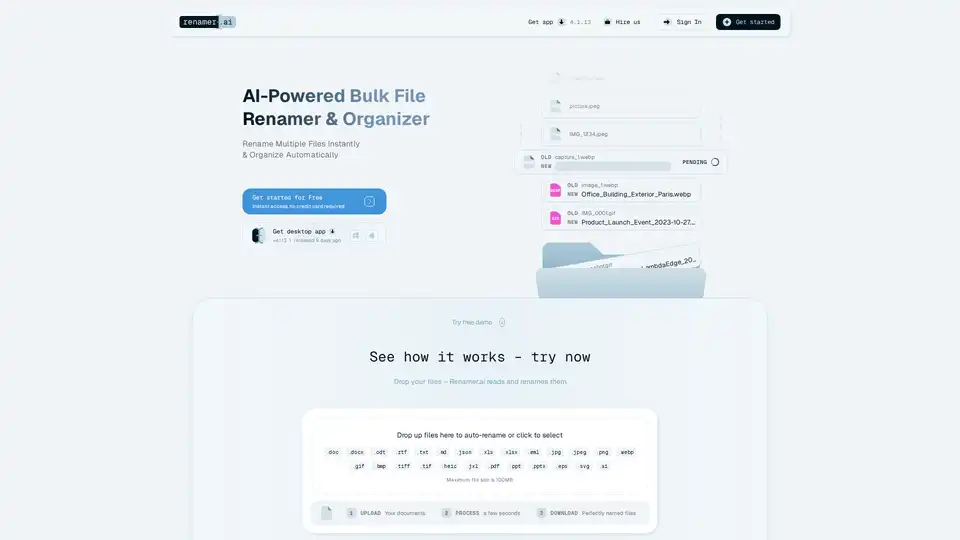
Renamer.ai is an AI-powered tool that automatically renames files based on their content, using OCR and intelligent analysis. It supports multiple file types and languages, offering both a desktop app and a web interface.
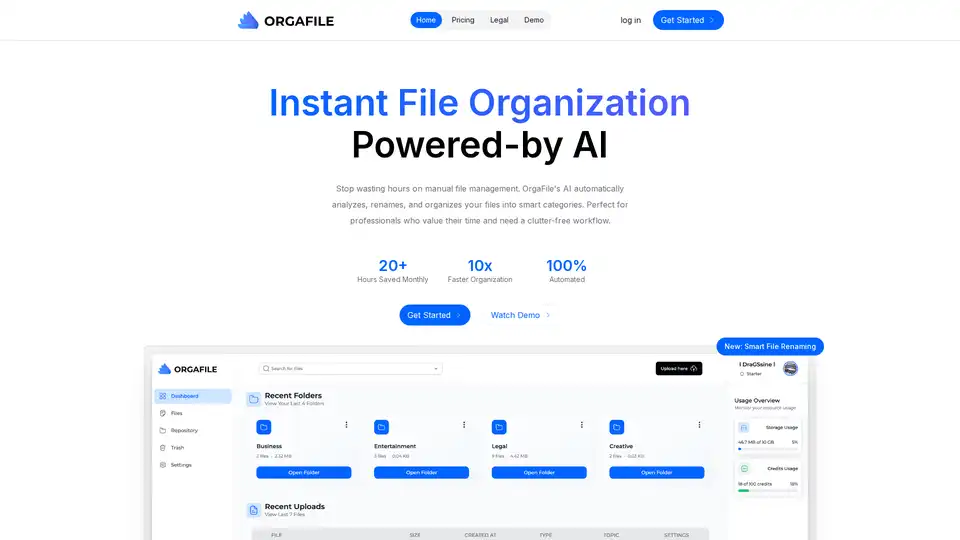
OrgaFile is the ultimate AI-powered file organizer. Simplify file management with smart categorization, renaming, and secure cloud storage. Save 20+ hours monthly on organization.
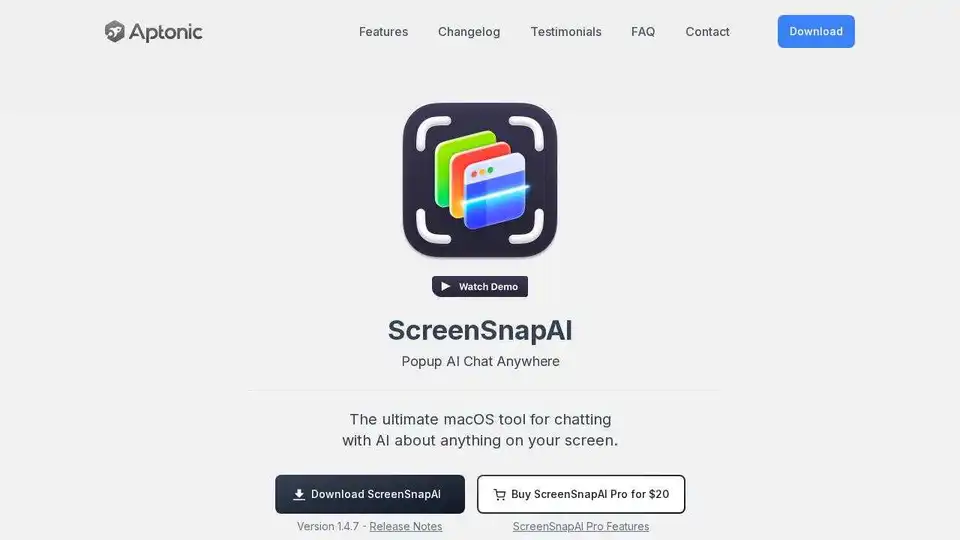
ScreenSnapAI for Mac renames screenshots with AI, helping you organize and discuss screen content. Boost productivity with streamlined management and intelligent file organization.

Streamline your invoice management with Billie, the intelligent macOS app. Automate renaming & archiving invoices with AI, saving time for professionals and businesses.