
ScreenSnapAI
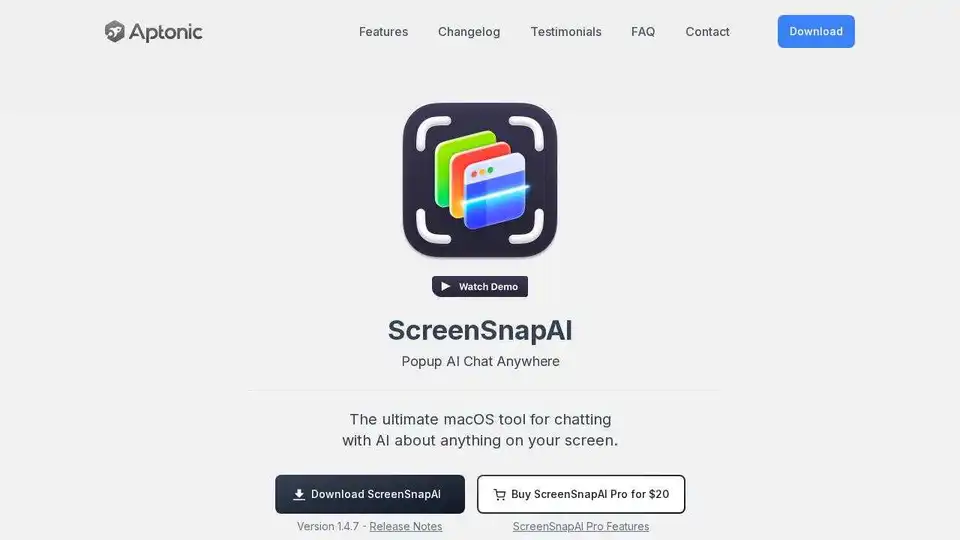
Overview of ScreenSnapAI
ScreenSnapAI: Smart Screenshot Management for Mac
ScreenSnapAI is a macOS application designed to revolutionize how you manage screenshots. It leverages the power of AI to automatically rename your screenshots with descriptive titles, enabling you to organize and find them more efficiently. Moreover, it offers an instant AI chat feature that allows you to discuss anything captured on your screen, streamlining your workflow and boosting productivity.
Key Features:
- Automatic Screenshot Renaming: ScreenSnapAI uses AI to generate descriptive names for your screenshots automatically, saving you time and effort.
- AI Chat Integration: Instantly engage in AI-powered conversations about your screenshots without switching apps, allowing for quick clarification and information retrieval.
- Seamless macOS Integration: Designed as a fast, native app, ScreenSnapAI feels like a natural extension of your macOS experience.
- Intelligent Tagging: Automatically names and tags your screenshots and chats for easy organization and retrieval.
- Broad Compatibility: Supports both Intel and Apple Silicon Macs running macOS 13 and later.
How does ScreenSnapAI work?
ScreenSnapAI operates by analyzing the content of your screenshots using AI. It then generates a relevant and descriptive title based on the image's content. This automated process eliminates the need for manual renaming, saving valuable time. Additionally, the integrated AI chat feature allows you to interact with an AI assistant directly within the app, providing instant answers and insights related to your screen captures.
Who is ScreenSnapAI for?
ScreenSnapAI is ideal for a wide range of users, including:
- Professionals: Streamline your workflow by quickly organizing and referencing screenshots for projects, presentations, and documentation.
- Students: Easily manage and annotate screenshots for research, note-taking, and study materials.
- Creatives: Organize visual assets and gather inspiration with intelligent screenshot management.
- Anyone who takes screenshots regularly: Simplify your digital life and improve your overall productivity.
Why is ScreenSnapAI important?
In today's fast-paced digital environment, efficient information management is crucial. ScreenSnapAI addresses the common pain point of unorganized screenshots, offering a smart and intuitive solution that saves time, boosts productivity, and enhances the overall user experience.
Get Started with ScreenSnapAI
- Download: Download ScreenSnapAI from the official website or the Mac App Store.
- Install: Install the application on your macOS device.
- Capture: Take screenshots as you normally would.
- Organize: ScreenSnapAI automatically renames and tags your screenshots, making them easy to find and manage.
- Chat: Use the integrated AI chat feature to discuss and analyze your screenshots.
ScreenSnapAI Pro Features
Upgrade to ScreenSnapAI Pro for additional features and benefits, including advanced AI capabilities and enhanced organization options.
User Testimonial
"Although I've only been using it for a few days, ScreenSnapAI really feels like one of those apps where you will discover more and more uses for it as you use it more." - Oliver, Mac App Store Review
Contact
For inquiries or support, please contact Aptonic LLC.
What is ScreenSnapAI? It is a Mac application that uses AI to automatically name and organize your screenshots.
How does ScreenSnapAI work? It utilizes AI to analyze the content of your screenshots and generates descriptive names. It also provides an integrated AI chat feature.
AI Programming Assistant Auto Code Completion AI Code Review and Optimization AI Low-Code and No-Code Development
Best Alternative Tools to "ScreenSnapAI"
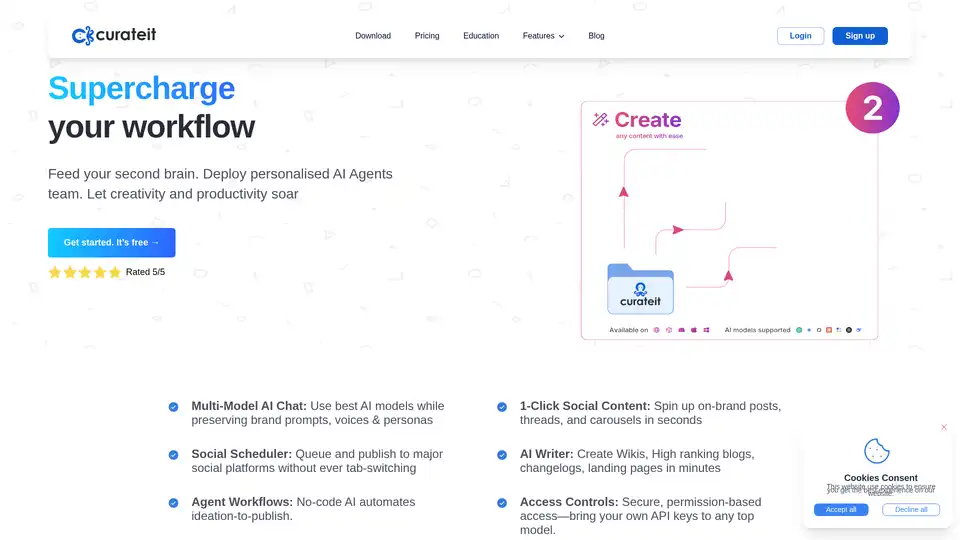
CurateIt is an AI-powered productivity tool that acts as your second brain, helping you curate, organize, and showcase your work. It offers AI-driven search, summarization, and content creation, along with robust bookmarking and organization features.
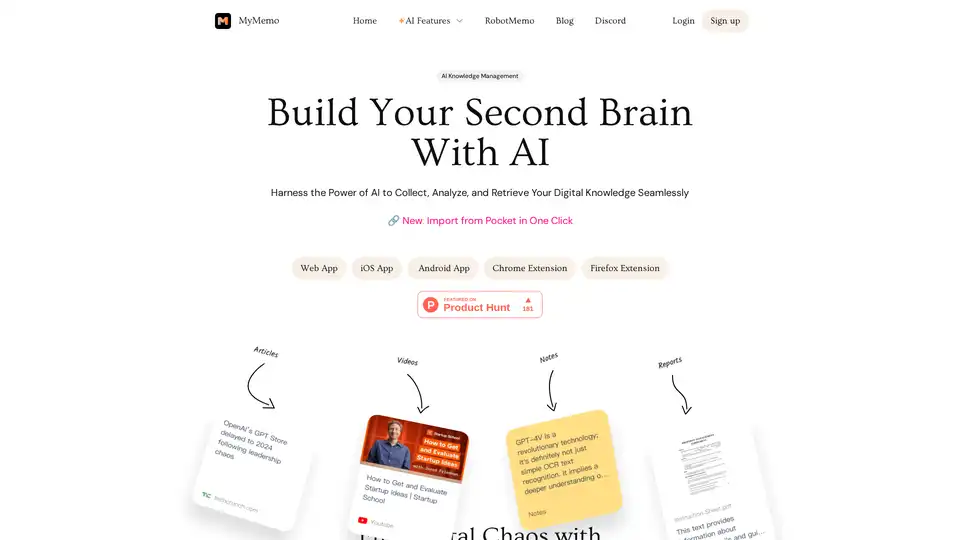
MyMemo is an AI-powered knowledge management tool that helps you build a second brain by collecting, analyzing, and retrieving your digital knowledge seamlessly. Use AI Chat to get instant answers from your personalized knowledge base.
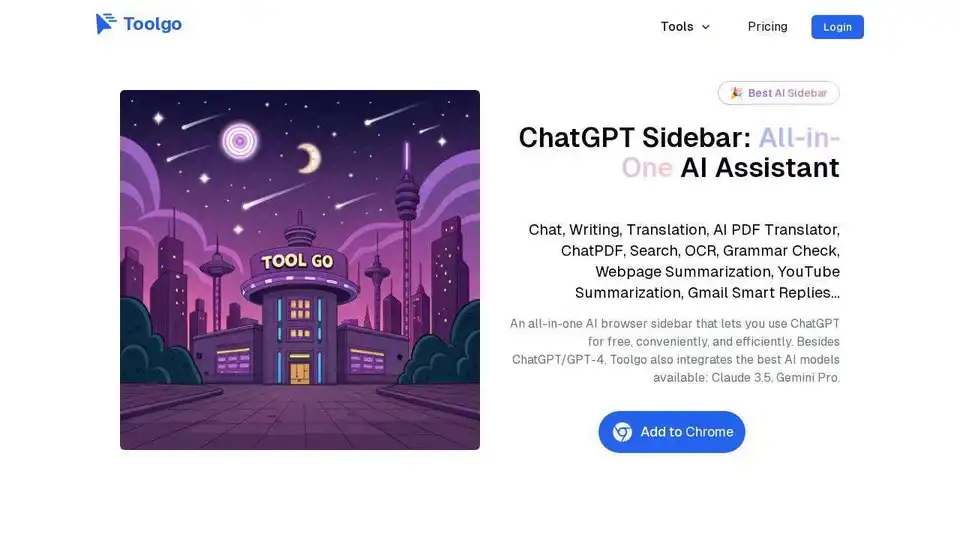
Toolgo is a free AI toolbox offering AI tools for chat, writing, translation, PDF processing with ChatPDF, summarization, and more, accessible as a browser sidebar.
Gentables is an AI agent that transforms unstructured data into organized tables. Generate tables from prompts or files, extract tables from documents/images, automate workflows, search tables, and generate insights effortlessly.