
YoutubeDigest
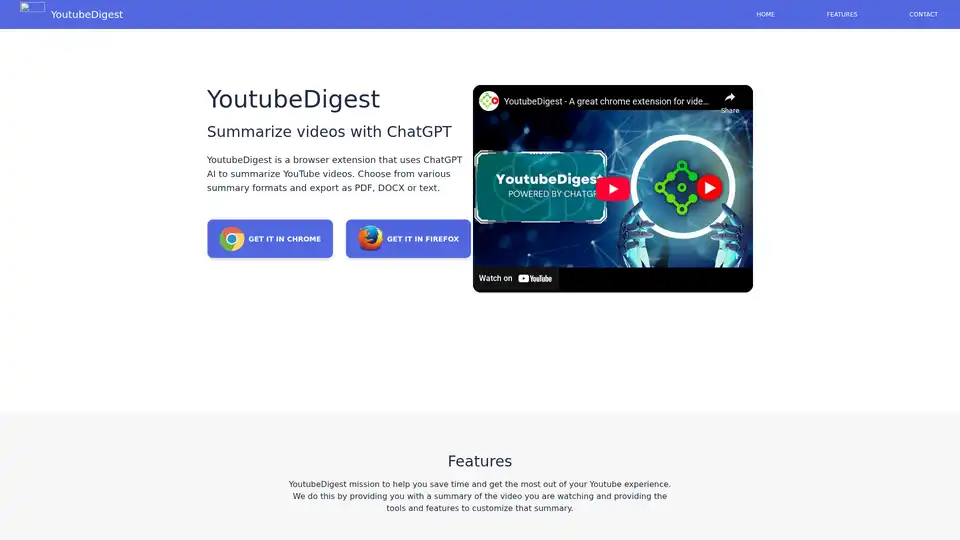
Overview of YoutubeDigest
What is YoutubeDigest?
YoutubeDigest is a powerful browser extension designed to enhance your YouTube viewing experience by providing AI-generated summaries of videos. Using advanced ChatGPT technology, this tool helps users save time by condensing lengthy video content into concise, easy-to-digest summaries.
Key Features of YoutubeDigest
- Multiple Summary Formats: Choose from various summary styles such as articles, bullet points, and more to suit your preferences.
- Multi-Language Support: Translate summaries into multiple languages or add your own language for personalized use.
- Export Options: Export summaries in multiple formats including PDF, DOCX, and text files, or generate a sharable link.
- Cross-Browser Compatibility: Available for Chrome, Firefox, and Opera browsers.
How Does YoutubeDigest Work?
YoutubeDigest integrates seamlessly with your browser, allowing you to summarize any YouTube video with just a few clicks. The extension uses ChatGPT to analyze the video content and generate a summary based on your selected format. This process is quick and efficient, providing you with the key points of the video without having to watch it in its entirety.
How to Use YoutubeDigest?
- Install the Extension: Add YoutubeDigest to your preferred browser (Chrome, Firefox, or Opera).
- Navigate to YouTube: Open any YouTube video you want to summarize.
- Generate Summary: Click on the YoutubeDigest icon in your browser toolbar to generate a summary.
- Customize and Export: Choose your preferred summary format, translate if needed, and export the summary in your desired file type.
Why Choose YoutubeDigest?
- Time-Saving: Quickly get the gist of long videos without watching them entirely.
- Versatile: Suitable for students, researchers, professionals, and anyone who wants to efficiently consume video content.
- User-Friendly: Easy to install and use with a straightforward interface.
Who is YoutubeDigest For?
YoutubeDigest is ideal for:
- Students and Researchers: Quickly summarize educational videos and lectures.
- Professionals: Get key insights from webinars, tutorials, and presentations.
- Content Creators: Analyze competitor videos and gather inspiration.
- General Users: Save time by summarizing entertainment and informational videos.
Best Way to Summarize YouTube Videos
YoutubeDigest offers a unique solution for those looking to efficiently consume video content. By leveraging AI technology, it provides accurate and concise summaries, making it an essential tool for anyone who values their time and wants to stay informed without spending hours watching videos.
Frequently Asked Questions
Do I need a ChatGPT account to run this extension?
No, you do not need a separate ChatGPT account. YoutubeDigest integrates ChatGPT technology directly into the extension.
Does it only work for YouTube?
Yes, currently YoutubeDigest is designed specifically for summarizing YouTube videos.
Can it translate the transcript to a different language?
Yes, YoutubeDigest supports translation into multiple languages, allowing you to customize your summary based on your language preferences.
Best Alternative Tools to "YoutubeDigest"

Linfo.ai is an AI-powered tool that summarizes articles and YouTube videos, extracts key insights, and generates mind maps for efficient information processing. Get structured takeaways instantly.
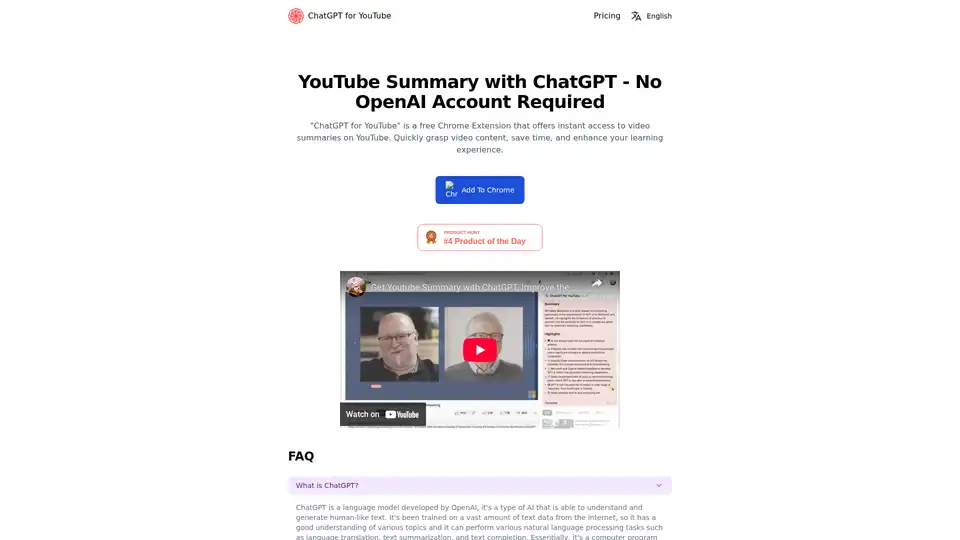
"ChatGPT for YouTube" is a free Chrome Extension that offers instant access to video summaries on YouTube. Quickly grasp video content, save time, and enhance your learning experience.
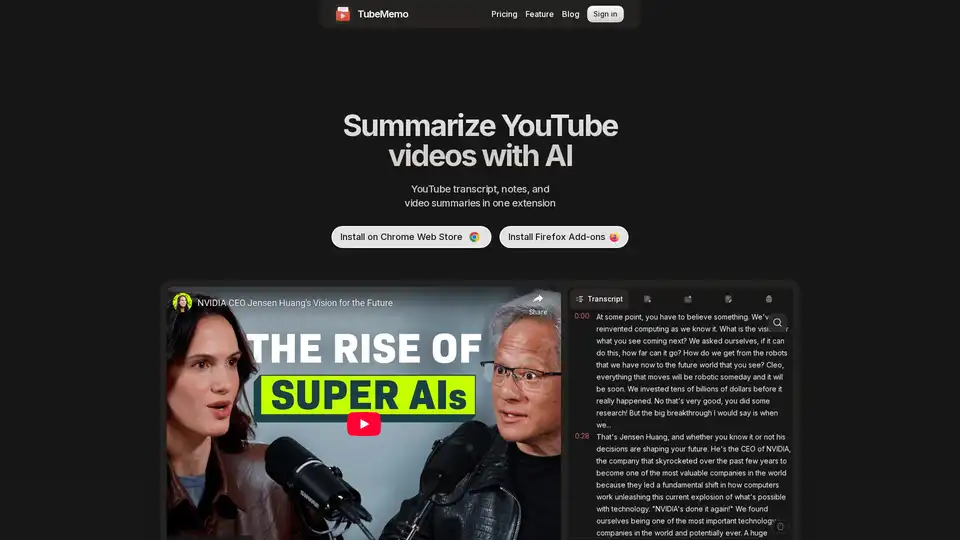
Use TubeMemo to extract, enhance, and summarize YouTube transcripts with AI. Turn videos into smart, searchable notes in seconds.
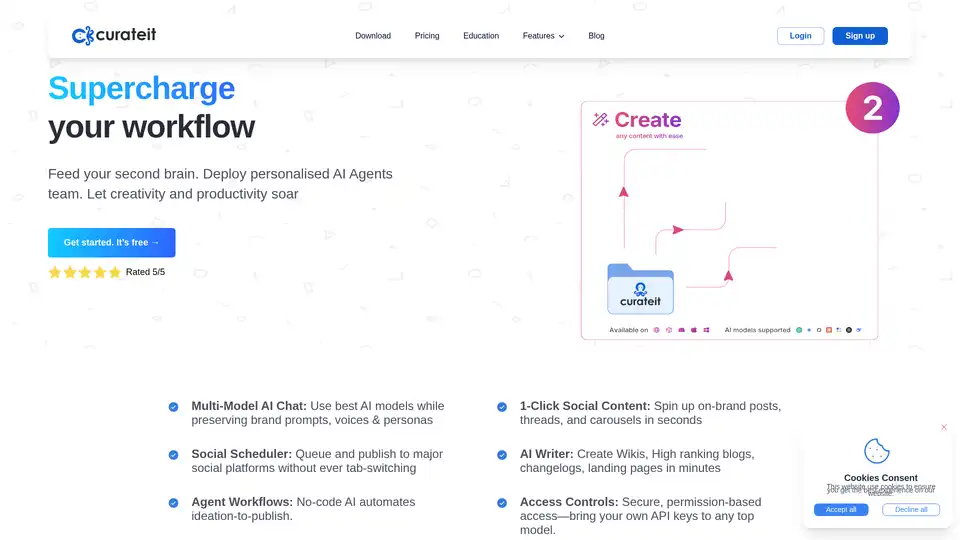
CurateIt is an AI-powered productivity tool that acts as your second brain, helping you curate, organize, and showcase your work. It offers AI-driven search, summarization, and content creation, along with robust bookmarking and organization features.