
XNote
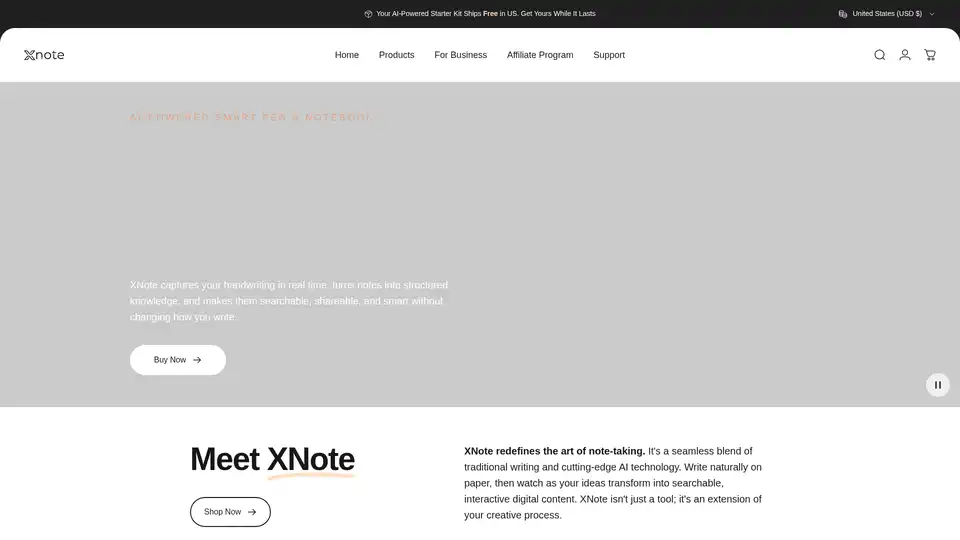
Overview of XNote
What is XNote?
XNote is an innovative AI-powered smart pen and notebook designed to seamlessly blend the traditional writing experience with cutting-edge artificial intelligence. It allows users to capture their handwriting in real-time and transform notes into structured, searchable digital content without altering their natural writing style. This tool aims to redefine the art of note-taking, making it more efficient and interactive.
How does XNote work?
XNote works by capturing your handwriting as you write on paper using the smart pen. The pen then mirrors your handwriting onto your device, digitizing your notes in real-time. Here's a breakdown of its key functionalities:
- Real-Time Digitization: XNote captures handwriting instantly, converting it into digital text.
- Handwriting Recognition: The advanced AI can decipher various handwriting styles, including cursive, and even interpret sketches and equations.
- AI Chat Feature: Users can engage with their notes through an AI-powered chat, asking questions and getting summaries or insights.
- Task Management: The AI identifies and highlights action items within notes, creating organized to-do lists.
- Multilingual Support: Supports over 60 languages, facilitating global communication.
Key Features and Benefits
- Seamless Transition: Bridges the gap between traditional writing and digital convenience.
- Advanced AI: Deciphers challenging handwriting and converts it into clear, searchable text.
- Interactive AI Chat: Enables users to engage in a dialogue with their ideas, ask questions, and explore connections within their notes.
- Automatic Task Management: Identifies and highlights action items, transforming scribbles into organized to-do lists.
- Real Paper & Ink: Provides a familiar, tactile writing experience.
- Multilingual Support: Breaks down communication barriers with support for over 60 languages.
- Privacy-Focused: Ensures that your thoughts remain private with robust security measures.
Why choose XNote?
- Efficiency: Transforms handwritten notes into searchable digital content, saving time and effort.
- Organization: Helps users stay organized by automatically identifying and highlighting action items.
- Accessibility: Allows users to access their notes from anywhere, on any device.
- Innovation: Combines the best of traditional writing with cutting-edge AI technology.
Who is XNote for?
XNote is ideal for a wide range of users, including:
- Professionals: For taking meeting notes, brainstorming ideas, and managing tasks.
- Students: For studying, note-taking in class, and creating study materials.
- Creatives: For sketching, journaling, and capturing ideas on the go.
- Anyone who prefers handwriting: For those who enjoy the feel of pen on paper but want the convenience of digital notes.
User Reviews and Testimonials
Users have praised XNote for its accuracy, ease of use, and innovative features. Here are a few testimonials from verified customers:
- Amanda S.: "Such a great tool for taking notes. I find the XNote much quicker and more accurate when it converts to text and the AI side is amazing!"
- Neil M.: "I have tried all sorts of smart pens and this one is the best. Almost instantaneous communication with the app and great transcription. Better than all the rest."
- Jennifer S.: "It totally does and it’s very fun to see my elaborate cursive writing transform into text. I’m impressed it immediately picked up my cursive without error."
- Adele O.: "Love the pen and app. Seamless start, very intuitive to use, and really helped me stay organize."
How to use XNote?
- Write: Use the XNote smart pen to write on the provided notebook.
- Digitize: Watch as your handwriting is automatically digitized and appears on your connected device.
- Engage: Use the AI chat feature to interact with your notes, ask questions, and get insights.
- Organize: Let the AI identify and highlight action items to create organized to-do lists.
Pricing and Availability
XNote is available for purchase on the official website. The package includes the XNote smart pen and notebook. Check the website for the most up-to-date pricing information and any available discounts or promotions.
Best way to utilize XNote
- Use it for meetings: Capture meeting notes and action items quickly and easily.
- Use it for brainstorming: Sketch out ideas and mind maps, then digitize them for easy sharing and collaboration.
- Use it for studying: Take notes in class, then use the AI chat feature to ask questions and get more information.
- Use it for journaling: Write down your thoughts and ideas, then digitize them for safekeeping and easy access.
XNote is more than just a smart pen and notebook; it’s a comprehensive tool that enhances the way you capture, organize, and interact with your ideas. By seamlessly blending traditional writing with AI technology, XNote empowers users to be more productive, creative, and organized.
AI Article Generation AI Text Polishing AI Writing Assistance Paper and Report Generation News and Blog Generation Email and Business Writing
Best Alternative Tools to "XNote"
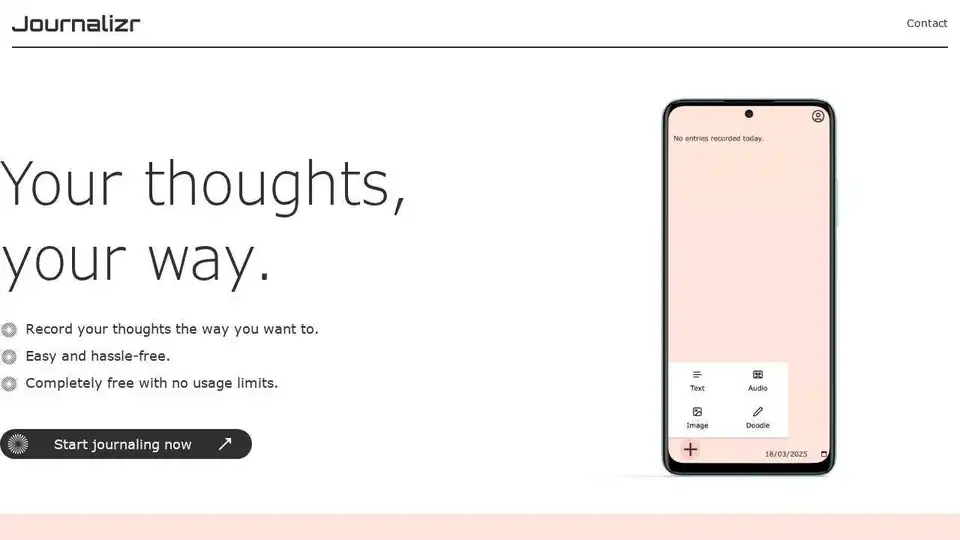
Journalizr is a free, easy-to-use digital journaling app designed to replicate the flexibility of a physical journal. Record your thoughts with text, voice, doodles, and images.
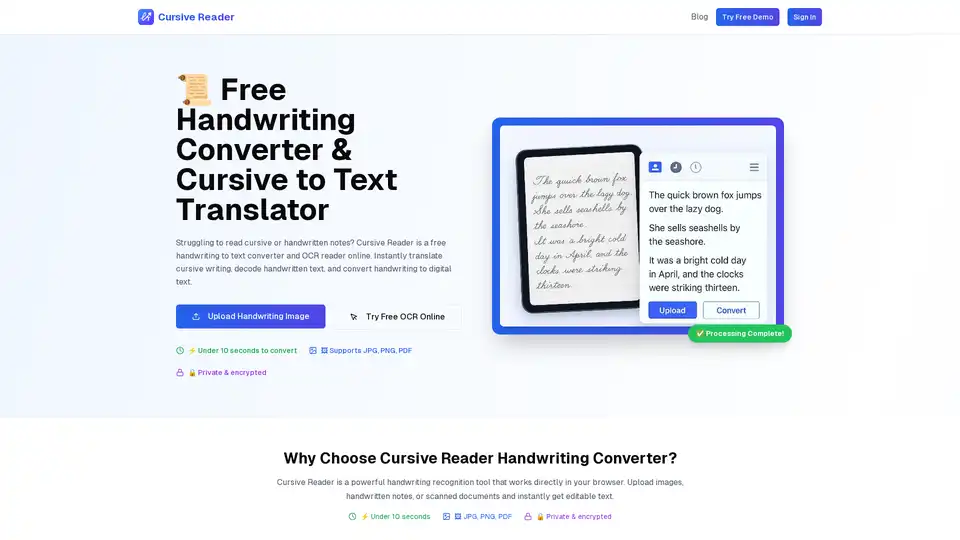
Cursive Reader is a free online handwriting to text converter and OCR reader. Instantly translate cursive writing, decode handwritten text, and convert handwriting to digital text. Fast, accurate & secure.

Revolutionize your child's math learning with AI Math Coach! Personalized AI-powered practice, custom worksheets aligned with classroom content, progress tracking, and device-agnostic access. Start your free trial today for effortless math mastery.
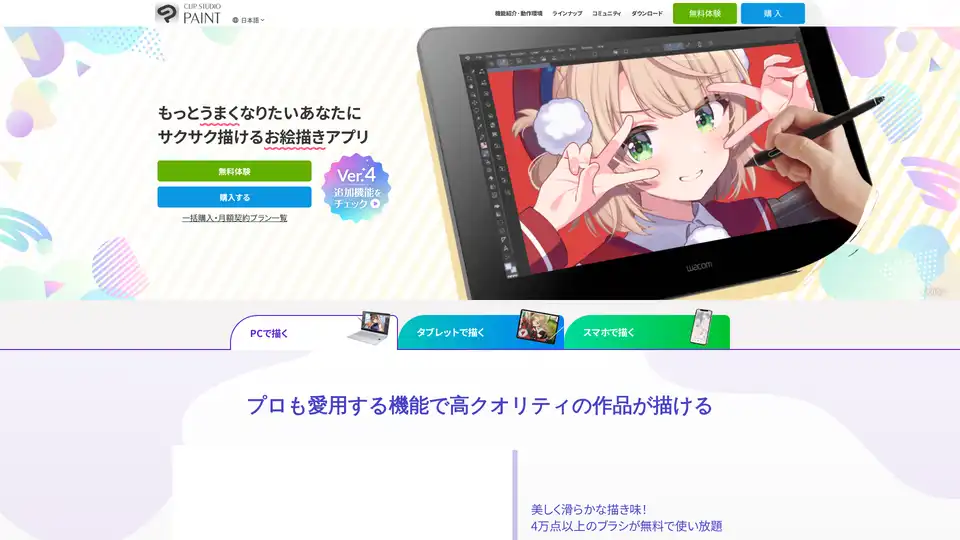
CLIP STUDIO PAINT is a painting app for creating illustrations, comics, and animations on PC, smartphone, and tablet. It offers a range of features from basic drawing to pro-level animation tools.