
CLIP STUDIO PAINT
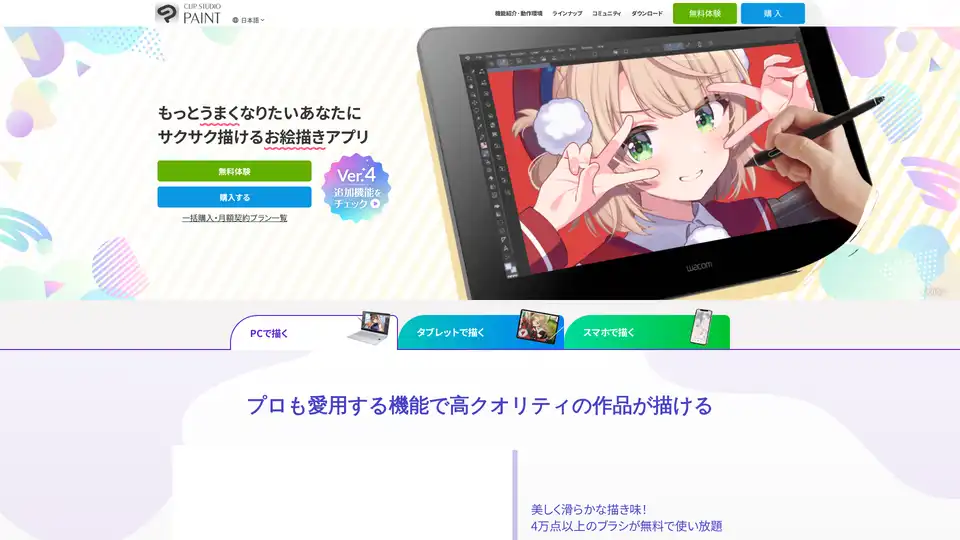
Overview of CLIP STUDIO PAINT
CLIP STUDIO PAINT: The All-in-One Digital Art Solution
What is CLIP STUDIO PAINT?
CLIP STUDIO PAINT is a versatile and powerful painting software designed for creating illustrations, comics, animations, and more. Used by both professionals and hobbyists, it offers a wide range of tools and features to bring your creative visions to life. Available on PC, tablets, and smartphones, it’s accessible wherever inspiration strikes.
Key Features and Benefits
- Realistic and Smooth Drawing Experience:
- Offers a natural drawing feel, mimicking traditional art mediums.
- Adjust settings to match your pen pressure for personalized control.
- Choose from various brush shapes and paper textures.
- Extensive Material Library:
- Access over 100,000 free and premium materials.
- Quickly add details like frills, accessories, clouds, and forests.
- Enhance your artwork with resources created by users worldwide.
- 3D Models for Accurate Posing:
- Use customizable 3D models to assist with figure drawing.
- Adjust the character's face and body shape.
- Utilize default poses for quick setup.
- Efficient Coloring Tools:
- Fill enclosed areas, even with gaps in the line art.
- Apply color to specific areas without bleeding over the lines.
- Automatically add shadows by specifying a light source.
- Advanced Editing and Special Effects:
- Adjust colors and apply effects with various filters.
- Quickly create backgrounds and props using rulers and 3D objects.
- Flexible Transformation Tools:
- Adjust poses with puppet warp.
- Easily scale and distort with the warp tool.
- Fit patterns perfectly with mesh transformation.
- Manga and Animation Support:
- Features tools for creating comic panels, speech bubbles, text, and speed lines.
- Suitable for creating webtoons and print-ready data.
- Includes features for creating frame-by-frame animations.
- Vector Layers for Non-Destructive Editing:
- Adjust line thickness and position without losing quality.
- Erase lines up to the point of intersection.
- Use layer masks and clipping for flexible editing.
Why Choose CLIP STUDIO PAINT?
How does CLIP STUDIO PAINT work?
CLIP STUDIO PAINT stands out from other digital art software due to its blend of comprehensive features and user-friendly interface. It caters to a broad audience, from beginners to seasoned professionals.
- Comprehensive Features: It includes features found in professional-grade software.
- Extensive Resources: It offers over 100,000 brushes and materials.
- Professional Tools: Includes tools tailored for manga and animation creation.
- 3D Integration: Includes customizable 3D models for posing.
- User-Friendly Interface: Provides an easy-to-use, customizable interface.
Who is CLIP STUDIO PAINT for?
CLIP STUDIO PAINT is designed for a wide range of users:
- Illustrators: Create high-quality digital illustrations.
- Comic Artists: Utilize tools specifically designed for manga and webtoon creation.
- Animators: Produce frame-by-frame animations with ease.
- Designers: Design artwork and graphics for various projects.
- Hobbyists: Explore digital art with an accessible and feature-rich tool.
Pricing and Plans
CLIP STUDIO PAINT offers various purchasing options, including:
- One-Time Purchase:
- PRO: Standard model for illustrations and artwork.
- EX: Premium model for manga and animation.
- Subscription Plans:
- Monthly and annual plans for iPad, Android, Windows, and macOS.
- Access to the latest features and updates.
- Special offers like free monthly downloads of official materials.
CLIP STUDIO Community
How to use CLIP STUDIO PAINT?
CLIP STUDIO PAINT provides users with multiple venues to learn and grow:
- CLIP STUDIO TIPS: Access tutorials and tips to improve your skills.
- CLIP STUDIO ASK: Get answers to your questions from the community.
- CLIP STUDIO PAINT Creator Certification: Get certified to prove your knowledge.
Available on All Devices
Whether you prefer working on a desktop, tablet, or smartphone, CLIP STUDIO PAINT has you covered. It supports iPad, Android, Windows, and macOS, ensuring you can create art wherever you go.
Conclusion
CLIP STUDIO PAINT is a complete digital art solution suitable for artists of all levels. With its extensive features, user-friendly interface, and cross-platform availability, it’s the ideal tool for bringing your creative ideas to life. Whether you're creating illustrations, comics, or animations, CLIP STUDIO PAINT provides everything you need to succeed. Start your free trial today and unlock your artistic potential!
AI Generated Art Image Enhancement and Repair Image Style Transfer AI Background Removal and Replacement AI Avatar and Cartoonization 3D Modeling and Rendering Logo and UI Design
Best Alternative Tools to "CLIP STUDIO PAINT"
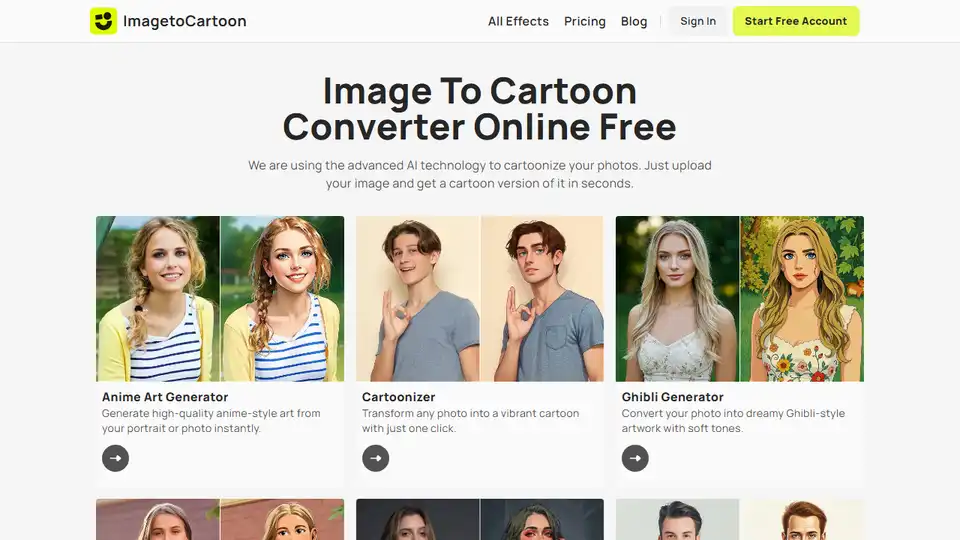
ImageToCartoon is a free online AI tool to convert photos to cartoons. Choose from 80+ styles & create unique avatars, prints, & social media content instantly.
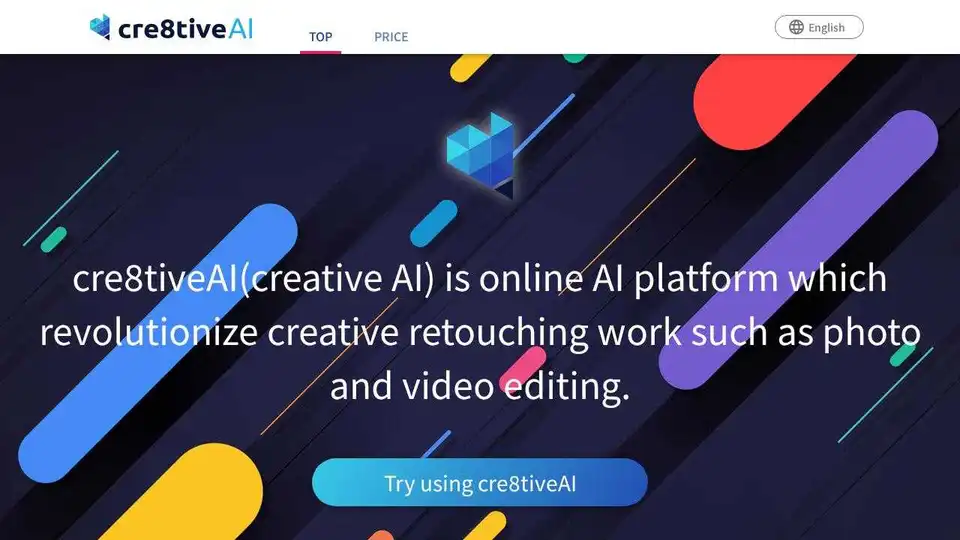
cre8tiveAI is an AI-powered platform offering a suite of tools for photo, illustration, and video editing, including image upscaling, face refinement, and anime-style background generation.
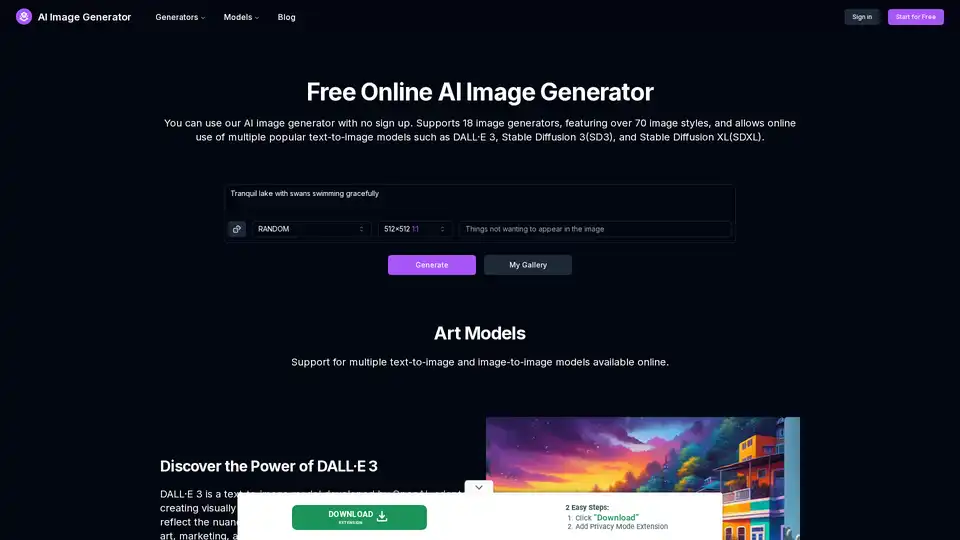
AI Image Generator is a free online tool that uses AI to turn text into images. It supports various models like DALL-E 3 and Stable Diffusion, allowing you to create AI art, anime, tattoos, and more without signing up.
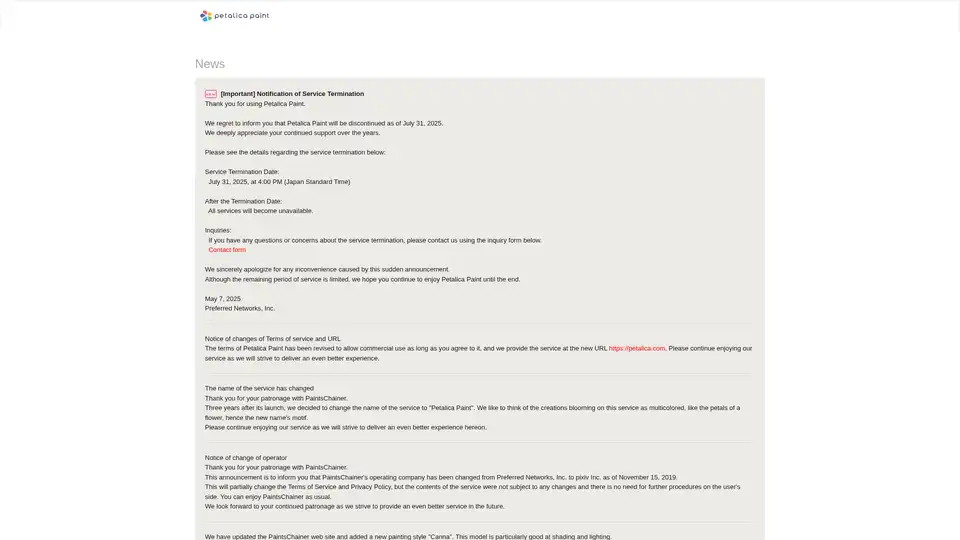
Petalica Paint is an AI-powered web application that automatically colors anime-style sketches with realistic shading and lighting effects. Originally known as PaintsChainer, the tool offers multiple painting styles including the Canna model for enhanced shading.