
WhisperClip
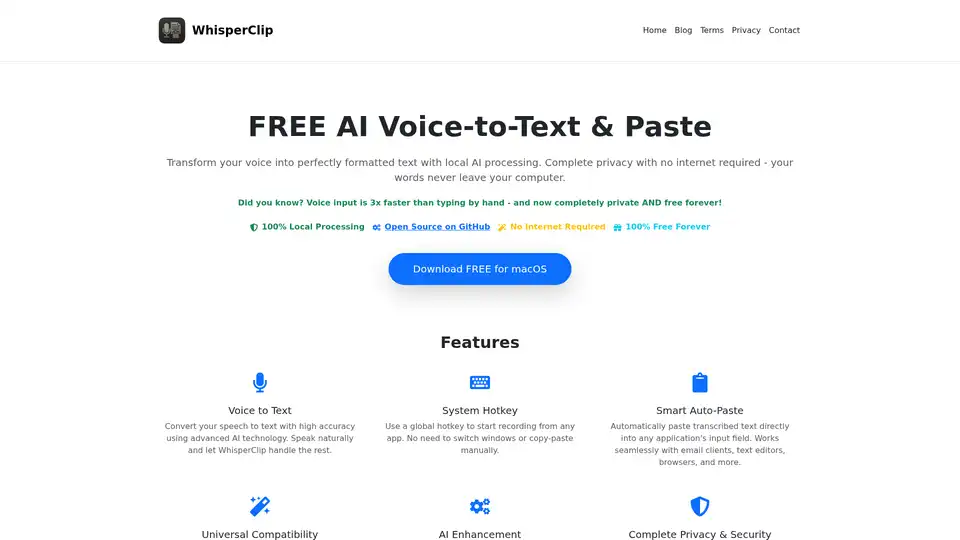
Overview of WhisperClip
WhisperClip: Free, Private, and Local AI Voice-to-Text for macOS
WhisperClip is a revolutionary macOS application that transforms your spoken words into perfectly formatted text with 100% local AI processing. It prioritizes your privacy, ensuring your conversations never leave your computer, and it's completely free forever.
What is WhisperClip?
WhisperClip is a free macOS application designed to convert speech to text with high accuracy using advanced AI technology. It operates entirely offline, leveraging on-device AI models to transcribe your voice into text without requiring an internet connection.
How Does WhisperClip Work?
Here's how WhisperClip simplifies voice-to-text transcription:
- Installation: Install WhisperClip on your macOS device. No account creation or internet access is needed.
- Hotkey Activation: Press your custom hotkey to initiate recording from any application.
- Natural Speech: Speak naturally without needing to pause for punctuation.
- Local AI Processing: Stop recording, and WhisperClip processes your speech locally using on-device AI.
- Automatic Pasting: The transcribed text is automatically pasted into your current application's input field.
Key Features of WhisperClip
- Voice to Text: Converts your speech to text with exceptional accuracy using cutting-edge AI.
- System Hotkey: Uses a global hotkey for quick recording from any app, eliminating the need to switch windows or manually copy-paste.
- Smart Auto-Paste: Automatically pastes transcribed text directly into any application—email clients, text editors, browsers, and more.
- Universal Compatibility: Works flawlessly with virtually any application that accepts text input, from Microsoft Office to web browsers and messaging apps.
- AI Enhancement: Provides perfectly formatted text with automatic punctuation, grammar correction, translation, and intelligent formatting.
- Complete Privacy & Security: All voice processing occurs locally on your device. No data collection, no analytics, and no internet required.
- Completely Free Forever: WhisperClip is 100% free, with no hidden costs, subscriptions, ads, or premium features.
Why Choose WhisperClip?
- Privacy-Focused: Your voice data never leaves your computer. WhisperClip ensures complete privacy by processing everything locally.
- Time-Saving: Voice input is three times faster than typing by hand. WhisperClip maximizes your productivity.
- Seamless Integration: Compatible with virtually any application that accepts text input.
- Cost-Effective: Completely free with no hidden charges, making it accessible to everyone.
- Open Source: Allows users to review the source code on GitHub for added security and transparency.
What Problems Does WhisperClip Solve?
- Transcription Inefficiency: Traditional transcription methods are time-consuming and often inaccurate. WhisperClip streamlines the process with AI-powered accuracy.
- Privacy Concerns with Cloud Services: Many voice-to-text services send your data to the cloud, raising privacy concerns. WhisperClip eliminates this risk with local processing.
- Cost Barriers: Subscription-based transcription services can be expensive. WhisperClip provides a free, high-quality alternative.
Who is WhisperClip for?
This tool is ideal for:
- Professionals: Accelerate documentation, note-taking, and email composition.
- Students: Effortlessly transcribe lectures and research notes.
- Journalists: Quickly convert interviews into text form.
- Anyone Seeking Efficiency: Maximize productivity in any task that involves text input.
How to use WhisperClip?
Using WhisperClip is straightforward:
- Download and install the application on your macOS device.
- Customize your hotkey for quick access.
- Start recording by pressing the hotkey.
- Stop recording, and the transcribed text will automatically paste into your active application.
Conclusion: Boost Your Productivity with WhisperClip
WhisperClip offers seamless voice-to-text conversion with added privacy and efficiency. This free macOS app uses local AI processing to transform your speech into perfectly formatted text, which is automatically pasted into any application. Download WhisperClip today to experience a 100% private, cost-free, and productivity-boosting solution.
AI Voice Synthesis AI Voice Changer AI Music Creation Speech to Text AI Voice Customer Service and Assistant Podcast and Video Dubbing
Best Alternative Tools to "WhisperClip"
Superwhisper is an AI-powered voice-to-text app for macOS and iPhone, enabling faster typing and seamless integration with any application. Transcribe audio and video, translate languages, and boost productivity.
Add beautiful captions to videos automatically with ShortMagic. Features presets for popular styles, deep customization, accurate AI transcriptions in 112 languages, and an offline-first desktop app without subscriptions.
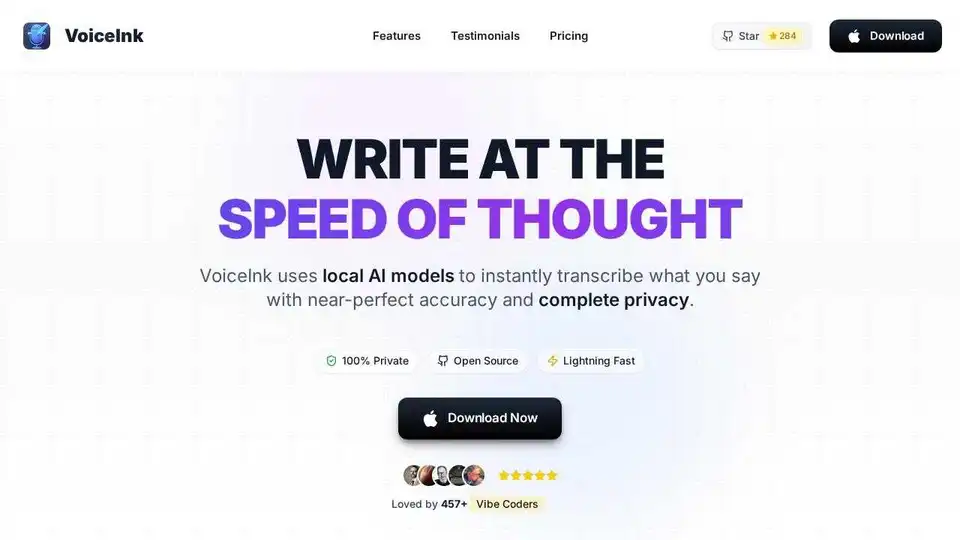
VoiceInk is an AI-powered dictation app for Mac that transcribes speech to text with high accuracy and privacy. It offers offline processing, custom dictionaries, and integration with various apps.
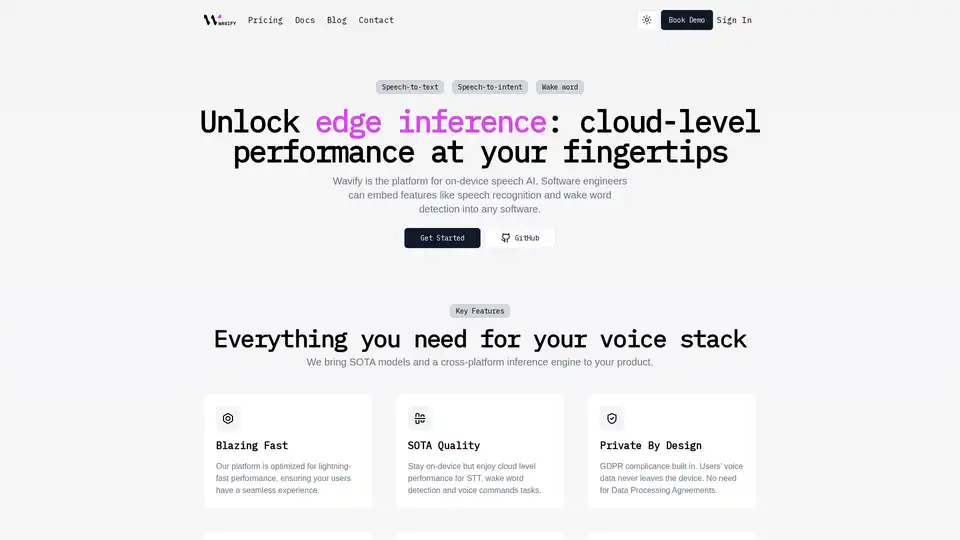
Wavify is the ultimate platform for on-device speech AI, enabling seamless integration of speech recognition, wake word detection, and voice commands with top-tier performance and privacy.