
Walling

Overview of Walling
Walling: The AI-Powered Visual Workspace for Ideas and Collaboration
What is Walling? Walling is a modern, AI-enhanced platform designed to help teams and individuals organize ideas, present work, and collaborate effectively. It moves beyond traditional documents and restrictive slides, offering a flexible and visually engaging way to manage projects, share insights, and bring ideas to life.
Key Features of Walling:
- Visual Canvas: Walling provides a visual canvas, or "wall," where users can add notes, images, videos, files, and links to capture and organize all the details of their ideas.
- AI-Powered Assistance: Walling AI can generate ideas, tasks, images, tables, and other content based on user prompts, speeding up the brainstorming and planning process.
- Impressive Presentations: Walling allows users to create visually appealing presentations that are more engaging than traditional documents or slides.
- Collaboration Tools: Walling enables real-time collaboration with team members, allowing them to comment, vote on ideas, and manage tasks together.
- Task Management: Users can assign tasks, set due dates, and receive reminders to stay on track with their projects.
- Mobile Responsiveness: Walling walls are mobile-responsive, ensuring that shared work and ideas look great on any device.
How Does Walling Work?
- Create a Wall: Start by creating a new wall, which serves as the central canvas for your project or idea.
- Add Content: Add notes, images, videos, files, and links to your wall to capture all the relevant information.
- Use Walling AI: Use Walling AI to generate ideas, tasks, and content based on your prompts.
- Organize and Arrange: Organize and arrange the content on your wall to create a visually appealing and informative presentation.
- Collaborate with Team Members: Invite team members to collaborate on your wall, allowing them to comment, vote on ideas, and manage tasks together.
- Share Your Wall: Share your wall with others via a shareable link or embed it on a website or social media platform.
Why Choose Walling?
- Improved Organization: Walling provides a visual and intuitive way to organize ideas and information.
- Enhanced Collaboration: Walling facilitates real-time collaboration with team members.
- Engaging Presentations: Walling allows users to create visually appealing presentations that capture the attention of their audience.
- Increased Productivity: Walling AI can help users generate ideas and content more quickly.
- Mobile Accessibility: Walling walls are accessible on any device, ensuring that users can stay connected and productive wherever they are.
Who is Walling For?
Walling is ideal for:
- Teams: Walling helps teams collaborate effectively on projects, share ideas, and manage tasks.
- Creatives: Walling provides a visual canvas for creatives to capture inspiration, organize ideas, and present their work.
- Businesses: Walling helps businesses organize information, manage projects, and create engaging presentations.
- Marketers: Walling helps marketers plan campaigns, track results, and share insights.
- Startups: Walling helps startups organize their ideas, manage their projects, and present their vision to investors.
Walling Integrations
Walling offers a Chrome browser extension, and desktop apps for macOS and Windows. Mobile apps are available for iOS and Android devices.
Practical Applications of Walling
- Project Management: Organize project tasks, deadlines, and resources in a visual and collaborative way.
- Brainstorming: Generate ideas, capture insights, and organize them into a coherent plan.
- Content Creation: Create visually appealing presentations, reports, and other content.
- Team Collaboration: Facilitate real-time collaboration with team members, allowing them to comment, vote on ideas, and manage tasks together.
- Personal Knowledge Management: Organize your personal notes, ideas, and resources in a visual and intuitive way.
Walling Pricing
Walling offers a free plan with limited features. Paid plans start at $8 per month per user and offer additional features, such as unlimited walls, unlimited storage, and priority support.
In conclusion, Walling is a powerful and versatile visual workspace that can help teams and individuals organize ideas, present work, and collaborate effectively. With its AI-powered assistance, engaging presentation tools, and real-time collaboration features, Walling is a valuable asset for anyone who wants to improve their productivity and creativity.
AI Article Generation AI Text Polishing AI Writing Assistance Paper and Report Generation News and Blog Generation Email and Business Writing
Best Alternative Tools to "Walling"
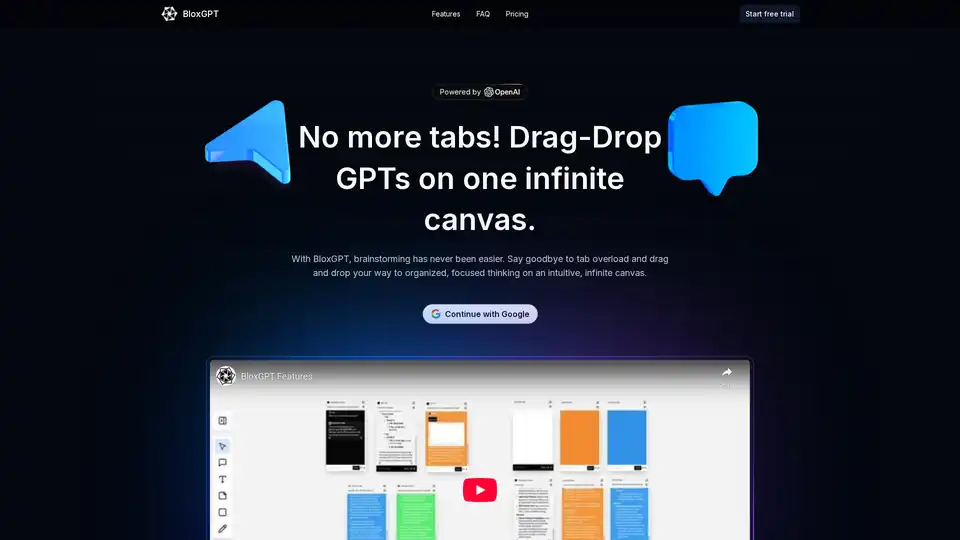
BloxGPT is an AI-powered collaboration workspace that lets teams brainstorm and organize ideas using a drag-and-drop interface with GPT blocks on an infinite canvas. It offers real-time collaboration and flexible pay-as-you-go pricing.
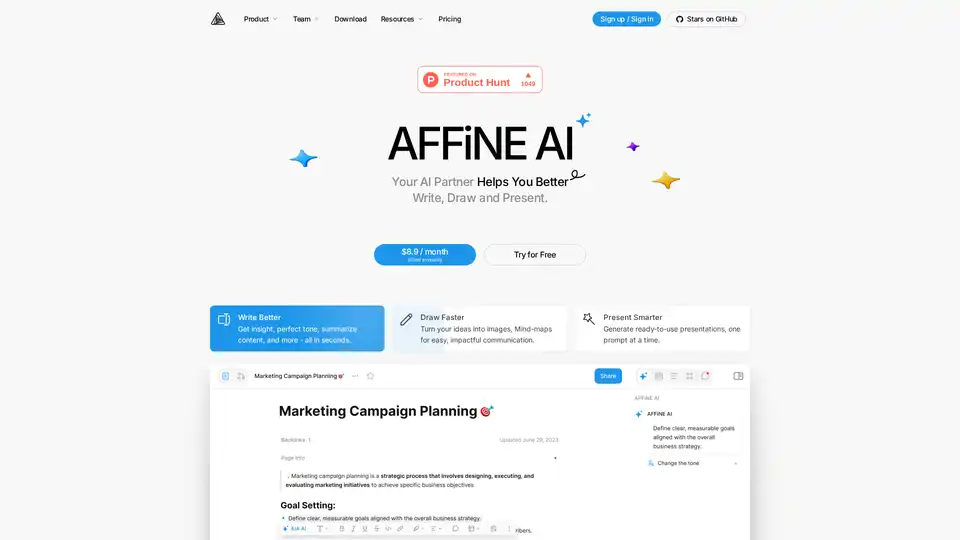
AFFiNE AI is a multimodal canvas AI tool that enhances note-taking, brainstorming, and team collaboration with AI-powered writing, drawing, and presentation features.

Mixflow.AI is the leading AI platform for productivity, allowing users to remix documents, images, videos, and audios on an infinite canvas. Integrate ChatGPT and other models for seamless content creation, analysis, and real-time collaboration across professions.

Discover SheetGPT, the simplest way to embed OpenAI's GPT for text and image generation directly in Google Sheets. Boost productivity with AI-powered content creation, SEO tools, and data summarization—no API keys required.