
BloxGPT
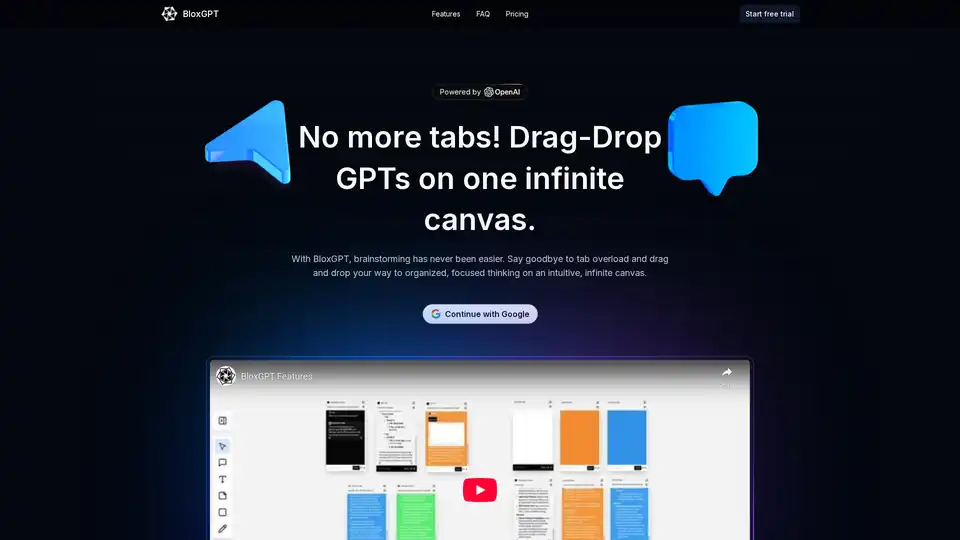
Overview of BloxGPT
BloxGPT: AI-Powered Workspace for Team Collaboration
What is BloxGPT?
BloxGPT is a collaboration platform designed to help teams brainstorm, design, and innovate more effectively. It provides an intuitive, infinite canvas where users can drag and drop GPT blocks, take notes, and connect ideas visually. BloxGPT aims to eliminate tab overload and create a focused environment for creative thinking.
How does BloxGPT work?
BloxGPT simplifies the collaborative process into three straightforward steps:
- Sign Up: Register and explore flexible pay-as-you-go options without any commitments.
- Organize and Brainstorm: Use the drag-and-drop interface to arrange GPT blocks, add notes, and visually connect ideas on the infinite canvas.
- Collaborate Instantly: Work with team members in real-time on an interactive, shared canvas.
Key Features
- Infinite Canvas: An expansive workspace to organize and develop ideas without limitations.
- Drag-and-Drop GPT Blocks: Seamlessly integrate AI-powered blocks for brainstorming and idea generation.
- Real-Time Collaboration: Work with team members simultaneously on the same canvas.
- Flexible Layouts: Adjust layouts and create custom workflows to suit your team's needs.
- Organized and Searchable: Easily find and manage your ideas and annotations.
- Pay-as-You-Go Pricing: A credit-based model offering flexibility and control over usage costs.
- Data Safety: A secure infrastructure to protect your work.
Why choose BloxGPT?
- Enhances Mental Organization: Multiple ChatGPT tabs can lead to confusion and wasted time. BloxGPT simplifies it.
- Boosts Team Productivity: Facilitates seamless real-time collaboration.
- Saves time: Prevents juggling between multiple tabs and forgetting what each one was for.
Who is BloxGPT for?
BloxGPT is designed for:
- Teams looking to enhance their brainstorming and collaboration processes.
- Professionals seeking a more organized and efficient way to manage ideas.
- Anyone who wants to leverage AI in their creative workflows.
Pricing
BloxGPT uses a flexible pay-as-you-go model, eliminating the need for subscriptions. Users purchase credits (coins) to use the platform, with 500 coins provided to start testing. This approach allows users to pay only for what they use, providing full flexibility and control over costs.
What people are saying
- Marius Manolachi: "This definitely saves me from juggling 10 different ChatGPT tabs and forgetting what each one was for. Congrats on the launch!"
- Amit Arora: "Multiple tabs used to waste so much time. You've simplified it. Kudos for building this!"
- Raju Singh: "One of the best productivity tools I’ve come across on Product Hunt lately. Congrats!"
- Kyrylo Silin: "Great job! BloxGPT sounds like a real productivity booster for teams. Love the concept!"
- Hossein Yazdi: "It looks very featureful. I'd love to try it out soon!"
- Horus He: "This whiteboard really delivers team productivity through AI chat and seamless real-time collaboration. Can’t wait to show my team."
How to use BloxGPT?
- Sign up: Visit the BloxGPT website and create an account.
- Explore the Canvas: Familiarize yourself with the infinite canvas and the drag-and-drop interface.
- Add GPT Blocks: Start brainstorming by adding GPT blocks and connecting them to form a visual representation of your ideas.
- Collaborate: Invite team members to collaborate in real-time on the canvas.
Conclusion
BloxGPT provides a collaborative workspace, integrating AI to boost productivity and streamline the creative process. It addresses the challenges of scattered tabs and disorganized ideas, making it a valuable tool for teams and individuals alike. The flexible pricing model and intuitive interface ensure that users can maximize their creative potential without unnecessary costs or complexities. Best way to enhance your team's productivity and streamline your brainstorming sessions.
AI Task and Project Management AI Document Summarization and Reading AI Smart Search AI Data Analysis Automated Workflow
Best Alternative Tools to "BloxGPT"
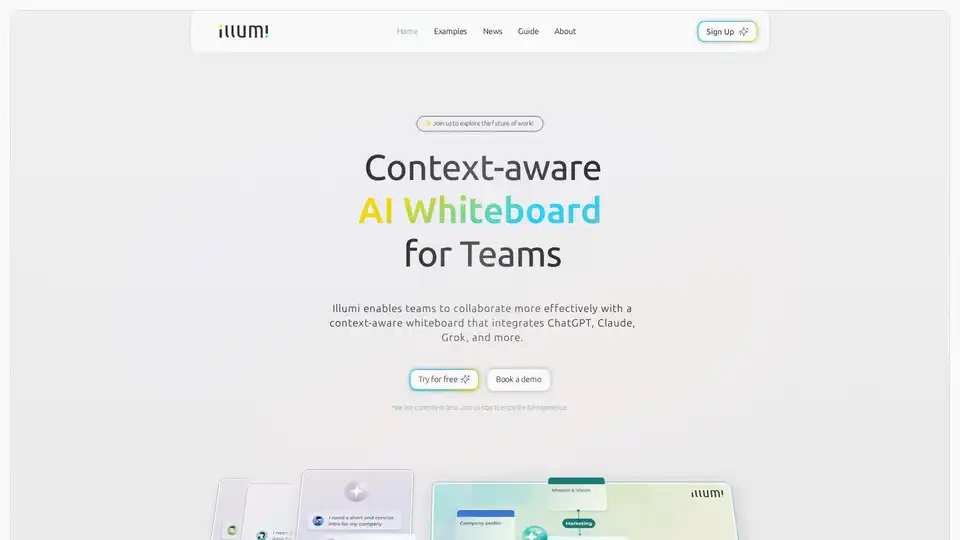
illumi is an AI-powered whiteboard for teams, integrating tools like ChatGPT, Claude, and Grok. It enables real-time collaboration, knowledge sharing, and custom AI workflow creation, boosting team alignment and productivity.

Discover SheetGPT, the simplest way to embed OpenAI's GPT for text and image generation directly in Google Sheets. Boost productivity with AI-powered content creation, SEO tools, and data summarization—no API keys required.
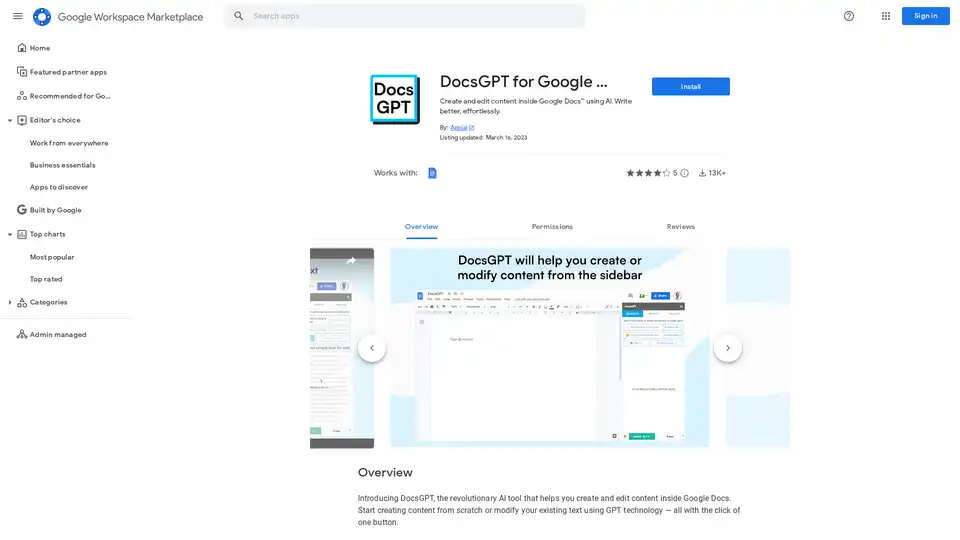
DocsGPT is an AI tool for Google Docs that enables effortless content creation and editing using GPT technology. Generate text, adjust tones, translate, and proofread to write better in any language.
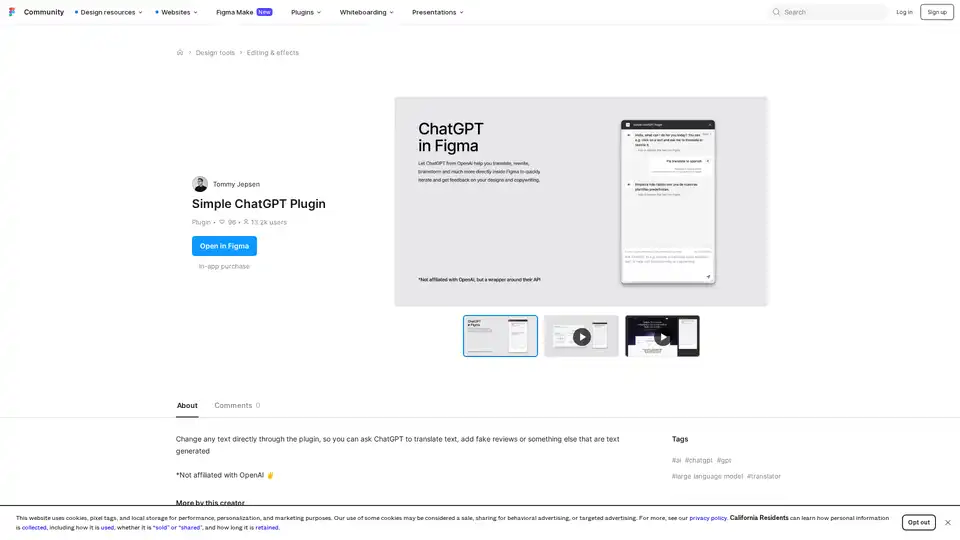
Discover the Simple ChatGPT Plugin for Figma, an AI-powered tool that lets you edit text directly by generating translations, fake reviews, or custom content using ChatGPT—streamline your design workflow effortlessly.