
Visily
Overview of Visily
Visily: AI-Powered UI Design for Everyone
What is Visily?
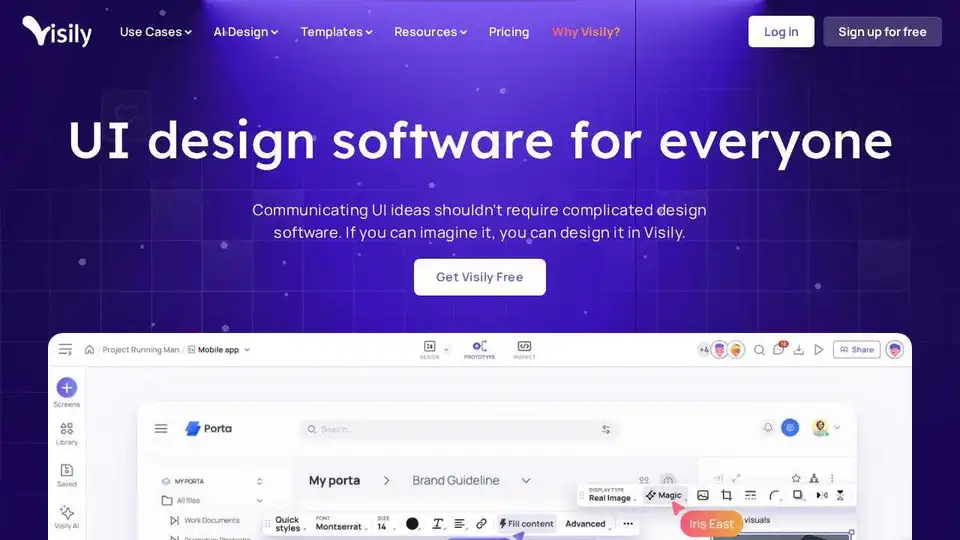
Visily is an innovative AI-powered UI design software tailored for non-designers. It simplifies the process of conveying product ideas by enabling users to create high-fidelity mockups and prototypes quickly and easily.
How does Visily work?
Visily leverages AI to streamline the design process. Users can start from various sources of inspiration, including text prompts, screenshots, diagrams, or pre-built templates. The software's drag-and-drop components and intuitive interface make editing and customization straightforward.
Key features include:
- AI-Powered Design: Generate designs from text prompts or screenshots.
- Smart Components: Speed up the design process with intelligent, pre-built elements.
- Auto-Prototyping: Quickly create interactive prototypes from your designs.
- Collaboration Tools: Facilitate teamwork with features like commenting, cursor chat, and shared asset libraries.
Why is Visily important?
Visily addresses the challenges non-designers face when communicating product visions. Traditional design tools often have steep learning curves, while simpler solutions may lack the necessary quality. Visily bridges this gap by providing an accessible and powerful platform for creating professional-looking UI designs.
Who is Visily for?
Visily is ideal for:
- Product Managers: Visualize and share product concepts with stakeholders.
- Startup Founders: Create mockups and prototypes to validate ideas and attract investors.
- Business Analysts: Design user interfaces for software applications.
- Anyone without design experience: Quickly create UI designs without the need for specialized skills.
How to use Visily?
- Start with a template, text prompt, or screenshot: Choose a starting point that best represents your idea.
- Customize the design: Use Visily's drag-and-drop components and AI-powered editing tools to tailor the design to your specific needs.
- Add interactions and animations: Create an interactive prototype to showcase the user experience.
- Collaborate with your team: Share the design with colleagues and gather feedback.
Benefits of Using Visily
- Easy to Use: Visily's intuitive interface and drag-and-drop components make it easy for anyone to create UI designs, regardless of their design experience.
- Saves Time: Visily's AI-powered features and pre-built templates significantly reduce the time it takes to create mockups and prototypes.
- Enhances Communication: Visily's high-fidelity designs help you clearly communicate your product vision to stakeholders.
- Promotes Collaboration: Visily's collaboration tools make it easy for teams to work together on design projects.
Real-World Applications
- Brainstorming: Use Visily to quickly visualize and iterate on product ideas.
- Wireframing: Create wireframes for mobile apps and websites.
- Prototyping: Develop interactive prototypes to test user experience.
- Collaboration: Work with your team to design and refine user interfaces.
User Testimonials
- John Conneely, Sr. Product Manager, Toast: "As a non-designer, Figma was too much for me. Visily allows me to share my ideas without spending hours designing them myself. Now, my entire team uses Visily to collaborate!"
- Bart Slaets, Co-Founder & CTO, PayBIX: "Our startup team is using Visily. It’s very easy to use and a great tool to create mockups and help our business stakeholders visualize what we’ll be building. Look forward to seeing the product grow!"
- Orli Millstein, Director of Content Strategy at DAC: "Visily has completely changed the way our teams work together on client projects: time previously spent explaining our vision to others is now spent doing deeper creative and strategic work, where it actually matters; handoffs to our creative team are faster, cleaner, and more aligned…"
Visily is a solution built for non-designers and teams to streamline the UI design process, enhance communication, and create stunning visuals.
AI Generated Art Image Enhancement and Repair Image Style Transfer AI Background Removal and Replacement AI Avatar and Cartoonization 3D Modeling and Rendering Logo and UI Design
Best Alternative Tools to "Visily"
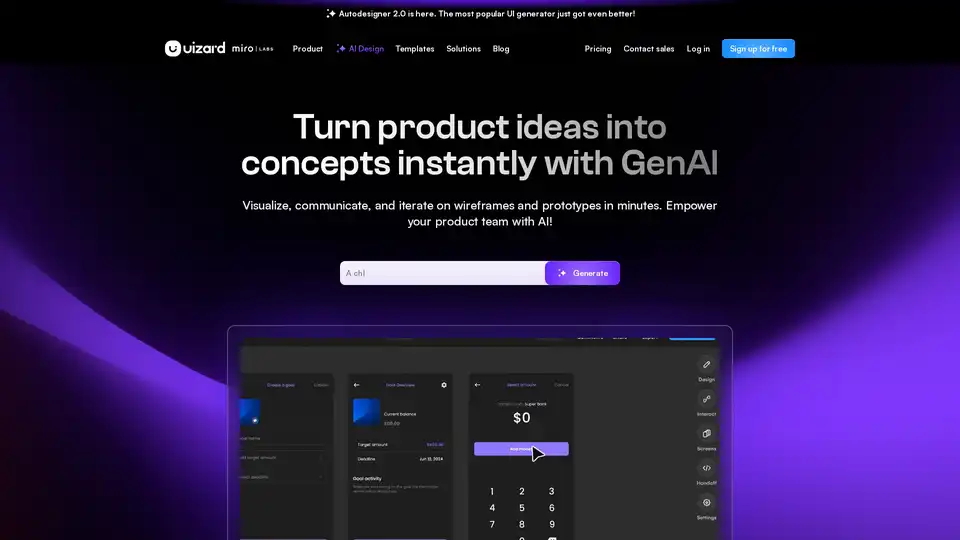
Uizard is an AI-powered UI design tool that simplifies app and website creation. Generate mockups, wireframes, and prototypes in minutes with its AI design assistant.
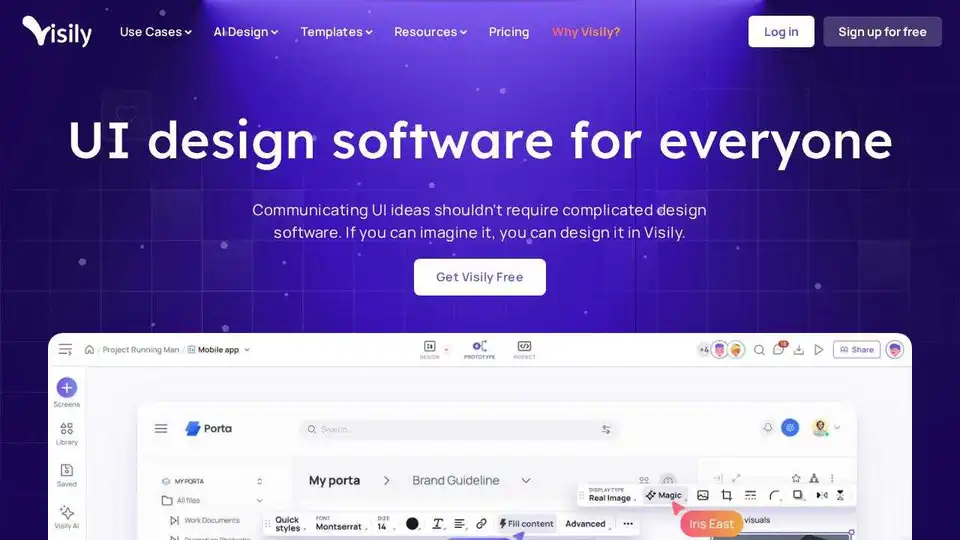
Visily is an AI-powered UI design software designed for non-designers. Quickly turn ideas into visuals with AI-driven features, templates, and easy collaboration. Create mockups and prototypes effortlessly.
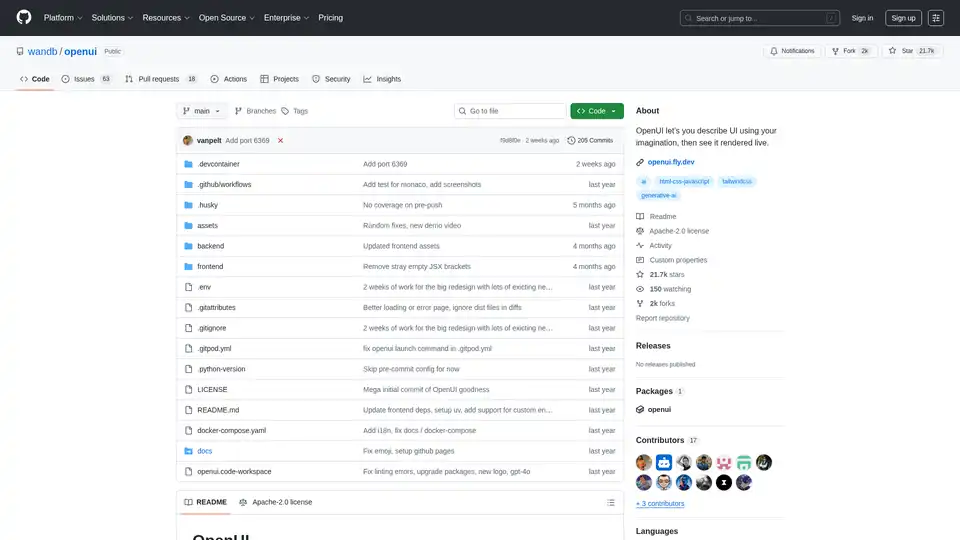
OpenUI is an open-source tool that lets you describe UI components in natural language and renders them live using LLMs. Convert descriptions to HTML, React, or Svelte for fast prototyping.
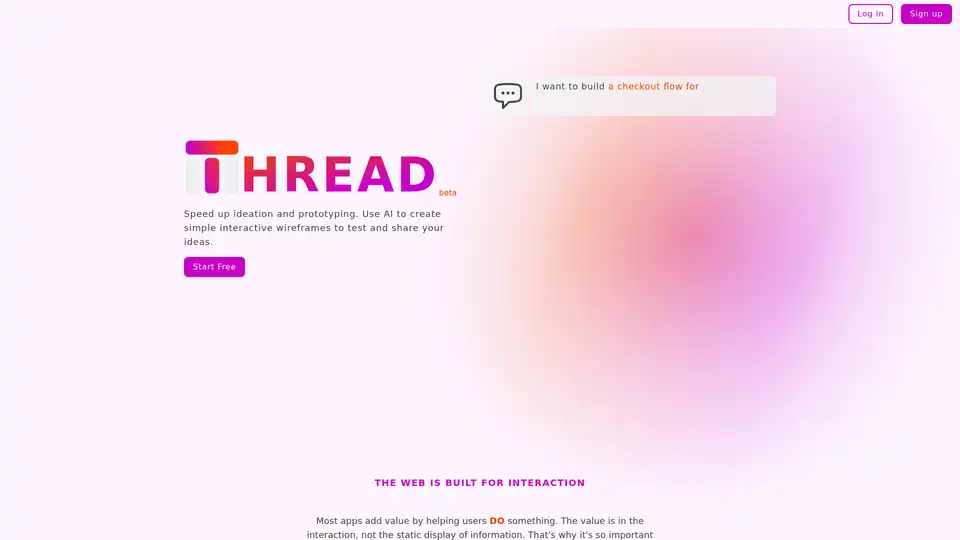
Create interactive wireframes instantly with Thread App, an AI-powered tool to refine app ideas and test user flows quickly. Perfect for designers, developers, and product managers.