
Uizard
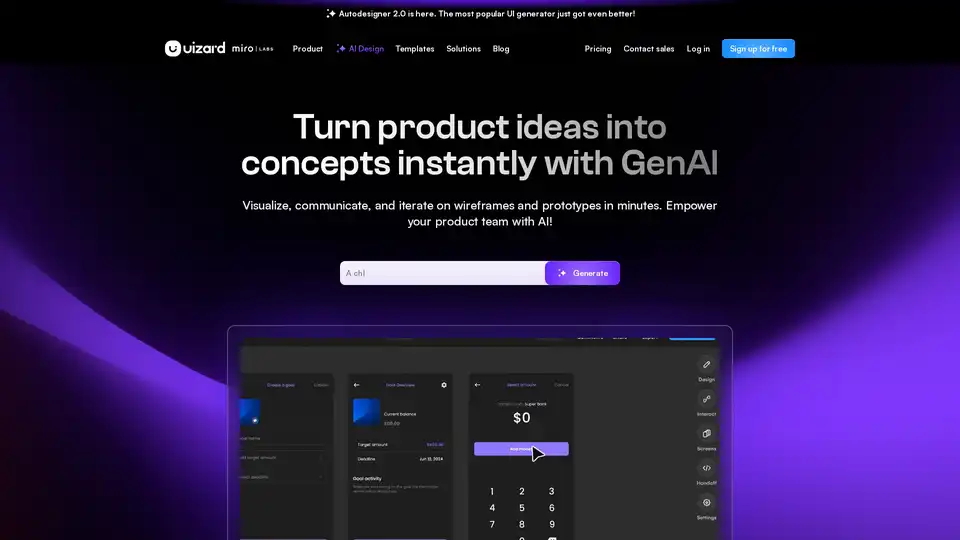
Overview of Uizard
Uizard: AI-Powered UI Design Made Easy
What is Uizard?
Uizard is an innovative AI-powered UI design tool designed to streamline the creation of user interfaces for apps, websites, and desktop software. It empowers individuals and teams to visualize, communicate, and iterate on wireframes and prototypes rapidly.
How does Uizard work?
Uizard leverages artificial intelligence to automate and simplify the UI design process. Key features include:
- Autodesigner 2.0: Generates projects, screens, and themes from text prompts, enabling users to create multiple screen prototypes in seconds.
- Screenshot Scanner: Converts screenshots into editable mockups instantly, facilitating quick iteration and communication of design ideas.
- Wireframe Scanner: Transforms hand-drawn wireframe sketches into digital designs, bridging the gap between traditional sketching and digital prototyping.
- AI Design Assistant: Offers intelligent assistance throughout the design process, speeding up workflows and enhancing creativity.
Key Features of Uizard:
- AI-Powered UI Design: Uizard utilizes AI to generate UI designs from text prompts, screenshots, and hand-drawn wireframes.
- Real-Time Collaboration: Enables real-time collaboration between team members, allowing everyone to contribute to the design process.
- Rapid Prototyping: Allows users to create interactive prototypes in minutes, facilitating quick iteration and validation of design ideas.
- Templates: Offers a variety of pre-designed templates for mobile apps, websites, and web apps, providing a starting point for design projects.
- Component Modification: Simplifies the process of modifying UI components, allowing users to iterate on designs quickly and efficiently.
Use Cases:
- Product Managers & Product Teams: Enable quick creation of mockups for faster iteration and better communication.
- Designers & UX Pros: Streamline design processes and iterate on ideas in minutes.
- Marketers: Deliver design concepts rapidly for clients.
- Startup Founders: Bring startup MVPs to life quickly and efficiently.
- Consultants & Agencies: Transform ideas into interactive mockups for clients.
- Developers: Provide a perfect launchpad for projects.
What Problems Does Uizard Solve?
- Reduces Design Time: By automating many UI design tasks, Uizard significantly reduces the time required to create mockups, wireframes, and prototypes.
- Lowers Design Costs: Uizard makes UI design accessible to individuals and teams with limited design expertise, reducing the need to hire expensive UX/UI designers.
- Improves Collaboration: Uizard's real-time collaboration features facilitate seamless communication and collaboration between team members, leading to better design outcomes.
- Enhances Creativity: Uizard's AI-powered design assistant provides intelligent suggestions and insights, helping users explore new design ideas and possibilities.
Why Choose Uizard?
- AI-Powered Efficiency: Uizard leverages AI to automate and simplify the UI design process, saving time and effort.
- User-Friendly Interface: Uizard's intuitive interface makes it easy for anyone to create professional-looking UI designs.
- Versatile Functionality: Uizard offers a wide range of features and tools to support various UI design tasks, from wireframing to prototyping.
- Affordable Pricing: Uizard offers flexible pricing plans to suit different budgets and needs.
Who is Uizard for?
Uizard is designed for:
- UI/UX designers
- Product managers
- Startup founders
- Marketers
- Business analysts
- Developers
How to use Uizard?
- Sign up for a free account on the Uizard website.
- Choose a template or start with a blank canvas.
- Use the AI-powered design assistant to generate UI designs from text prompts, screenshots, or hand-drawn wireframes.
- Customize the design using Uizard's drag-and-drop interface and component library.
- Collaborate with team members in real-time to iterate on the design.
- Create an interactive prototype to validate the design.
- Share the design with stakeholders for feedback.
Uizard empowers designers and non-designers alike to bring their product ideas to life quickly and easily. Whether you're creating a mobile app, website, or desktop software, Uizard provides the tools and features you need to create stunning UI designs.
AI Generated Art Image Enhancement and Repair Image Style Transfer AI Background Removal and Replacement AI Avatar and Cartoonization 3D Modeling and Rendering Logo and UI Design
Best Alternative Tools to "Uizard"
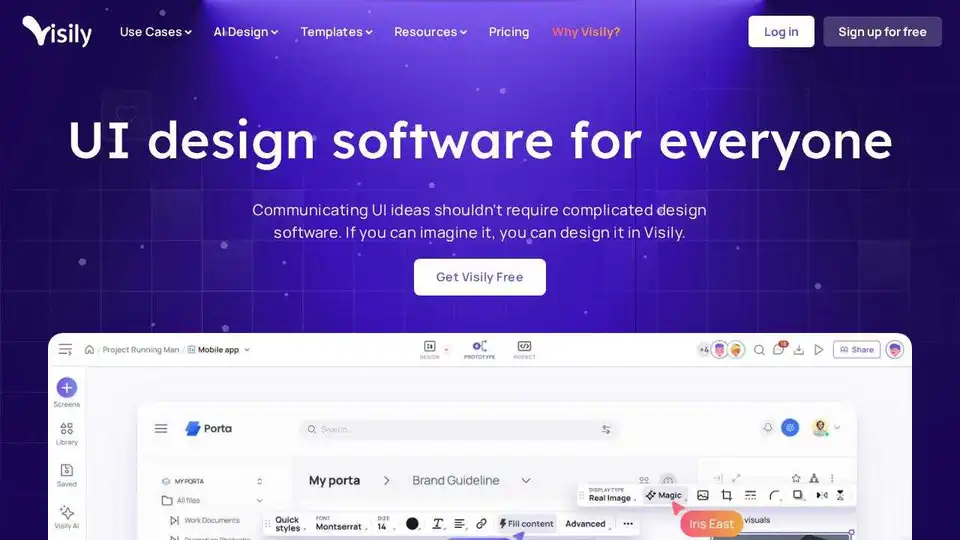
Visily is an AI-powered UI design software designed for non-designers. Quickly turn ideas into visuals with AI-driven features, templates, and easy collaboration. Create mockups and prototypes effortlessly.
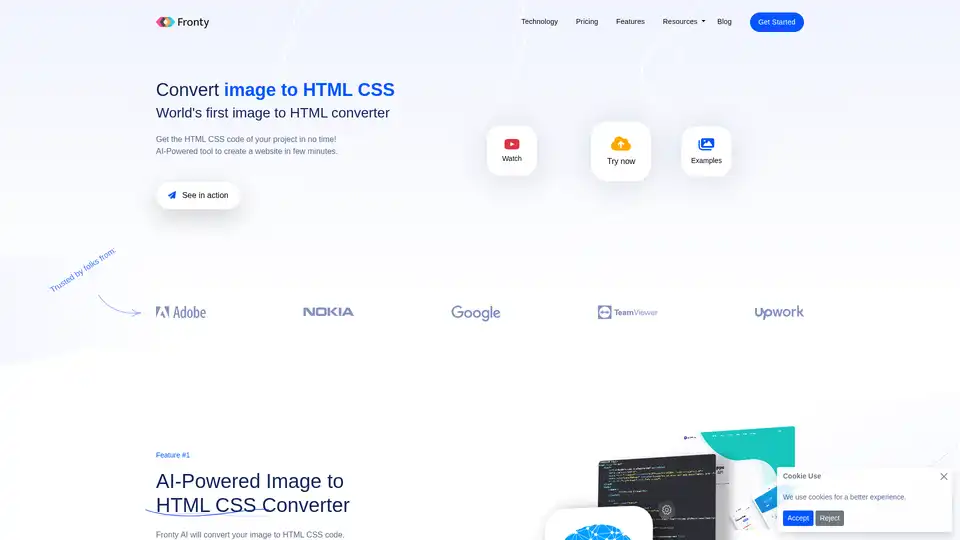
Fronty is an AI-powered image to HTML CSS converter that transforms screenshots or designs into clean, editable code. Build websites quickly without coding skills, featuring a no-code editor and hosting for seamless launches.
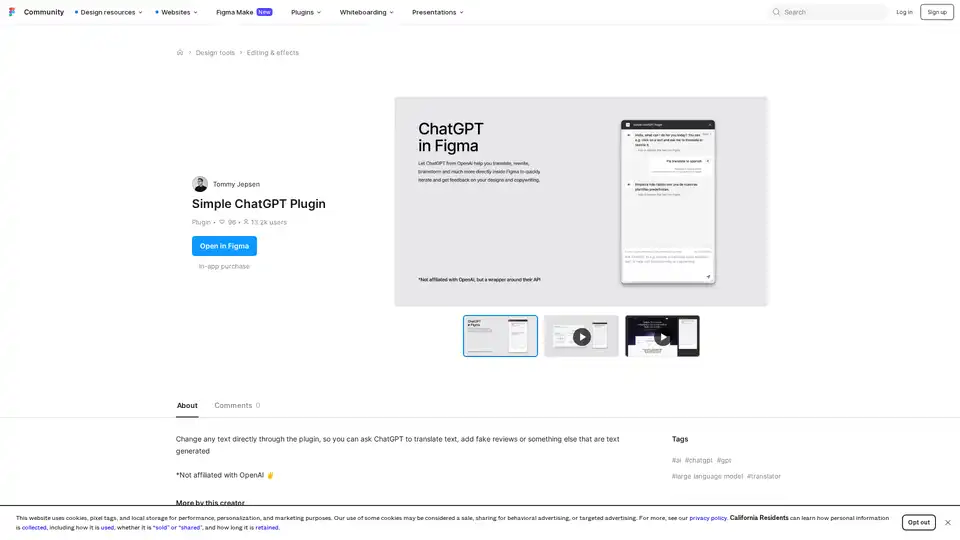
Discover the Simple ChatGPT Plugin for Figma, an AI-powered tool that lets you edit text directly by generating translations, fake reviews, or custom content using ChatGPT—streamline your design workflow effortlessly.

AutoDraw is a free AI drawing tool by Google Creative Lab that uses machine learning to transform rough sketches into professional artwork instantly. Accessible on any device, it makes creating visuals fast and fun for everyone.