![[OFFICIAL] VideoProc - One-Stop AI Media Processing Solution](/assets/logo/videoproc-com-a5f07.png)
VideoProc Converter AI
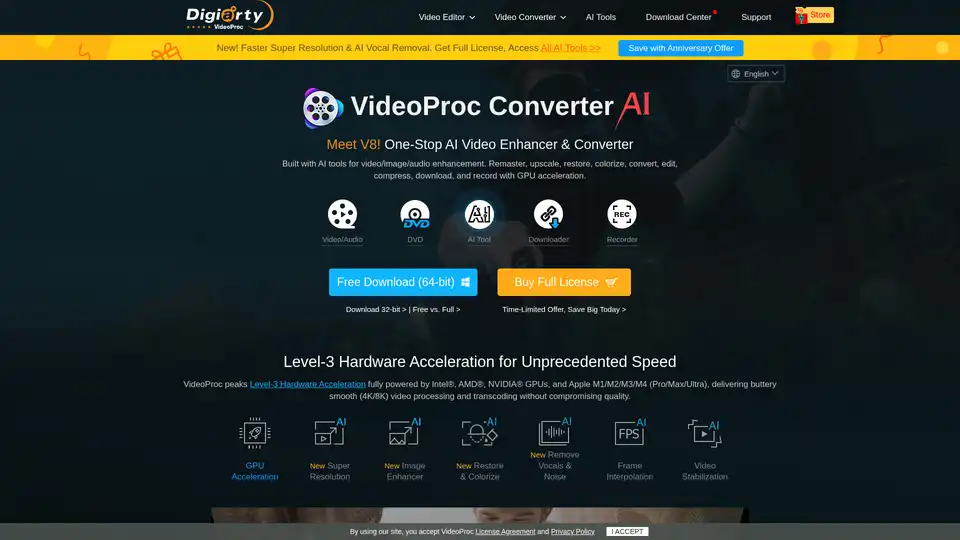
Overview of VideoProc Converter AI
VideoProc Converter AI: Your One-Stop AI Media Processing Solution
What is VideoProc Converter AI? It's a comprehensive software designed to simplify and enhance your multimedia experience. Whether you need to enhance, upscale, convert, compress, edit, download, or record videos, audio, DVDs, or images, VideoProc Converter AI offers a suite of AI-powered tools and GPU acceleration to streamline the process.
How does VideoProc Converter AI work? By leveraging AI algorithms and GPU acceleration, VideoProc Converter AI speeds up video processing and transcoding without compromising quality. It supports Level-3 Hardware Acceleration, fully powered by Intel®, AMD®, NVIDIA® GPUs, and Apple M1/M2/M3/M4 (Pro/Max/Ultra), ensuring buttery smooth performance even with 4K/8K videos.
Key Features and Benefits
- AI-Powered Enhancement:
- Super Resolution: Enhance and upscale old, low-resolution footage to significantly higher quality.
- Image Enhancer: Improve image clarity and details.
- Face Restoration: Restore and enhance facial features in photos and videos.
- Colorization: Add color to black and white videos and images.
- Frame Interpolation: Increase frame rates for smoother motion.
- Audio Denoise: Remove or reduce wind and background noise.
- Video Conversion and Compression:
- Supports 370+ input codecs and 420+ output formats for versatile A-to-B video conversion.
- Compress large videos by up to 90% with minimal quality loss.
- Video Editing:
- Cut, crop, merge, add subtitles, apply effects, and rotate videos with ease.
- Stabilize shaky video footage and correct fisheye lens distortions.
- Media Downloading:
- Download videos, audio, playlists, and channels from 1000+ websites.
- Record live streams and download videos in batches.
- Screen Recording:
- Record desktop/iOS screen, webcam, and audio with various recording modes.
- Use chroma key for webcam overlay and create virtual backgrounds.
- GPU Acceleration:
- Full hardware acceleration for up to 47x real-time faster processing.
- Supports Intel®, AMD®, NVIDIA® GPUs, and Apple M1/M2/M3/M4.
Who is VideoProc Converter AI for?
VideoProc Converter AI is designed for a wide range of users, including:
- Content Creators: Edit and enhance videos for YouTube, Instagram, and other platforms.
- Filmmakers: Process and touch up 4K/8K/HDR footage from GoPro, DJI drones, smartphones, and cameras.
- Educators: Record lectures, webinars, and online courses.
- Gamers: Record gameplay with screen and webcam recording features.
- Anyone who needs to convert, compress, or edit videos.
How to use VideoProc Converter AI?
- Download and Install: Download the latest version of VideoProc Converter AI from the official website.
- Import Media: Import your video, audio, DVD, or image files into the software.
- Select Function: Choose the desired function, such as conversion, editing, downloading, or recording.
- Customize Settings: Adjust settings like output format, resolution, and quality.
- Start Processing: Click the “Run” button to start the processing.
Why choose VideoProc Converter AI?
- User-Friendly Interface: Intuitive interface makes video processing easy for both beginners and professionals.
- Fast Processing: GPU acceleration ensures fast and efficient video processing.
- Versatile Features: A wide range of tools for video editing, conversion, downloading, and recording.
- AI-Powered Enhancement: AI algorithms enhance video and image quality.
- Affordable Pricing: Offers both free and paid versions with competitive pricing.
User Reviews and Testimonials
- "VideoProc Converter is a robust and universal free video editing software product that will help you edit, transcode, cut, resize, trim, split, merge, convert and adjust large 4K videos and audio fast and without much effort." - fixthephoto.com
- "With VideoProc Converter AI, you can effortlessly elevate your old, low-resolution footage. This robust AI video upscaler enhances resolution, boosts frame rates, reduces blurs and noise, smooths out interlacing artifacts, and refines color rendition, producing videos of significantly higher quality."
- "If you're looking for software to convert your archive footage and photographs into sharp, vibrant 4K images, VideoProc Converter AI comes highly recommended."
Customer Cases
- Stabilizing GoPro Footage: Users can stabilize shaky footage from GoPro cameras to create smooth and professional-looking videos.
- Enhancing Old Home Videos: Users can upscale and enhance old home videos to restore their original quality.
- Creating Online Courses: Educators can record lectures and create engaging online courses with screen recording and editing features.
VideoProc Converter AI simplifies media processing by combining AI-driven tools with GPU acceleration. It is suitable for content creators, filmmakers, educators, gamers, and anyone who needs to edit, convert, or enhance their video and audio content.
AI Generated Art Image Enhancement and Repair Image Style Transfer AI Background Removal and Replacement AI Avatar and Cartoonization 3D Modeling and Rendering Logo and UI Design
Best Alternative Tools to "VideoProc Converter AI"
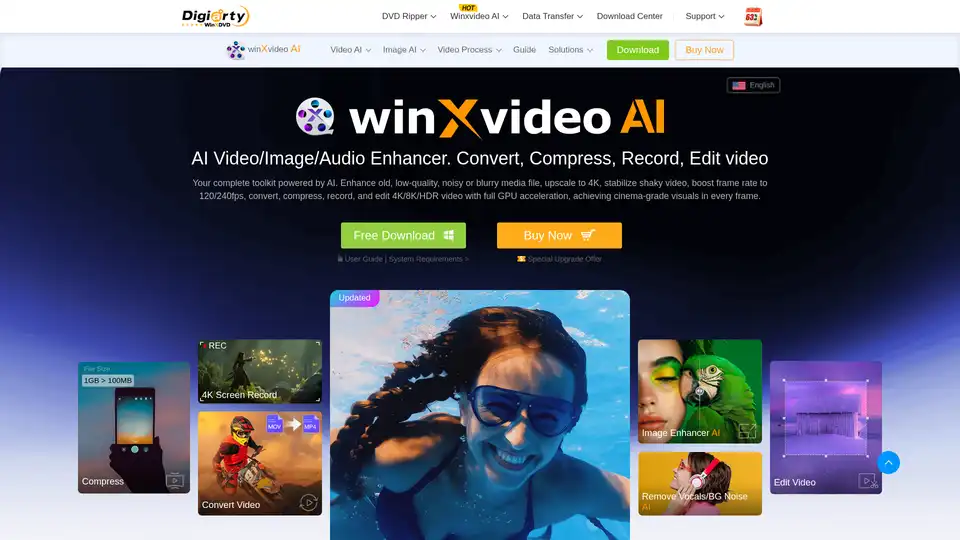
Winxvideo AI is a comprehensive AI video toolkit to upscale video/image to 4K, stabilize shaky video, boost fps, convert, compress, edit video, and record screen with GPU acceleration.
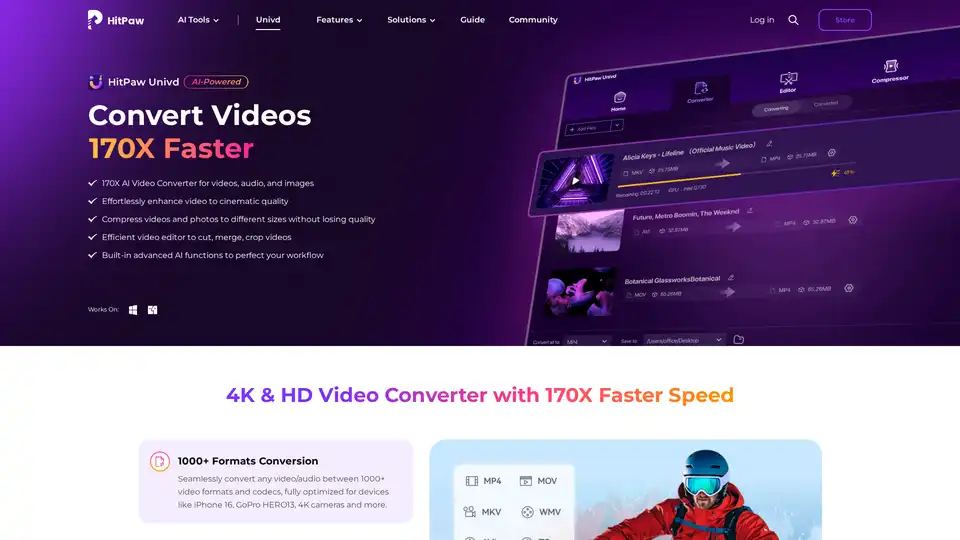
HitPaw Univd is an AI-powered all-in-one tool for converting, compressing, and enhancing videos, audio, and images up to 170x faster. Supports 1000+ formats with advanced AI features for seamless editing and quality preservation.
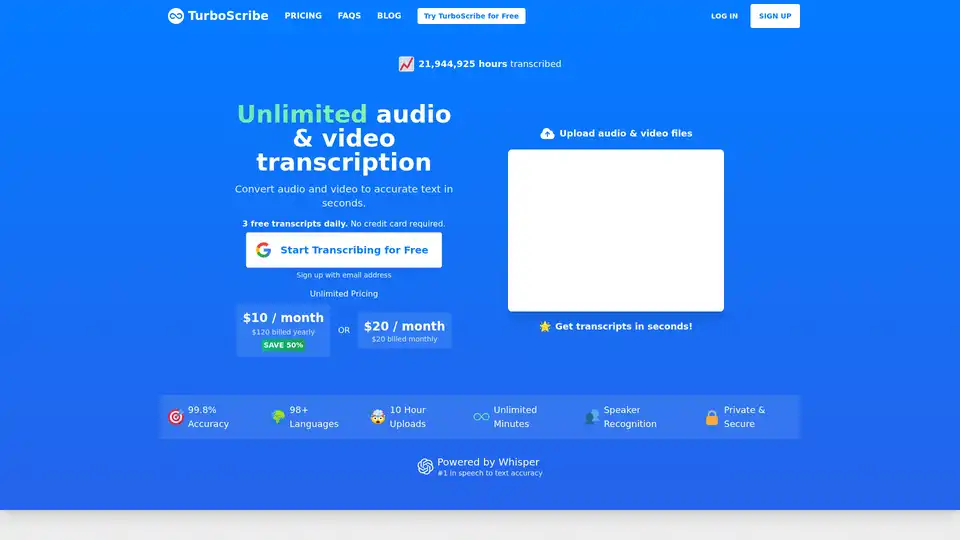
TurboScribe offers unlimited AI-powered audio and video transcription with 99.8% accuracy in 98+ languages. Transcribe files in seconds, generate subtitles, and enjoy speaker recognition—all starting with 3 free daily transcripts.
Scade.pro is a comprehensive no-code AI platform that enables users to build AI features, automate workflows, and integrate 1500+ AI models without technical skills.