
VI Studio YouTube Transcript Generator
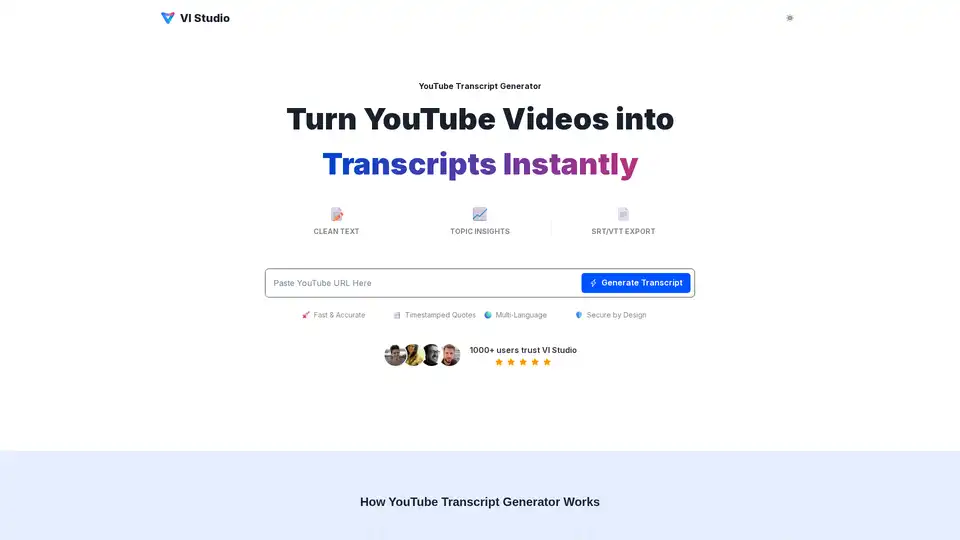
Overview of VI Studio YouTube Transcript Generator
VI Studio YouTube Transcript Generator: Instantly Convert Videos to Text
What is VI Studio YouTube Transcript Generator? It's a tool designed to quickly and accurately transcribe YouTube videos into text. This AI-powered tool allows users to extract topics, keywords, and timestamped quotes from videos, making it easier to repurpose content, improve accessibility, and conduct research.
How does VI Studio YouTube Transcript Generator work?
- Paste Your YouTube Link: Simply paste a public YouTube video URL into the input field.
- Generate Transcript & Insights: The AI algorithms convert speech to clean text and then identify key topics, keywords, highlights, and timestamps.
- Export & Repurpose: Download the transcript in various formats such as TXT, DOCX, PDF, SRT, or VTT. You can then copy timestamped quotes into articles, notes, and captions.
Key Features
- Fast & Accurate Transcription: Converts speech to text quickly and accurately.
- Topic Insights: Automatically detects themes and trending keywords within the video.
- Timestamped Quotes: Every key line is linked to a timecode for accurate referencing.
- Multi-Language Support: Supports transcription in multiple languages.
- Various Export Formats: Allows exporting transcripts in TXT, DOCX, PDF, SRT, and VTT formats.
Why choose VI Studio YouTube Transcript Generator?
The VI Studio YouTube Transcript Generator offers several advantages over manual transcription and other transcription tools:
- Time-Saving: Automates the transcription process, saving hours of manual typing.
- Improved Accessibility: Generate caption files (SRT/VTT) to make videos more accessible to a wider audience.
- Enhanced SEO: Convert transcripts into blogs, show notes, and articles to improve search engine visibility.
- Better Collaboration: Share transcripts with team members for easier collaboration and content creation.
Who is VI Studio YouTube Transcript Generator For?
This tool is beneficial for a wide range of users, including:
- Marketers & Businesses: Analyzing competitor videos, extracting key messaging, and repurposing content for blogs and social media.
- Content Creators & Podcasters: Converting videos and episodes into show notes, scripts, and newsletters.
- Journalists & Writers: Quickly pulling precise quotes from interviews and press conferences.
- Researchers & Students: Collecting qualitative data and citing sources with accurate timecodes.
Real User Stories
- Emily R.: Turns videos into show notes and captions in minutes, saving significant time.
- Michael T.: Extracts competitor messaging and generates blog drafts quickly, improving results.
- Sophia L.: Creates show notes and exports SRT files for YouTube in one go.
- David K.: Uses timestamped citations for reports, ensuring accuracy and stakeholder trust.
- Isabella M.: Efficiently pulls quotes from briefings, saving time for storytelling.
- James H.: Converts lectures into searchable notes with accurate citations.
Comparison: VI Studio vs. Other Transcription Methods
| Feature | VI Studio | Others |
|---|---|---|
| Insights | Topics, keywords, highlights | Just raw text |
| Citations | Timestamped quotes | No timecodes |
| Exports | TXT/DOCX/PDF/SRT/VTT | Limited formats |
| Speed | Seconds to transcript | Slow or manual |
Frequently Asked Questions
- How do I use the tool step by step? Simply paste a YouTube URL, generate the transcript, and export it in your desired format.
- How accurate is the YouTube Transcript Generator? The AI model handles fast speakers and varied accents gracefully, providing precise transcripts.
- Is it free to use? Yes, it is free to start, though there may be limitations on usage.
- What about privacy and security? The tool processes public links with strong protections, ensuring the privacy of your transcripts.
- Which export formats are supported? TXT, DOCX, PDF, SRT, and VTT formats are supported.
- How can I repurpose transcripts effectively? Turn transcripts into blogs, show notes, newsletters, and social media content to boost SEO and repurpose content.
What is the best way to transcribe YouTube videos effectively? VI Studio provides the tools and support needed to complete your task. If you want to boost your SEO and unlock every YouTube video, start your journey today with VI Studio YouTube Transcript Generator. Try it our today!
AI Voice Synthesis AI Voice Changer AI Music Creation Speech to Text AI Voice Customer Service and Assistant Podcast and Video Dubbing
Best Alternative Tools to "VI Studio YouTube Transcript Generator"
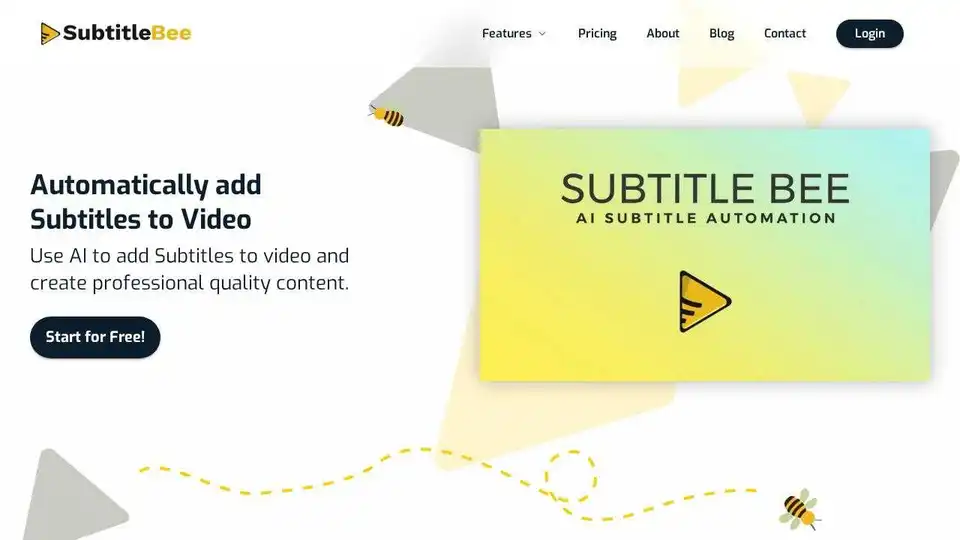
Automatically add subtitles to video with SubtitleBee's AI subtitle generator. Get accurate, burned-in subtitles or subtitle files in multiple formats.
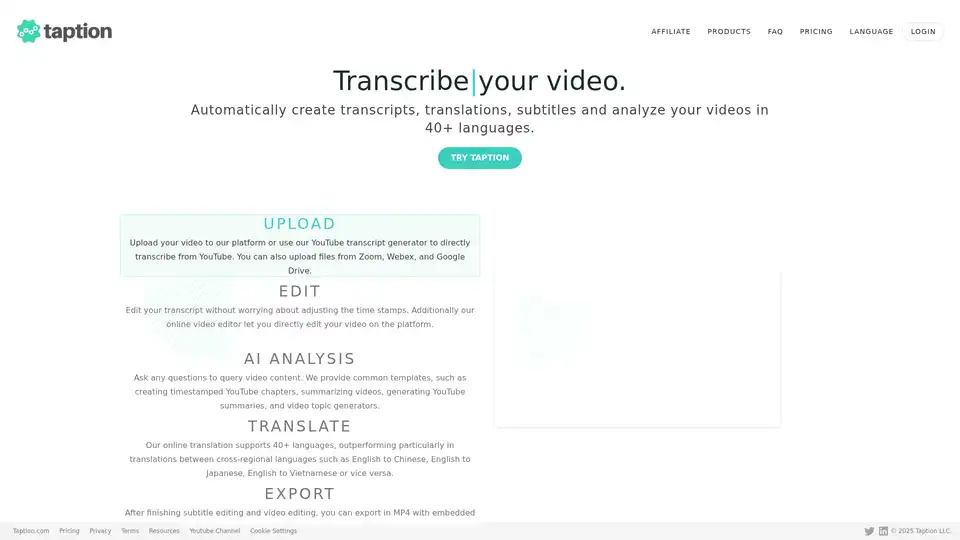
Taption is a feature-rich platform that automatically generates high-quality transcriptions, translations, and subtitles for videos in 40+ languages, leveraging AI for video analysis and editing.
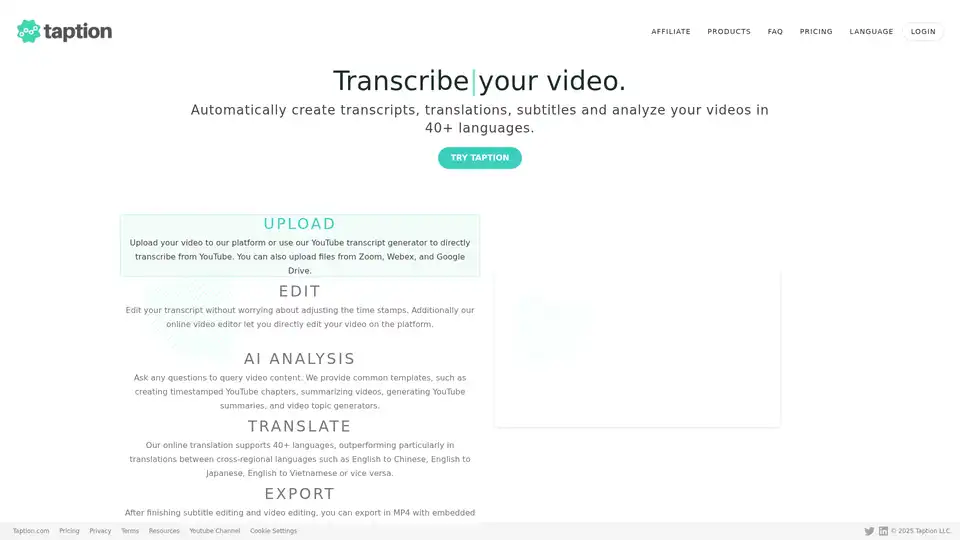
Taption automatically generates transcripts, translations, and subtitles for videos in 40+ languages. It offers AI analysis, video editing, and collaboration tools for streamlined content creation.
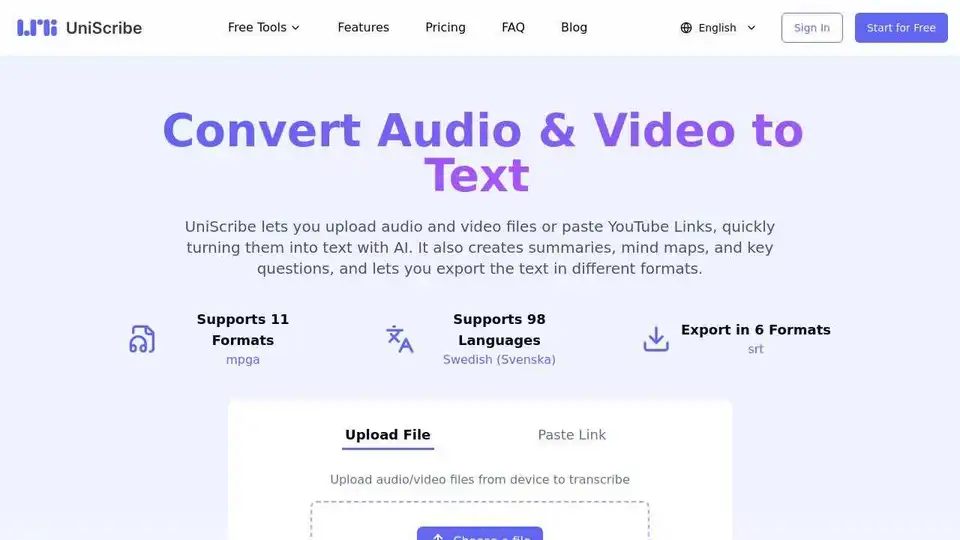
UniScribe converts audio & video files or YouTube links to text with AI. Generate summaries, mind maps, & key questions. Export in multiple formats. Try it free!