
Taption
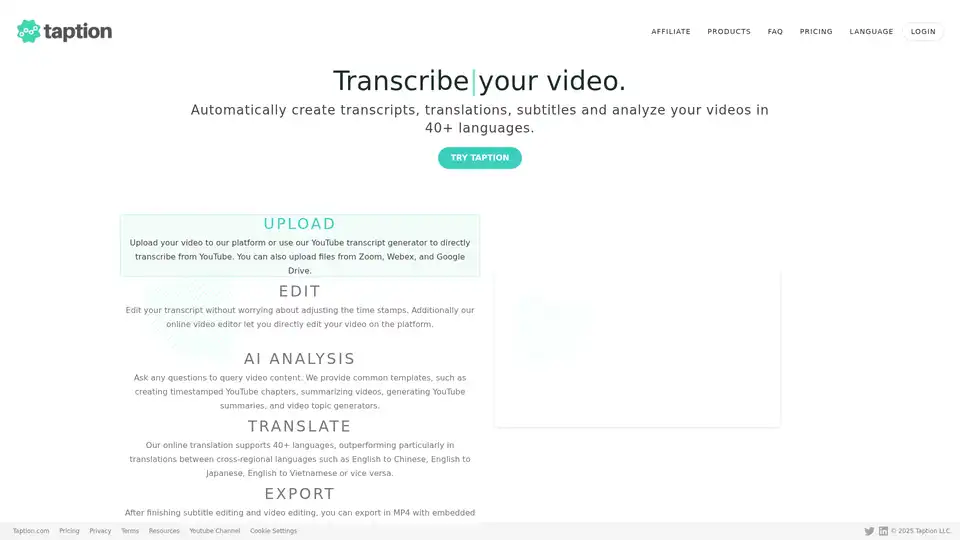
Overview of Taption
Taption: Automatically Generate Transcripts, Translations, and Subtitles
Taption is a versatile platform designed to automatically generate transcripts, translations, and subtitles for videos in over 40 languages. It caters to content creators, educators, and businesses looking to streamline their video production workflow.
What is Taption?
Taption is an online tool that leverages AI to convert video and audio content into text, translate it into multiple languages, and generate subtitles. It simplifies the process of making videos accessible and engaging to a global audience.
How does Taption work?
Taption utilizes advanced AI algorithms to:
- Transcribe Video: Accurately convert spoken words in videos into text transcripts.
- Translate Content: Translate the transcript into over 40 languages, enabling multilingual subtitles and content access.
- Generate Subtitles: Create synchronized subtitles that can be embedded into videos or exported as separate files (SRT, VTT).
- AI Analysis: Provide summaries, generate topics, and create YouTube chapters for improved video understanding.
Key Features of Taption
- Automatic Transcription: Convert videos to text with high accuracy.
- Multi-Language Translation: Translate subtitles and transcripts into over 50 languages.
- AI Analysis: Summarize video content, generate topics, and create YouTube chapters automatically. Allows for a custom ChatGPT experience.
- Speaker Labeling: Identify and label different speakers in audio recordings.
- Video Editing Platform:
- Timeline feature simplifies video editing.
- Automatically adjusts text and timing of subtitles.
- Enables direct video editing through subtitles.
- Convert TXT to SRT: Add timestamps to plain text and format it into SRT subtitle files.
- Team Collaboration: Share accounts and customize features with user permissions management.
- Memos: Allows you to add memos at specific timestamps in your video transcript, creating notes for other users to view.
How to use Taption?
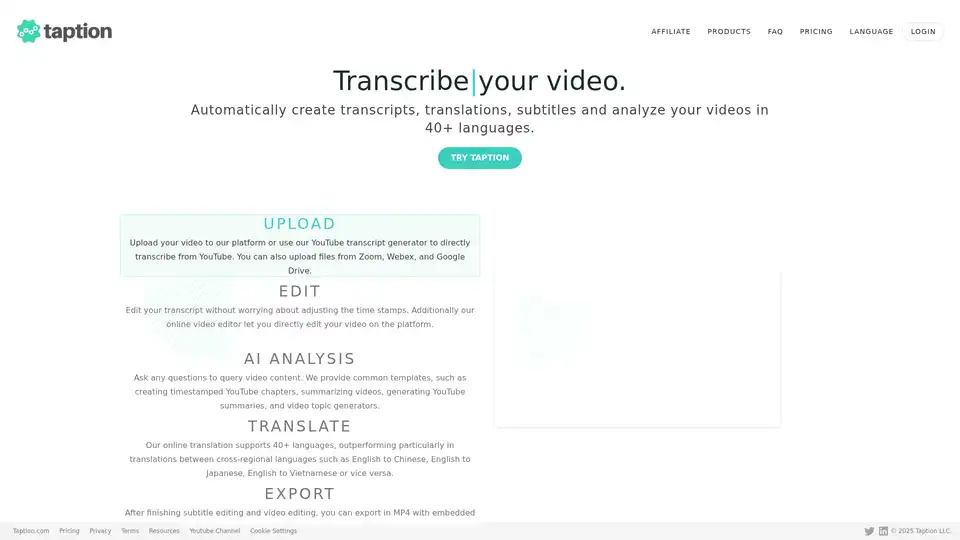
- Upload your video: Upload your video to the Taption platform or use the YouTube transcript generator.
- Edit Transcript: Edit the generated transcript without worrying about time stamps.
- AI Analysis: Ask any questions to query video content. Use common templates, such as creating timestamped YouTube chapters, summarizing videos, generating YouTube summaries, and video topic generators.
- Translate: Translate to 40+ languages.
- Export: Export in MP4 with embedded subtitles, SRT, VTT, PDF, and TXT files.
Why choose Taption?
- Accuracy: High-quality transcription and translation services.
- Efficiency: Automates the process of generating subtitles and transcripts.
- Versatility: Supports multiple languages and export formats.
- Collaboration: Facilitates teamwork with shared accounts and user permissions.
- AI-Powered Analysis: Enhances video understanding and content creation.
Who is Taption for?
Taption is ideal for:
- Content Creators: Streamline video production and reach a wider audience.
- Educators: Make educational videos accessible to students with diverse language backgrounds.
- Businesses: Create multilingual marketing and training materials.
- Anyone wanting to quickly and accurately generate transcripts and subtitles.
Best way to generate video subtitles?
Taption simplifies video editing with its timeline feature, adjusting text and timing automatically when edits overlap with subtitles. The online video editor is perfect for quick edits and easy creation of professional subtitled videos.
Practical Value of Taption
Taption offers significant value by:
- Saving time and effort: Automating the transcription and translation process.
- Improving accessibility: Making videos accessible to a global audience.
- Enhancing engagement: Adding subtitles to improve viewer comprehension.
- Boosting SEO: Transcripts and subtitles can improve video SEO and discoverability.
With Taption, creating professional, accessible, and engaging video content has never been easier.
AI Voice Synthesis AI Voice Changer AI Music Creation Speech to Text AI Voice Customer Service and Assistant Podcast and Video Dubbing
Best Alternative Tools to "Taption"
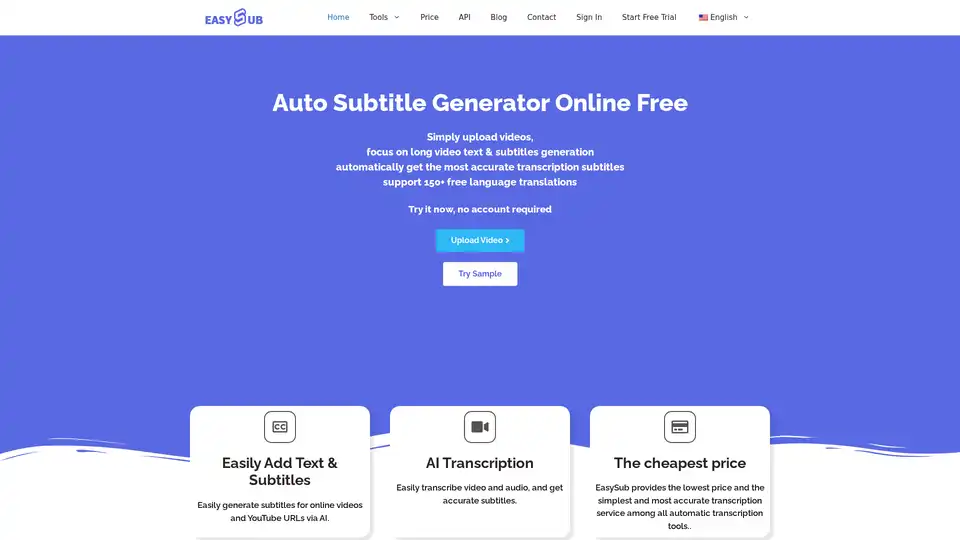
Generate accurate subtitles automatically with EASYSUB, the free AI auto subtitle generator. Supports 150+ languages for video transcription, translation, and editing.
HappyScribe uses AI & human experts to transcribe, translate & subtitle audio/video in 120+ languages. Try HappyScribe for fast, accurate transcription today!
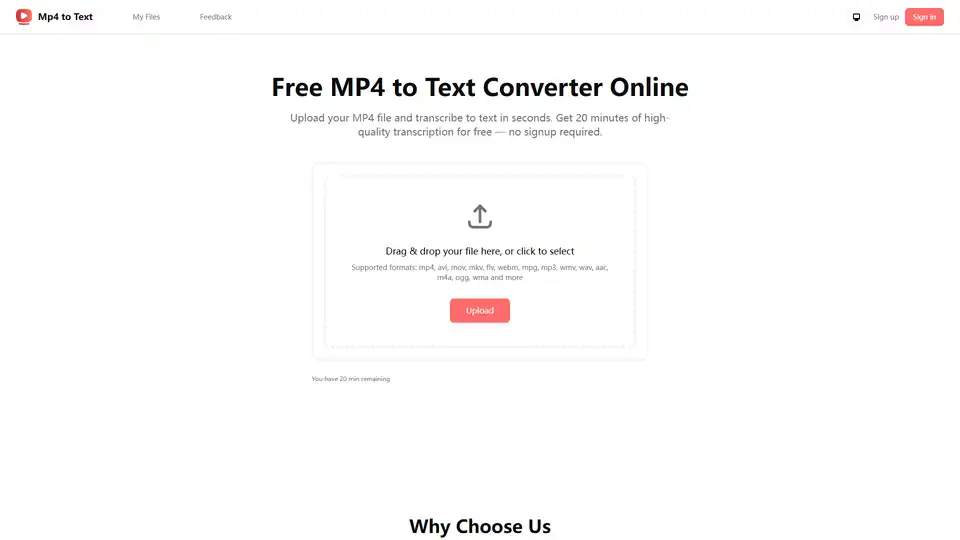
Free online MP4 to text converter. Transcribe MP4 video files to text with high accuracy using AI. No sign-up required, supports multiple languages. Perfect for meetings, podcasts, and content repurposing.
Taption is a feature-rich platform that automatically generates high-quality transcriptions, translations, and subtitles for videos in 40+ languages, leveraging AI for video analysis and editing.