
MP4 to Text Converter
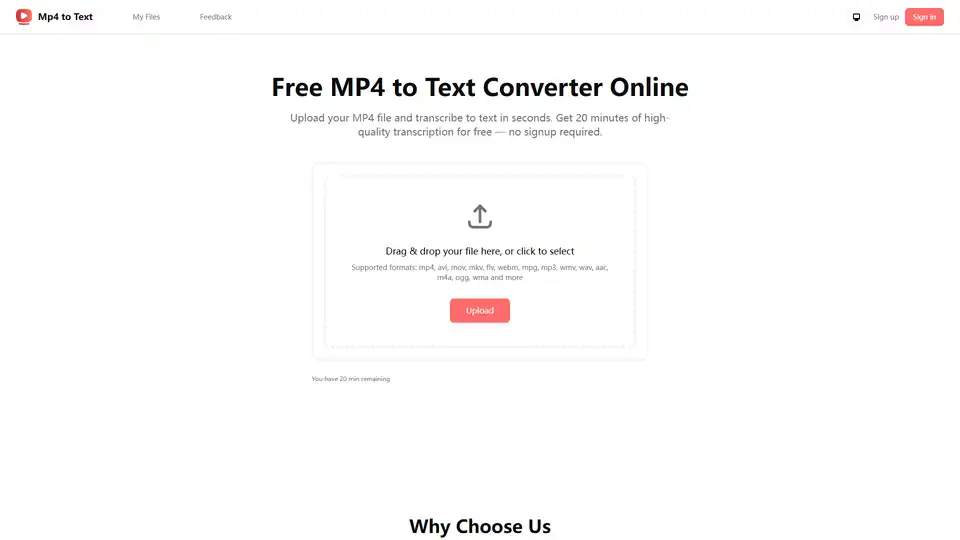
Overview of MP4 to Text Converter
MP4 to Text Converter: Effortless Online Transcription
What is MP4 to Text Converter? MP4 to Text Converter is an AI-powered online tool that allows you to quickly and accurately transcribe MP4 video files into text format. It supports various video and audio formats, including MP4, AVI, MOV, and MP3, and offers multilingual transcription in 98 languages. No signup is required to use the free version, which provides 20 minutes of high-quality transcription.
How does MP4 to Text Converter work?
The tool uses advanced AI algorithms to analyze the audio within your MP4 file and convert it into written text. Here's a simple breakdown of the process:
- Upload your MP4 file: Drag and drop your file or click to select it from your device.
- Transcription: The AI automatically transcribes the audio into text.
- Review and Edit: (Coming Soon) Refine your subtitles with the built-in editor. Adjust text, fix mistakes, change timing, split or merge lines, and preview updates instantly for smooth playback.
- Download: Export the transcript in various formats like DOCX, XLSX, SRT, or TXT.
Key Features:
- Accurate Speaker Diarization: Automatically identifies and labels different speakers in the audio, making it ideal for interviews, meetings, and podcasts.
- Multilingual Transcription: Supports transcription in 98 languages, making it suitable for international videos and global communication.
- Subtitle Generation: Generate synchronized subtitle files in SRT or VTT format for enhanced accessibility.
- Video Translation: Translate your video into multiple languages and instantly create multilingual subtitles.
- Coming Soon: Edit Subtitles: Easily refine your subtitles with our built-in editor. Adjust text, fix mistakes, change timing, split or merge lines, and preview updates instantly for smooth playback.
- Coming Soon: Export Transcripts: Download subtitles in popular formats including DOCX, XLSX, SRT, and TXT. Share editable files with your team or upload ready-to-use subtitles directly into your video projects.
Why is MP4 to Text Converter important?
- Accessibility: Makes video content accessible to a wider audience, including those who are deaf or hard of hearing.
- Content Repurposing: Easily convert video content into blog posts, social media captions, and other text-based formats.
- SEO Enhancement: Improves search engine visibility by creating keyword-rich transcripts for your videos.
- Time-Saving: Automates the transcription process, saving you valuable time and effort.
Where can I use MP4 to Text Converter?
- Meetings: Capture every detail in meetings, transcribe and timestamp your meeting MP4 recordings so you can focus on the discussion, not on taking notes.
- Podcasts: Convert audio into text transcripts and subtitles to improve reach and accessibility. Let listeners read along, search by keywords, and translate episodes for global audiences.
- Journalism: Streamline Media & Journalism Workflows. Transcribe interviews, press events, and reports accurately. Quickly find quotes, verify facts, and turn transcripts into finished stories faster.
- Content Creation: Repurpose Video Content. Transform MP4 files into usable text. Create blog posts, social media captions, or highlight clips — all from a single transcript.
Use Cases:
- Streamline Media & Journalism Workflows: Transcribe interviews, press events, and reports accurately. Quickly find quotes, verify facts, and turn transcripts into finished stories faster.
- Make Podcasts More Accessible: Convert audio into text transcripts and subtitles to improve reach and accessibility. Let listeners read along, search by keywords, and translate episodes for global audiences.
- Enhance Website SEO: Use transcripts from your MP4 to create SEO-friendly text content. Boost search engine visibility, improve indexing, and attract more visitors with keyword-rich transcripts.
Frequently Asked Questions:
- Can I try the MP4 to text service for free? Yes, you get 20 minutes of high-quality transcription for free without needing to sign up.
- How do I convert MP4 to text? Simply upload your MP4 file, and the AI will automatically transcribe it into text.
- What file formats are supported? The tool supports a wide range of formats, including MP4, AVI, MOV, MKV, FLV, WEBM, MPG, MP3, WMV, WAV, AAC, M4A, OGG, and WMA.
- Can I transcribe MP4 to Word or plain text? Yes, you can export transcripts in DOCX, XLSX, SRT, and TXT formats.
- How accurate is the transcription? The AI-powered transcription is highly accurate, providing natural and reliable results.
- Is there a limit on file size? The website does not specify the limit of file size.
- Are my uploaded videos or audios stored on your server? The website does not provide information whether uploaded videos or audios are stored on the server.
- Do you support speaker diarization? Yes, the tool automatically separates and labels different speakers.
- Can I translate MP4 files into another language? Yes, the tool supports video translation and can generate multilingual subtitles.
In conclusion, MP4 to Text Converter is a user-friendly and efficient tool for transcribing video files into text. Its AI-powered accuracy, multilingual support, and various export options make it a valuable asset for content creators, journalists, educators, and anyone looking to make their video content more accessible and versatile. Use MP4 to Text Converter today and experience the convenience of automated transcription.
AI Voice Synthesis AI Voice Changer AI Music Creation Speech to Text AI Voice Customer Service and Assistant Podcast and Video Dubbing
Best Alternative Tools to "MP4 to Text Converter"
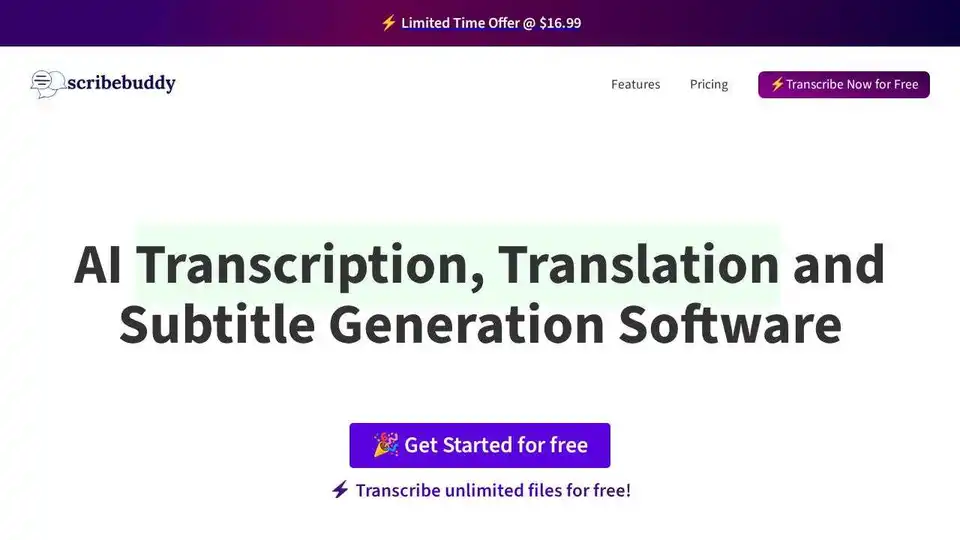
Convert audio and video to text effortlessly with ScribeBuddy, free AI transcription and subtitle software. Get accurate, fast transcriptions and subtitles for any project.
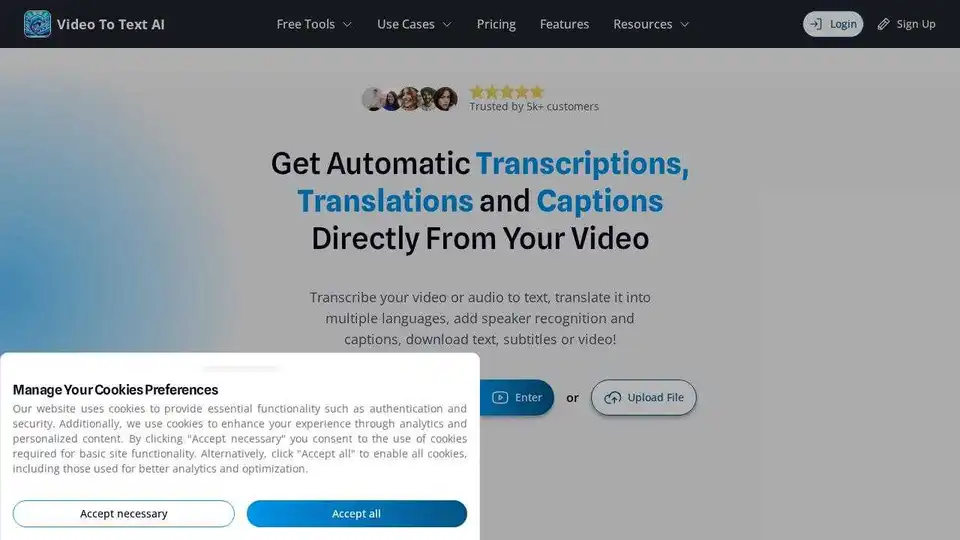
VideoToTextAI uses AI to automatically transcribe, translate, and caption your video or audio. Edit text and subtitles, and download as video, SRT, VTT or plain text.
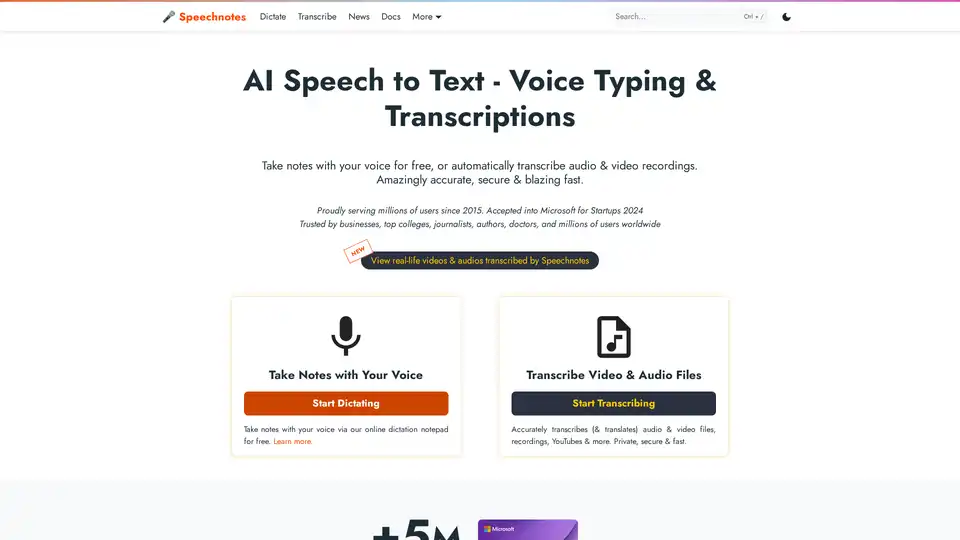
Speechnotes is a free AI-powered speech-to-text tool for real-time voice typing and fast audio/video transcription. Accurate, private, and easy to use for notes, interviews, and more.
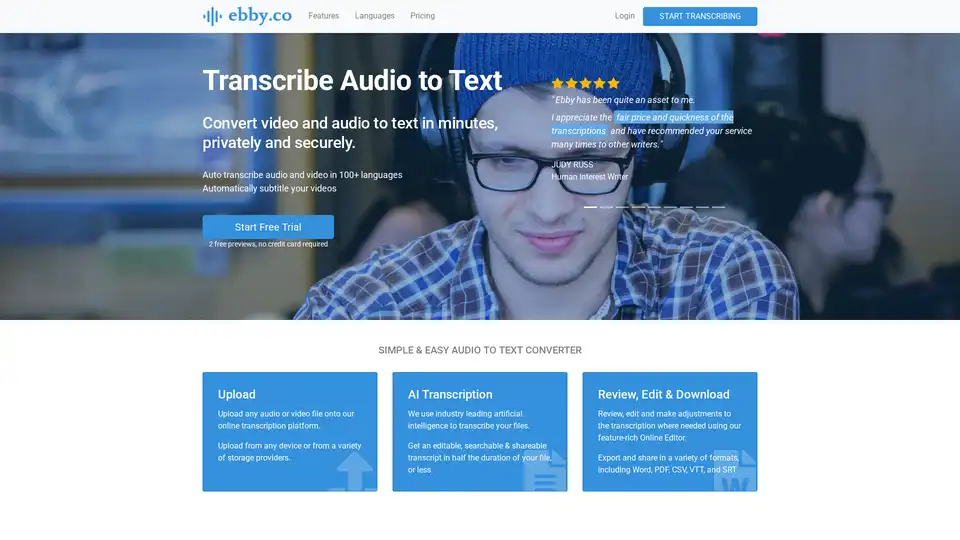
Ebby is an AI-powered transcription tool that converts audio and video to text quickly and securely. It supports 100+ languages, offers a feature-rich editor, and allows for easy sharing and collaboration. Ideal for professionals needing fast and accurate transcriptions.
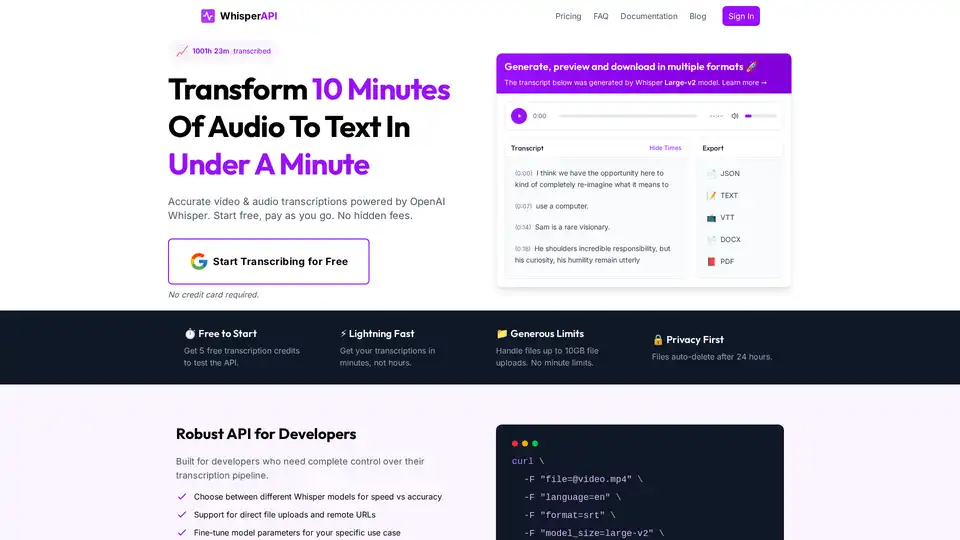
WhisperAPI offers a fast and accurate video & audio transcription API powered by OpenAI Whisper. Get 5 free transcriptions daily. Supports multiple formats, generous limits, and privacy-first approach.