
VanceAI Image Upscaler

Overview of VanceAI Image Upscaler
What is VanceAI Image Upscaler?
VanceAI Image Upscaler is a powerful AI-driven tool designed to enlarge images without compromising quality, allowing users to upscale photos up to 8x online or an impressive 40x using the dedicated software version. This innovative solution leverages advanced artificial intelligence algorithms, including Generative Adversarial Networks (GANs), to restore details, enhance textures, and eliminate pixelation, making it ideal for transforming low-resolution images into high-definition masterpieces. Whether you're dealing with old photos, digital art, or product shots, this tool breathes new life into visuals, ensuring crisp, clear results every time.
Unlike basic editing software that merely stretches pixels and introduces blur, VanceAI stands out by intelligently analyzing and reconstructing image data. It's accessible via a user-friendly web interface for quick tasks or through the VanceAI PC software for more intensive batch processing. With over 1,000,000 users worldwide, including journalists from TopTen.AI and FixThePhoto.com, as well as social media marketers, it's praised for its simplicity and effectiveness—no Photoshop expertise required.
How Does VanceAI Image Upscaler Work?
At its core, VanceAI Image Upscaler employs cutting-edge AI technology to process images in just seconds. The process begins with uploading your image to the online platform or loading it into the PC software. Users then select from diverse AI models tailored to specific content types, such as text images, anime, digital art, or general photos. Scaling options range from 2x to 8x online, with the software unlocking up to 40x for extreme enlargements.
The AI algorithm uses deep learning to predict and generate missing pixels, preserving sharp edges, vibrant colors, and intricate details. For instance, it can fix JPEG artifacts, reduce grain, and enhance low-resolution scans for better readability. Traditional upscaling methods often lead to blurry outputs, but VanceAI's GAN-powered approach compares favorably, as demonstrated in side-by-side examples where AI versions show superior clarity at 400% enlargement.
Data privacy is a priority: processed images are automatically deleted after 24 hours, ensuring user security. The tool's efficiency shines in batch processing via the PC version, allowing multiple images to be handled simultaneously for professionals needing high-volume workflows.
How to Use VanceAI Image Upscaler?
Getting started is straightforward and takes only a few steps, making it accessible for beginners and experts alike:
Upload Your Image: Click the 'Upload Image' button on the website or import files into the VanceAI PC software.
Choose Settings: Select the appropriate AI model (e.g., for anime or text) and desired upscale factor (2x, 4x, 8x online; up to 40x in software).
Process and Download: Hit 'Start to Process,' wait mere seconds for the AI to work its magic, and download the enhanced high-resolution image.
No manual DPI adjustments or complex edits are needed—the AI handles everything automatically. For e-commerce users, it's as simple as uploading product photos to create 4K-ready visuals that boost listings on platforms like Amazon or Etsy.
Why Choose VanceAI Image Upscaler?
What sets VanceAI apart is its versatility and reliability. Users like Rose Salia from TopTen.AI call it the 'best photo upscaler' for 2022, highlighting its ability to transform poor-quality pictures into large, high-resolution files effortlessly. Ann Youn from FixThePhoto.com appreciates how it enlarges images without requiring advanced skills, while social media marketer Ella Oberbrunner notes its superiority over tools like Photoshop for quick quality improvements.
Key benefits include:
- Lossless Quality: Upscales without blur, pixelation, or detail loss, even at extreme scales.
- Speed and Efficiency: Processes in seconds, with batch options for productivity.
- Diverse Applications: Handles everything from e-commerce photos to artistic prints and scanned documents.
- Free Trial Access: Try online for free, with premium features available via subscription.
Compared to competitors, VanceAI excels in preserving textures and colors, making it a go-to for professional photographers who need to counter camera limitations when zooming in on images.
Who is VanceAI Image Upscaler For?
This tool is perfect for a wide range of users seeking high-quality image enlargement:
- E-Commerce Sellers: Enhance product images, banners, and posters to 4K for better sales on Amazon, eBay, or Etsy—clear visuals can significantly increase conversions.
- Automotive Dealers: Upscale car photos to highlight details like paint finishes and accessories, creating eye-catching listings that drive more inquiries.
- Print Enthusiasts and Artists: Magnify photos for posters, wallpapers, or digital art without quality degradation, ideal for home decor or professional prints.
- Digital Creators: Refine AI-generated images, illustrations, pixel art, or anime for stunning 4K outputs.
- Document Managers: Sharpen blurry scans, contracts, or historical texts for improved readability.
- Photographers and Marketers: Fix low-res files, remove artifacts, and upscale for social media or journalism needs.
Even professionals with advanced cameras benefit, as the AI addresses inherent softness in zoomed images. It's especially valuable for those avoiding time-consuming manual edits.
Practical Value and Use Cases
VanceAI Image Upscaler delivers tangible value by solving common pain points in image handling. For e-commerce, high-res photos can boost click-through rates and sales—imagine turning a pixelated product shot into a crisp 4K image that showcases every feature. In printing, it ensures flawless results for large formats like posters, where traditional methods fall short.
Artists and designers use it to upscale digital creations, refining blurry drawings or enhancing pixel art for portfolios. Journalists and marketers, as noted in reviews, rely on it for quick enhancements in articles or social posts. The tool's FAQ addresses key queries, like enlarging for prints or avoiding pixelation, confirming its role in everyday workflows.
Integration with other VanceAI tools, such as AI Image Enhancer or Sharpener, allows for comprehensive editing pipelines. Related articles on the site cover optimizing web images, increasing DPI, or enlarging Discord emojis, providing additional resources for users exploring image upscaling techniques.
In summary, VanceAI Image Upscaler isn't just a tool—it's a game-changer for anyone needing to make images bigger without losing quality. By combining AI precision with ease of use, it empowers users to achieve professional results effortlessly, whether for business, creativity, or personal projects. Start with a free trial today and see how it transforms your visuals.
AI Generated Art Image Enhancement and Repair Image Style Transfer AI Background Removal and Replacement AI Avatar and Cartoonization 3D Modeling and Rendering Logo and UI Design
Best Alternative Tools to "VanceAI Image Upscaler"
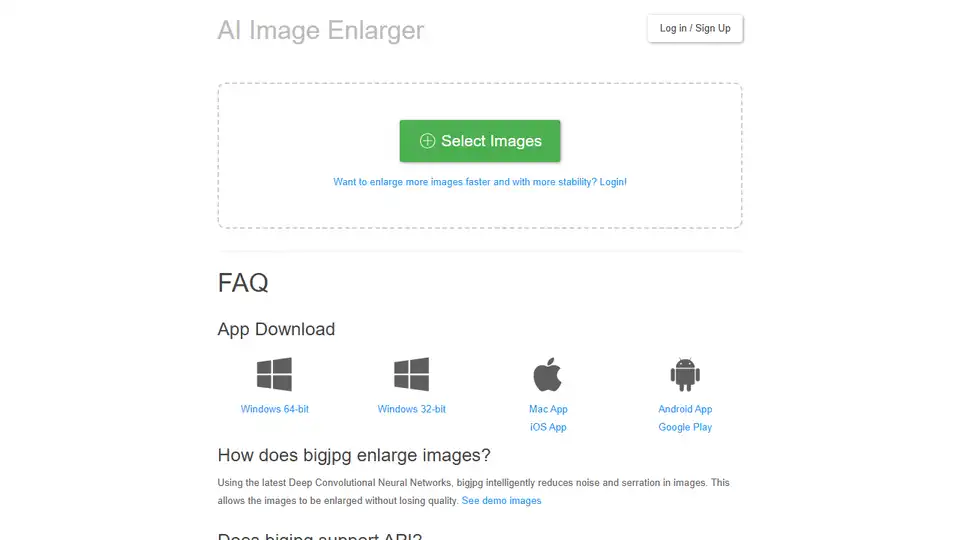
Bigjpg utilizes AI deep convolutional neural networks for lossless image enlargement and upscaling. Enlarge anime-style artworks and photos without quality loss. Try Bigjpg for free!
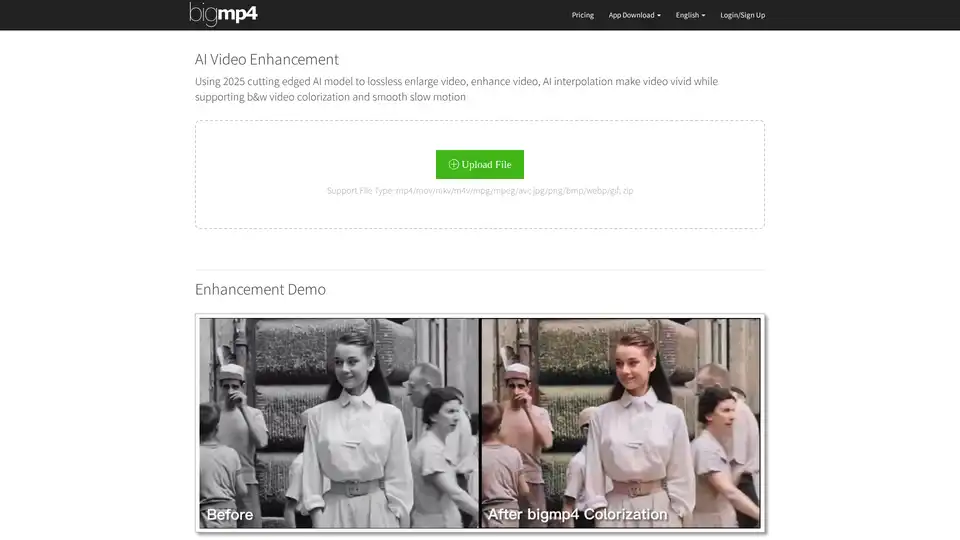
Discover bigmp4, a cutting-edge AI tool for lossless video enlargement to 2K/4K/8K, black-and-white colorization, AI interpolation for smooth 60-240fps, and silky slow motion. Supports MP4, MOV, and more for vivid enhancements.
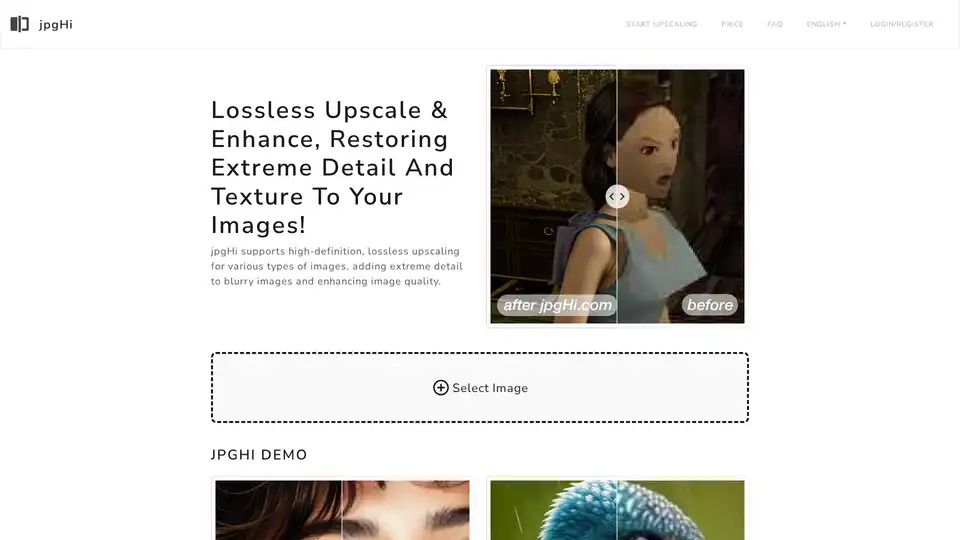
jpgHi.com: Lossless upscale & enhance images, restoring extreme detail and texture. Supports high-definition upscaling for various image types.
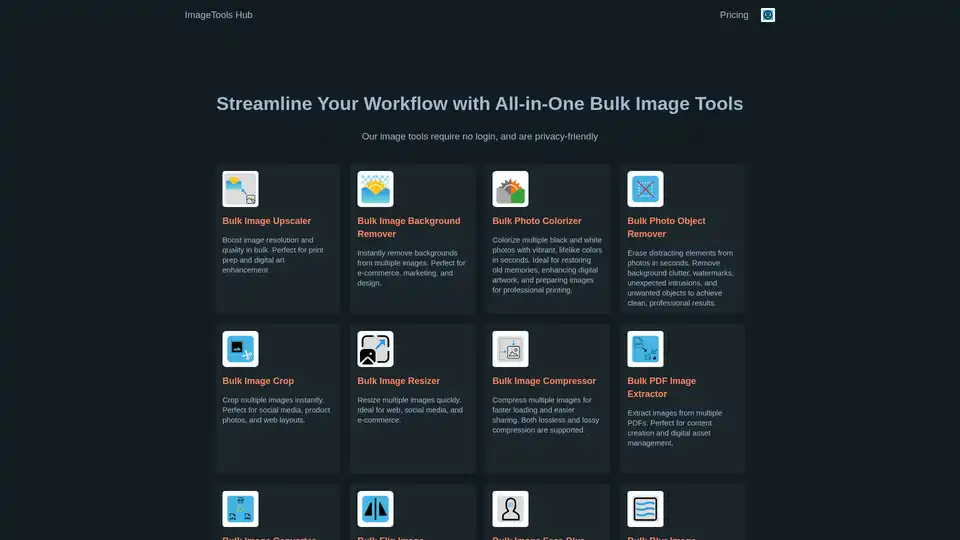
ImageTools Hub offers a suite of free, no-login-required, and privacy-friendly bulk image editing tools. Streamline workflows with features like background removal, resizing, compression, and more.