
ImageTools Hub
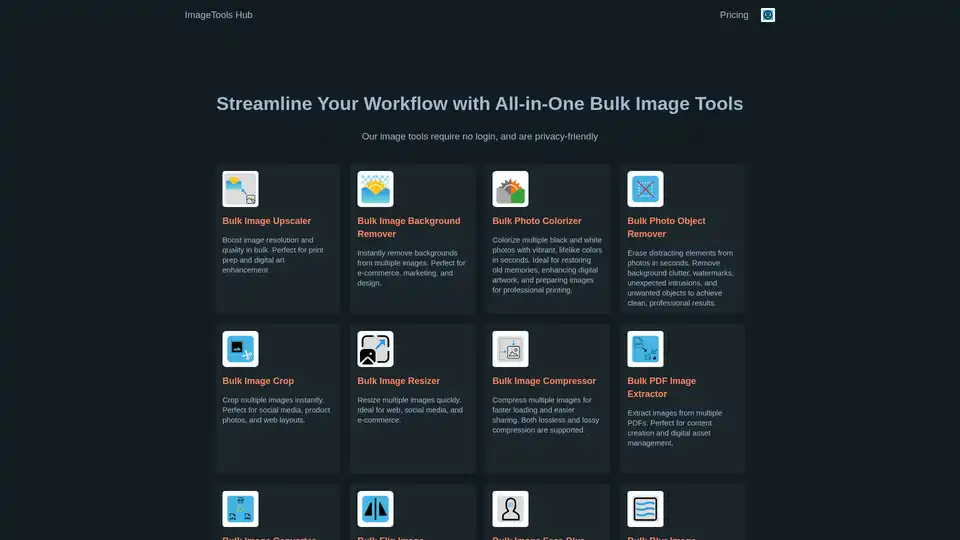
Overview of ImageTools Hub
ImageTools Hub: Your All-in-One Solution for Bulk Image Editing
What is ImageTools Hub? ImageTools Hub is a comprehensive suite of online image editing tools designed to streamline your workflow. It offers a variety of features that allow you to process multiple images at once, saving you valuable time and effort. With no login required and a focus on privacy, ImageTools Hub is the perfect solution for professionals and individuals who need to efficiently manage their image editing tasks.
Key Features
ImageTools Hub boasts an impressive array of tools to meet all your image editing needs:
- Bulk Image Upscaler: Enhance the resolution and quality of multiple images simultaneously, ideal for preparing images for print or enhancing digital art.
- Bulk Image Background Remover: Instantly remove backgrounds from numerous images, perfect for e-commerce, marketing materials, and design projects.
- Bulk Photo Colorizer: Add vibrant, lifelike colors to black and white photos in seconds, great for restoring old memories or enhancing digital artwork.
- Bulk Photo Object Remover: Erase unwanted elements from photos, such as watermarks, distractions, or unexpected objects, to achieve clean and professional results.
- Bulk Image Crop: Crop multiple images instantly, making it easy to prepare visuals for social media, product photos, and web layouts.
- Bulk Image Resizer: Quickly resize multiple images to fit web, social media, and e-commerce requirements.
- Bulk Image Compressor: Compress images for faster loading and easier sharing, with support for both lossless and lossy compression.
- Bulk PDF Image Extractor: Extract images from multiple PDF documents, perfect for content creation and digital asset management.
- Bulk Image Converter: Convert multiple images between various formats, ideal for web, social media, and design workflows.
- Bulk Flip Image: Flip images horizontally or vertically to create mirror effects or correct orientations.
- Bulk Image Face Blur: Anonymize photos quickly by blurring faces, enhancing privacy for social media and journalism.
- Bulk Blur Image: Blur entire images for privacy, visual effects, or to reduce distractions.
- Bulk Transparent Image Maker: Create transparent images in bulk, perfect for e-commerce, design, and web development.
- Bulk PDF to Image Converter: Convert multiple PDFs to images for archiving, presentations, and web publishing.
- Bulk Image Placeholder Generator: Create lightweight image placeholders in bulk to optimize loading times and improve user experience.
- Bulk Blur Image Background: Blur the background of multiple images with a single click, enhancing focus and privacy.
- Profile Picture Maker: Generate eye-catching profile pictures instantly with auto face detection and background removal.
- AI Face Analyzer: Analyze facial features and symmetry using AI, with private, in-browser processing for security.
How ImageTools Hub Works
ImageTools Hub operates directly in your browser, ensuring that your images are processed securely and privately. Here's how it works:
- Upload Your Images: Simply upload the images you want to edit to the ImageTools Hub website.
- Select Your Tool: Choose the appropriate tool for your desired task, such as background removal, resizing, or compression.
- Adjust Settings: Customize the settings for the tool based on your specific needs.
- Process and Download: Click the process button to apply the changes, and then download the edited images.
Integrations
ImageTools Hub integrates with other services, including:
- REST API: Integrate ImageTools Hub's functionality into your own applications using the REST API.
- Zapier: Automate image editing tasks by connecting ImageTools Hub with Zapier.
Who is ImageTools Hub For?
ImageTools Hub is for anyone who needs to efficiently process images in bulk, including:
- E-commerce businesses: Quickly prepare product images for online stores.
- Marketing professionals: Create visually appealing marketing materials.
- Designers: Streamline image editing workflows.
- Social media managers: Optimize images for various social media platforms.
- Photographers: Process and edit large batches of photos.
Why Choose ImageTools Hub?
- Free to Use: Many of ImageTools Hub's tools are available for free.
- No Login Required: Start editing images instantly without creating an account.
- Privacy-Friendly: ImageTools Hub processes images in your browser, ensuring your privacy.
- Comprehensive Toolkit: Access a wide range of image editing tools in one convenient platform.
ImageTools Hub Pricing
ImageTools Hub offers a subscription plan for users who need enhanced features, such as faster processing speeds, higher quality conversions, and an ad-free experience. Check the ImageTools Hub website for the most up-to-date pricing information.
Success Stories
ImageTools Hub has helped businesses like HoodiesForAllKind.com improve their product images and achieve global success by using the bulk background remover tool.
Conclusion
ImageTools Hub is a powerful and versatile online image editing toolkit that simplifies bulk image processing. With its user-friendly interface, comprehensive feature set, and commitment to privacy, ImageTools Hub is the perfect solution for anyone looking to streamline their image editing workflow. Whether you need to remove backgrounds, resize images, or convert file formats, ImageTools Hub has you covered.
Best Alternative Tools to "ImageTools Hub"
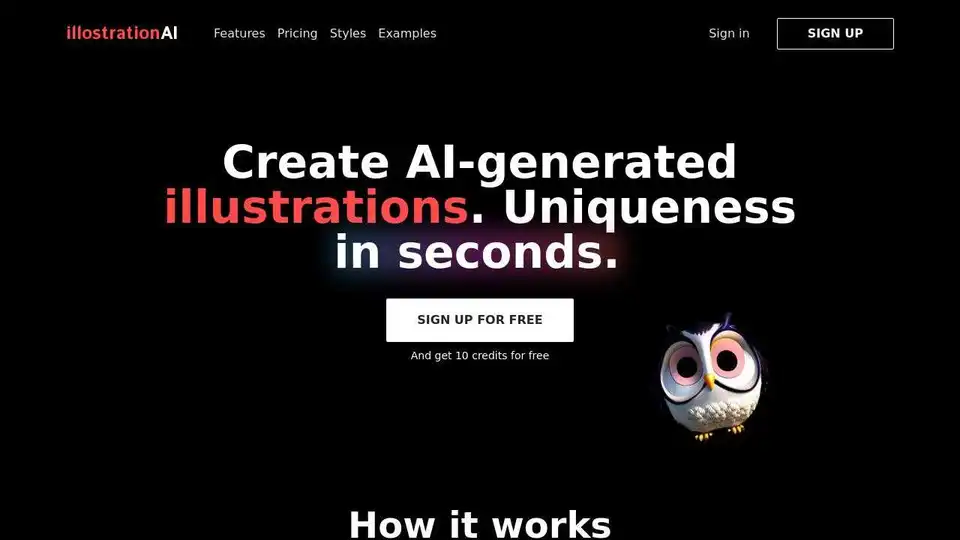
illostrationAI allows you to generate unique AI-generated illustrations in seconds. Select a style, describe the object, and improve your results with AI upscaling. Sign up for free and get 10 credits!

Discover Jasper's AI Image Suite: Instantly replace backgrounds, remove text, upscale images, and uncrop for scalable, on-brand visuals. Boost campaigns with AI-driven efficiency.
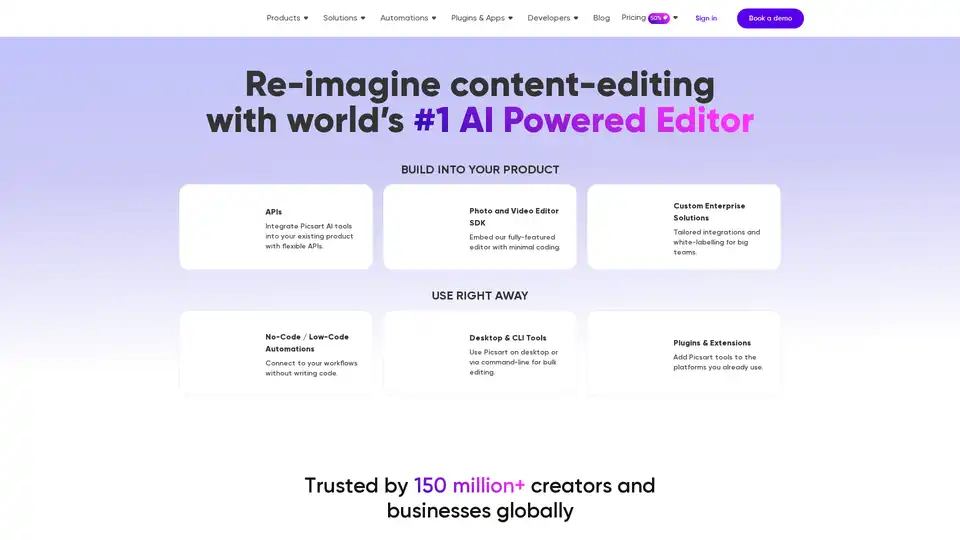
Picsart offers AI-powered photo and video editing APIs and SDKs for businesses, featuring background removal, image enhancement, and generative AI tools for e-commerce, print, and social media platforms.
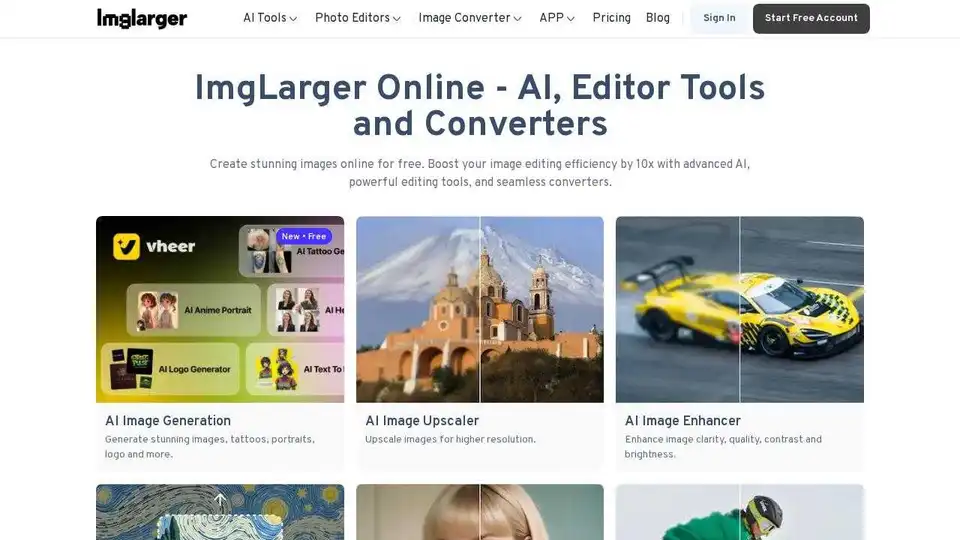
Imglarger is an online AI tool that enhances, enlarges, edits, and converts images. Use AI upscaling, image enhancement, and a full suite of editing tools to create stunning visuals for free.