
UniConverter
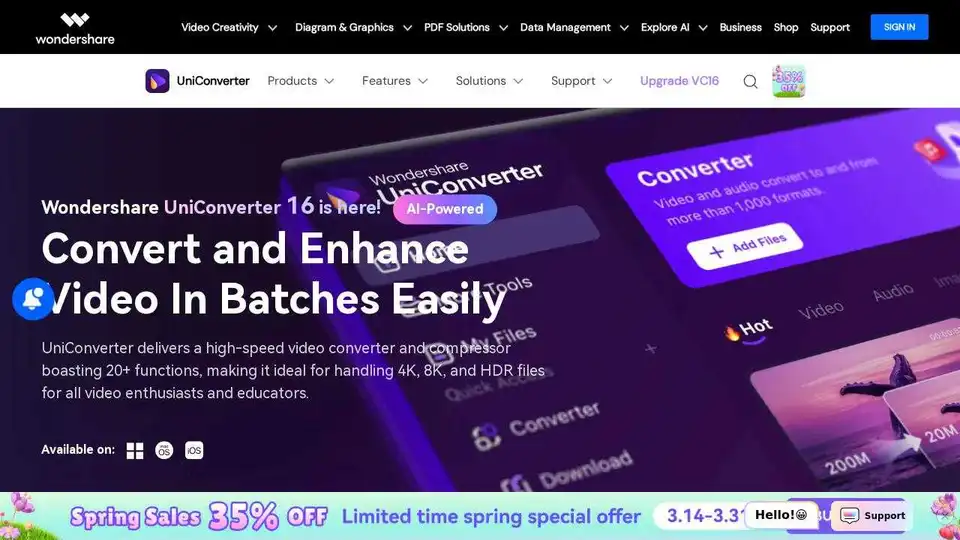
Overview of UniConverter
UniConverter: Your All-in-One AI-Powered Video Solution
What is UniConverter?
Wondershare UniConverter is a comprehensive video conversion, compression, and editing software that empowers users to easily handle 4K/8K HDR files. It boasts over 20 functions, making it ideal for video enthusiasts, educators, and professionals alike. With its AI-enhanced features, UniConverter takes video quality to the next level, offering functionalities like AI video enhancement, image enhancement, and watermark removal.
How does UniConverter work?
UniConverter offers a range of features designed to simplify video processing:
- Video Conversion: Convert videos to over 1000 formats with 130X faster speed, maintaining original quality.
- Video Compression: Reduce file sizes by up to 150% using the AI-enhanced compression model, without compromising video quality.
- Video Editing: Edit videos with creative ideas, empowering your imagination through features like merging, editing, and more.
- AI Enhancement: Effortlessly upscale low-resolution videos to 8K, remove noise, and correct colors with AI video enhancement.
- Batch Processing: Convert, compress, and edit multiple files simultaneously to boost efficiency.
Key Features and Benefits:
- High-Speed Conversion: Experience rapid video conversions at 130X speed, driven by a 50% improvement in processing efficiency.
- Original Quality: Convert 4K, 8K, and HDR videos without compromising video quality.
- Ultimate Compression: Achieve file size reductions up to 150% while maintaining video quality with the AI-enhanced compression model.
- Batch Editing: Save custom parameter presets for later reuse, significantly improving efficiency.
- AI Video Enhancement: Batch upgrade and upscale low-resolution videos to 8K in one click, while removing noise and correcting colors.
Use Cases:
- Content Creators: Simplify batch conversions without losing quality and easily download extra clips from websites.
- Video Lovers: Enjoy HD movies anytime, anywhere with a powerful 4K/8K converter that supports batch conversion to any player without losing quality.
- Social Media Enthusiasts: Effortlessly share content by batch-compressing videos to meet size limits without losing quality.
- Educators: Convert course videos to platform-friendly formats with quality compression for easy sharing. You can also record and add annotations or subtitles in one go!
- SMB Executives: Save time and reduce expenses with batch conversion and compression for all media files, plus the ability to recall previous settings for faster task completion.
User Reviews:
- Johnson, Sportsman: "Does an outstanding job at all tasks. Very configurable for the exact result you need. An important companion tool for anyone creating videos to be shared or posted online."
- Williams, Teacher: "In the education game, being able to readily download, convert or even edit some files for teaching and learning purposes is just brilliant. The files can be used across IT platforms so easily too. Thanks!"
- Jason, Video Lover: "This is easy to use; it does all that i want it to do, downloading great numbers of videos could not be easier. It is versatile and powerful. I love and I think i will always use it."
Additional Features:
- Video Recorder: Easily record full screen, custom screens, webcams, and microphones without losing quality.
- Video Editor: Empower your imagination with creative video editing features.
- Video Merger: Combine entire TV series for uninterrupted enjoyment or merge playlists for seamless playback.
- DVD Burner: Easily burn videos to DVD, music to CD, DVDs to videos, or DVD folders in just a few clicks.
- Fix Media Metadata: Automatically fix and edit the metadata of all your media files.
Why is UniConverter important?
UniConverter streamlines the video conversion, compression, and editing process, saving users time and effort. Its AI-enhanced features elevate video quality, while its batch processing capabilities enhance productivity. Whether you're a content creator, video enthusiast, or educator, UniConverter offers a comprehensive solution for all your video needs.
Where can I use UniConverter?
UniConverter can be used on both Windows and Mac platforms. It caters to a wide range of users, including:
- Video Editors
- Content Creators
- Social Media Influencers
- Educators
- SMB Executives
Conclusion:
UniConverter is a powerful and versatile video solution that combines AI-driven enhancements with robust conversion, compression, and editing capabilities. Its user-friendly interface and extensive feature set make it an essential tool for anyone working with video. With UniConverter, you can easily convert, compress, and edit videos to meet your specific needs, ensuring high-quality results every time. Upgrade to UniConverter 16 to unlock the largest discount yet and experience the future of video processing.
AI Video Generation AI Video Editing AI Motion Capture and Animation AI Virtual Human and Digital Avatar 3D Video Generation
Best Alternative Tools to "UniConverter"
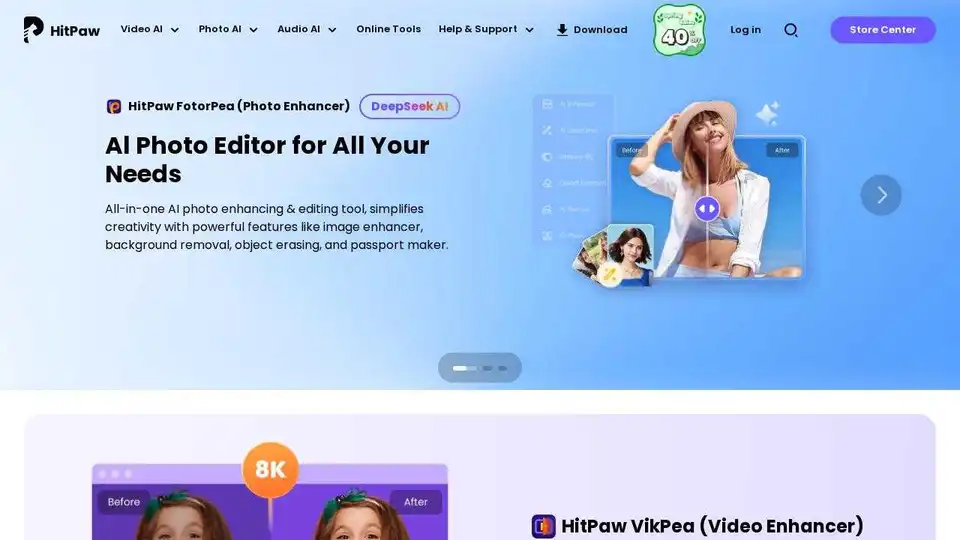
HitPaw offers AI-powered video, photo & audio enhancer solutions. Instantly transform blurry videos and photos into brilliant quality with AI. Trusted by millions of creators.
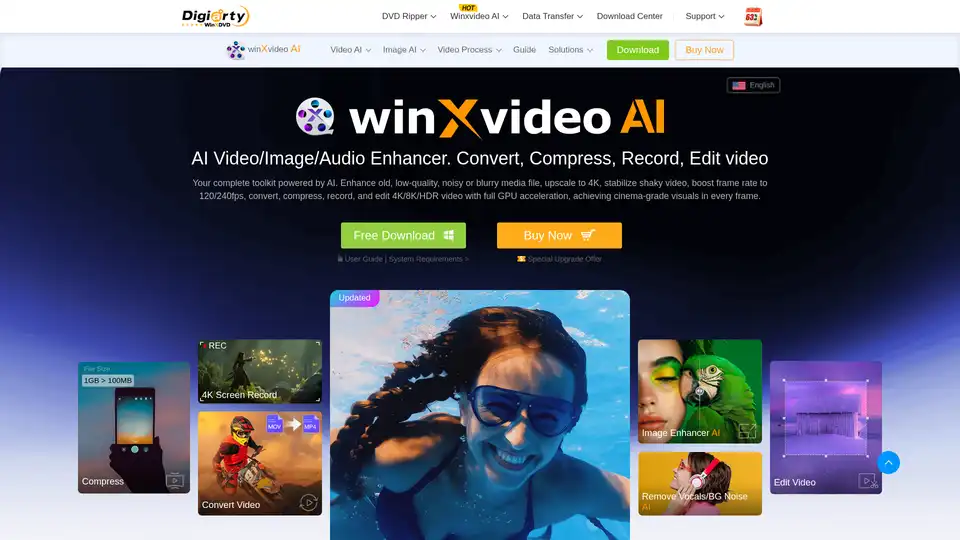
Winxvideo AI is a comprehensive AI video toolkit to upscale video/image to 4K, stabilize shaky video, boost fps, convert, compress, edit video, and record screen with GPU acceleration.
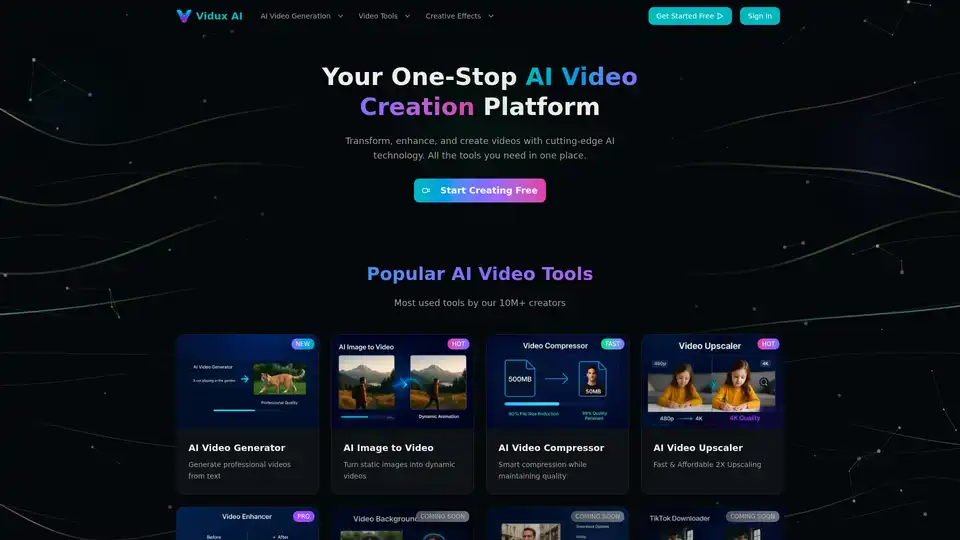
Vidux AI is an all-in-one AI video creation platform offering tools for generating videos from text or images, enhancing video quality with upscaling and noise reduction, compressing, and converting formats. It caters to creators and businesses looking for professional-grade video production with advanced AI technology.
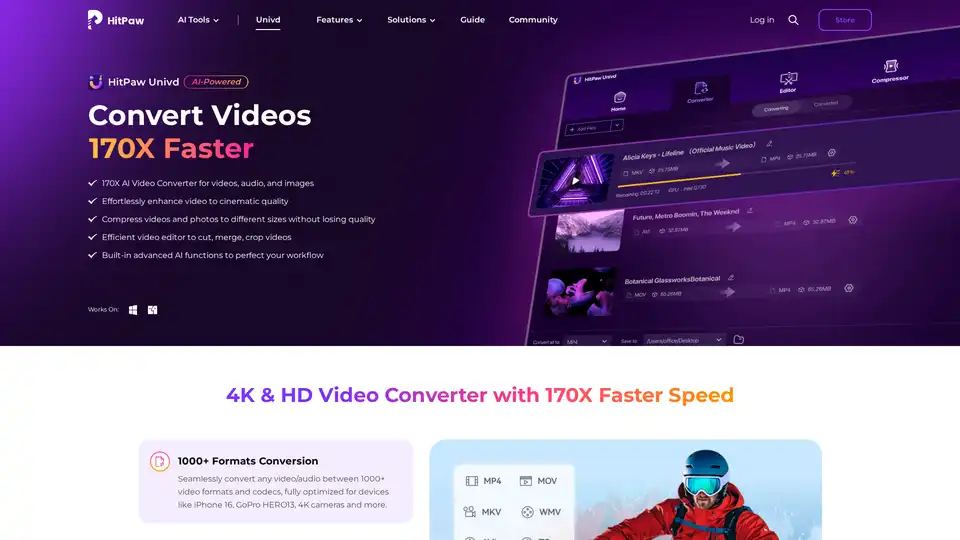
HitPaw Univd is an AI-powered all-in-one tool for converting, compressing, and enhancing videos, audio, and images up to 170x faster. Supports 1000+ formats with advanced AI features for seamless editing and quality preservation.