
Uncrop
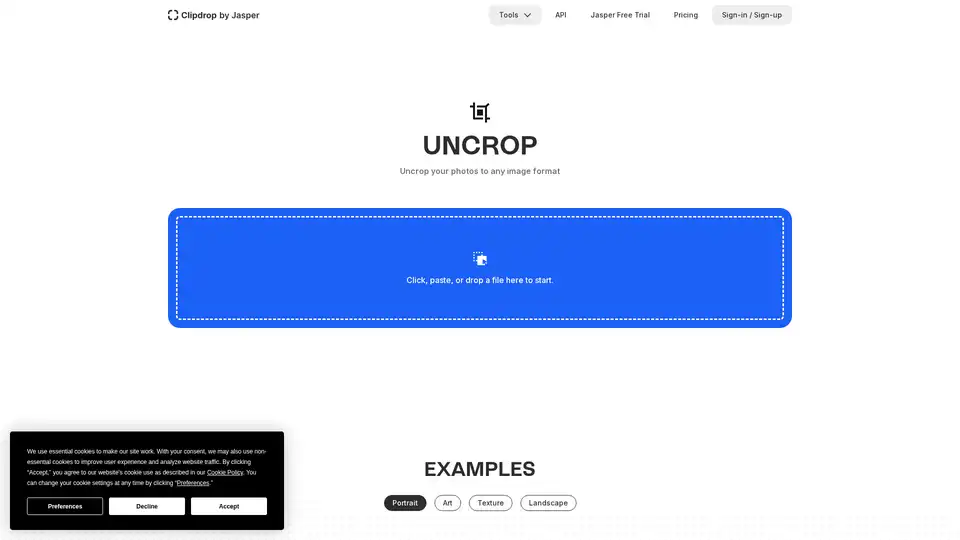
Overview of Uncrop
Uncrop: Extend Your Photos to Any Format with AI
What is Uncrop?
Uncrop is a generative AI tool developed by Clipdrop that allows users to extend the borders of their images, generating new content to fill in the expanded areas. This tool is particularly useful when you need an image in a specific aspect ratio or size that doesn't match the original photo. Instead of cropping the image and losing valuable parts, Uncrop intelligently expands it, adding realistic and context-aware details.
How does Uncrop work?
Uncrop leverages advanced AI algorithms to analyze the existing image and predict what the missing areas should look like. The AI considers the image's content, style, and overall composition to create seamless and believable extensions. This process involves:
- Analyzing the Image: The AI examines the colors, textures, and patterns in the existing image.
- Predicting Extensions: Based on the analysis, the AI generates new content that blends seamlessly with the original image.
- Refining the Results: Users can refine the generated extensions to ensure they meet their specific needs.
How to use Uncrop?
Using Uncrop is straightforward:
- Upload an Image: Simply upload the photo you want to extend to the Uncrop tool on the Clipdrop website.
- Define the New Aspect Ratio: Specify the desired aspect ratio or dimensions for the extended image.
- Generate the Extended Image: Let the AI work its magic and generate the new content to fill in the expanded areas.
- Review and Refine: Review the generated image and make any necessary adjustments.
Key Features of Uncrop:
- Generative AI: Uncrop uses generative AI to intelligently extend images, creating realistic and context-aware details.
- Customizable Aspect Ratios: Users can specify the desired aspect ratio or dimensions for the extended image.
- Seamless Integration: The generated content blends seamlessly with the original image.
- User-Friendly Interface: Uncrop is easy to use, even for those with no prior experience in image editing.
Why Choose Uncrop?
- Preserve Image Content: Avoid cropping and losing valuable parts of your photos.
- Achieve Specific Aspect Ratios: Easily create images in the exact dimensions you need.
- Enhance Visual Appeal: Add context-aware details that enhance the overall visual appeal of your photos.
- Save Time and Effort: Automate the process of extending images with AI.
Who is Uncrop for?
Uncrop is suitable for a wide range of users, including:
- Photographers: Extend photos to fit specific print sizes or aspect ratios.
- Graphic Designers: Create visually appealing graphics for various media.
- Social Media Managers: Generate eye-catching images for social media platforms.
- E-commerce Businesses: Showcase products in a visually appealing way.
Practical Value of Uncrop:
- Enhanced Visual Storytelling: Uncrop allows you to expand the narrative of your photos, adding context and depth.
- Improved Image Composition: By intelligently extending images, Uncrop helps create more balanced and visually appealing compositions.
- Greater Creative Freedom: Uncrop empowers you to explore new creative possibilities with your photos.
By using Uncrop, you can unlock the full potential of your photos and create visually stunning images that capture the attention of your audience. Whether you're a professional photographer, graphic designer, or social media manager, Uncrop is a valuable tool for enhancing your visual storytelling.
What is the best way to extend images without losing quality? Uncrop offers a solution by generating context-aware details, preserving the integrity of the original image while seamlessly expanding its borders. This makes it an ideal choice for anyone looking to enhance their photos without compromising quality.
AI Generated Art Image Enhancement and Repair Image Style Transfer AI Background Removal and Replacement AI Avatar and Cartoonization 3D Modeling and Rendering Logo and UI Design
Best Alternative Tools to "Uncrop"
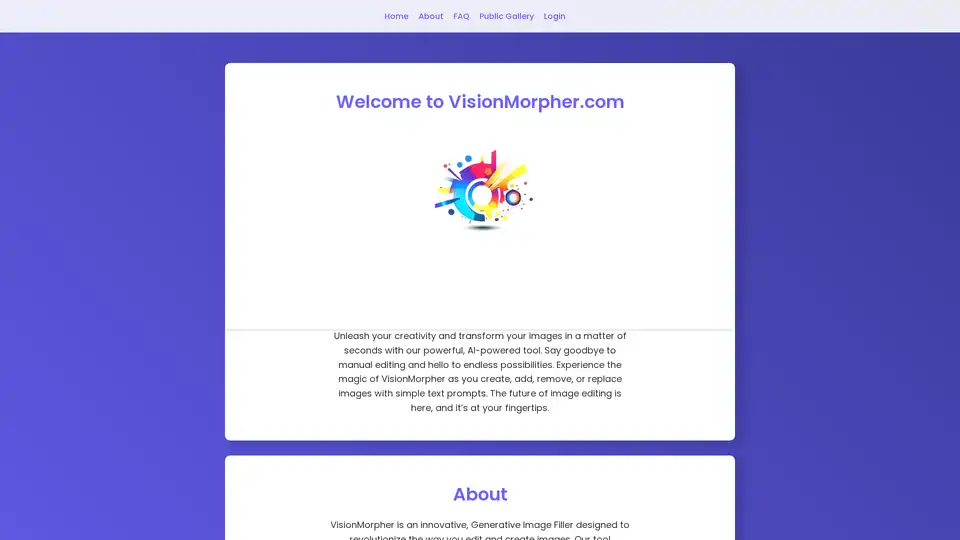
Transform your images with our AI-powered generative image filler. Experience the magic of VisionMorpher and create stunning visuals with simple text prompts.
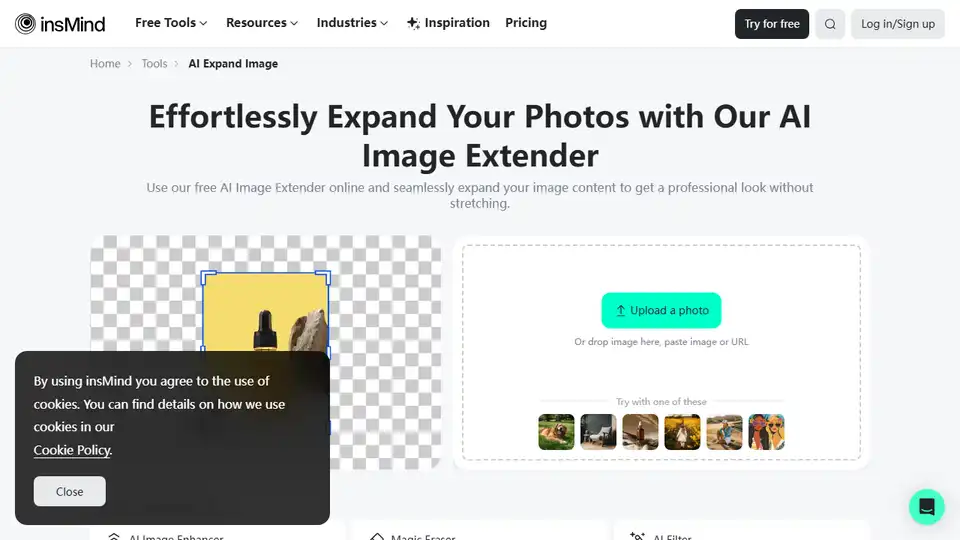
Effortlessly expand, uncrop, and extend images with insMind's free AI image expander. Auto-fill missing parts or enlarge backgrounds—fast and online.
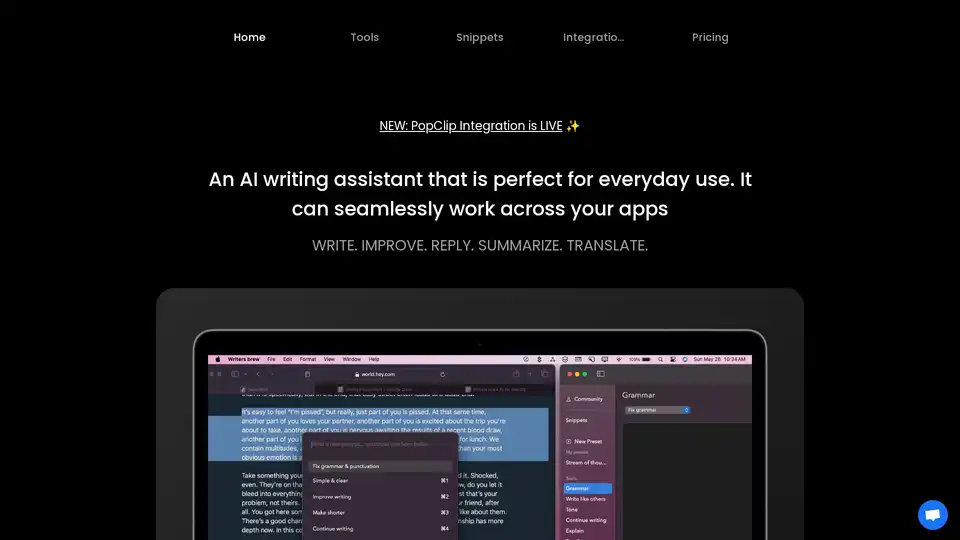
Writers Brew is a versatile AI writing assistant for macOS, seamlessly integrating across browsers, native apps, and Electron apps to help you write, improve, reply, summarize, and translate text effortlessly for boosted productivity.

insMind is an AI-powered online photo editor with 30+ AI features for image enhancement, background removal, AI image generation, and more. Streamline your workflow across e-commerce, social media, and photography.